T-Bank has added offline payment to T-Pay on iPhone — now your smartphone can pay at a terminal even if there’s no network coverage in the store. The feature was already available on Android, but iPhone owners had been waiting for it separately. If you’ve already set up quick payment through T-Bank, this update will be a nice bonus. Below — what exactly has changed, how to set it up, and who will actually find it useful.
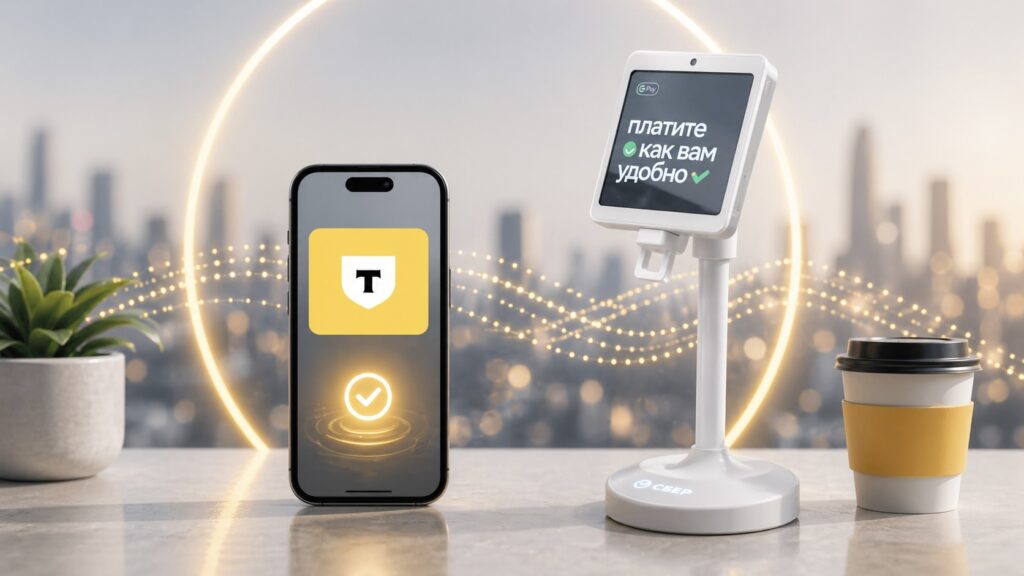
T-Bank now lets you pay with your phone even without internet
What Changed in T-Pay for iPhone After the Latest Update
Previously, paying via T-Pay on iPhone required an active network connection. The updated version of the app now allows contactless offline payments — without Wi-Fi or mobile data.
The mechanics are simple: during the first payment with internet, the app automatically configures protection and creates a digital certificate for the device — a small encrypted file that confirms the payment is coming from a trusted iPhone. After that, the terminal can accept payment even without a network connection.
T-Pay Payment Without Internet
To enable offline payment, you need to do the following:
- Make one purchase via T-Pay with an active internet connection. At this point, a special certificate for the device will be created.
- Make subsequent purchases even if the device has no internet.
Internet may be needed again, but only if the service considers a transaction suspicious. In that case, the smartphone will need to briefly go online to update the certificate, after which offline payment will work again. The bank specifically emphasizes that card data is not saved or transmitted anywhere.
To pay, you need to open the T-Pay payment screen. You can do this in several ways — choose whichever is most convenient:
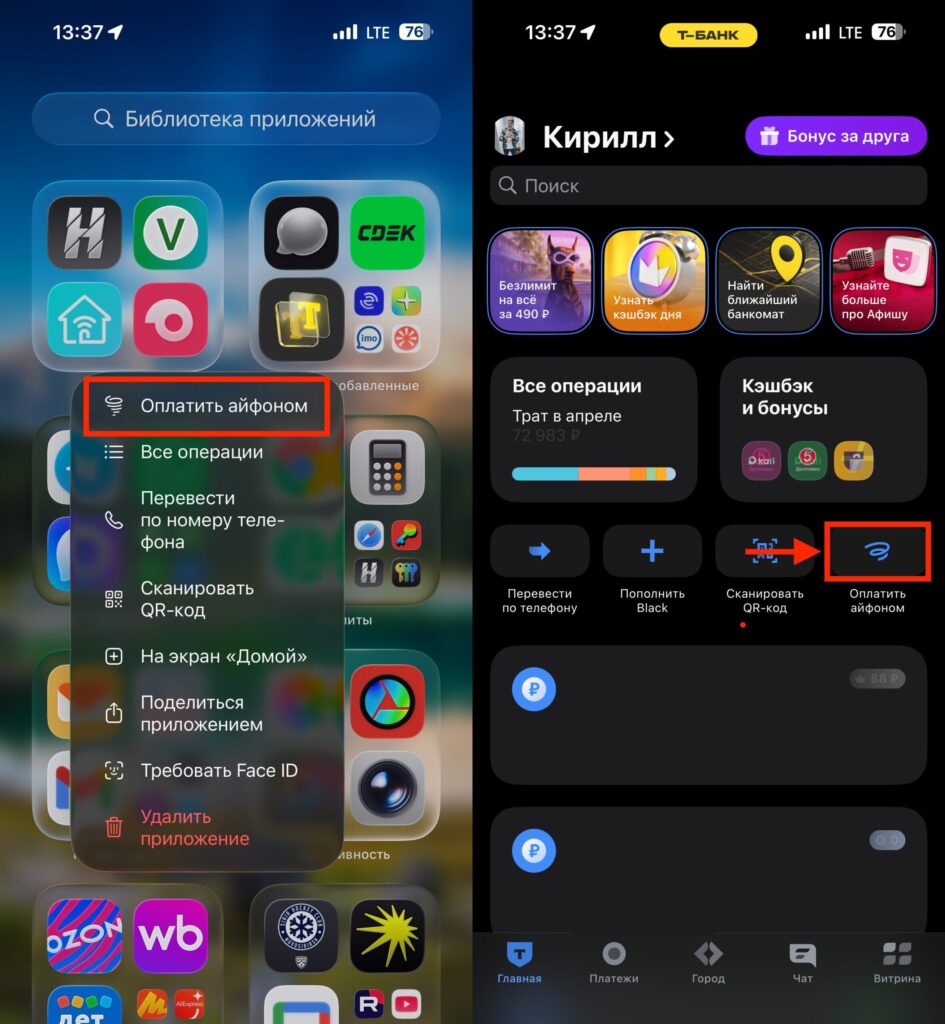
There are really many ways to launch T-Pay
- tap the “Pay with iPhone” button on the main screen of the T-Bank app;
- hold your iPhone near the terminal when the app’s main screen or QR scanning screen is open;
- long-press the app icon and select “Pay with iPhone”;
- use the payment widget on the lock screen;
- assign payment to the Action Button — available on iPhone 15 Pro and newer.
Important limitation: offline payment works only if login is set up via Face ID or Touch ID. If you use a passcode to log in, the feature won’t activate until you enable biometrics.
Which iPhones Support Offline Payment via T-Pay
Device and software requirements are as follows:
- iPhone with iOS 16 or newer
- T-Bank app version 7.31 or newer
- Face ID or Touch ID enabled for app login
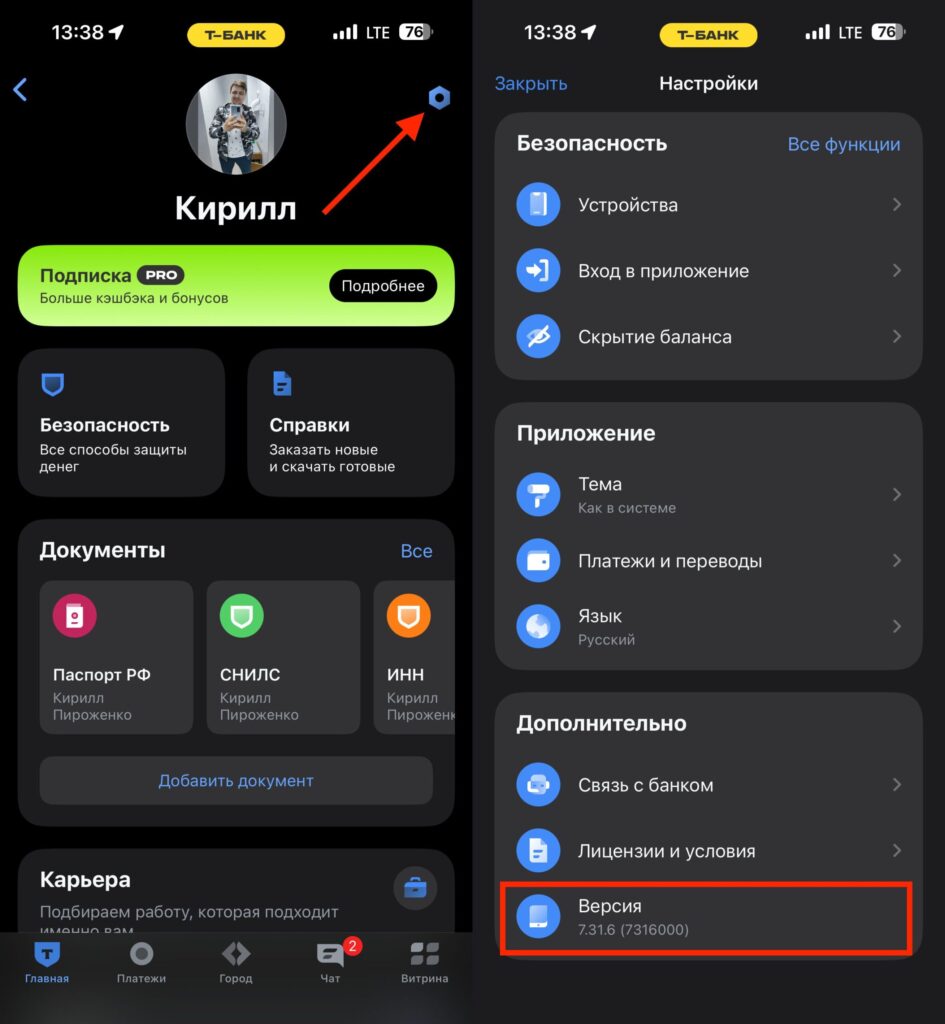
You can check the app version in settings. Drive Transit works too
iOS 16 is supported on iPhone 8 and newer models, so the range of eligible owners is quite wide — covering most iPhones currently in use. An extra bonus goes to owners of iPhone 15 Pro and newer: on these models, payment can be assigned to the Action Button (the customizable key on the side).
Who Will Benefit from T-Pay Payment Without Internet
Offline payment sounds like a minor improvement, but in practice it addresses several annoying situations:
- stores and cafés in basements and shopping centers where cellular signal is poor;
- subway, parking lots, and gas stations on highways where internet can drop for a few seconds;
- trips outside the city and to areas with weak coverage;
- situations where mobile internet is limited for technical reasons.
An indirect argument in favor of its usefulness is T-Bank’s own statistics: every tenth T-Pay payment goes through offline on Android. This means user demand is real, not invented by marketing.
Is It Worth Updating T-Bank on iPhone for Offline Payment
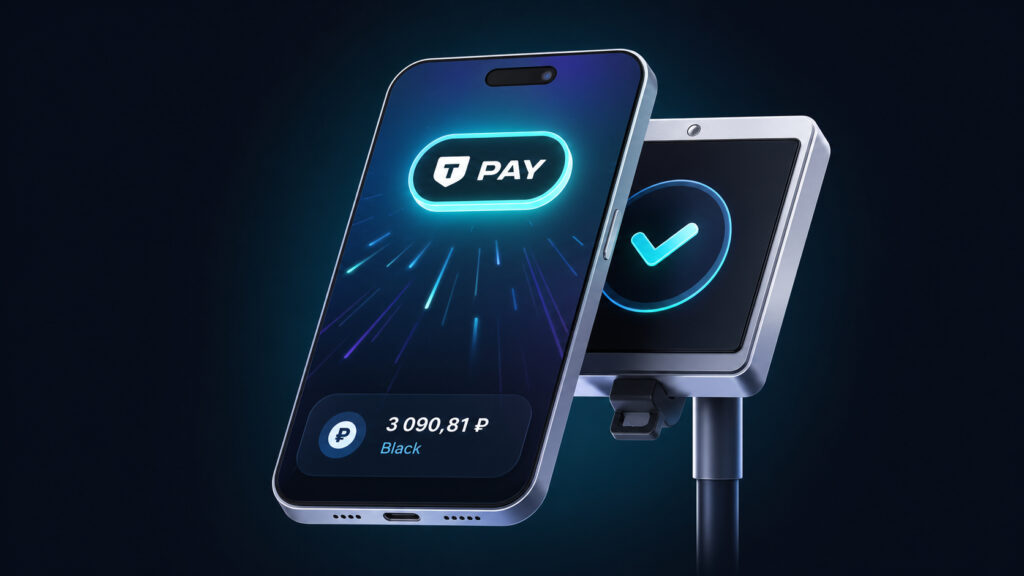
T-Pay offline is a very convenient feature. It’s worth updating the T-Bank app for it
If you already use T-Pay on iPhone — updating is definitely worth it: the feature is free, activates automatically on the first payment with internet, and doesn’t change your usual workflow. The main thing is to make sure you have iOS 16 or newer, app version 7.31+, and Face ID or Touch ID login enabled.
If you pay by card or another method and don’t have T-Pay set up — installing the app solely for offline payment isn’t necessary, but it’s a good reason to try the service, especially if you often find yourself in areas with weak signal. For those who fundamentally don’t want to enable biometrics, the feature will remain unavailable — that’s its main real limitation.