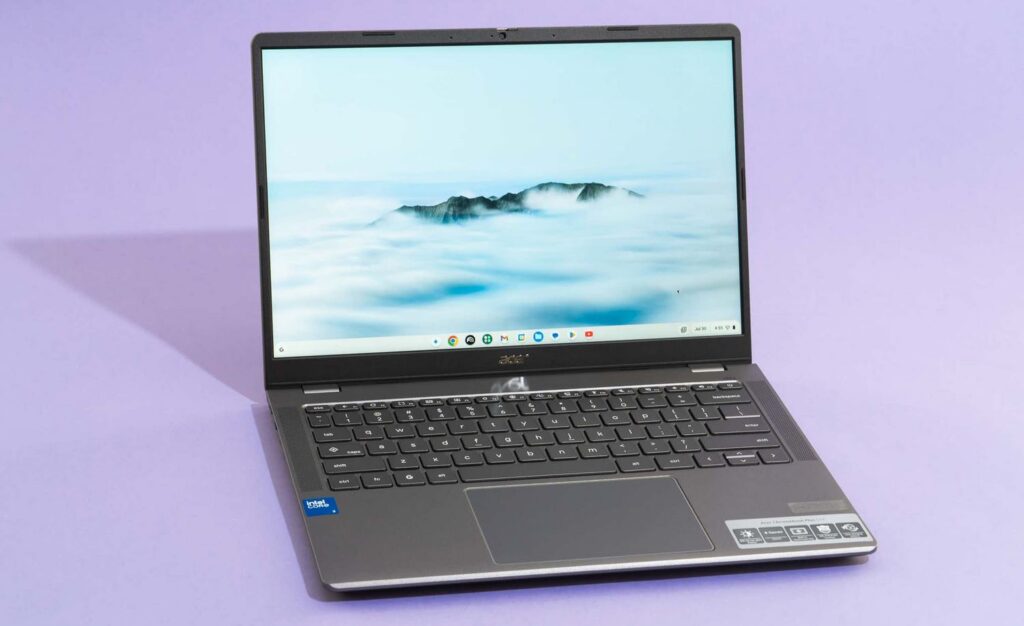
Google has officially unveiled Googlebook — a new category of laptops that merges Android and ChromeOS into a single system. The first devices will launch in fall 2026 from five manufacturers: Acer, ASUS, Dell, HP, and Lenovo. For Android smartphone owners, this is potentially the most important event in the laptop world in recent years. At last, there will be a proper Android-based laptop that truly plays nice with your phone. The OS from Google is called Aluminium, though the final name hasn’t been announced yet. For now, it’s known that old Chromebooks will continue to be supported, and some of them will even receive updates. Let’s break down what was shown and whether it’s worth the wait.
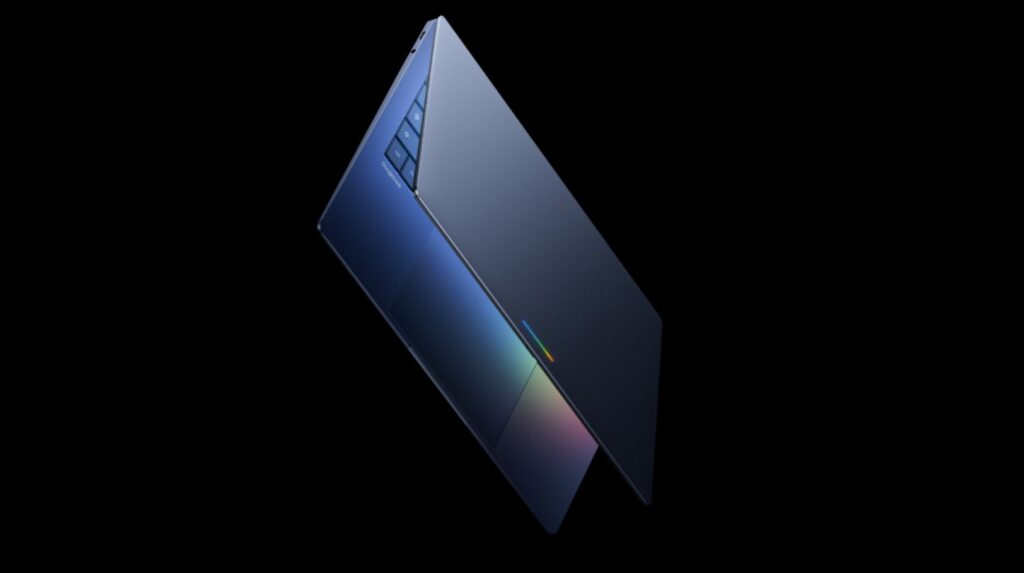
Google unveiled its own laptop
What Is Googlebook and How Is It Different from Chromebook
Googlebook is not just a Chromebook rebrand. The new platform is built on Android, not ChromeOS, and that’s a fundamental difference. Chrome for web browsing is still there, plus there’s now full access to Google Play apps on the computer — without emulation or jumping through hoops.
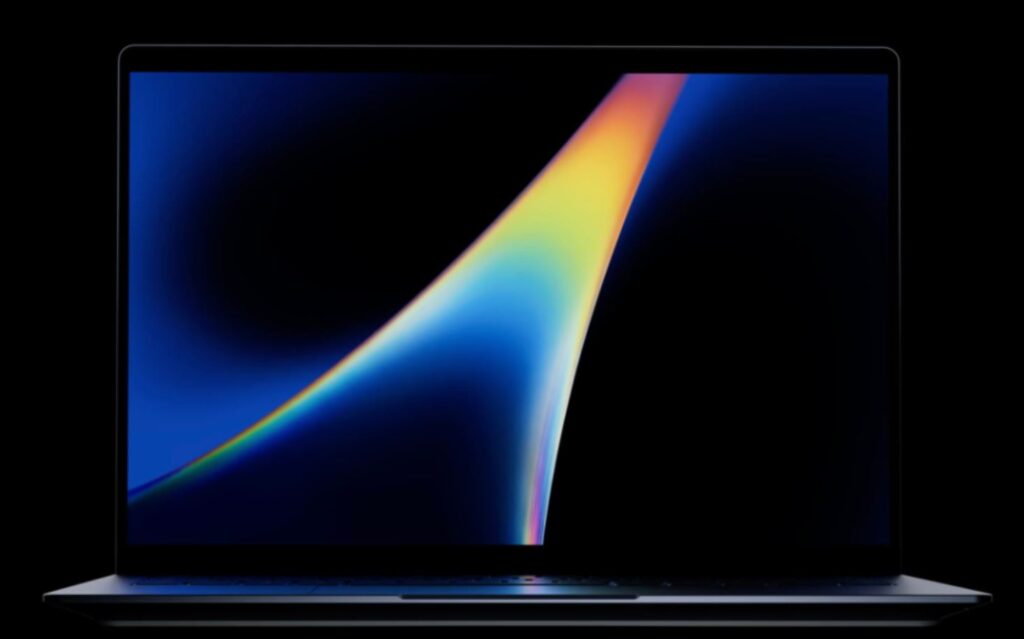
Overall, another laptop — looks like most others. But the real trick is in the OS
Internally, Google still refers to the system by its codename Aluminium OS, but this is not the final name. According to sources, it will be announced later this year.
| Parameter | Chromebook | Googlebook |
|---|---|---|
| OS Base | ChromeOS | Android (Aluminium) |
| Android Apps | Via emulation | Natively |
| Interface | Browser interface | Desktop, with taskbar |
| Smartphone Integration | Limited | OS-level |
The essence of the change is simple. If Chromebook was essentially a browser in laptop form, then Googlebook is a full-fledged OS based on Android with a desktop interface, taskbar, and virtual desktops. All Android apps run natively, not through a compatibility layer as was the case on ChromeOS.
How Googlebook Works with Android Smartphones
For Android phone owners, this is the most practical part of the announcement. Google promises two key features that will likely make many people want to switch to the new laptop. Judging by the design, it looks very similar to the desktop version of Android that was revealed a year ago.
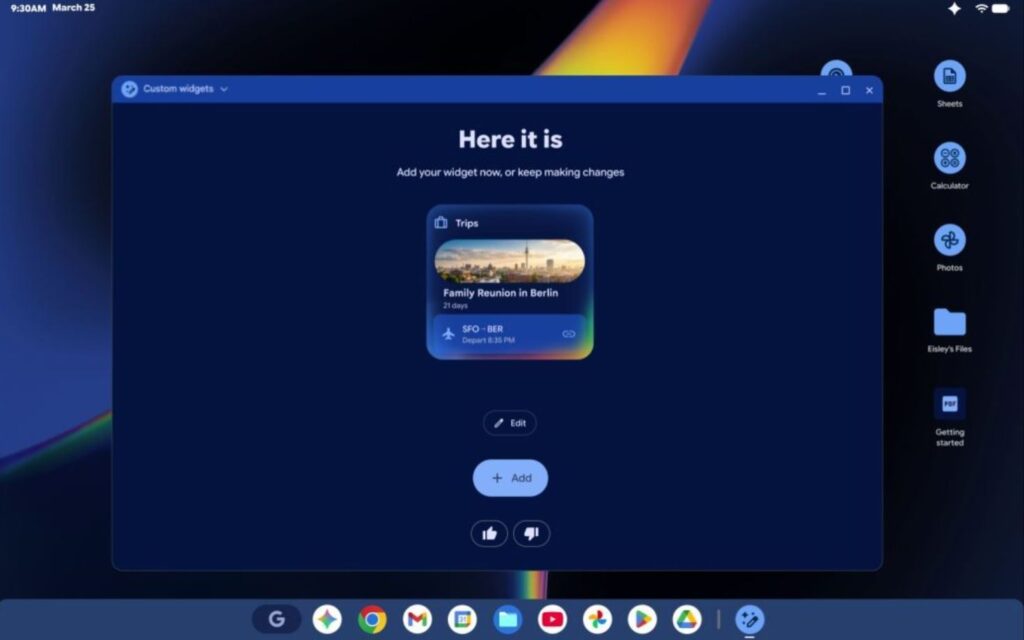
Google promises seamless integration with Android smartphones thanks to the new OS
The first is Cast My Apps. It lets you open apps from your phone directly on the laptop screen, without installation and without emulation. For example, you can order food through a mobile app without stepping away from work. The second is Quick Access. Files from your Android smartphone become available right in the Googlebook file manager. No manual transfers: you browse, search, and insert files from your phone as if they were physically stored on the laptop. Magic, just like Apple.
| Feature | What It Does |
|---|---|
| Cast My Apps | Opens phone apps on the laptop without installation |
| Quick Access | Displays smartphone files directly in the file manager |
Technically, mirroring phone apps on a computer already exists on current Chromebooks, but in practice it works unreliably. Google promises that on Googlebook everything will be simpler and faster because both the laptop and the phone run on the same platform — Android.
Magic Pointer, Widgets, and Gemini — Googlebook Features
Googlebook represents the first laptops with Gemini AI at the core, not as an add-on. The main novelty is Magic Pointer. It’s a reimagining of the regular mouse cursor, developed in collaboration with the Google DeepMind team. It’s quite a unique thing. Essentially, AI has been built into the cursor.
A new gadget calls for a new platform. Meet Gemini Intelligence
Here’s how it works: you “shake” the cursor with a quick movement, hover over any element on the screen, and Gemini suggests context-based actions. Hover over a date in an email — the system suggests creating a calendar event. Select two images, say a photo of a room and a couch — Gemini offers to combine them for an interior visualization. Hover over a text fragment — a prompt window immediately appears with the context already loaded.
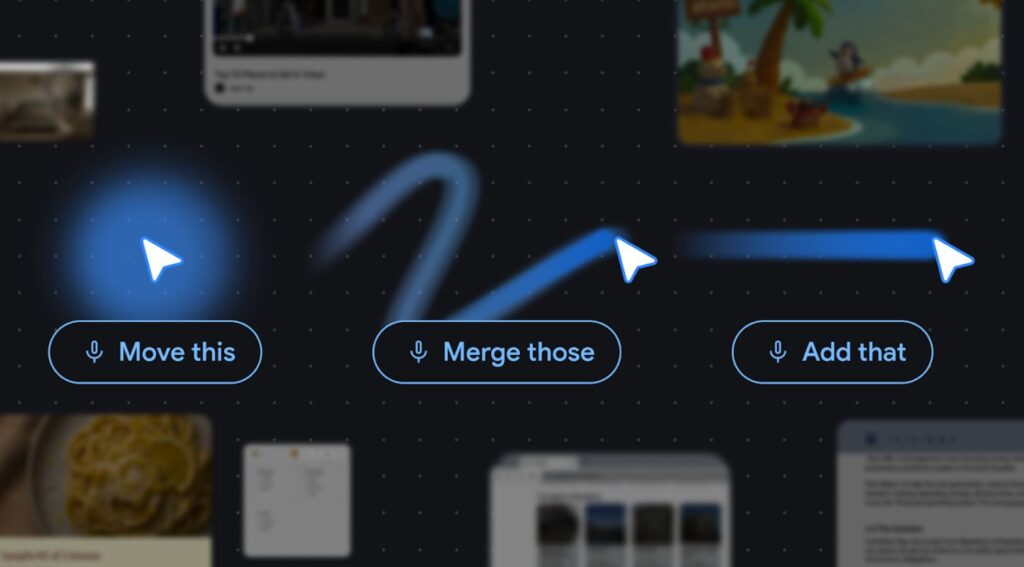
Google reimagined… the cursor!
The second interesting feature is Create Your Widget. It lets you create desktop widgets through a text prompt to Gemini. For example, you can ask it to assemble a single widget with flight tickets, hotel reservations, and restaurant schedules for an upcoming trip. Gemini will pull data from Gmail, Calendar, and the web on its own. This same feature will simultaneously appear on Android smartphones and Wear OS watches.
Who Will Manufacture Googlebook
Google itself won’t be making laptops. The first devices will be built by five partners — Acer, ASUS, Dell, HP, and Lenovo. These are the same companies that have been making Chromebooks for years, so the transition is natural and unsurprising.
Google emphasizes that Googlebook is positioned as a premium category. No hardware details have been announced yet: no processors, memory specs, or prices. All hardware specifics are promised to be revealed closer to the fall sales launch. One separate detail: every Googlebook will feature a glowing Glowbar strip on the lid — a direct nod to the Chromebook Pixel from 2013. What exactly it will display hasn’t been specified by Google yet either.
What Will Happen to Old Chromebooks
If you already own a Chromebook, there’s no need to replace it right now. Google explicitly stated that Chromebooks will continue to be sold and receive updates within the promised support timelines. For models released after 2021, that means 10 years of automatic updates from the release date.