For most Android owners, Google Play is the only place they ever go for apps, even though a domestic alternative called RuStore has existed for quite some time. But beyond both stores, there’s a whole layer of software that never makes it there: some interesting apps violate Google’s rules, others are simply too niche or made by small developer communities that aren’t interested in publishing on Play Store or even RuStore. And that’s often where you’ll find the most convenient tools — free and open-source at that.
Found 5 awesome apps that aren’t on Google Play
Breezy Weather — Weather Without Ads or News Feed
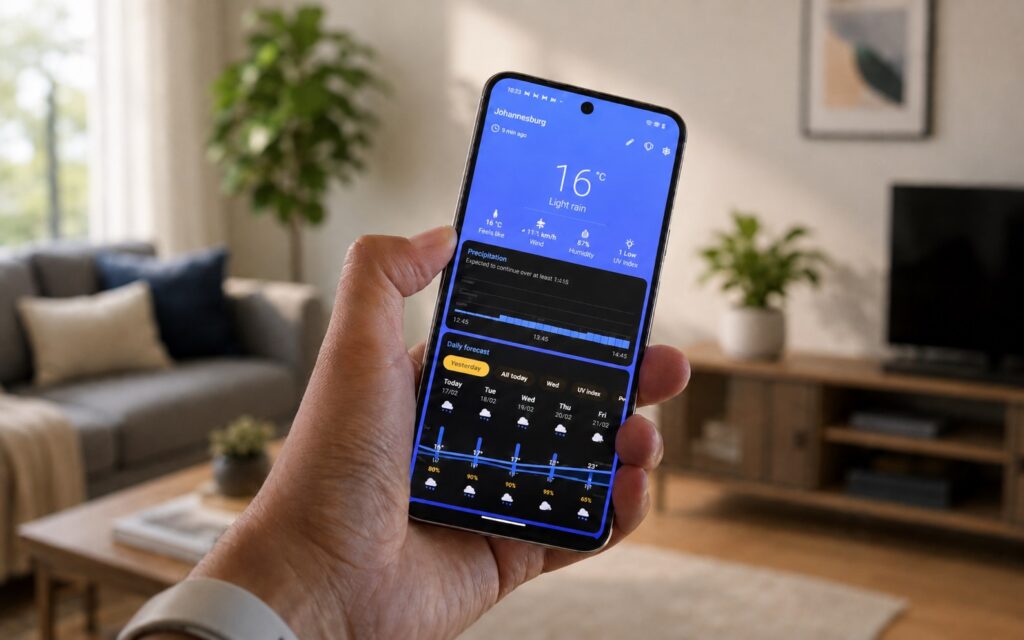
If you’re tired of the standard weather app with ads and pushy news, Breezy Weather solves exactly this problem. It’s a free, open-source app focused on privacy: no ads and no unnecessary feeds. The main highlight is flexibility. The app lets you choose from 50 different weather data sources, including regional servers, so you can pick the option with the most accurate forecast for your city. It also looks modern: the design follows the Material You style, so it fits right in on newer smartphones like the Pixel.
A great weather app
The settings and widgets deserve special mention. You can change themes, hide unnecessary information blocks, swap icon packs, and even disable animations to save battery. 13 resizable widgets are available, from clock-and-forecast combos to hourly graphs and compact multi-city variants. Who benefits from this: anyone who wants a clean weather experience without ad clutter and likes to customize the look.
Seal — How to Download Video From Any Website
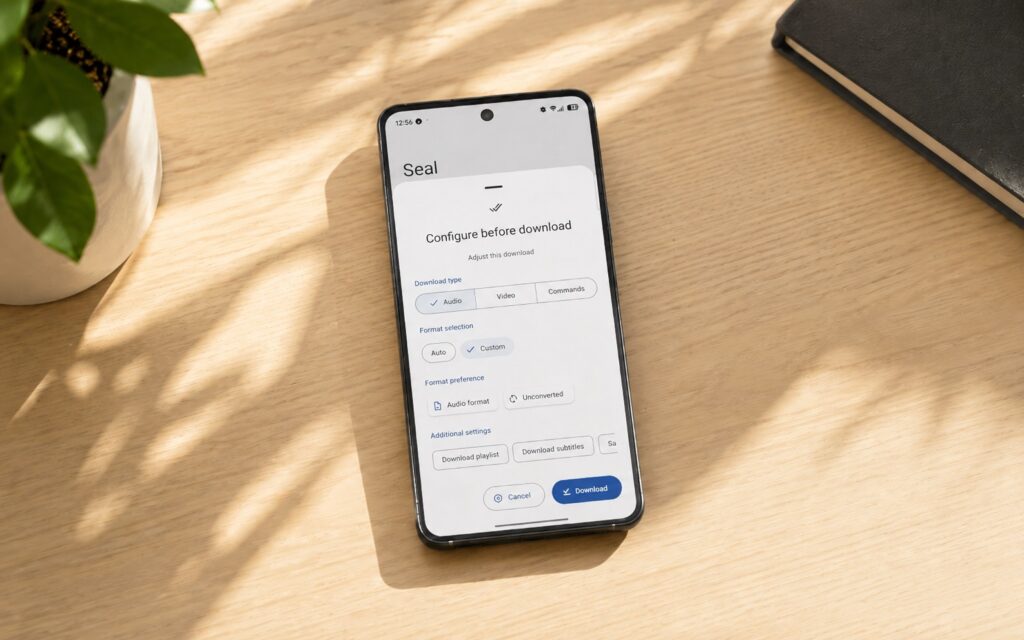
The Seal app is a simple utility that can pull audio and video from virtually anywhere on the internet. That’s precisely why it’s not on the Play Store: downloading content this way violates the store’s rules. Under the hood, Seal runs the yt-dlp engine, which means support for a huge number of websites and services.
An app that helps you download videos from the internet
Using it is simple: just paste a link to a video or audio file and tap download. The app gives you full control over downloads: you can save the entire video or extract just the audio, and for YouTube videos, subtitles and thumbnails are available. It’s not a tool you need every day, but it really comes in handy when you need to quickly save something. A reminder of the obvious: only download content you have the rights to.
Kvaesitso — A Cool Android Launcher
After news that Nova Launcher development has slowed down, many started looking for alternatives. The Kvaesitso app is one of them, and it’s built around search. The search bar doesn’t just find apps and settings: through it, you can find contacts, files, calendar events, and even perform simple calculations.
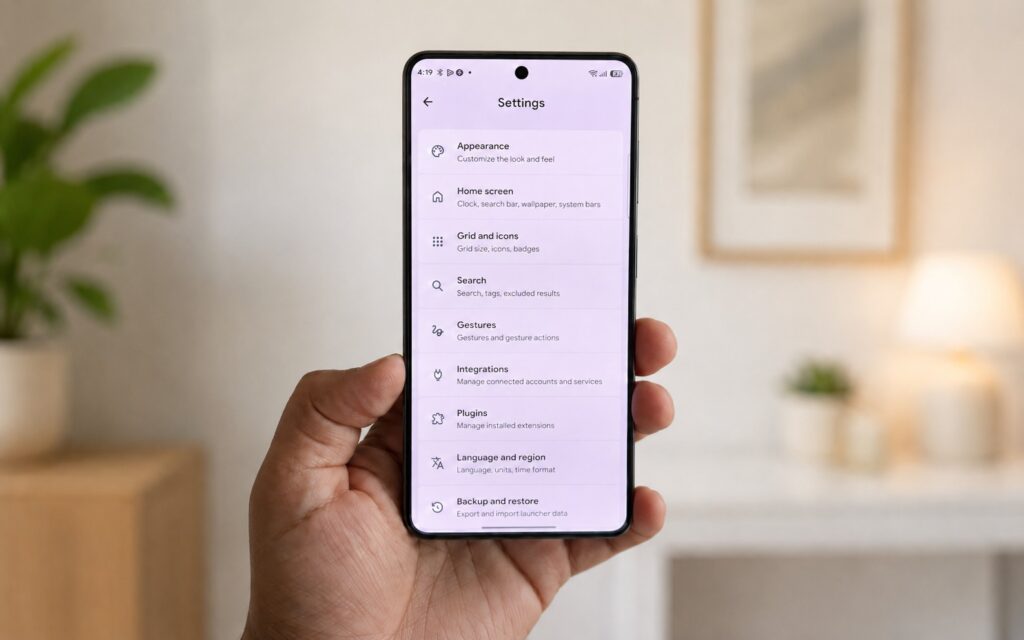
A feature-rich launcher to replace Nova Launcher
The home screen here is deliberately minimalist, and the pull-out app drawer shows your most-used programs. You can also add shortcuts to specific actions there — for example, a route home in Maps, creating a new document, or launching the scanner in Google Drive. The entire interface is built on vertical scrolling: swipe down to open the app list, swipe up for the widget page. It takes some getting used to.
Tags are especially handy: you can assign labels to apps and not depend solely on folders. At the same time, everything you’d expect from a regular launcher is here (gestures, icon packs, widgets, and appearance settings). Completely ad-free and with no paid features. Suitable for those who search a lot on their phone and are willing to adapt to an unconventional navigation style.
Aurora Store — A Great App Store for Android
There are plenty of Play Store alternatives, but the Aurora Store is convenient precisely because it doesn’t try to reinvent the wheel. Essentially, it’s a wrapper over Google Play: through it, you can search, download, and update apps from the same Google catalog. The key difference is that you don’t need to sign in with a Google account, meaning searches and downloads aren’t tied to your account.
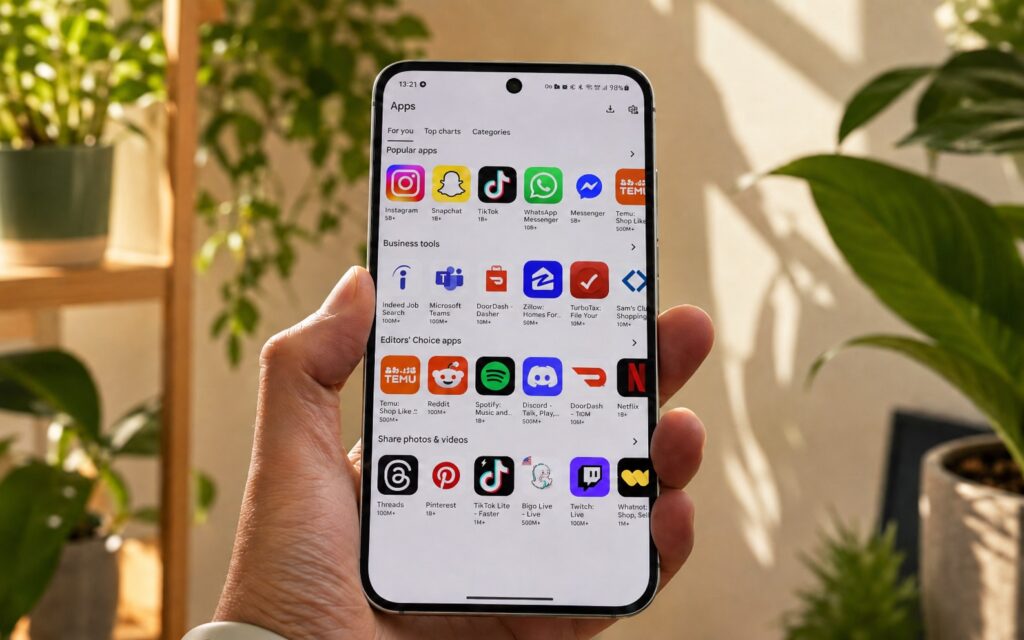
An Android store without a Google account
This is arguably the closest thing to a full Play Store replacement for those who want to move away from Google services. Among useful features is the manual download function, which lets you install older versions of apps without hunting for them on sketchy APK websites. There’s also device model and region spoofing: if an app is unavailable for your smartphone or country, you can still get it. The main downside is no support for paid apps and in-app purchases — for those, you’ll still have to go back to the Play Store. Who it’s for: those who minimize their Google footprint or simply want to install apps without tying them to an account.
HeliBoard — The Best Phone Keyboard
The keyboard is what you use most often, so compromises aren’t acceptable here. The HeliBoard app is a free, open-source keyboard focused on privacy. Its main feature is that it works completely offline. Yet it’s not stripped down in terms of features: there are typing suggestions, themes, customizable layouts, and clipboard history. What’s missing are forced AI features and random gimmicks added just to check a box.