Samsung has begun rolling out the stable One UI 8.5 shell for the Galaxy S23, S23+, and S23 Ultra, as well as the entire Galaxy S24 lineup. It’s based on the Android 16 QPR2 update, and comes with a redesigned interface and a batch of practical improvements. However, some of the fresh AI features available on the Galaxy S26 never made it to the S23. Below — what S23 and S24 owners will actually get, and whether it’s worth rushing to install.
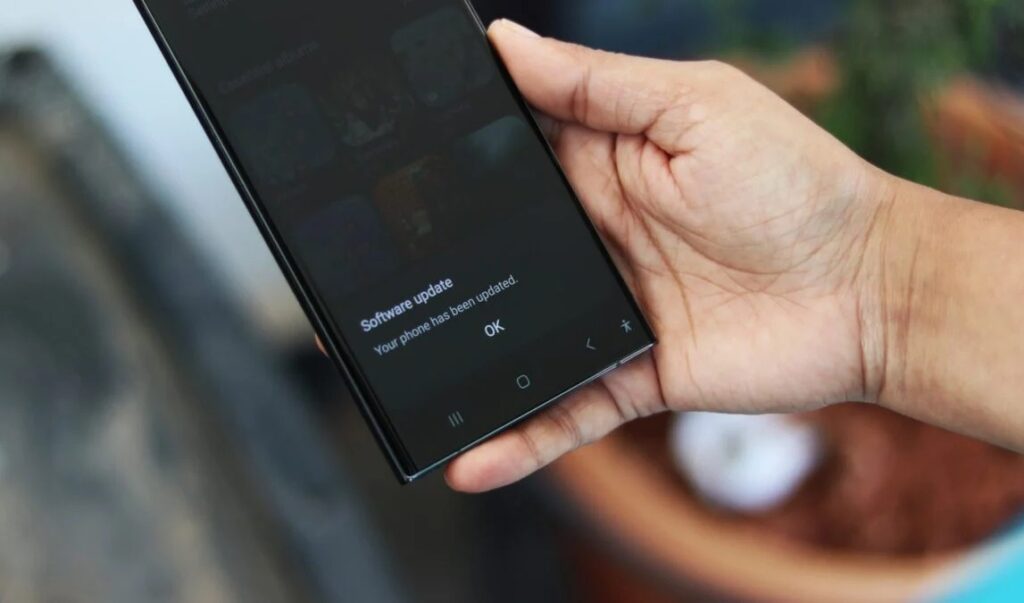
Samsung rolled out the One UI 8.5 update for older flagships. Image: sammobile.com
Who Can Get the One UI 8.5 Update
The stable version rollout started in South Korea — the standard first market for major Samsung updates. The firmware number is S91xNKSU7FZDT. The update should reach other countries within the next week.
Before this, Samsung conducted beta testing of One UI 8.5 on the S23 series. The program lasted about a month and included two beta builds that fixed issues with a black screen during incoming calls, proximity sensor errors, and artifacts in 4K HDR video. To install One UI 8.5, open your phone’s settings, then “Software Update” and tap “Download and Install.” If the update isn’t showing yet, it hasn’t reached your region.
What Changed in the Design and Interface of One UI 8.5 for Galaxy S23
The main visual change in One UI 8.5 is the redesigned system look. Samsung added transparency and blur effects that give the interface depth. Floating elements respond to user actions, and stock apps have been reworked to match the new style.
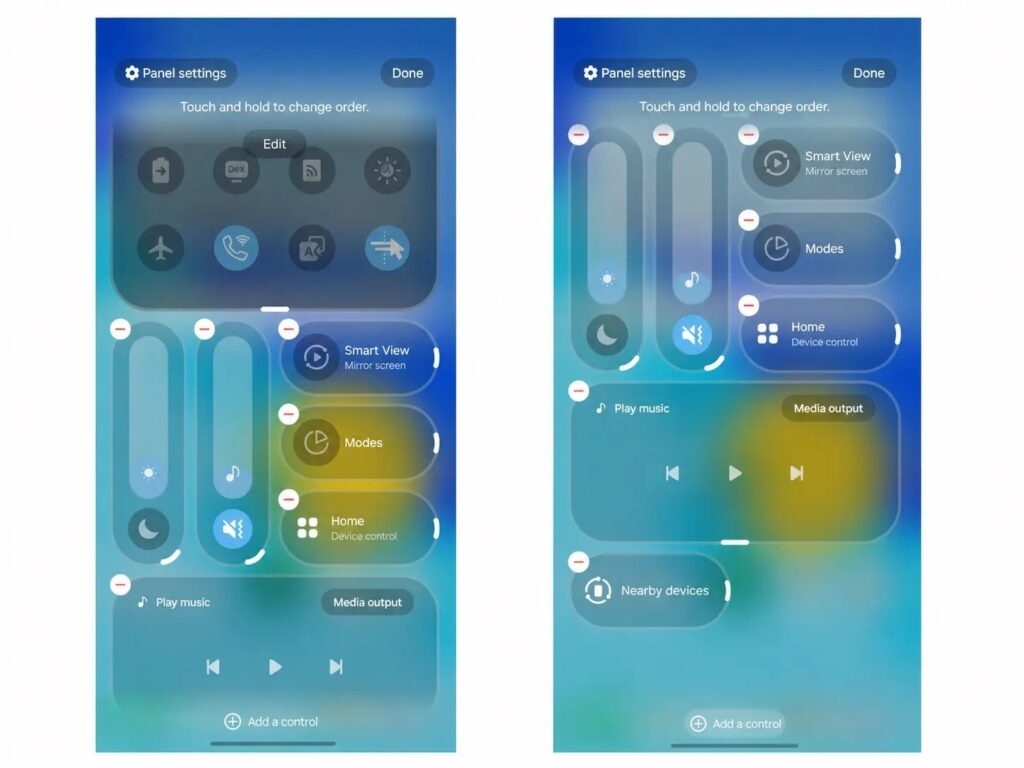
This is what the new notification shade looks like in One UI 8.5
The Quick Panel is now much more flexible: you can add and remove toggles, resize them, and rearrange the brightness and volume sliders. New customization has also appeared on the lock screen: the system automatically adjusts the position of a person or pet in the photo so they don’t cover the clock and widgets.
The weather widget has also been updated: it now shows a precipitation chart for the coming hours and pollen levels in the air for allergy sufferers. The Clock app got a slider for quick time zone comparison, and the alarm can display the current weather on the alarm screen.
What Features Galaxy S23 and S24 Received
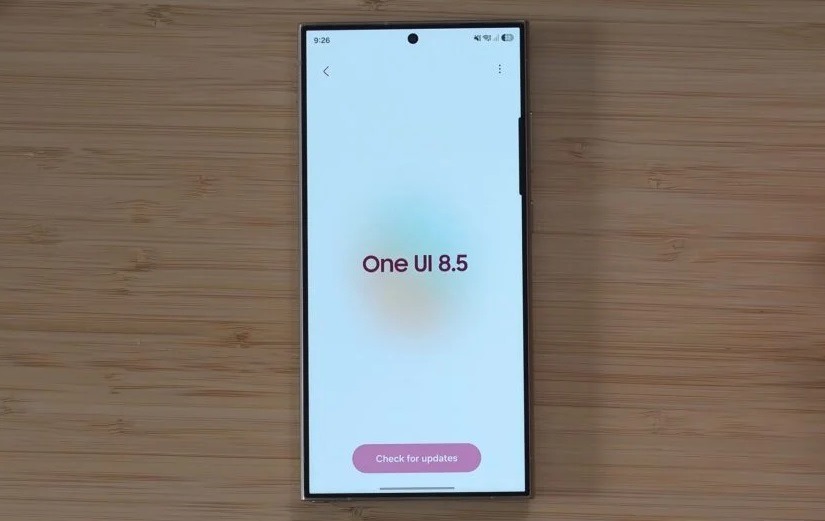
Even for older models, Samsung prepared several AI features. Image: sammobile.com
Despite limitations on the AI side (more on that below), the update still includes notable improvements for everyday use:
- Photo Assist with continuous generation: you can now create AI images one after another without saving each intermediate version, then pick the best one from the history.
- Improved Bixby: the voice assistant has gotten better at understanding users even when they don’t use exact commands. Conversation history has been added, and integration with Perplexity allows Bixby to search for current information on the internet.
- Partial screen recording: you can select and record only the needed area of the screen, not the entire display.
- Improved DeX: desktop mode now remembers window sizes and positions for apps.
- Document scanner: the camera automatically offers a scan button when pointed at a document, you can compile multiple pages into a single PDF, and a cleanup tool removes fingers and curled edges from scans.
- The calculator picks up numbers and formulas from the clipboard.
- Voice messages for missed calls — the caller can dictate a message directly to the device.
Everything listed above works without the latest AI chips, so on the Galaxy S23 and Galaxy S24 these features work in full.
Exclusive One UI 8.5 Features for Galaxy S26
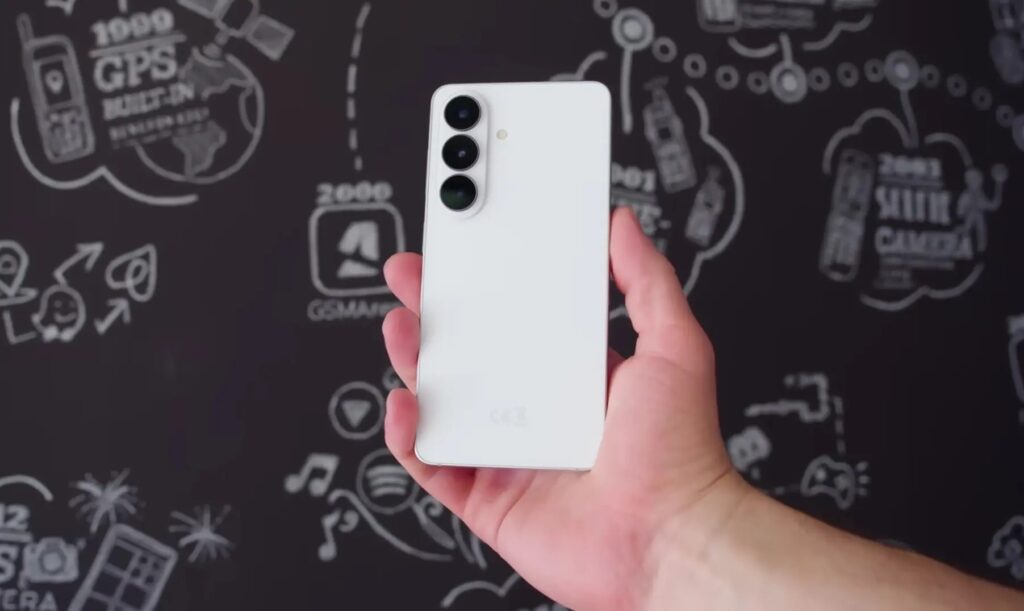
Some features will be available exclusively on the Galaxy S26. Image: GSMArena Official
And here’s where it gets most interesting for those who expected a full-fledged AI upgrade. First the list of changes leaked, then it was confirmed — and it’s clear that the Galaxy S23 was left without several key AI features that arrived with the Galaxy S26 smartphone:
- Call Screening — AI call screening: Bixby answers calls from unknown numbers itself, finds out who’s calling and why, and shows a transcript of the conversation.
- Creative Studio: generation of wallpapers and stickers from text descriptions.
- Improved AI Audio Eraser: advanced audio cleanup in videos.
- Now Nudges and Notification Highlights: proactive suggestions based on notifications and context.
A separate story is Quick Share compatibility with AirDrop, one of the key features of One UI 8.5 on newer models. With the Galaxy S23 and S24, things are murky: Samsung has already hinted that this feature won’t be available on older models, and the S23 and S24 series aren’t listed among compatible devices by Google. Source assessments vary, so after installation it makes sense to simply check Quick Share settings and see if the “Share with Apple devices” option has appeared.
The likely reason for the cuts is hardware limitations of the neural processor in the no-longer-new chips, which can’t handle some on-device tasks. But a marketing motive can’t be ruled out either: Samsung benefits from keeping the latest AI features as an argument for buying the Galaxy S26.
Is It Worth Updating Samsung to One UI 8.5
If you have a Galaxy S23 or S24, the One UI 8.5 update is definitely worth installing. The new interface, expanded customization, improved DeX, and document scanner are genuinely noticeable in everyday scenarios. And the updated Bixby with Perplexity search will come in handy for those who actively use the proprietary voice assistant.
However, if you were waiting for full-fledged AI call screening or content generation through Creative Studio — there will be disappointment. For the S23 and S24, this is more of a visual and functional update rather than a leap into the AI era. Another important point: the Galaxy S23 is expected to receive updates through Android 17, meaning there’s at least one more major OS update ahead.


