Yes: if your AirPods are already paired with your iPhone and have battery charge, they will keep working all day even if the charging case is sitting at home. The case plays no part in the Bluetooth connection. What you lose without it comes down to three things: recharging on the go, pairing the earbuds with a brand-new device, and updating the location of the case itself. Here is what the earbuds handle on their own and what depends entirely on the case.
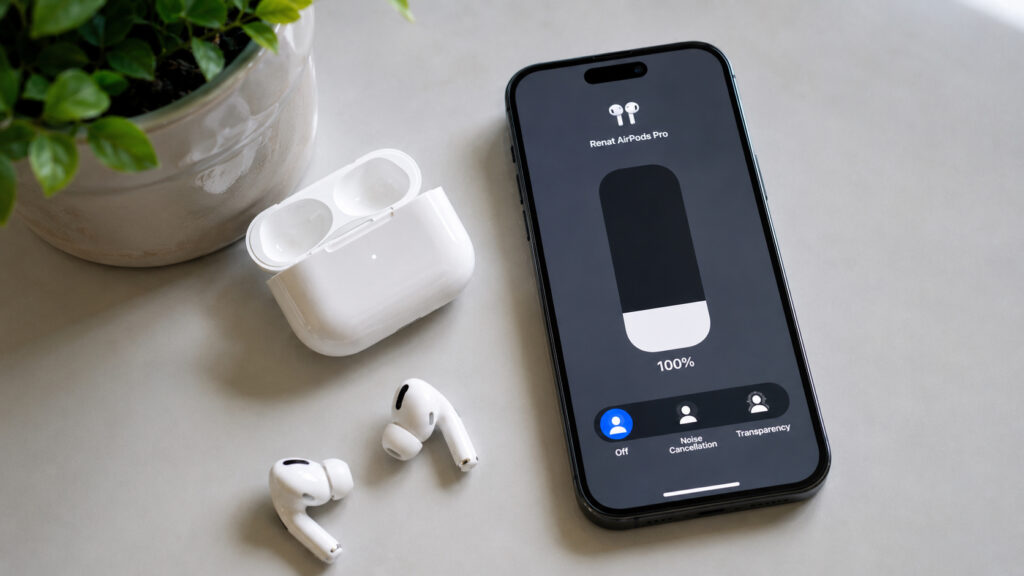
What AirPods can do without their case
What you need to know
- The case contains no Bluetooth radio; already-paired AirPods connect directly to the iPhone and work without it until their battery runs out.
- The case is required for first-time pairing (a rear button on older models, a double tap on the front panel on AirPods 4) and is the only way to recharge the earbuds.
- Automatic switching between iPhone, iPad and Mac relies on iCloud and Bluetooth, so it works the same without the case.
- Only some cases can be located on their own: AirPods 4 with ANC, AirPods Pro 2 and Pro 3 have a case speaker, and the Pro models add an Ultra Wideband chip for Precision Finding.
AirPods work on their own once paired
A forgotten case does not turn the earbuds into useless plastic. Inside the case there is no Bluetooth radio or any electronics that maintain a link to the phone. The connection is direct: each earbud talks to the iPhone, and the iPhone talks back.
The confusion usually comes from mixing up two different things: the first-time pairing with a new device and the everyday connection. The case is needed once, when you introduce the AirPods to a phone or, for example, an Android or Windows laptop. On older models pairing is started with the button on the back of the case; on AirPods 4 the button was removed and replaced with a double tap on the front panel near the LED. After that, the earbuds reconnect to a known iPhone as soon as you put them in your ears, with no case involved.
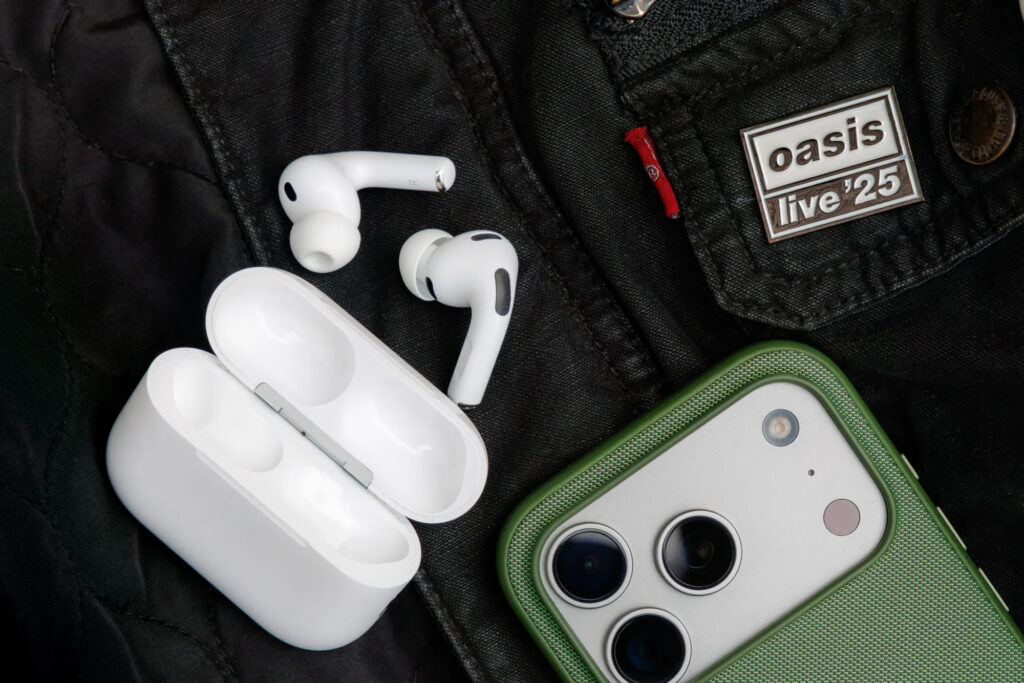
You can use AirPods without the case, but battery life is the catch
So the scenario of walking out the door with the earbuds in and the case left on the nightstand is entirely workable. You can take calls, listen to podcasts, use Siri and pause music. The only hard limit is the charge in the earbuds themselves.
What the case actually does
If the case does not maintain the connection, what is it for after pairing? Several things, all of them important, just not the ones people usually assume.
The most obvious is charging. There is no other way to charge AirPods: you place the earbuds in the case and connect the case to power. There is no separate charger for a single earbud; the pair always charges through the case. In effect the case is a pocket power bank that stores several additional full charges. Leave it at home, and once the AirPods die there is nowhere to recharge them.
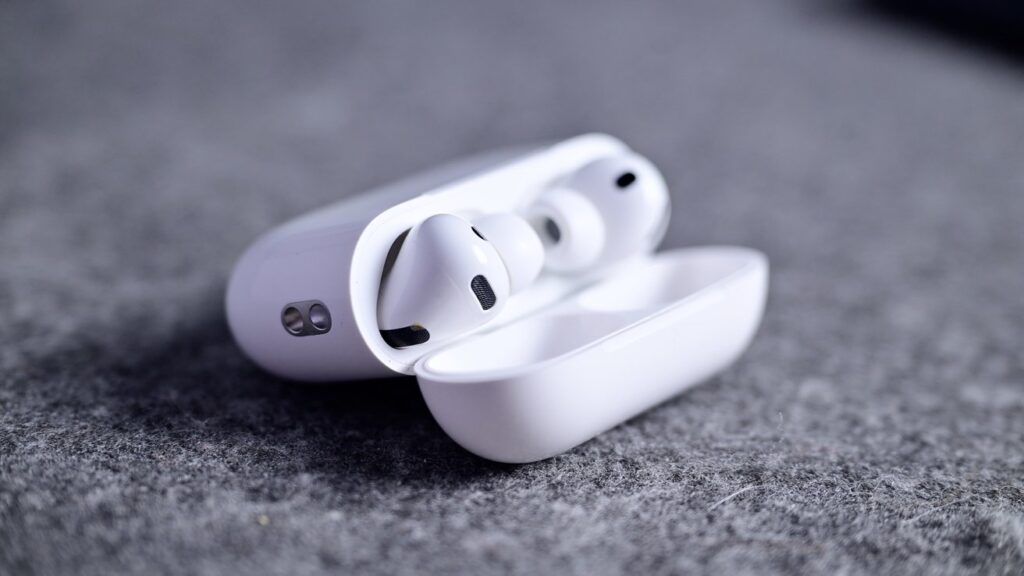
First and foremost, the case protects and charges the earbuds
Next comes storage and protection: the earbuds are tiny and easy to lose, and the case keeps them safe. A third, less visible role concerns location. When you put the AirPods in the case and open the lid near your iPhone, the case updates its position in the Find My system. It does not send coordinates on its own and has no GPS; it simply checks in via the phone at the moment of proximity.
Modern cases also have a small bonus: they can emit a sound when charging begins or the battery status changes, so you hear immediately that charging has started.
Switching devices, Find My, and a dead battery
Three situations matter most when the case is not around: switching between devices, locating the earbuds through Find My, and what happens when the battery runs out.
Switching first. AirPods can hop between an iPhone, iPad and Mac on their own when all of them are signed in to the same Apple ID. That relies on iCloud and Bluetooth, not the case, so automatic switching works without the case exactly as before. Start a video on the iPad, lift the iPhone to your ear for a call, and the earbuds jump over. You can also pick a device manually through Control Center. The case is not involved at any stage.
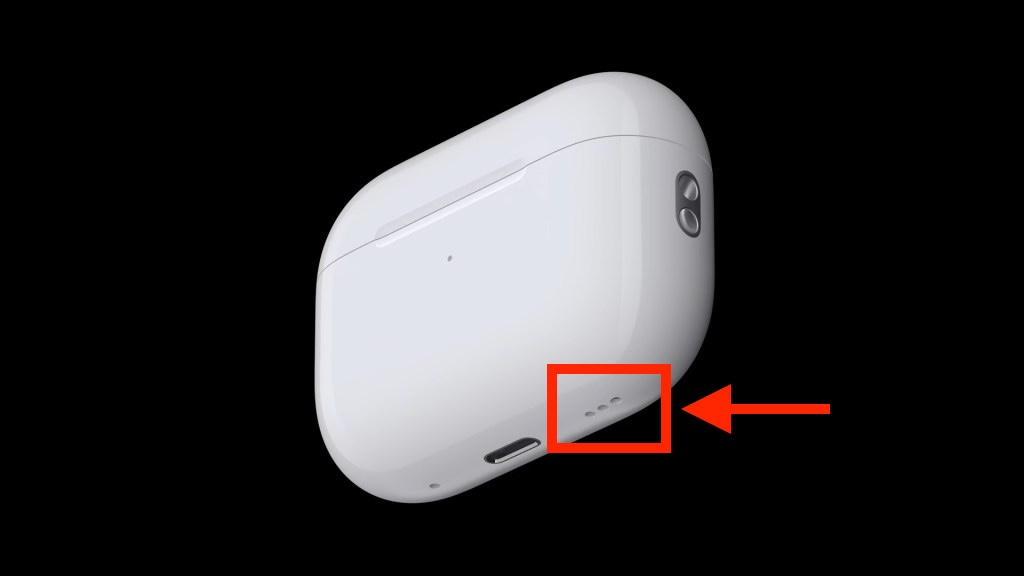
Cases of current AirPods models have speakers, which makes them easier to find
Finding the earbuds versus finding the case
Locating is more nuanced and depends on the model. The earbuds themselves show up in the Find My app without the case for as long as they have charge, and you can play a sound to make them chirp if they are nearby. The case, however, cannot always be located on its own. On older models the case is passive: it has no speaker and no separate chip, so an empty case cannot be pinged. Newer models are closer to an AirTag in this respect.
| Model | Speaker in case | Locating the case itself |
|---|---|---|
| AirPods 2, 3, AirPods 4 without ANC | No | Only the earbuds; the case cannot be found separately |
| AirPods 4 with ANC | Yes | Sound from the case speaker (the original article’s table also lists a U1 chip and Precision Finding, but its text credits Ultra Wideband only to the Pro models) |
| AirPods Pro 2 | Yes | Sound plus Precision Finding; U1 chip in the case |
| AirPods Pro 3 | Yes | Sound plus Precision Finding; U2 chip in the case |
| AirPods Max and Max 2 | No (soft pouch) | Only the headphones via Bluetooth; no Precision Finding |
For standard AirPods and the base AirPods 4, the case remains a storage-and-charging box whose location is recorded only through its link with the earbuds. AirPods 4 with noise cancellation, AirPods Pro 2 and Pro 3 have a speaker built into the case, so the case can be located separately by making it chirp from Find My. The Pro models add an Ultra Wideband chip (U1 in Pro 2, U2 in Pro 3), enabling Precision Finding: the screen draws an arrow and guides you almost right up to the case, much like an AirTag. There is a regional caveat: Ultra Wideband is not available in every country. Russia, for example, is cited as a market where Precision Finding is unavailable, although the case speaker still works there. AirPods Max ship with a soft pouch that has no electronics, and the headphones themselves are located only via Bluetooth, without an arrow; according to the original article, the Max 2 still does not include an Ultra Wideband chip.
When the battery hits zero
This is where the case is irreplaceable. Once the AirPods are fully drained, there is no way to revive them without a case. They stay silent until you reach your own case or a compatible one of the same model. After a recharge, they remember your iPhone and reconnect automatically, with no setup required. Reconnection after a full discharge is automatic, but only once the battery has regained some charge.
Forgot the case at home? How to get through the day
Put simply, without the case you lose exactly three things: the ability to recharge on the go, the ability to pair with a new device from scratch, and location updates for the case itself. Everything else keeps working.
That suggests a straightforward strategy for a day without the case. Make sure in the morning that the AirPods are fully charged, because there will be no second chance. Take them out of your ears when you are not listening to conserve battery. Do not try that day to pair the earbuds with someone else’s phone or a new laptop; without the case’s pairing control it will not work. And keep in mind that once the charge runs out, the music stops until you get home.
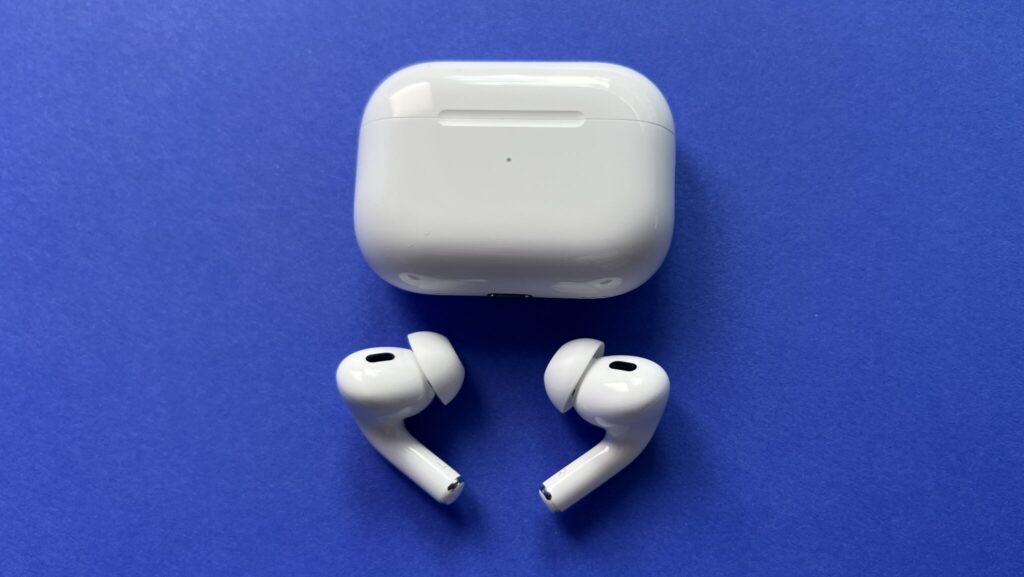
Try not to forget your AirPods case; using the earbuds without it is possible, but much harder
The original author reports that, in their experience, a full charge is enough for several hours of active listening, so a forgotten case is a minor inconvenience rather than a disaster. Losing the case itself is a bigger problem: you would need to buy a replacement or borrow a compatible one.
A final practical habit: charge the case every night next to your phone and keep it in the same spot in your bag. Then the question of whether you can get through a day without the case will rarely come up, and if it does, you already know the answer. AirPods work without the case, just with caveats.


