The MAX messenger has stopped working fully when a VPN is enabled on the device. When trying to send a message, a notification appears: “Disable VPN to use MAX”. This is not an isolated case: similar restrictions have already been introduced by marketplaces, telecom operators, Gosuslugi (Government Services), and online cinemas. Let’s figure out what exactly happened, who it affects, and how to deal with it on Android.
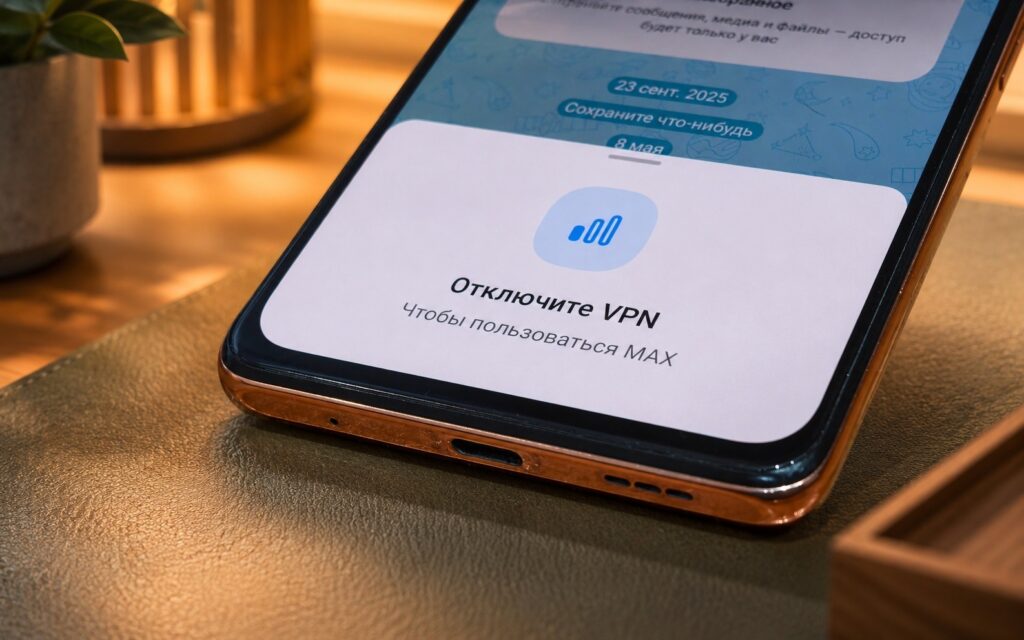
MAX has started requiring users to disable VPN
How the VPN Restriction Works in MAX
If you have a VPN enabled on your smartphone, when trying to send a message in the MAX messenger, you’ll see a notification: “Disable VPN to use MAX”. You can still read conversations and channels according to the restriction description, but you won’t be able to send anything.
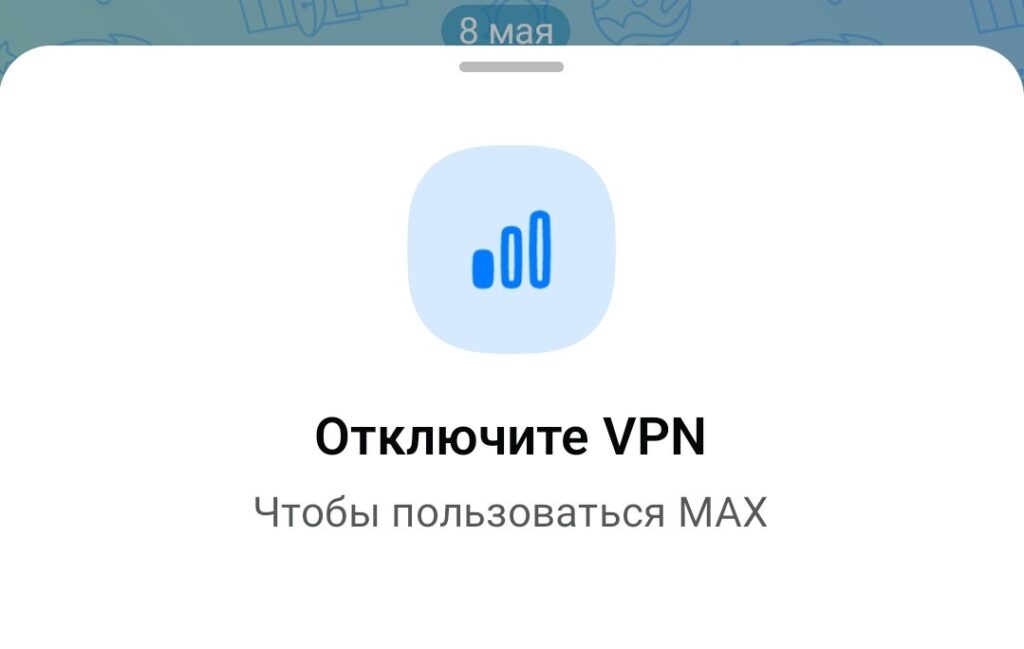
This notification appears when tapping on the message input field
An important nuance: MAX does not block VPN at the system level and does not affect other apps. The messenger detects that a VPN is being used and displays a warning. Other apps on the phone continue to work as usual.
Why MAX Asks You to Disable VPN
This isn’t the messenger’s own initiative. At the end of March 2026, the Ministry of Digital Development held a meeting with heads of more than 20 of the largest Russian internet companies. At this meeting, the head of the ministry, Maksut Shadayev, outlined the task: by April 15, platforms should restrict access for users with VPN enabled. According to one of RBC’s sources, April 15 is “not D-Day, but rather a benchmark.”
The Ministry of Digital Development explained its position as a concern for data security. According to the ministry’s statement, most VPNs do not ensure privacy protection and are often used by attackers to intercept traffic. The head of the Ministry also acknowledged that the idea of administrative liability for VPN use was discussed, but called it “a head-on solution that we categorically dislike.” The stakes are high for companies. According to media reports, services that fail to introduce restrictions risk losing their IT accreditation from the Ministry of Digital Development and being excluded from so-called “white lists.”
Which Apps Don’t Work with VPN in Russia
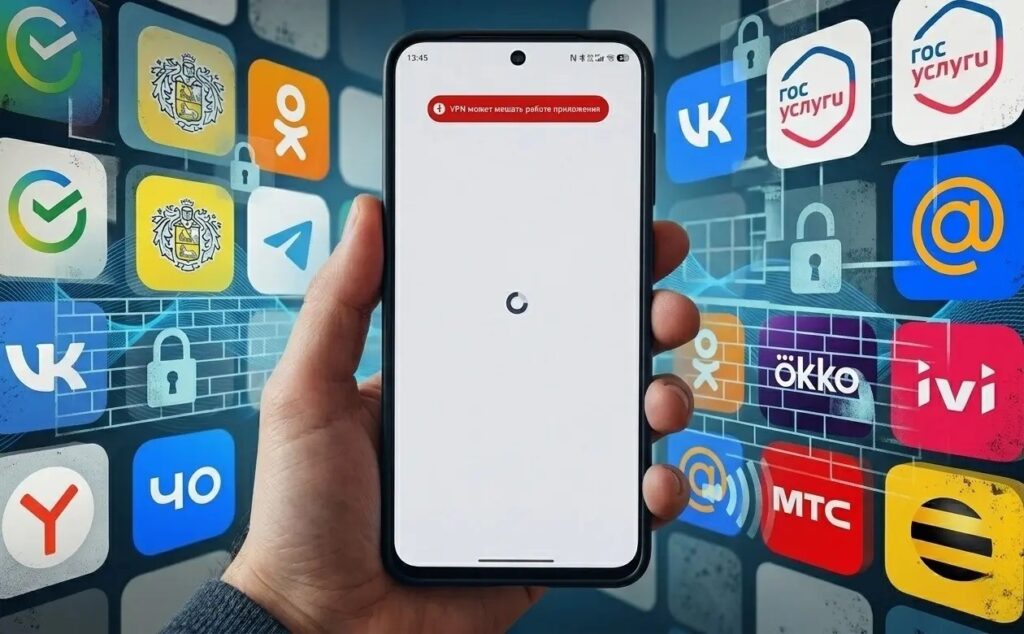
VPN doesn’t just block the national messenger
MAX is far from the only app that now asks you to disable VPN. Restrictions have affected dozens of major Russian platforms. Here are the main categories:
- Gosuslugi (Government Services): the mobile app stopped opening with VPN enabled
- Telecom operators: MTS, MegaFon, and Beeline display warnings about possible issues
- Marketplaces: Ozon, Wildberries, DNS, Detsky Mir, Zolotoye Yabloko
- Online cinemas: Kinopoisk, Wink, START, Okko, Ivi
- Yandex services: Yandex Go, Yandex Lavka, Yandex Weather, Yandex Pay
- Others: HeadHunter, Aviasales, 2GIS, Samokat, Pyaterochka
The format of restrictions varies. Some apps simply show a warning, while others completely block access. But the trend is clear: if VPN is enabled, using Russian services becomes noticeably less convenient.
What to Do If MAX Blocks VPN
The simplest way to restore MAX and other affected apps is to turn off VPN before using them. You can do this through the notification shade on Android or in the VPN app settings. After sending your messages, you can turn VPN back on.
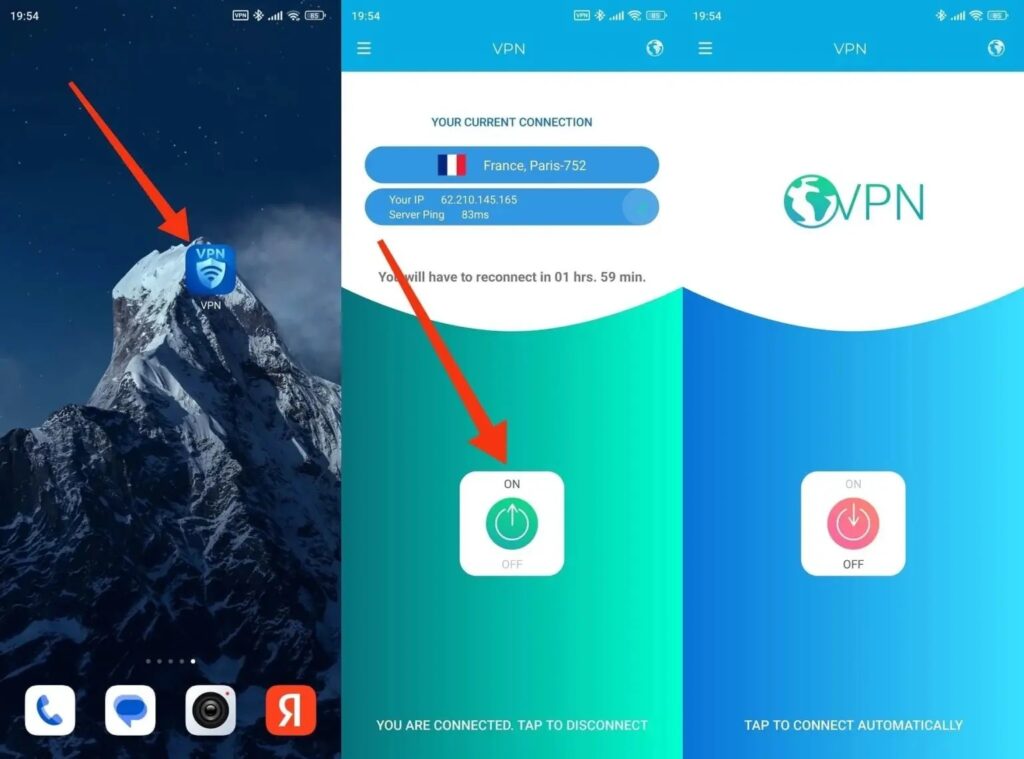
If an app blocks VPN, you’ll have to give it up
It’s important to understand the practical consequence. If you use VPN for Telegram calls and simultaneously chat in MAX, you’ll have to choose: either VPN for calls or a working MAX. Using both scenarios simultaneously on one device is no longer possible.
Who Needs to Disable VPN for MAX
The restriction directly affects those who keep VPN enabled all the time. Now, every time you access MAX, Gosuslugi, marketplaces, and dozens of other apps, you’ll have to disable VPN manually. For those who don’t use VPN, nothing changes. The messenger continues to work as usual. Users abroad are also not affected by this situation: the restriction is aimed at those who use VPN within Russia. MAX works abroad through a local internet connection without restrictions, as long as the account is registered with a Russian phone number.
The situation is unpleasant but predictable. The Ministry of Digital Development is consistently building a system where VPN becomes increasingly inconvenient for everyday use — not through a direct ban, but through restrictions on the services’ side. For Android smartphone owners, this means one thing: the habit of toggling VPN before launching Russian apps is now becoming the norm.


