Apple Sports received a 4.0 update with support for the 2026 FIFA World Cup. The app is now available in more than 170 countries and regions — and, most exciting of all, it can now be downloaded even in Russia. Let’s take a look at the fresh update and figure out whether it’s worth downloading Apple Sports on iPhone and how it works.
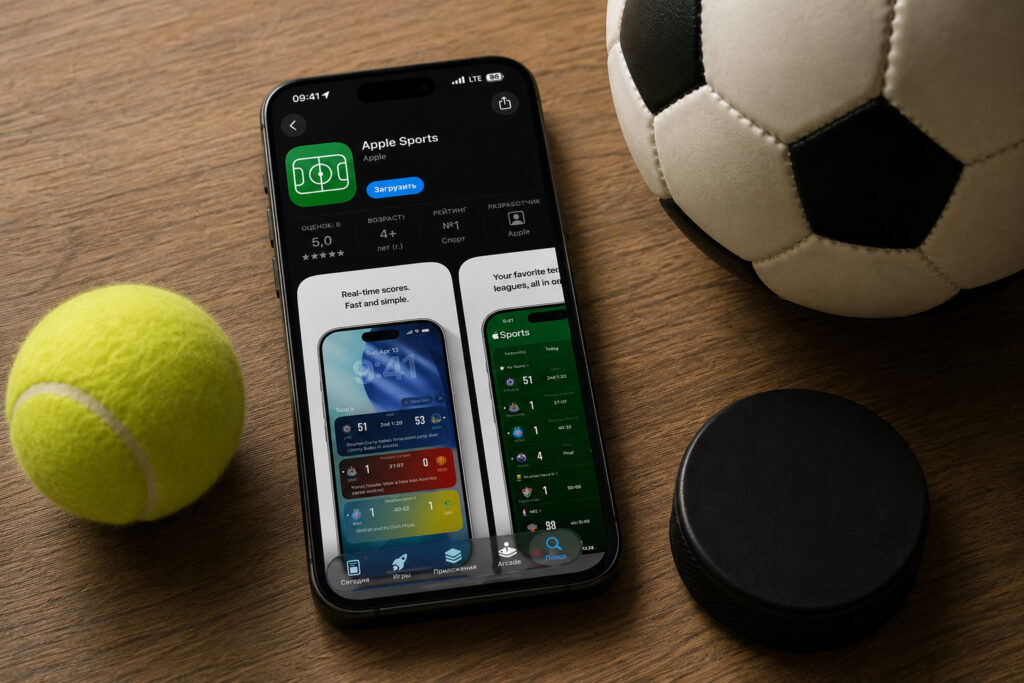
The app from Apple turned out to be lightweight, and minimalism lovers will definitely appreciate it
What’s New in Apple Sports
The update was released on the App Store and adds everything needed to follow the 2026 World Cup, which kicks off in June. Apple promises starting lineups and team formations, a tournament bracket with matches and results, as well as real-time updates — essentially the standard set of features that previously had to be gathered from multiple sources.
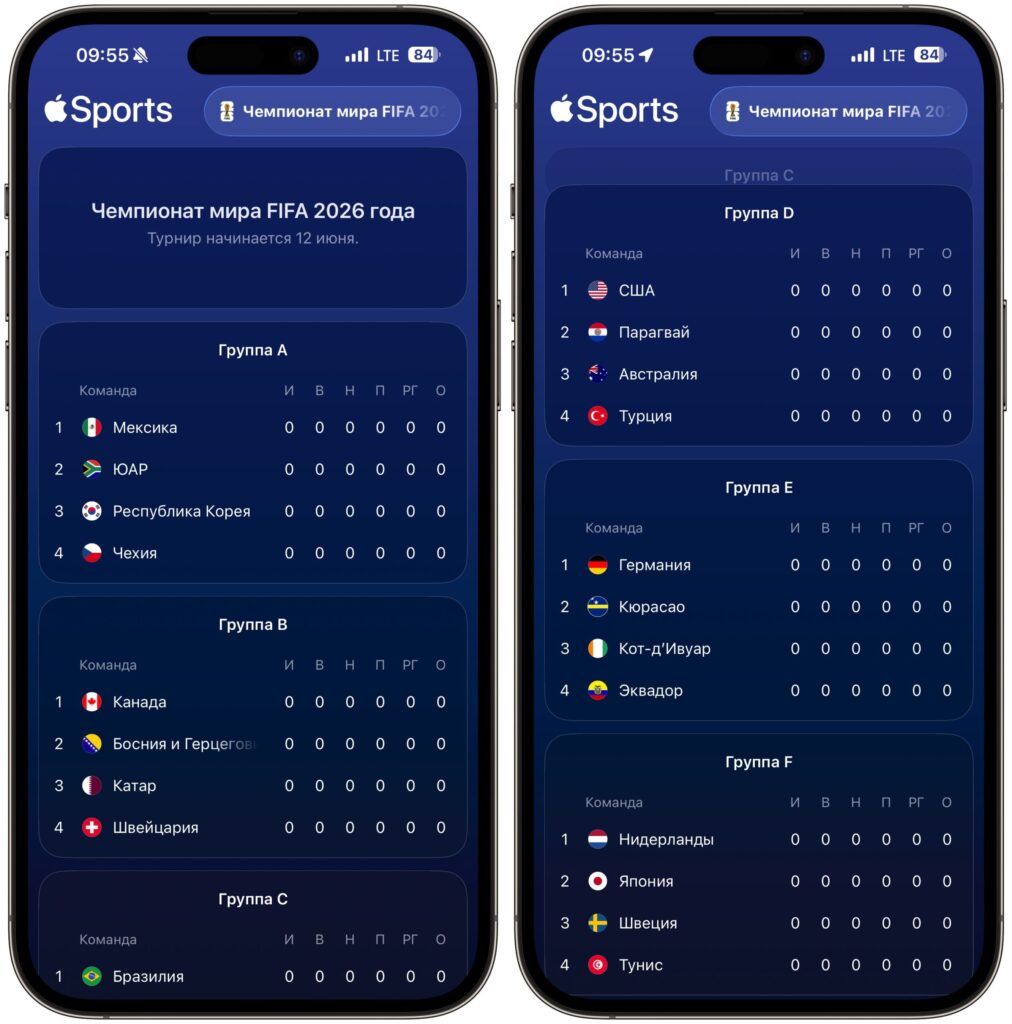
For now, only the 2026 World Cup groups are available, and the match schedule will appear a bit later
After updating, the app will prompt you on first launch to choose teams you want to follow. You don’t have to select specific national teams — you can subscribe to the FIFA World Cup 2026 tournament itself, and then notifications will come in for all matches.
Countries Where Apple Sports Works
Before version 4.0, the app was available in a limited number of countries — the US, UK, Canada, and Mexico. Now Apple Sports works in more than 170 countries.
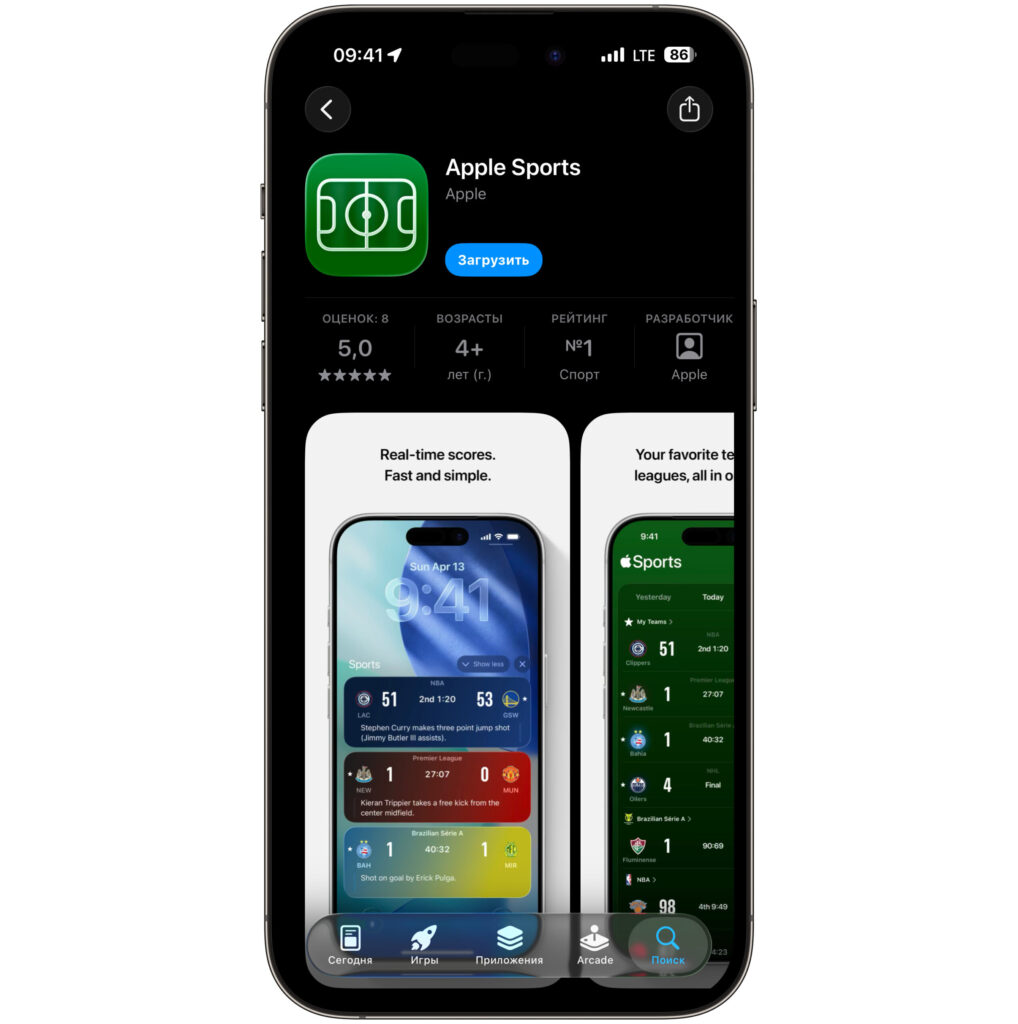
The app can already be downloaded in Russia
Apple doesn’t publish a full list of new countries in the release notes, so you’ll have to check availability in your specific region through the App Store — by searching for Apple Sports. But in Russia, we’ve already verified everything and the app works. If the app appears in search results and installs without changing your Apple ID country, it officially works in your region.
There is one very strange caveat though: without a VPN, Apple Sports flatly refused to launch for me. I can’t say for sure whether it’s a bug or a problem specific to my network, but after activating a foreign IP, the app worked as expected.
Leagues and Tournaments Available in Apple Sports
Apple Sports was originally created as a quick way to check scores and match schedules without unnecessary screens. In addition to the 2026 World Cup, the app covers major world leagues — from European football championships to America’s NBA, NFL, NHL, and MLB.
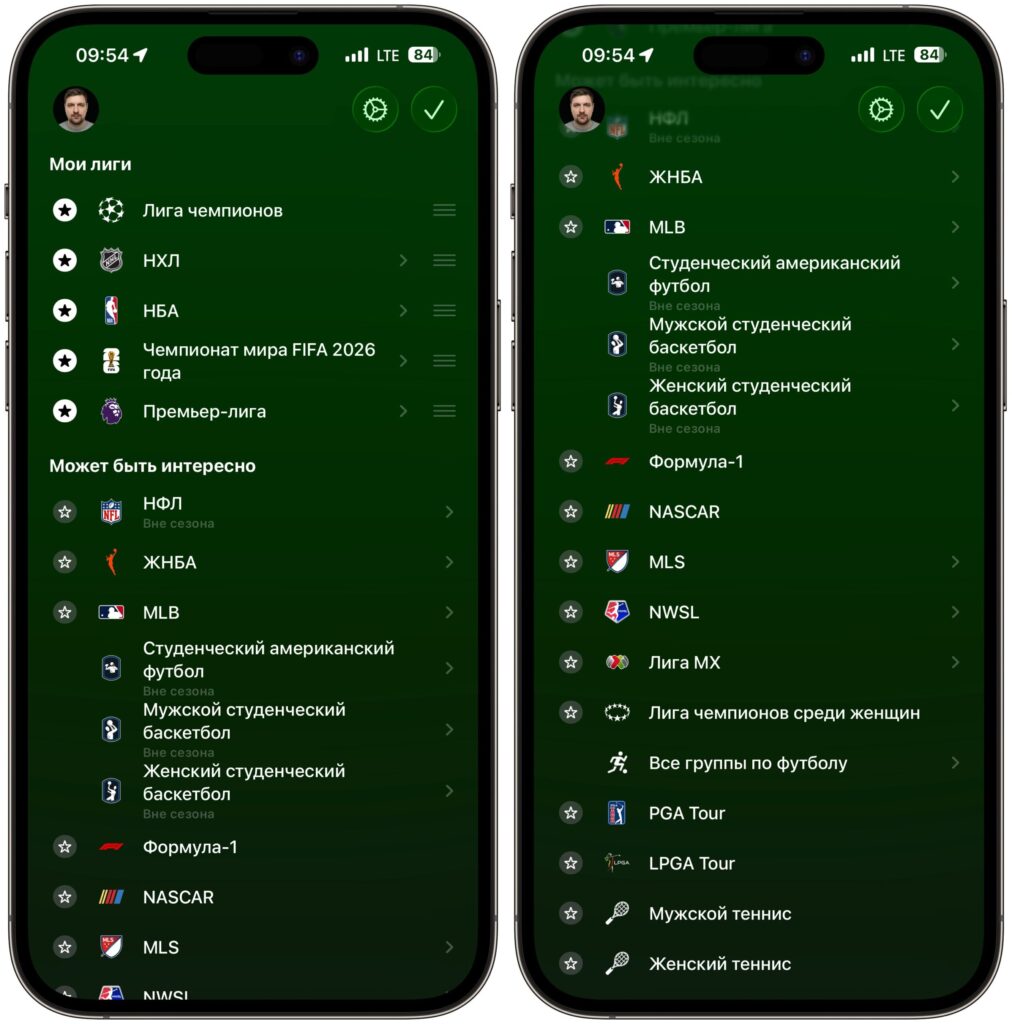
First you need to choose leagues and favorite teams. The selection isn’t the biggest
The key idea is minimal interface and maximum speed. Open it, see the score, close it. This sets Apple Sports apart from heavy apps like official league services, where half the screen is taken up by banners and videos.
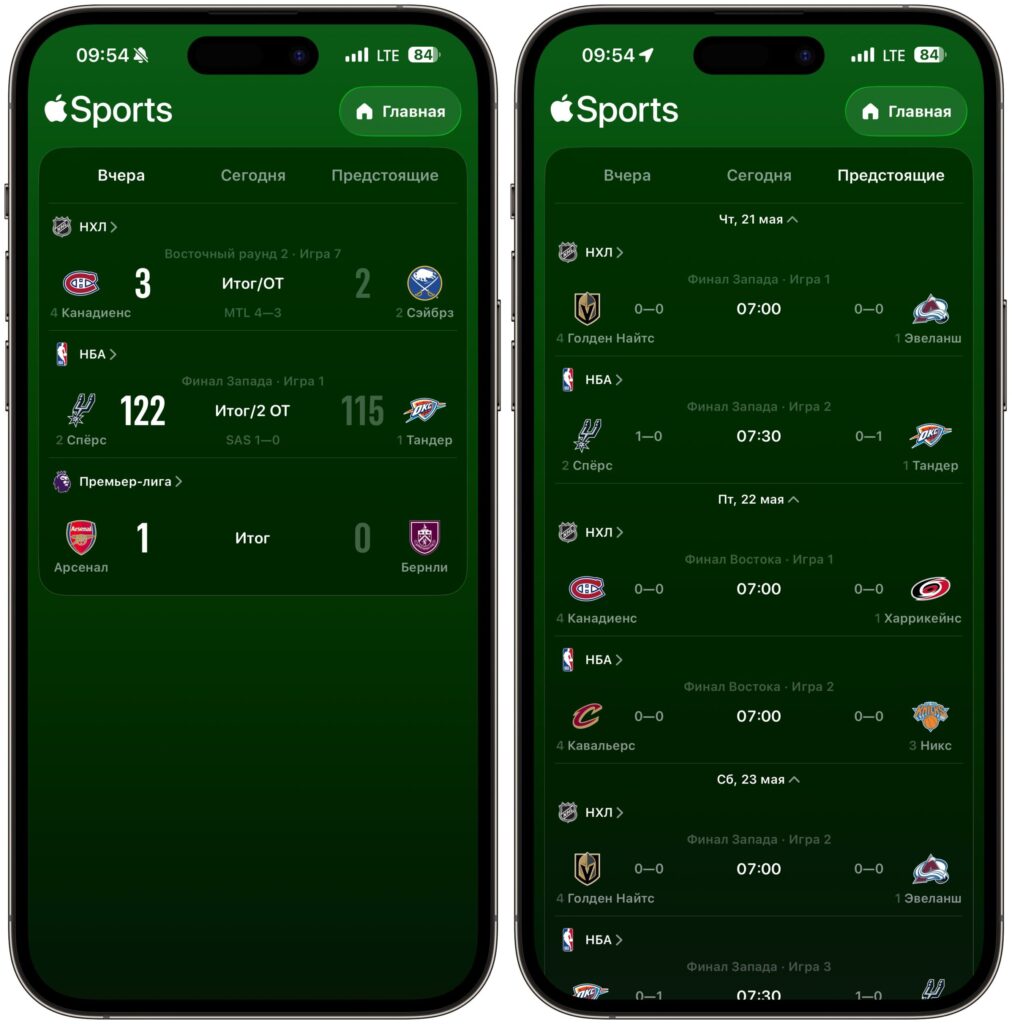
There are past results, current matches, and upcoming ones
Apple Sports makes sense to install if:
- you plan to follow the 2026 World Cup and want to receive push notifications about goals and results;
- you need a quick widget with match scores on the lock screen or in Dynamic Island;
- you already use the Apple ecosystem and don’t want to install yet another third-party app with built-in ads.
If you watch matches through other streaming services or familiar sports websites, don’t expect a revolution from Apple Sports. It’s more of a neat alternative than a replacement for established habits.
Apple Sports on iPhone: Free or Subscription-Based
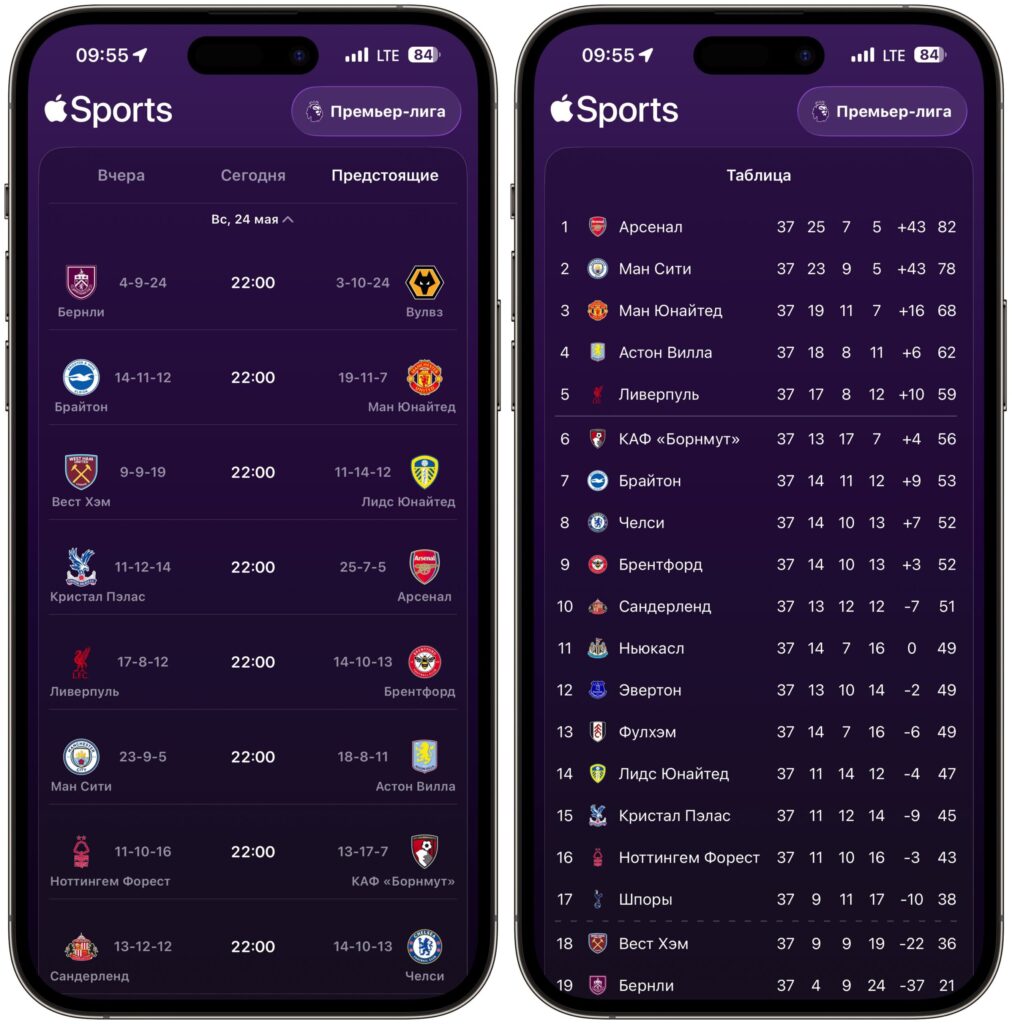
You can even follow English Premier League results
Apple Sports is a free app with no in-app purchases or subscriptions. Apple doesn’t show ads in it and doesn’t require connecting Apple TV+ or Apple One. This is a rare case where a service from a major company remains completely free without ads.
The only limitation is that the app works only on iPhone with a current version of iOS. There’s no official version for iPad or Mac, nor a web interface. If you’re a sports fan and use an iPhone — it’s definitely worth installing, especially since the app is free and doesn’t require registration. Goal notifications and the tournament bracket ahead of the World Cup start in June — that’s exactly what people usually install separate sports apps for.


