Yesterday at WWDC 2026, Apple unveiled a new generation of Apple Intelligence. There are many features, and almost all of them are free. But there’s a catch. Some tools will have daily limits. And the only way to bypass them is to subscribe to iCloud+. The problem is, in Russia this isn’t straightforward at all.
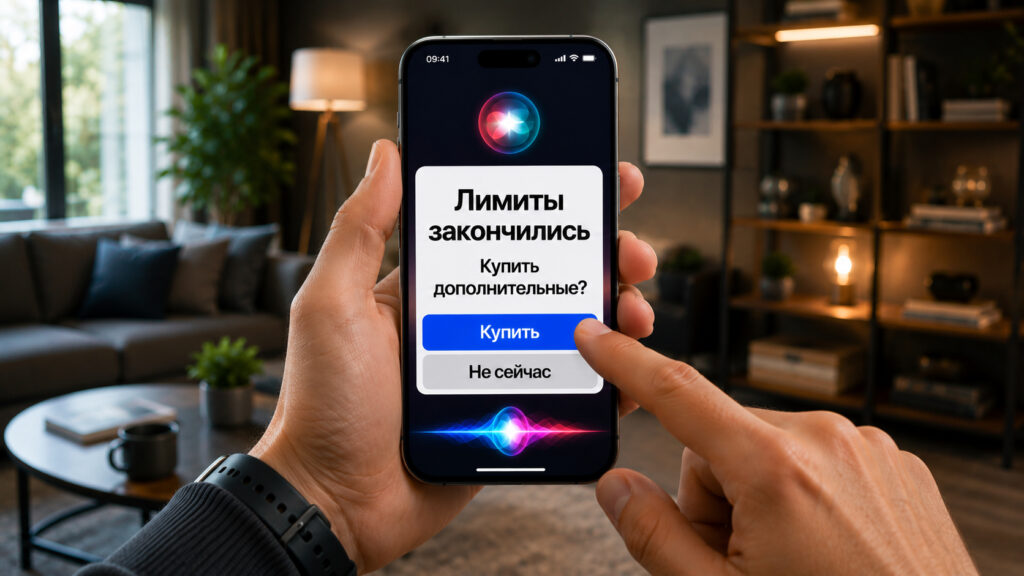
If you use AI heavily, you’ll have to pay up
Apple Intelligence Limits in iOS 27: What Will Work for Free
The main news from WWDC is the updated AI-powered Siri. But along with it, Apple also reimagined the entire Apple Intelligence system. And here the company made an important caveat.
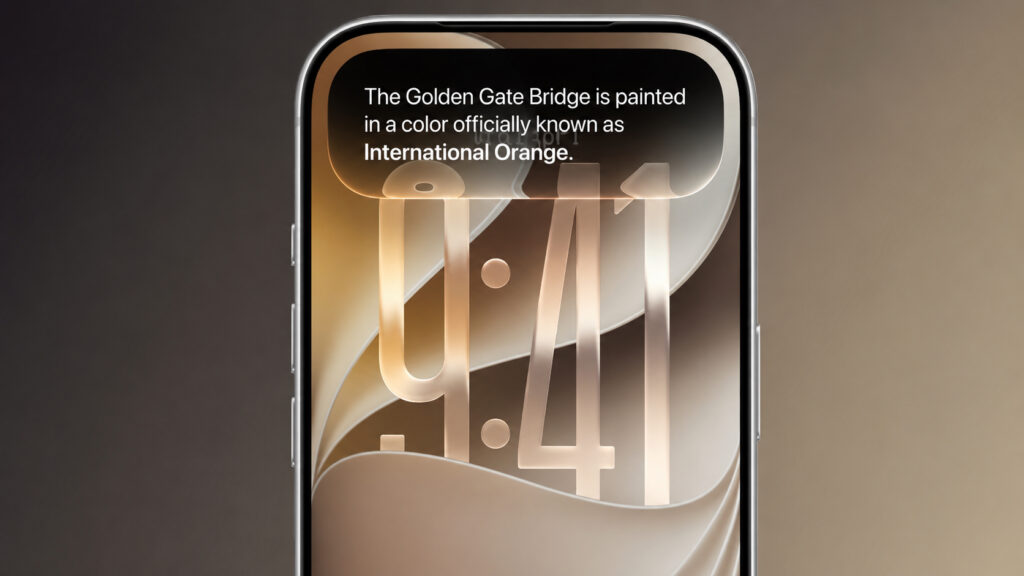
All new AI features in iOS 27 will be free but strictly limited
Some features run on powerful server-side models. These aren’t computations on the iPhone itself but requests to Apple’s data centers. That kind of processing costs money. So the company is introducing daily limits on the most resource-intensive scenarios.
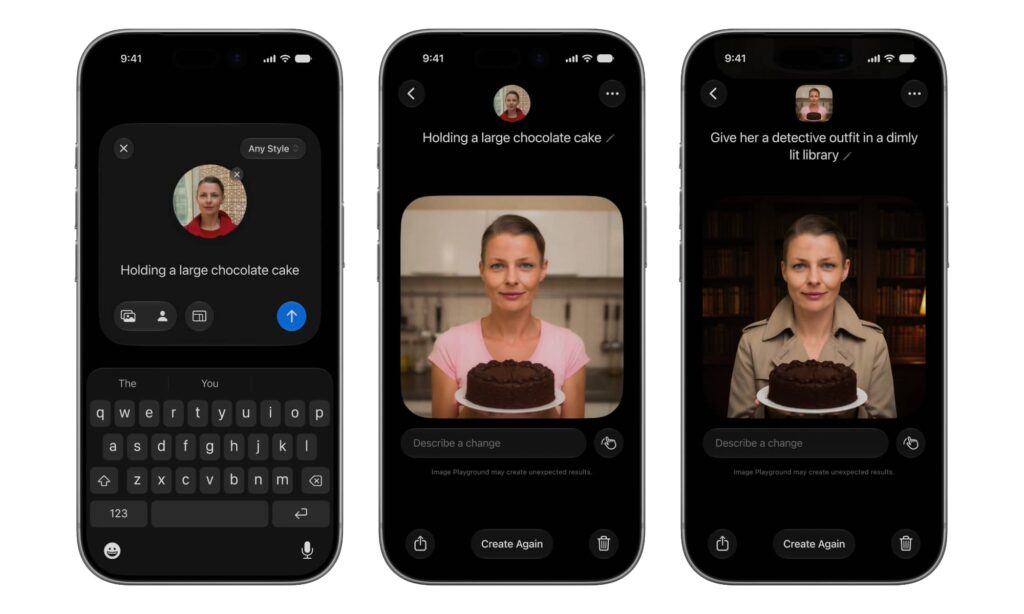
Image generation will be strictly limited
First on the list is image generation. According to Apple, images put the heaviest load on servers. And that makes sense: creating a photorealistic image from scratch is far more demanding than selecting a word in text.
But images aren’t the only thing affected. It’s logical to assume that other heavy tools in iOS 27 will also fall under the limits. This includes complex photo edits based on text descriptions, where you literally explain what to change in the shot. It includes large-scale requests to Siri AI with analysis of what’s happening on screen. It includes generating and rewriting long texts, as well as working with lengthy documents.
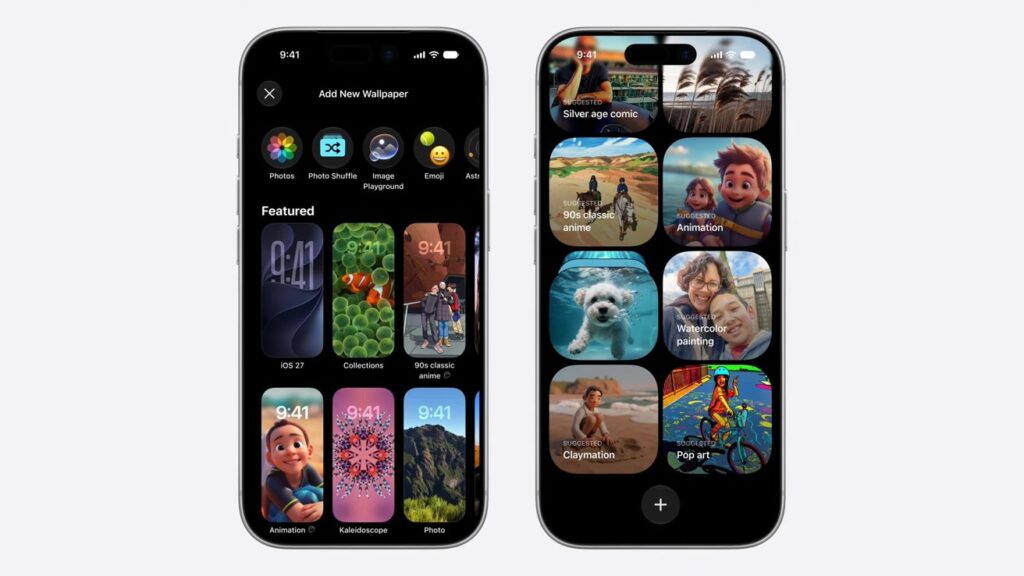
Naturally, creating wallpapers via AI will also be limited
What will remain unlimited? Most likely, everything that’s computed directly on the device. Simple suggestions, basic text editing, short commands — Apple’s servers aren’t needed for those, so there’s no reason for limits either.
An important point: the features are available to everyone for free by default. There are no mandatory subscriptions just to try AI. But if you actively generate images every day, sooner or later you’ll hit a ceiling. And that’s when the subscription question comes up.
Why You Need iCloud+ for Apple Intelligence in iOS 27
To increase limits, you’ll need iCloud+
This is where iCloud+ comes in. Apple stated directly: subscribers will have significantly higher limits.
The wording in the press release is curious. The company mentions “most iCloud+ plans.” This “most” almost certainly means the cheapest basic plan doesn’t count. In other words, expanded AI access is tied to more serious tiers — from mid-level storage and above. Apple One subscribers also benefit. Their subscription includes iCloud+, so they’ll automatically receive the increased limits. No need to set up anything separately.
What does this mean in practice? More freedom when creating AI images and, presumably, higher limits on a number of other server-side features. Essentially, Apple is repeating the model we’ve already seen from competitors. Free tier — to try it out and get used to it. Subscription — to use it without watching the counter.
Apple hasn’t announced exact numbers yet. We don’t know exactly how many images per day you can create for free versus with iCloud+.
New Home App Features in iOS 27 for HomeKit Cameras
Image limits aren’t everything. Apple has also built AI into the Home app. iCloud+ subscribers will get separate AI capabilities for the smart home. First and foremost, this concerns HomeKit Secure Video for compatible cameras.
This is a logical step. Camera video is also processed on Apple’s servers, and it runs continuously rather than on demand. Tying advanced analytics to a paid subscription is a very Apple-like move. There aren’t many details about specific scenarios yet, but the direction is clear: smarter notifications and more accurate recognition of events on camera.
Previously, a camera could simply report motion. Now, according to Apple’s vision, the system will better understand context — whether it’s a person, a pet, or, say, a passing car. Fewer false alarms, more value.
Apple Intelligence in Russia: Restrictions, Language, and iCloud+ Subscription
And here’s the main problem. All these benefits run into one wall — the iCloud+ subscription, which in Russia can currently only be set up through a different region.
Apple has not accepted Russian payment cards since 2022. Payment via phone number stopped working in April 2026. There is simply no direct way to pay for the subscription. Technically, ruble-based plans still appear in settings, but pressing “pay” and smoothly subscribing won’t work.

Unfortunately, for Russia most AI features are irrelevant
Workarounds remain. You can switch your region and top up your Apple ID balance via App Store gift cards, then use that balance to subscribe to storage. The method works, but it’s extra hassle: middleman fees, dependence on resellers, and the risk that the chosen service might shut down someday. For a one-time purchase it’s tolerable, but for an ongoing subscription it’s a mediocre option.
Add a second complication. The new Apple Intelligence initially works only in English, and in some regions features roll out with a delay. So fully trying out all this AI in Russia is challenging.