Xiaomi says HyperOS 4 is fully compatible with Apple devices. With the update, a Xiaomi phone can pair with an Apple Watch, mirror its screen to a Mac or iPad for remote control, and sync notifications and photo albums with an iPhone. Supported models can also send files to iPhones, iPads and Macs via AirDrop. The main catch is availability. Xiaomi announced these features for China, where stable HyperOS 4 begins rolling out on October 15. The company has not said when, or in what form, they will reach global versions of its phones.
What you need to know
- A Xiaomi app released on September 25 in the Apple Watch app store links Apple Watch Series 6 and newer, SE 2 and newer, and all Ultra models on watchOS 11 or later to phones on HyperOS 4.0.1 or later.
- The watch still has to be set up once with an iPhone. You cannot buy an Apple Watch and use it only with a Xiaomi phone.
- AirDrop transfers rely on Google’s Quick Share. Both phones need Bluetooth and Wi-Fi turned on, and the Xiaomi phone needs a Google account.
- Mac and iPad screen sharing requires macOS 12 or newer, or iPadOS 14 or newer. Global availability of the Apple features has not been announced.
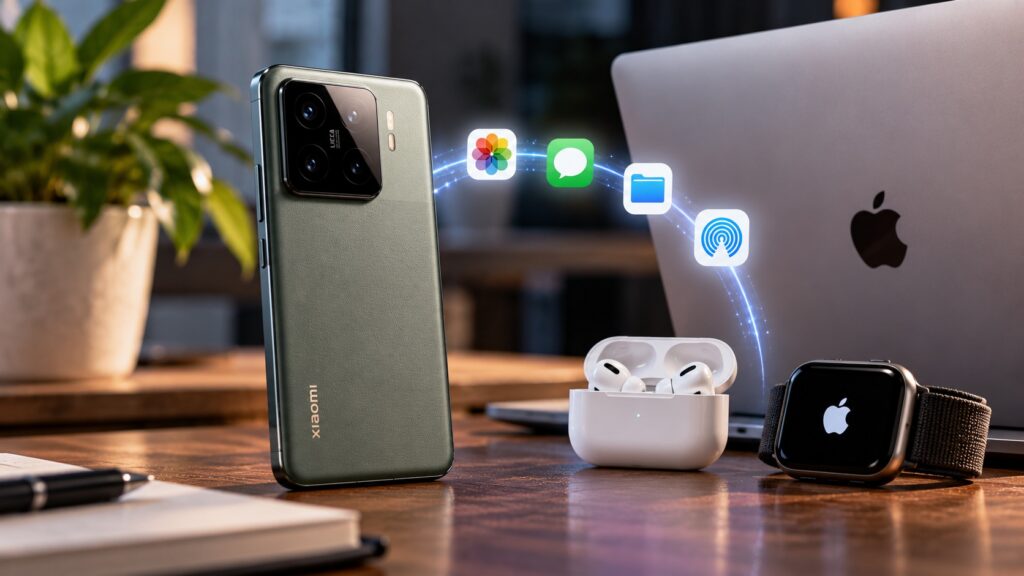
An illustration of Xiaomi’s compatibility with Apple
What Xiaomi means by “full compatibility”
Xiaomi made the announcement on October 7 through the official HyperOS account. The compatibility covers four areas:
- Apple Watch support
- file transfers
- Mac and iPad integration
- features for people who use both an iPhone and a Xiaomi phone
Some of these features first appeared in the previous version of the software. HyperOS 4 brings them together and adds the most notable new feature, Apple Watch support. The original report says no other Android phone maker currently offers this.
Apple Watch pairs with an Android phone
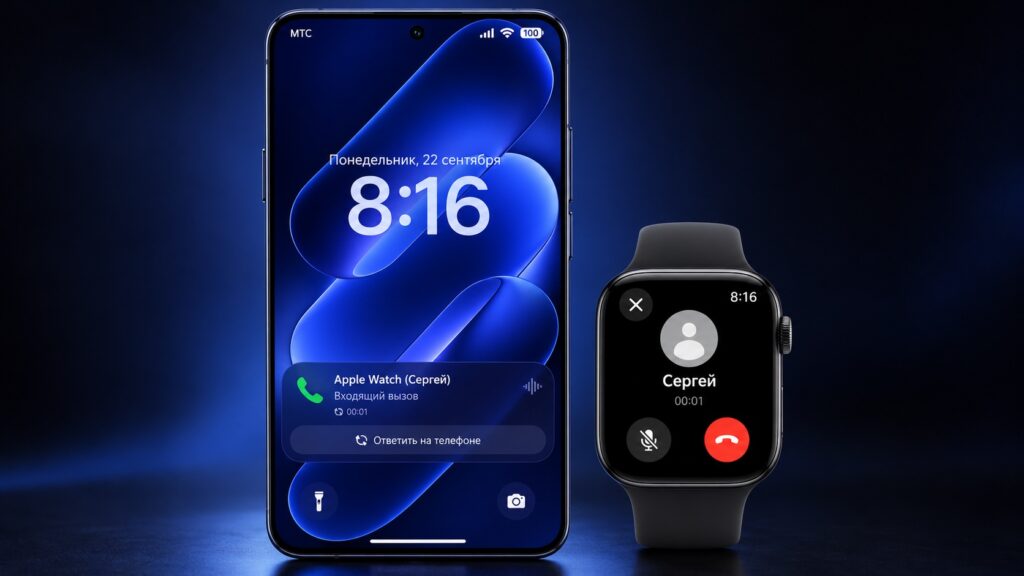
A Xiaomi smartphone paired with an Apple Watch
On September 25, a Xiaomi app appeared in the Apple Watch app store. It connects the watch to a phone running HyperOS 4 and can do the following:

- show incoming calls, SMS messages and app notifications from the Xiaomi phone on the watch
- display live activities from Super Island, HyperOS’s counterpart to Dynamic Island
- send steps, heart rate, calories, sleep and workout data from the Apple Watch to the Mi Fitness app
- help find a lost watch or phone by making it play a sound
Requirements and the iPhone caveat
The feature works with Apple Watch Series 6 and newer, SE 2 and newer, and all Ultra models running watchOS 11 or later. The phone needs HyperOS 4.0.1 or later.
There is an important limitation: the watch must still be set up once through an iPhone. After that, you open the Xiaomi app on the watch, scan a QR code with the phone and grant permissions on both devices.
This means you cannot buy an Apple Watch specifically to use with a Xiaomi phone. If you already own one, you will not need to replace it after switching to Xiaomi.
AirDrop on Xiaomi phones
On October 7, it emerged that the Xiaomi 18 Pro Max running HyperOS 4 will be able to send files directly to iPhones, iPads and Macs via AirDrop. The feature is built on Google’s Quick Share. Google first linked Quick Share with AirDrop on the Pixel 10 in 2025. It then began adding support to phones from other brands.
This is not entirely new for Xiaomi. The Xiaomi 17T Pro running HyperOS 3 gained the same capability in June 2026.
How to send a photo from a supported Xiaomi phone to an iPhone
- On the iPhone, open Control Center and tap AirDrop.
- Choose the “Everyone for 10 minutes” option.
- On the Xiaomi phone, open the photo or file and tap Share.
- Select Quick Share.
- Tap the iPhone in the device list, then accept the transfer on the iPhone.
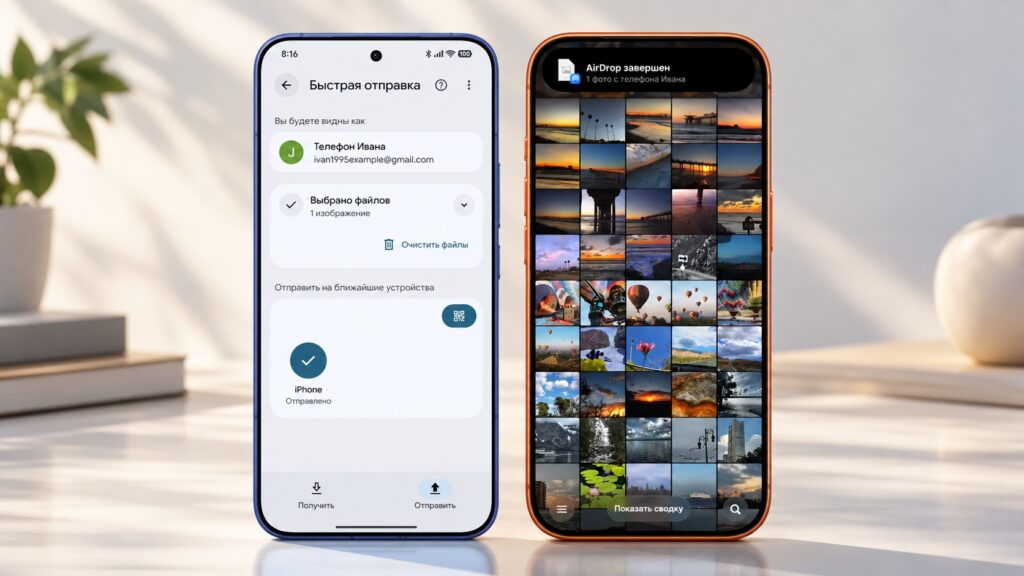
Sending a file from a Xiaomi phone to an iPhone

Bluetooth and Wi-Fi must be turned on on both phones, and the Xiaomi phone must be signed in to a Google account.
Using a Mac or iPad as a second screen for the phone
HyperOS 4’s shared desktop feature now supports Macs and iPads. You can view and control the Xiaomi phone’s screen on them and drag photos and files between devices.
To set it up:
- Install Xiaomi’s device-connection app from the App Store on the Mac or iPad.
- Sign in to the same Xiaomi account used on the phone.
- Connect both devices to the same network and turn on Bluetooth.
- On the phone, enable the feature in the device interconnection settings.
The Mac must run macOS 12 or newer, and the iPad must run iPadOS 14 or newer.
A connection in the other direction arrived earlier, in HyperOS 3. A Xiaomi phone can be unlocked using Face ID, Touch ID or the passcode on an iPhone, iPad or Mac.

For households and users with two phones
The compatibility is also aimed at people who use two phones, such as a work iPhone and a personal Xiaomi. It also covers families where one person has an iPhone and another has a Xiaomi. For these users, HyperOS 4 adds:
- two-way notification syncing, so you can reply to a message without picking up the other phone
- access to both iPhone and Xiaomi cloud photo albums from either phone
- transfer of photos, files, contacts and browser links by tapping the phones together
Tap-to-transfer also worked in HyperOS 3, but only with iPhone 12 and newer running iOS 17 or later. Owners of older iPhones will probably still be unable to use it.
Availability: China first, global plans unclear
All of these features were announced for China, where stable HyperOS 4 starts rolling out to phones on October 15. Xiaomi has not said when global HyperOS 4 will arrive or whether it will include these Apple features. A global HyperOS 4 beta is available, but there is no guarantee that it includes all of the Apple-related functions.
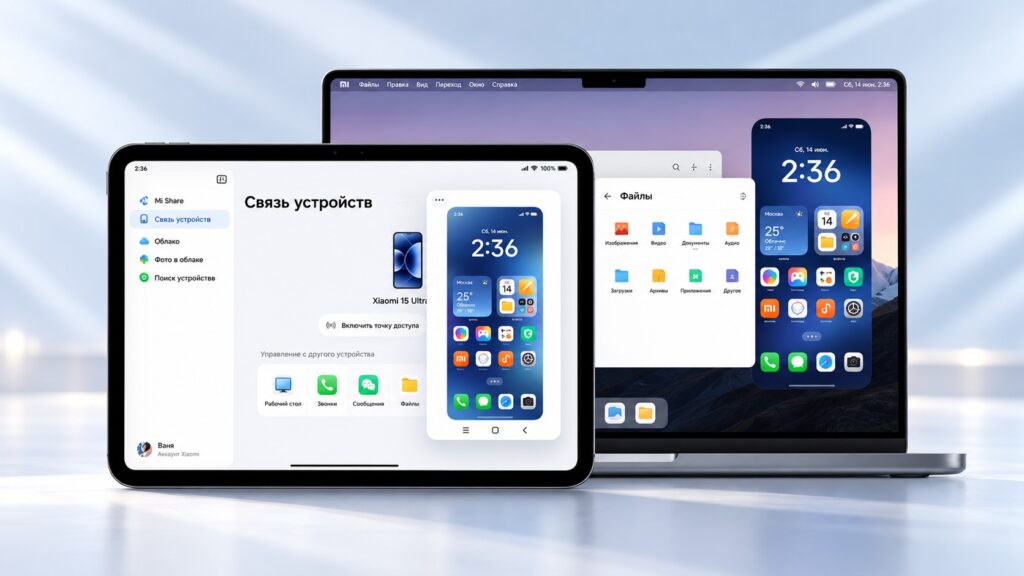
Mirroring a Xiaomi phone’s screen to an Apple tablet and laptop
The original report’s author offers this assessment of each feature’s chances outside China:
- AirDrop via Quick Share is the most likely to arrive. It runs on Google’s technology and has already launched on the global Xiaomi 17T Pro.
- Apple Watch support is uncertain. The app has been released, but no launch outside China has been announced.
- Mac, iPad and iPhone syncing still await an official announcement for global versions.
These are the author’s expectations, not confirmed plans. Xiaomi owners with at least one Apple device may want to watch for official details about the global update.


