Apple has explained why it added a touchscreen to the MacBook Pro after spending 16 years arguing that laptops did not need one. In an interview with Wired, Apple executives said the Mac remains a trackpad-and-keyboard computer first. They described touch as a secondary input, added only once Apple’s displays, chips and software met the company’s standards and once touch could be included without making the laptop worse. Apple also reworked the hinge and cooling for touch input, while changing macOS only modestly. Here is what Apple says, what changed in the hardware, and what you can now do with a finger on a Mac.
What you need to know
- According to the source, Apple CEO John Ternus told Wired that the Mac is still primarily an “indirect input” device built around the trackpad and keyboard, and that touch was added only on the condition that it not make the product worse in any way.
- The new MacBook Pro has a reinforced hinge to keep the display steady when touched, a touch layer built into the panel, and cooling changes intended to keep the screen from feeling warm.
- Prices start at $2,899 for the 14-inch model and $3,399 for the 16-inch model, with M5 Pro or M5 Max chips rather than M6. Pre-orders opened on October 28, and sales begin on November 6.
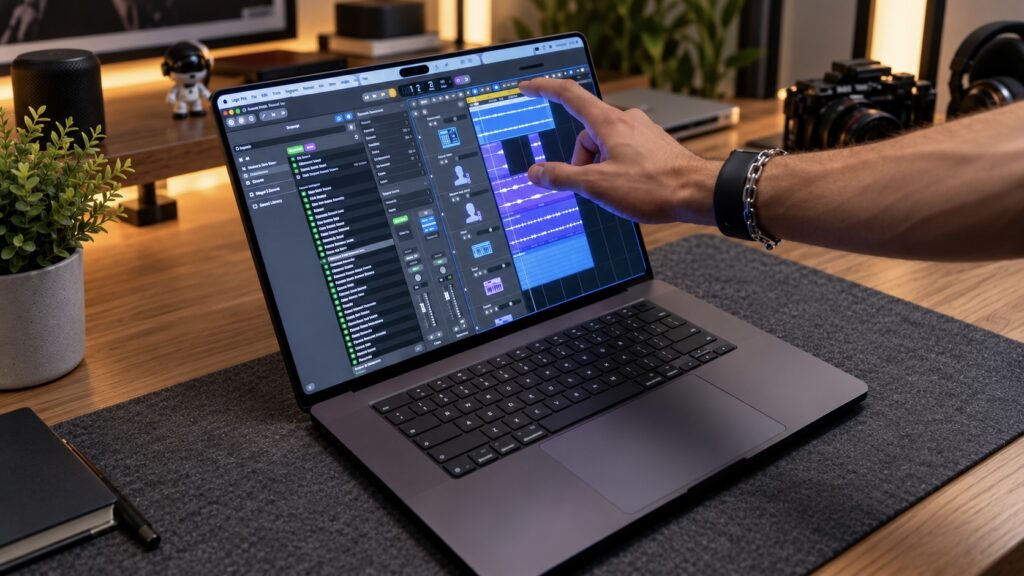
A person touches the screen of a MacBook Pro with Logic Pro open
The Mac is still a trackpad laptop, Apple says
The key comments came in an interview with Wired. According to the source, Apple CEO John Ternus did not present touch as a revolution. He said the Mac is first and foremost a device with an indirect input method, meaning it is built around the trackpad and keyboard. He added that there are moments when touching the screen is simply more convenient.
Ternus also set a strict requirement: touch had to be added in a way that did not make the product worse in any respect. Hence the OLED panel: in his account, touch arrived together with the best display Apple has ever put in a Mac.
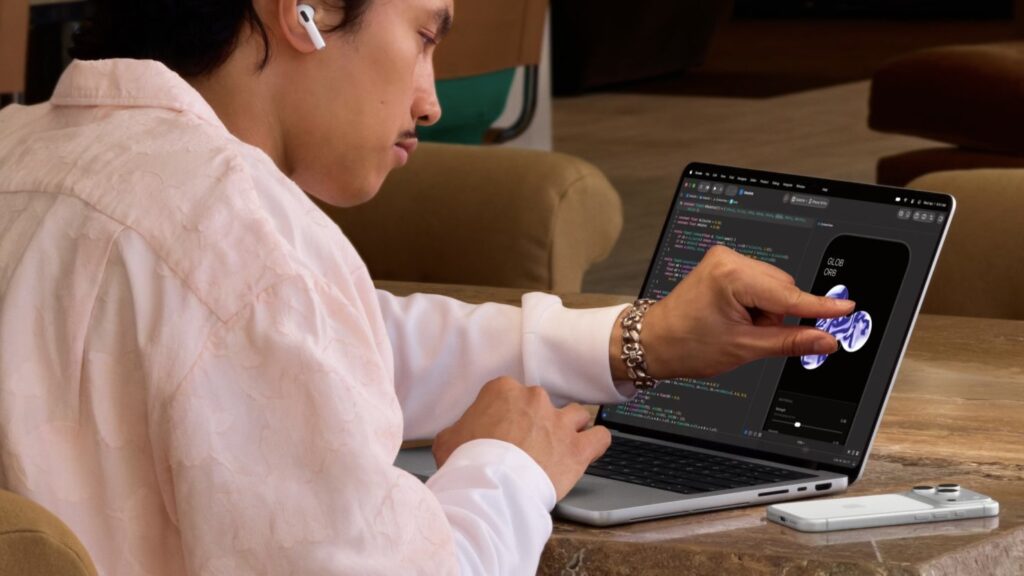
A man types on a MacBook Pro keyboard with one hand while touching an iPhone app on the screen with the other
In practical terms, the source author argues, nobody is being asked to give up the trackpad. Touch is a second way to control the Mac, not a new philosophy for it. Buyers expecting an “iPad with macOS and a keyboard” will get a quite different device, and the source suggests it is better to understand that before buying.
Why now: Apple says displays and chips were not ready before
The obvious question is why Apple made this move now rather than years ago. According to the source, Ternus told The Wall Street Journal in 2021 that there would be no touchscreen MacBook Pro. Steve Jobs called touchscreen laptops ergonomically terrible in 2010, and in 2012 Tim Cook compared merging a tablet and a laptop to trying to combine a toaster and a refrigerator.
This time, the explanation came from hardware chief Johny Srouji. He said displays, Apple’s chips and its software have only now reached the bar the company had set. Marketing chief Greg Joswiak added that professionals had been waiting for this, and that a whole generation of young content creators has grown up assuming that any screen can be touched.
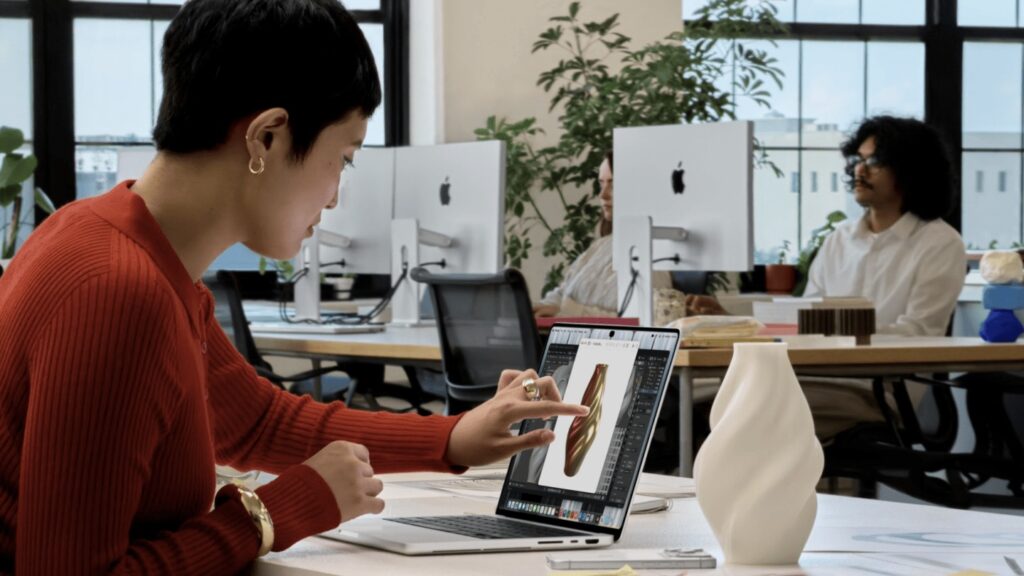
A woman in an office rotates a 3D model of a vase with her finger on a MacBook Pro screen
The source author reads this partly as a polite way of saying “we changed our minds,” but sees some truth in it. Apple’s first attempt at touch on the MacBook Pro, the Touch Bar, appeared in 2016. It gave way to regular function keys in 2021 and disappeared from the lineup entirely in 2023. In the author’s view, Apple clearly did not want to repeat that mistake.
The hinge and cooling were redesigned for touch
To keep touch from compromising the laptop, Apple had to solve several everyday problems. The first is obvious: press the screen of an ordinary laptop and the lid wobbles. The new MacBook Pro therefore has a reinforced hinge that holds the display in place while it is being touched.
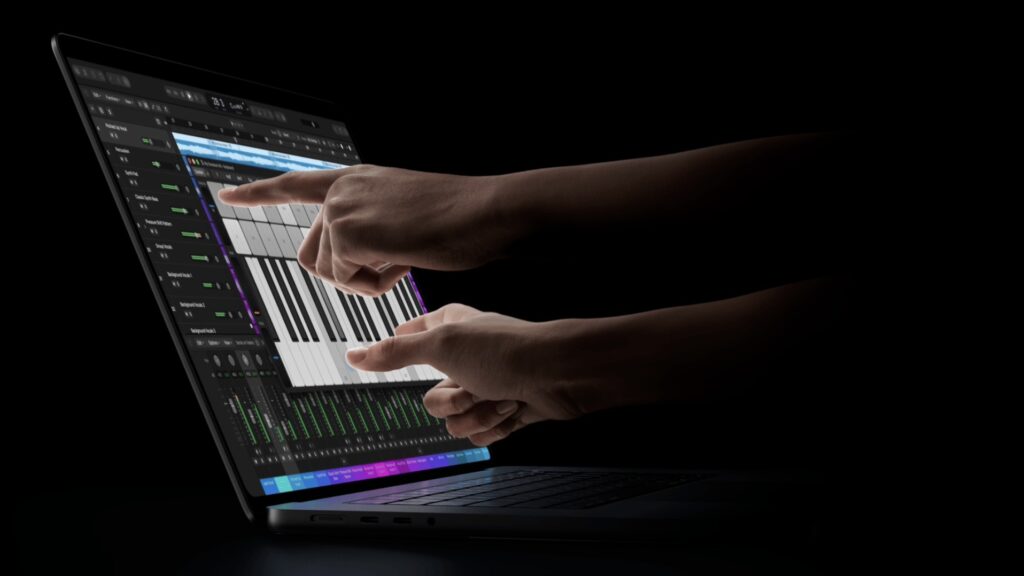
Two hands play a virtual piano directly on the MacBook Pro screen
The touch layer is built directly into the panel rather than laminated on top. Apple says this reduces latency and that the laptop has not become thicker or heavier. According to the source, it has actually gone the other way: the 14-inch version is half a millimeter thinner, the 16-inch version is nearly a millimeter thinner, and they weigh about 1.4 kg and 1.8 kg respectively. Apple also refined the cooling so the screen does not feel warm under a finger.
Fingerprints remain an open question
The display has an anti-glare coating, and Apple claims it will not need wiping any more often than a regular screen. The source author is skeptical, noting that fingerprints are the first concern most people have about touchscreens and that Apple’s own Polishing Cloth is now officially listed as supporting the new MacBook Pro.
macOS has barely changed, by design
The most visible change in the operating system comes from the iPhone. A Dynamic Island with Live Activities now sits at the top of the MacBook Pro display, and this is where Apple praises touch most. Accepting an AirDrop file or pausing music with a finger is faster than moving the cursor across the entire screen.
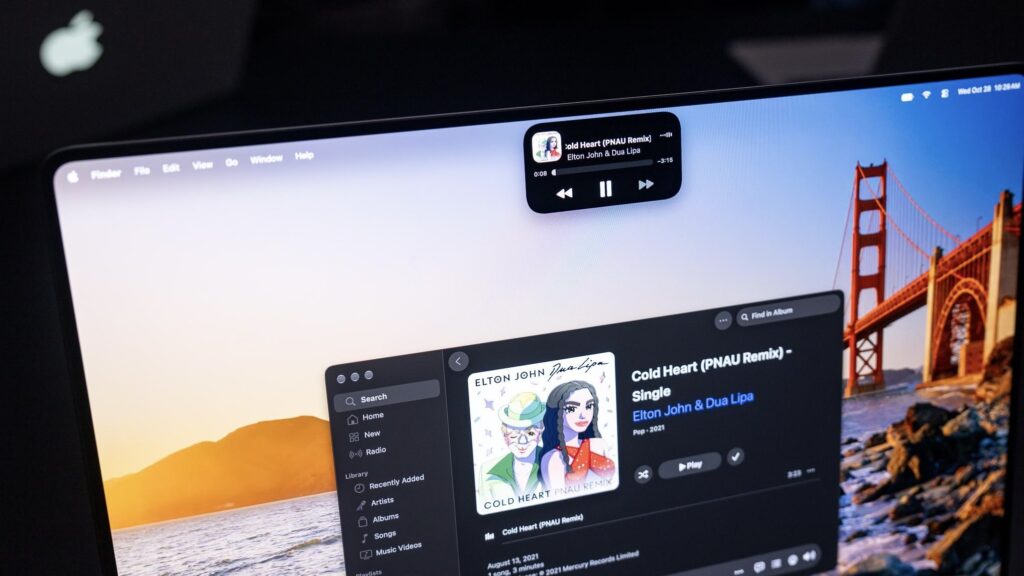
Dynamic Island on a MacBook Pro screen showing the Apple Music player and a pause button
As The Verge noted, the rest is fairly predictable:
- swiping in from the right edge opens Notification Center, mirroring the equivalent trackpad gesture;
- drop-down menus and the three colored window buttons enlarge when touched, making them easier to hit;
- a double tap expands a window to full screen, and windows can be resized by dragging a corner with a finger;
- photos zoom with a pinch, pages scroll with a swipe, and slides can be dragged between two presentations.
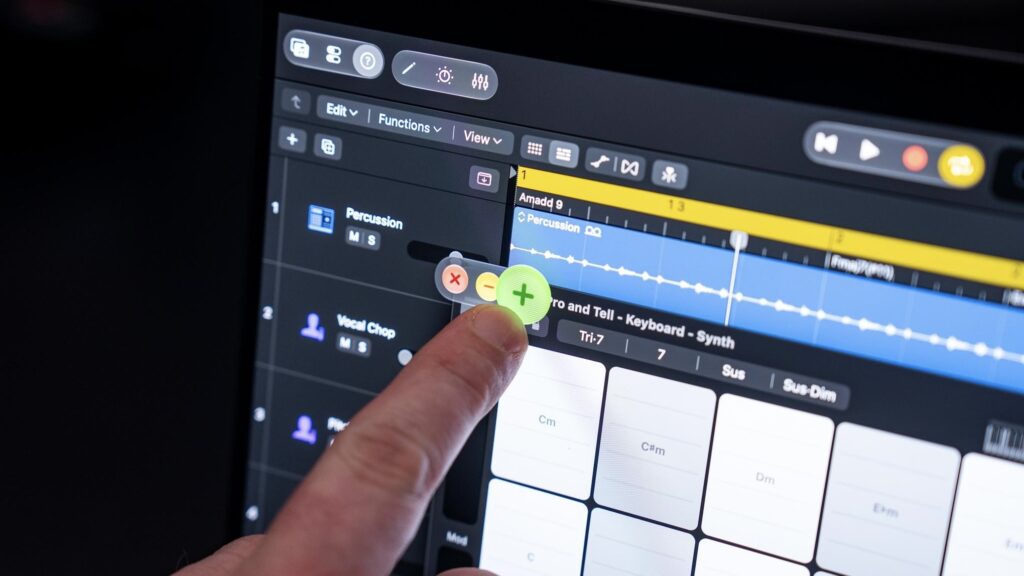
A finger touches the window control buttons, which enlarge to make them easier to hit
The Verge’s Allison Johnson summed this up with some irony: yes, that is how touchscreens work. Unlike Microsoft’s approach with Windows 8, Apple did not redesign the interface around fingers. Menus and buttons remain sized for a cursor and grow only at the moment they are touched.
Most of the touch experience depends on apps
According to the source, the main action is meant to happen inside apps. Apple’s own apps are already optimized, and in other apps the system translates a touch into a click. An updated API has been released for developers, and the first apps to support it will include Notion, Canva, Zoom, Word, Excel, PowerPoint, Lightroom and DaVinci Resolve. Among Apple’s examples, the source author singles out two as the most appealing: testing iOS and iPadOS apps directly on the Mac’s screen, and playing software instruments with your fingers.
Who touch is useful for right now
The touchscreen MacBook Pro starts at $2,899 for the 14-inch model and $3,399 for the 16-inch model. According to The Verge’s calculations, the top configuration costs $14,549. Inside are M5 Pro or M5 Max chips, not the newer M6.
The source author argues that the main reason to buy is the display, not the touch input. It is a two-layer OLED panel that Apple calls PROLED XDR, with up to 2,000 nits of SDR brightness, a refresh rate of up to 120 Hz and a 10,000,000:1 contrast ratio. Touch comes with it as a bonus. In the author’s view, it will be most useful for people editing video in DaVinci Resolve, retouching photos in Lightroom, building layouts in Canva or developing apps for iPhone and iPad. For email and web browsing, the author expects the trackpad to remain faster.
Pre-orders opened on October 28, and sales begin on November 6.
The bottom line
So why does the MacBook Pro now have a touchscreen? According to Apple, for the same reason it has OLED and thin bezels: to make the laptop better without losing anything familiar. Whether Apple has kept that promise should become clear in a couple of weeks, once the first owners start leaving fingerprints on their new screens.