A charger labelled 100 W will not necessarily charge a smartphone faster. The wattage on the box is the adapter’s maximum capability, not a promise about what a given phone will receive. Real charging speed depends on the phone’s own limit, whether the phone and adapter share a compatible fast-charging protocol, the cable, battery temperature and charge level, and how many devices share the adapter. The source author bought a 100 W adapter for a fast-charging phone and saw almost no difference. They first suspected a faulty adapter or a bad cable. Instead, they found that several compatibility factors were limiting the charging speed.
What you need to know
- Even when both phone and adapter are rated for 100 W, the phone may get only 18–27 W in some cases if they do not support a common high-power mode.
- Samsung uses USB Power Delivery with PPS, OnePlus and OPPO use SuperVOOC, and Xiaomi develops HyperCharge. These phones share USB-C, but the technologies charge in different ways.
- Many USB-C cables are rated for up to 3 A. If reaching the required power takes 5 A, you need a matching cable with an E-Marker chip.
- Some multi-port adapters deliver 100 W only from a single port. With a second device connected, the source gives a split of 65 W and 30 W as an example.
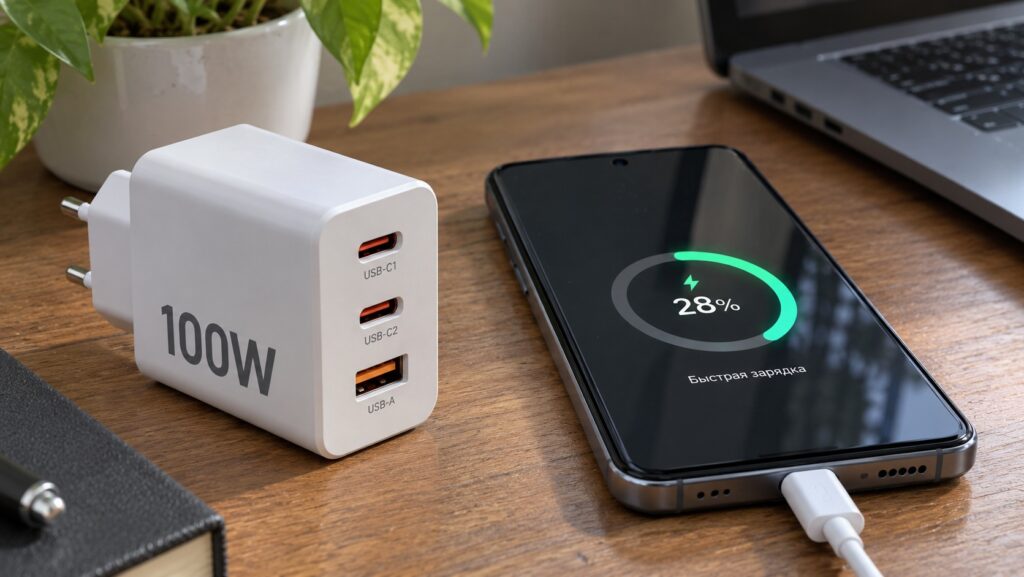
A 100 W power adapter and a smartphone on charge
100 W on the box is not 100 W into the phone
The source author says their main mistake was judging the charger by power output alone. The reasoning seemed obvious: if an adapter can supply 100 W and the phone supports 80 W, the phone should simply draw its 80 W.
In practice, the number on the adapter is a ceiling. It does not guarantee that any connected device will charge at that rate, and the phone’s own limit is not the only constraint. Several factors affect charging speed:
- the maximum power the smartphone can accept;
- whether the phone and the adapter support compatible charging protocols;
- the specifications of the USB cable;
- battery temperature and current charge level;
- the number of devices connected to the adapter at the same time.
The author found protocol compatibility the most surprising factor. A phone and an adapter can both be rated for 100 W and still fail to run together at full power. In some cases the phone receives only 18–27 W. This is not because anything is broken. It happens because the two devices do not share a high-power charging mode.
Samsung, Xiaomi and OnePlus follow their own fast-charging rules
USB-C has long been the standard connector on Android phones. A shared port, however, does not mean a shared charging technology. Samsung uses USB Power Delivery with the PPS extension. OnePlus and OPPO have their proprietary SuperVOOC technology, and Xiaomi develops HyperCharge. All of them charge batteries quickly, but they do it differently.

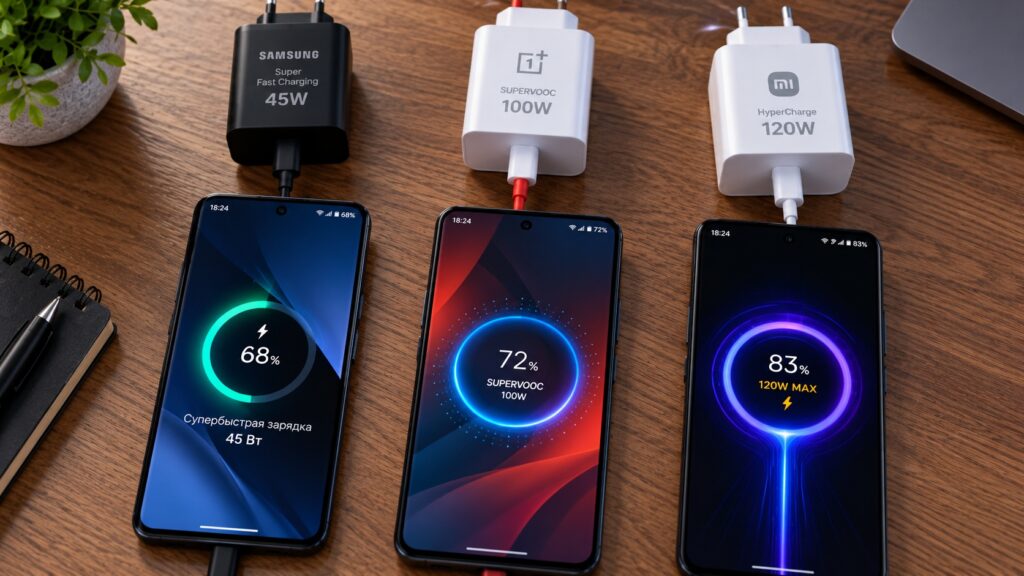
Fast-charging protocols from Samsung, OnePlus and Xiaomi
For example, a OnePlus phone that supports 100 W proprietary charging will not necessarily get the same power from a universal USB Power Delivery adapter. It may support PD but draw much less power through it than through its own adapter.
Xiaomi is in a similar position. However, some recent Xiaomi models already accept very high power through universal PPS. So it is wrong to say that all Chinese phones charge fast only with proprietary adapters. It depends on the specific model.
Samsung has its own details too. To reach its maximum 45 W, a compatible Samsung phone needs a suitable PPS mode and a cable with the right specifications, not just a powerful adapter. A generic 100 W adapter can turn out to be less effective than a properly matched 45 W charger. The result is an odd situation: manufacturers have moved to a single USB-C connector, yet fast-charging compatibility still has to be checked separately.
The letters PD and PPS matter more than the big wattage figure
The source author says they used to look at watts first. Now they pay much closer attention to the small print on the adapter and in its specifications. The most common universal standard is USB Power Delivery, or PD. It is used to power smartphones, tablets, laptops and other USB-C devices.
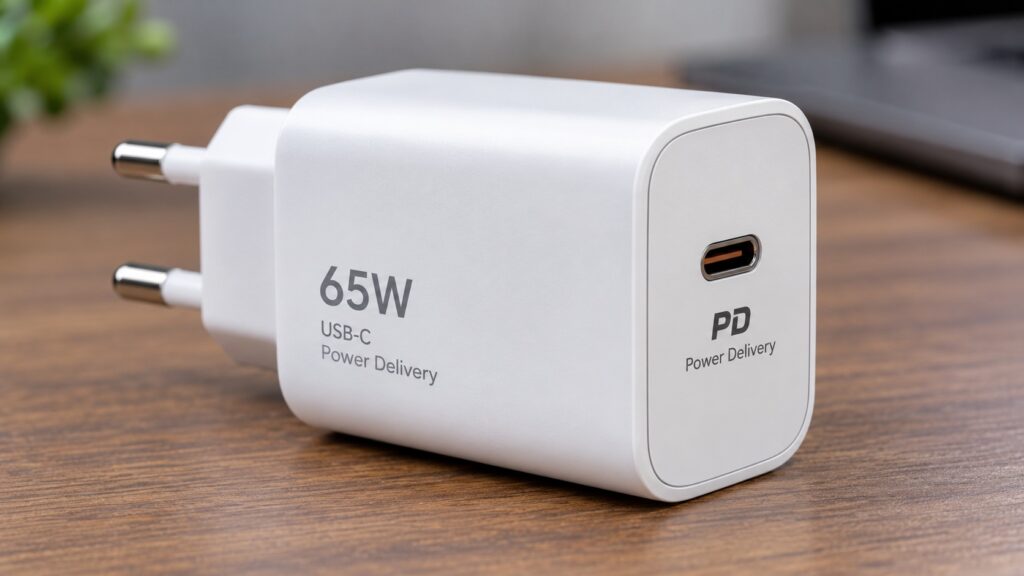
A power adapter supporting Power Delivery

PD lets the adapter and the connected device agree on suitable power parameters. Basic PD support, however, does not guarantee that a phone will charge at its top speed. For many current Android phones, the PPS extension is important. It lets the device adjust voltage and current more flexibly to match what the battery needs.
A PPS label alone is not enough either. Adapters differ in their supported voltage ranges and maximum current. One may supply up to 3 A within a given range, another up to 5 A, and that difference can be decisive for a particular phone. The source author now checks specifications roughly in this order:
- Does the adapter support the charging protocol the phone needs?
- What voltage and current does the adapter offer?
- What is the maximum power the phone accepts through that protocol?
- How many watts can the adapter deliver through the chosen port?
Only after that does the adapter’s total wattage become relevant. Otherwise, you can end up with a 100 W unit that handles a laptop well but charges the phone no faster than an old 25 W adapter.
A poor cable can undermine a good charger
Once protocols looked like a likely cause, the author turned to the USB cable. People rarely think about cable specifications: if the connectors fit, it should work. But USB-C cables differ. Many are rated for up to 3 A. If reaching the required power takes 5 A, you need a matching cable with an electronic marker chip, known as an E-Marker.
The E-Marker chip tells connected devices what the cable can handle. Without a suitable cable, the adapter and the phone cannot use some high-power modes. One important caveat: not every fast-charging phone needs a 5 A cable. The same power can be delivered through different combinations of voltage and current, so cable requirements depend on the protocol in use.

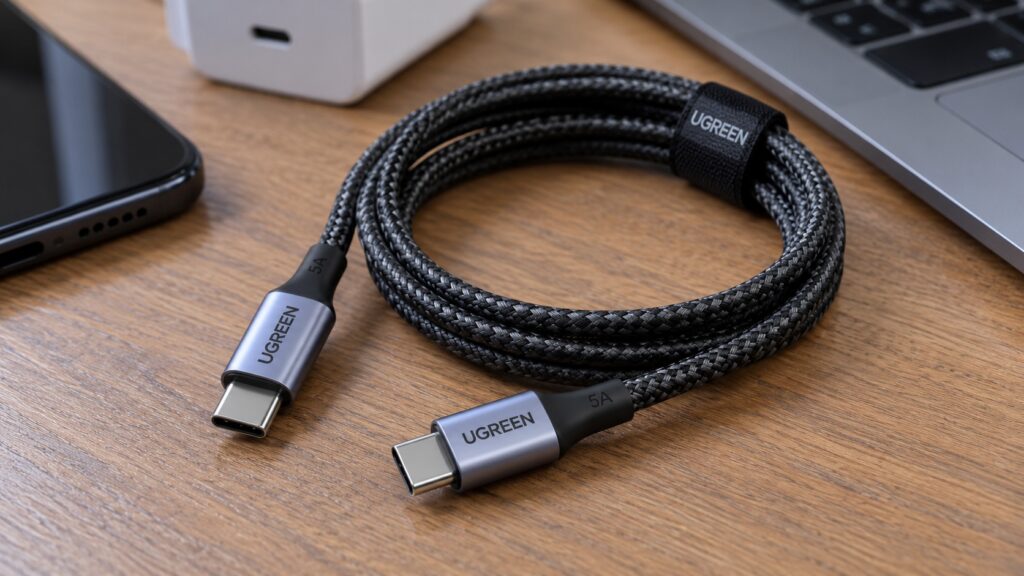
A UGREEN 5 A cable
Proprietary technologies are even more complicated. Some charging systems from OnePlus, OPPO and other makers are designed for special cables that provide the required current and compatibility with the matching adapter. At the same time, there is no need to buy a 240 W-rated cable just for a phone. That figure describes the cable’s capability in certain USB Power Delivery modes. It does not guarantee compatibility with any proprietary charging system. The upshot is that a good adapter can lose much of its advantage because of an unsuitable cable.
Peak power does not last long
Suppose the adapter supports the right protocol, the cable is suitable and the phone can accept the rated power. Charging still will not run at 100 W the whole time. Batteries charge unevenly. Peak power is usually available only during part of the process, after which the electronics gradually reduce it. A nearly empty battery can take in more energy. As it fills, current is lowered to avoid overheating and excessive stress on the cells.
This is especially noticeable around 80–100%. The last percentage points often arrive much more slowly than the first, even on phones advertised with very fast charging. Temperature limits also apply. If the phone is warm after gaming, sitting in direct sunlight or running heavy tasks while charging, its power management system may slow charging down.
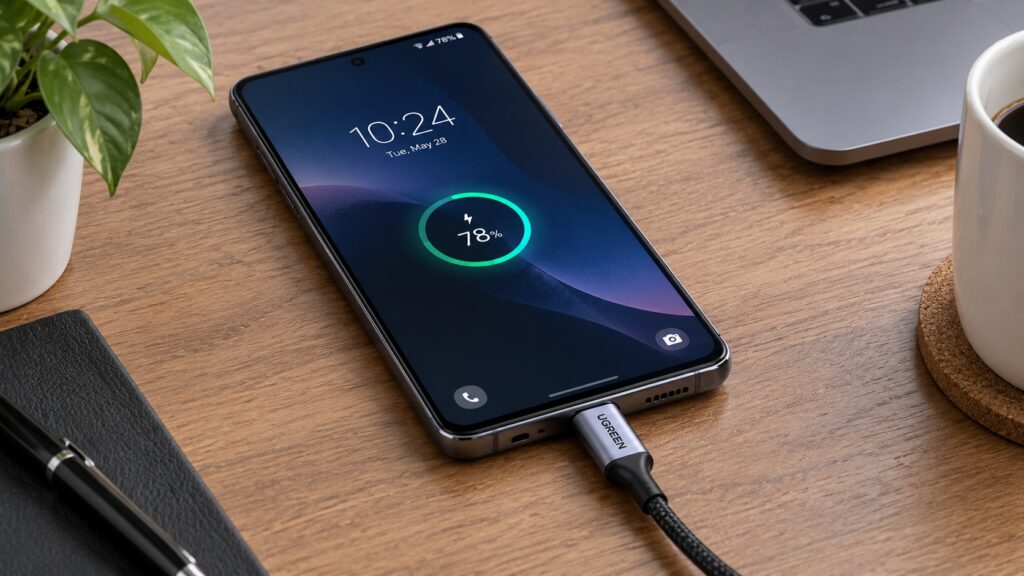
An Android smartphone on charge
How to compare chargers fairly
The source author advises against judging a new adapter by plugging in a phone that is already at 85%. It is better to compare under identical conditions, for example charging from 10% to 50% after letting the phone cool down. Go by the actual time it takes to charge, not by the “Fast charging” message on screen. That message does not always reflect how many watts the phone is receiving at a given moment.

Five things to check before buying a charger
The author concludes that choosing an adapter by wattage alone makes little sense. It is far more useful to check compatibility with the specific phone in advance:
- The phone’s charging power. How many watts does it support, and through which standard? The source recommends confirming this on the manufacturer’s official website.
- Charging protocols. Does the adapter offer USB PD, PPS or the required proprietary technology? Matching wattage alone is not enough.
- Output parameters. What voltage and current values are listed in the specifications? Check the PPS modes carefully if the phone relies on PPS.
- Cable requirements. Does the cable support the necessary current, and is it compatible with the chosen fast-charging technology?
- Power sharing. How many watts does each port get when a phone and other devices are connected at once?
The last point is often overlooked. Some adapters with two or three ports deliver 100 W only when a single port is in use. Plug in a second device and the power is redistributed. Instead of 100 W, one port might get 65 W and the other 30 W, though exact figures depend on the adapter model. Some adapters also briefly cut power when a new device is connected, so they can renegotiate charging modes. A three-port charger labelled 100 W therefore cannot necessarily charge every connected device at full speed at the same time.
A 65 W charger can be the better choice
A 100 W adapter is useful in itself, especially in a household with a laptop, a tablet and several phones. One compact unit can charge different devices without occupying several sockets. For a single phone, though, high wattage does not always make sense. If a phone supports at most 45 W through PPS and the 100 W adapter does not offer a suitable mode, a cheaper 45 W or 65 W model with the right specifications may perform noticeably better.
The same applies to phones with proprietary fast charging. If maximum speed is available only with a specific adapter and cable, a universal unit cannot fully replace them. The source author suggests finding out first how fast the phone can charge from third-party adapters, and only then choosing a specific model.
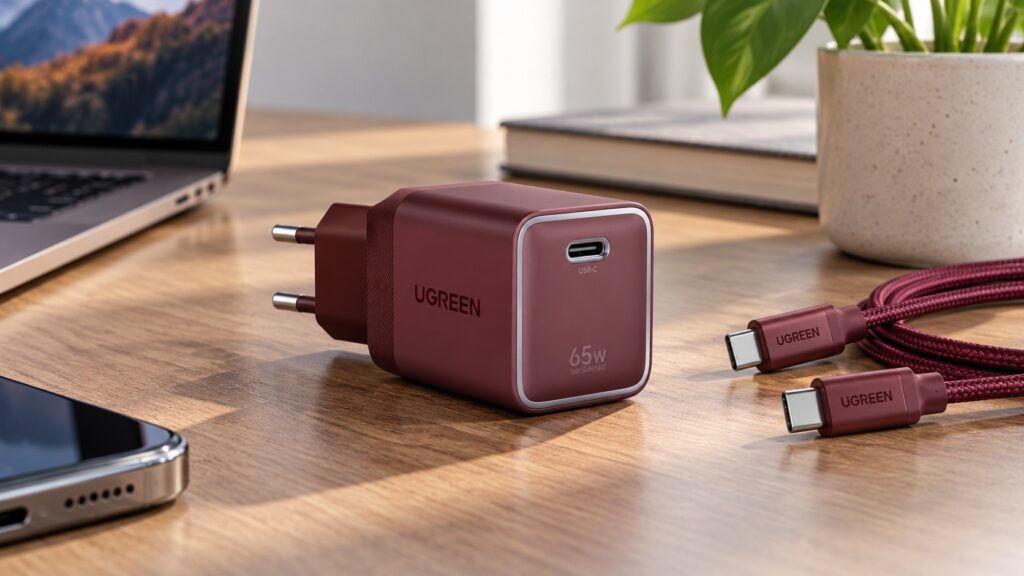
A compact 65 W UGREEN charger
The bottom line
The wattage on the box is far from the most important measure of a good charger. What matters more is that the adapter, the cable and the phone support compatible operating modes. If a phone charges no faster after you buy a 100 W adapter, that is not necessarily a reason to return it. The adapter may well work properly and be able to deliver its rated power. The particular phone simply cannot use all of it.