watchOS 27.2 restores the list of recently used apps that Apple Watch Series 10 owners lost in watchOS 27. It no longer opens with a double press of the Digital Crown. Instead, you hold a finger at the bottom edge of the screen while inside any app. The source author installed the update on an Apple Watch Series 10 for this feature. They report that the new gesture works well and that battery life and iPhone connectivity were unchanged.
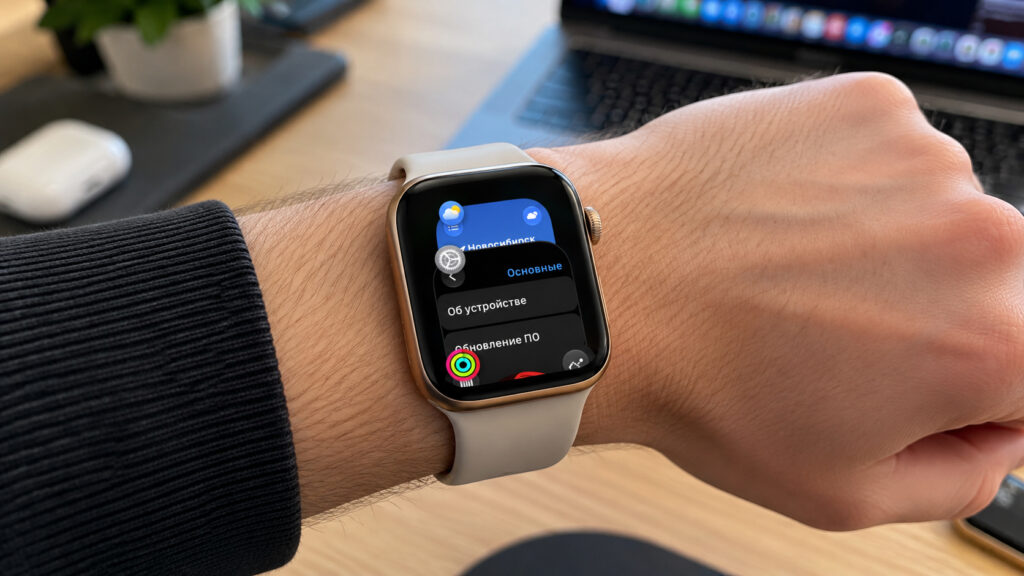
Apple Watch Series 10 on a wrist with the recent apps carousel open on screen
What you need to know
- In watchOS 27, double-pressing the Digital Crown triggers Live Rewind, a feature limited to newer models. Series 10 owners were left with no app switcher.
- In watchOS 27.2, released on October 26, you open the recent apps carousel by holding a finger at the bottom edge of the screen inside any app. The gesture does not work from the watch face.
- Apple’s release notes do not mention the returning switcher. Users found it, and Appleosophy later confirmed it.
- The update is about 1 GB. The watch should be on its charger with more than 50% battery, or the installation will not start.
Why the app switcher went missing
Before watchOS 27, double-pressing the Digital Crown opened a list of recent apps. You could scroll through it with the crown, pick an app, or swipe away one that had frozen. In watchOS 27, Apple gave that gesture to Live Rewind, which works only on newer models. The source describes it as one of the few features the Series 10 does not have.
As a result, Series 10 owners lost the app switcher with no replacement. A double press no longer brought up the familiar row of cards. Returning to something like a timer started a minute earlier meant digging through the main app menu. The source author calls this a small issue that became more irritating than most bugs because it came up many times a day.
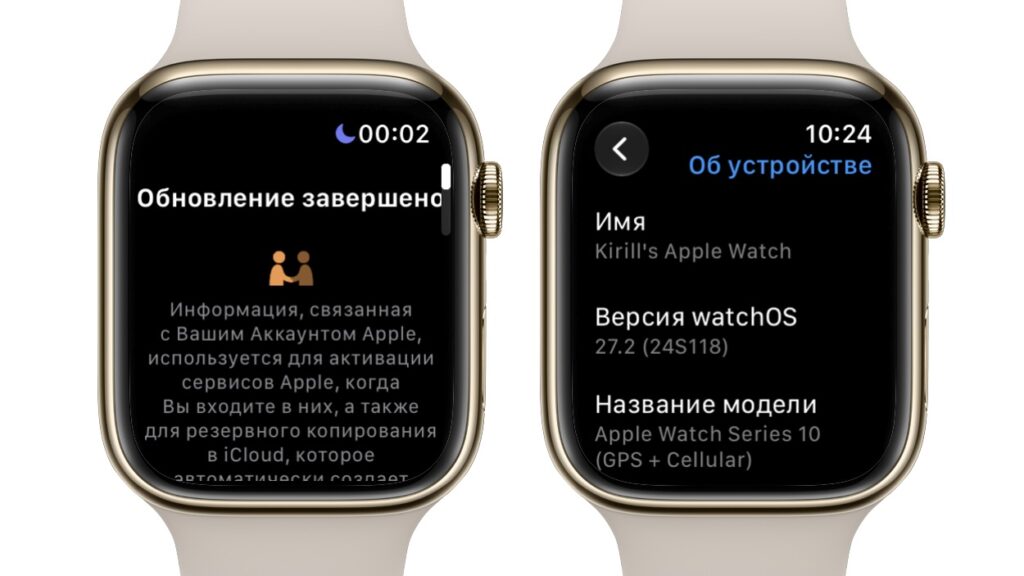
Update completion screen and the About section showing watchOS 27.2 on an Apple Watch Series 10
According to the source, Apple acknowledged the problem quickly. The switcher appeared in the second watchOS 27.2 beta in September, and it was already clear then that it would open in a new way. The final release on October 26 kept the beta’s behavior.
How to open the recent apps carousel in watchOS 27.2
The list of recent apps now opens with a gesture on the display, and it works inside any app. Hold your finger at the bottom edge of the screen, and the familiar card carousel appears a moment later. You do not need to turn on any setting. The gesture is available as soon as the update is installed.
- Open any app on the watch.
- Press your finger against the bottom of the screen and hold it for about a second.
- When the carousel appears, scroll through the cards with the Digital Crown.
- Tap the app you want to switch to.
- To close a frozen or unneeded app, swipe its card to the left and tap the X.
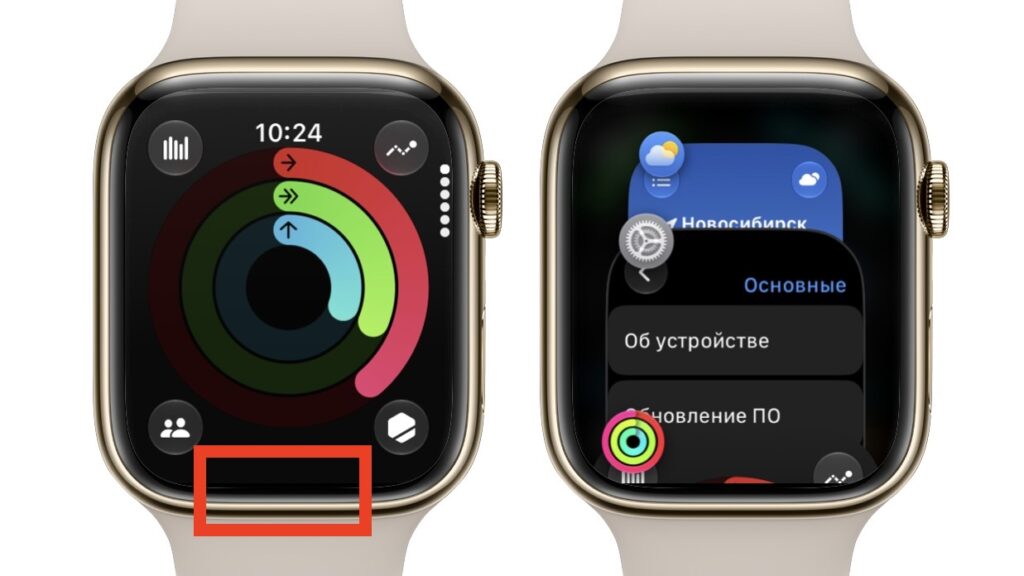
Left: a red frame marks the area at the bottom of the screen to press and hold; right: the open app carousel
Two limitations to keep in mind
Hold right at the edge. If you touch the middle of the screen, the watch treats it as a tap on a button or menu item inside the app and opens something else.
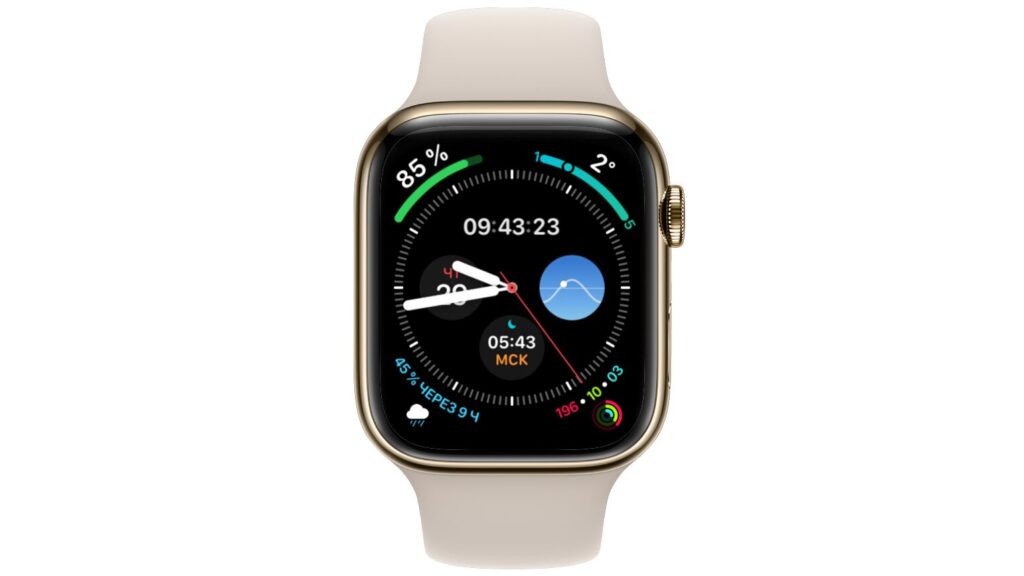
Apple Watch Series 10 watch face: the app carousel cannot be opened from here
It does not work from the watch face. The gesture only works inside apps. From the watch face, first open any app through the Digital Crown menu, then bring up the recent apps list. The carousel is meant for jumping between apps once you are already in one.
Why the source author prefers the new gesture
The source author says they expected to dislike the change, because moving a familiar function to a new gesture often makes it unreliable. In their experience, the opposite happened.
Their reasoning is simple. When you are using an app on the watch, your finger is already on the screen. Before, switching apps meant moving that finger to the crown and landing a precise double press. If you were slightly too slow, the app menu opened instead of the list. Now, the author reports, switching takes about a second: you hold your finger where it already is and pick a card, with no missed presses.
The author also notes that the Digital Crown no longer has a double role. A single press opens the app menu, a long press summons Siri, and app switching happens on the screen, so these actions no longer get mixed up.
Battery life and connectivity after the update
The source author reports no problems with battery life or the connection to the iPhone after installing watchOS 27.2. According to the author, their Series 10 lasts until evening with the same margin as on the previous version. The charge does not drop sharply overnight or after a workout.
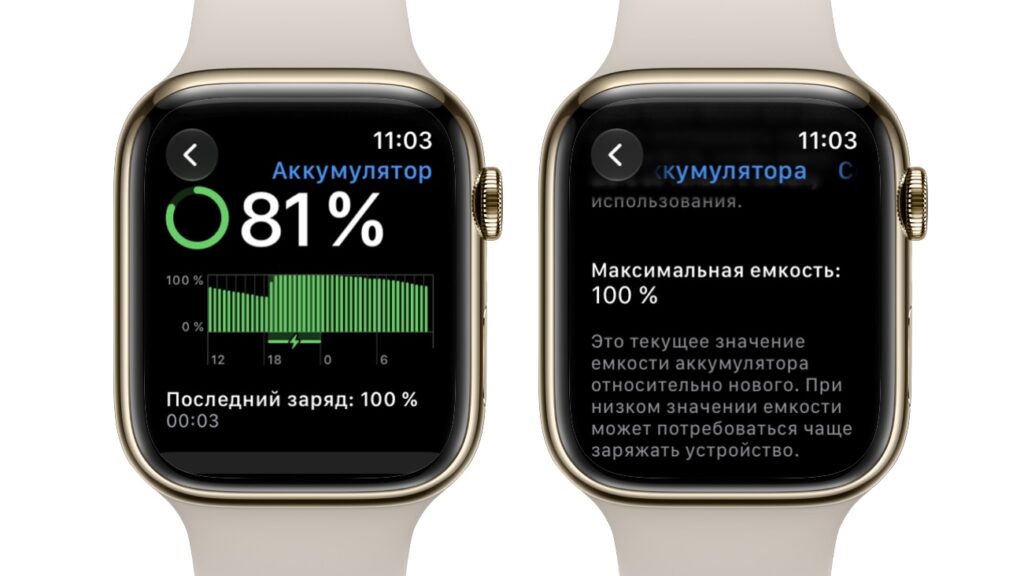
Apple Watch Series 10 battery level after the update and its maximum capacity
In the author’s screenshot, the watch was last charged to 100% shortly after midnight and still had 81% by 11 a.m. Maximum battery capacity remained at 100%.
The author also says the watch never lost its connection to the iPhone, notifications arrived as before, and no manual reconnection was needed. These are observations from one device, not systematic testing.
The source adds one caveat. For the first day or two after any update, the watch may drain faster than usual. If you notice this, the author suggests waiting a couple of days before drawing conclusions.
What else is in watchOS 27.2
The headline item in Apple’s release description is Siri AI improvements. According to the source, the assistant now responds faster and can remember past conversations. It can also draw on photos in Messages, the calendar and voicemail. Support was added for French, Japanese, Korean, Portuguese and Spanish. Russian is not on the list, so the source author could not use these features.
The official release notes do not mention the returning app switcher. Users found it on their own, and it was later confirmed by Appleosophy.
How to install watchOS 27.2
The update is about 1 GB and can be installed from the iPhone. Put the watch on its charger first and make sure the battery is above 50%; otherwise, the installation will not start.
- Open the Watch app on your iPhone.
- Go to My Watch > General > Software Update.
- Tap Download and Install, and keep the iPhone near the watch until installation finishes.
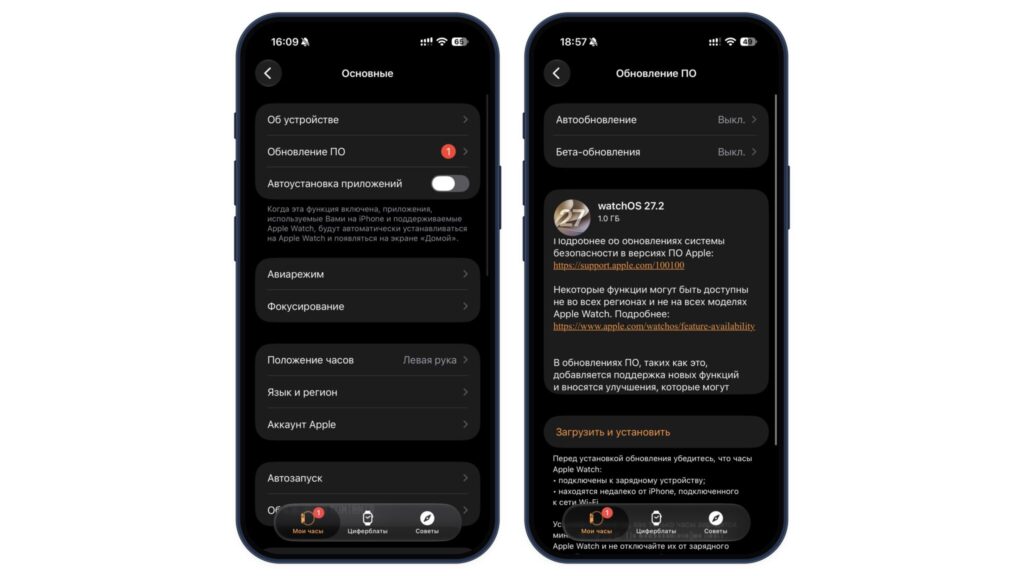
The General section and the watchOS 27.2 download page in the Watch app on iPhone
You can also update directly on the watch via Settings > General > Software Update. The source author finds the iPhone route faster.
Is the update worth installing on a Series 10?
The source author’s conclusion is yes, especially for Series 10 owners who missed the app switcher after upgrading to watchOS 27. The update adds little else they could use, but the restored carousel makes the watch noticeably more convenient than it was on watchOS 27.0.