An eSIM cannot be moved to a new phone the way a plastic SIM card can. When you switch devices, the carrier issues a new eSIM profile for the same number, and the old one stops working. According to support pages from Russian carriers cited by the source, your number and tariff carry over. The order of steps matters: install and test the new eSIM first, then delete the old one. In Russia, deleting the old profile first can mean an in-person visit to a carrier store with a passport. The source, a Russian-language guide, also covers a draft Russian anti-fraud package that would tie eSIM numbers to specific devices. It is not yet law.
What you need to know
- An eSIM chip is soldered into the phone. Your number lives on a digital carrier profile that is activated on one specific device, so it cannot be pulled out and moved.
- The most common mistake is erasing the eSIM on the old phone, including through a factory reset, before the new one works. According to the source, Russian carriers then require an in-store visit with a passport.
- Russian carriers apply temporary anti-fraud limits after a transfer. The source says MTS may restrict SMS and financial operations for 24 hours, and T2 blocks SMS for 12 hours.
- Russia’s draft “Antifraud 3.0” package would require eSIM contracts to include the device’s IMEI. If adopted, most measures would take effect only from March 1, 2028.
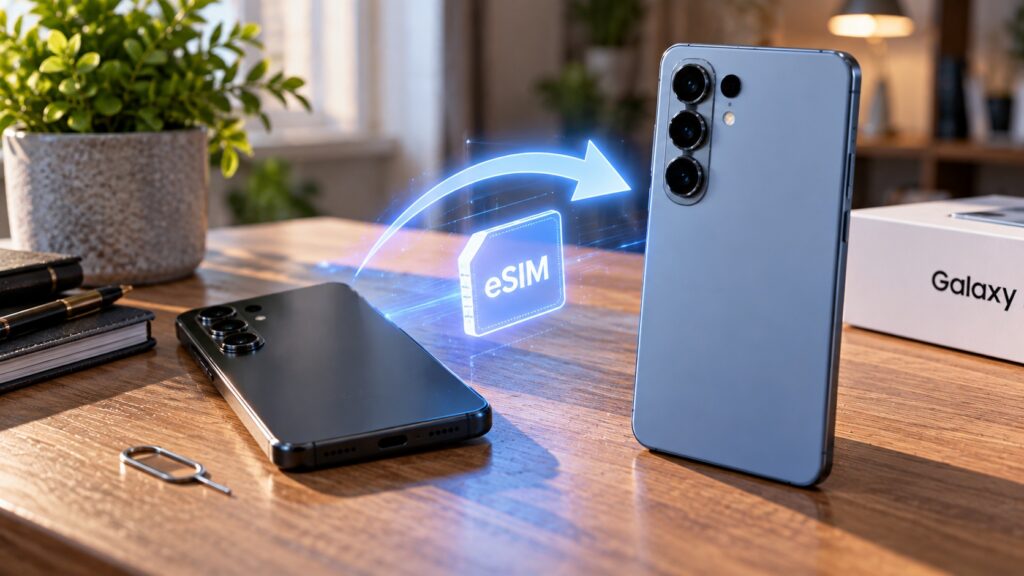
Transferring an eSIM from one phone to another
Why an eSIM can’t be swapped like a regular SIM
A conventional SIM card is a piece of plastic with a chip that stores your number, so you can move it to any phone. An eSIM also has a chip, but it is soldered onto the phone’s board. Your number is loaded onto it as a digital profile from the carrier.
That profile is downloaded and activated on a specific smartphone. You cannot extract it and move it to another phone. Switching phones with an eSIM is therefore a reissue process rather than a card swap. How quickly your number works on the new device depends on doing the steps in the right order.
The mistake that can send you to a store with your passport
The most frequent error is erasing the eSIM on the old phone first and only then trying to set it up on the new one. According to the source, Russian carriers have changed how they handle eSIMs. After such a deletion, the transfer can no longer be completed online, and the customer has to visit a carrier store with a passport.
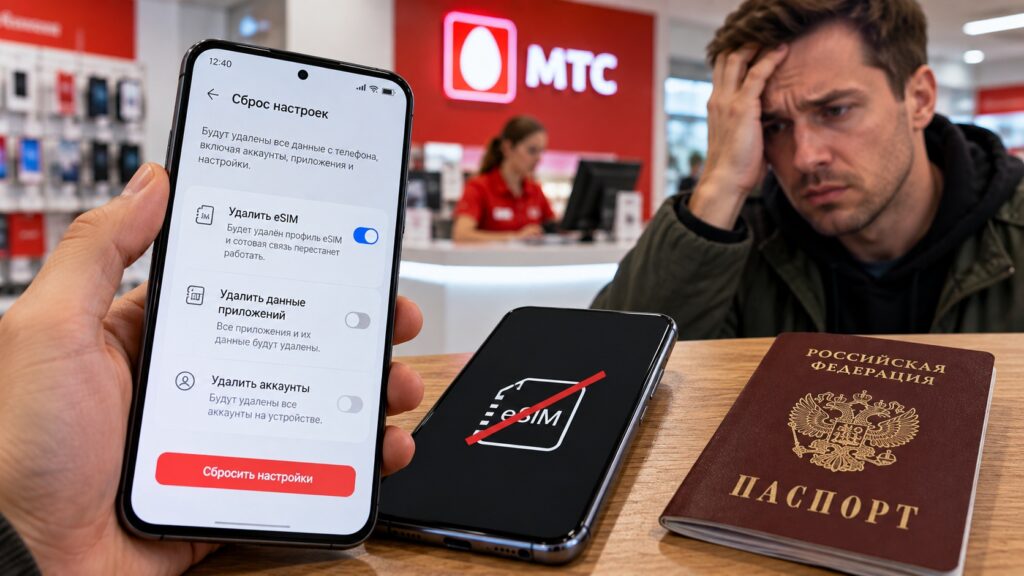
Deleting an eSIM too early is the main mistake
A factory reset can trigger the same problem. The source notes that many Android phones offer a separate option to erase the eSIM during a reset. If you plan to sell or give away your old phone, do not wipe it until the new one is working.

How to transfer an eSIM to a new Android phone
The source says the procedure is roughly the same across the Russian carriers it reviewed. Other carriers and countries may handle reissues differently, so check your own carrier’s instructions. The general sequence it describes:
- Make sure the old phone with the eSIM is at hand and working.
- Connect the new phone to Wi-Fi, because you will have no mobile service during the transfer.
- Request an eSIM reissue through your carrier’s app, your online account or a carrier store.
- Get a QR code, or confirm automatic installation on the new phone.
- Add the eSIM in the new phone’s settings.
- Confirm that service works, and only then delete the old eSIM profile on the previous phone.
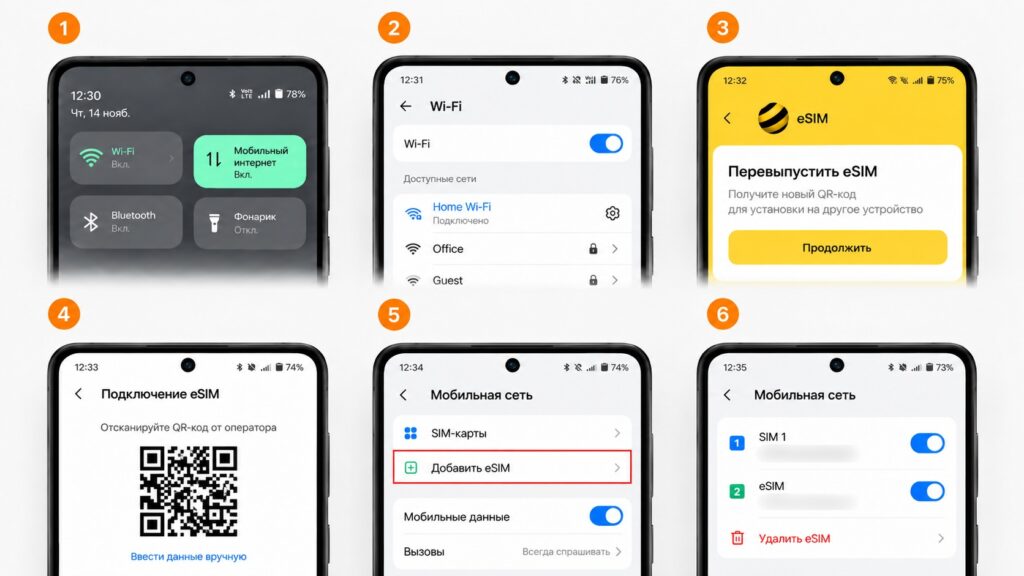
Reissuing and registering an eSIM on a new smartphone
The source stresses that the final step, keeping the old profile until the new one works, is what prevents a trip to the store.
Adding an eSIM by QR code on Android
- Open Settings.
- Go to Connections or Network & internet.
- Choose SIM cards or SIM card manager.
- Tap Add eSIM and scan the QR code from your carrier.
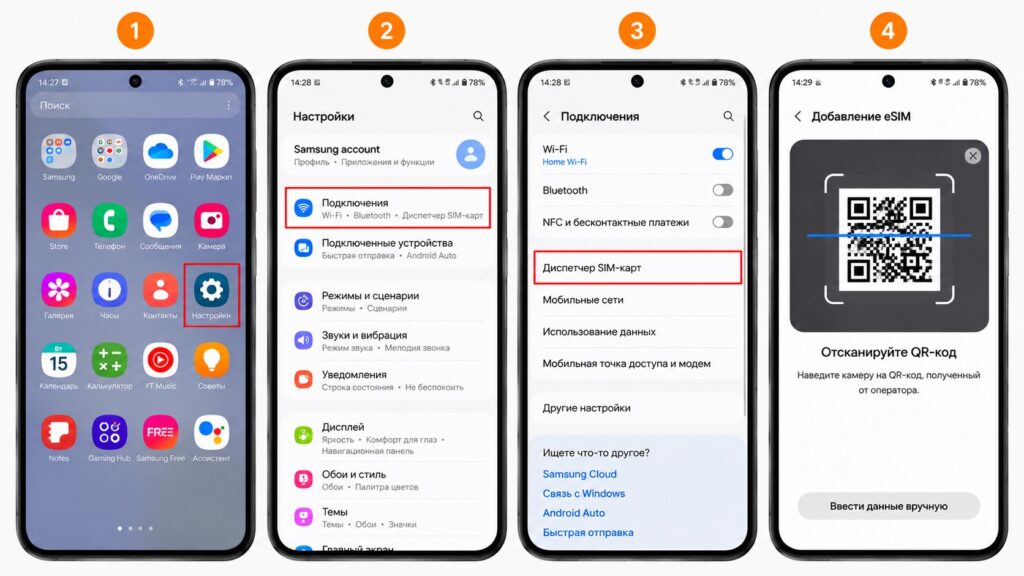
Adding an eSIM in the new smartphone’s settings
Menu names can differ on Samsung, Xiaomi, realme, HONOR and other phones. Some carriers also support installation directly from their app without scanning a code. The source cites Russia’s Beeline as an example, where the request must be confirmed on the old phone.
How tightly Russian carriers control reissues
The source describes carrier-specific procedures for Russia’s MTS, MegaFon, Beeline and T2. A few of the conditions it reports show how strictly eSIM reissues can be controlled. At MTS, free online replacement is available only to Russian citizens with a verified account on the government services portal Gosuslugi, and no more than twice in 30 days. When the online route is not available, for example because the old phone has been lost, the remaining option in Russia is a carrier store visit with a passport. According to MTS support documentation, the new eSIM must be downloaded to the phone within 6 hours of the replacement.

Why SMS may not arrive after a transfer
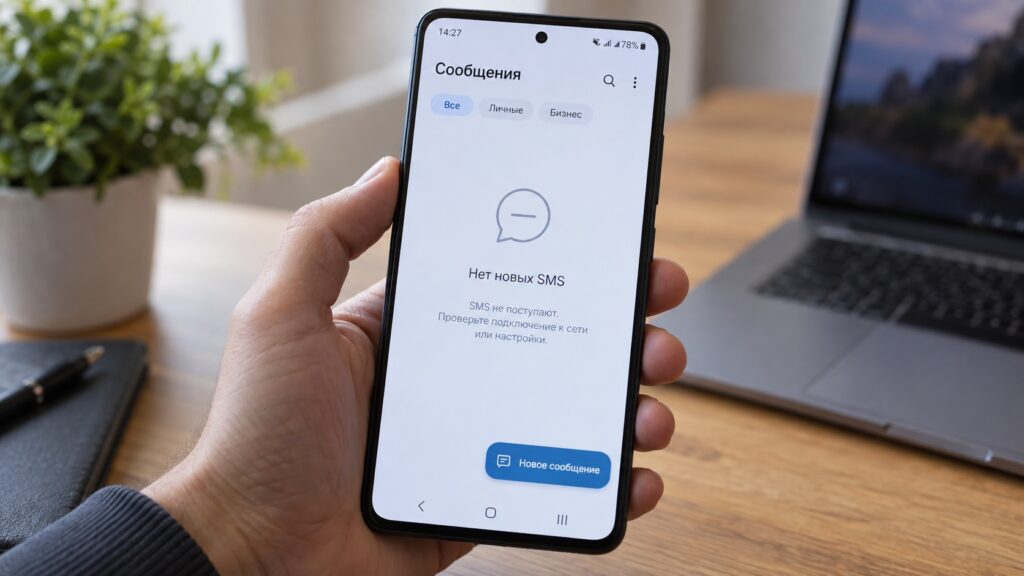
Problems receiving SMS after an eSIM transfer
Even when everything is done correctly, the number may not be fully functional for the first few hours. The source explains this as protection against fraudsters who try to hijack numbers through SIM replacement. The Russian carrier restrictions it lists:
- at MTS, SMS and financial operations may be restricted for the first 24 hours;
- at T2, SMS are unavailable for 12 hours after a new profile is installed;
- a new eSIM can be activated only inside Russia, so the source recommends transferring before any trip abroad.
If you are expecting a confirmation code from a bank or a government service, the source advises transferring the eSIM on a quiet day rather than just before an important payment.
Russia’s draft “Antifraud 3.0” rules could tie eSIMs to devices
On September 30, Russia’s Ministry of Digital Development published a draft package of anti-fraud measures known as “Antifraud 3.0.” Kommersant reports that it includes a provision on eSIMs. If a device has an eSIM, the subscriber’s contract with the carrier must include that device’s data and identifier. Devices with eSIMs would need their IMEI listed, and carriers would verify this information.
In practice, an eSIM number would be officially tied to a specific phone. The draft does not explain how switching phones would work, including whether contract details would need updating each time. It remains a proposal. If adopted, most of its measures would take effect only from March 1, 2028.
Bottom line
An eSIM does not travel to a new phone. It stays tied to the device where it was activated, and the carrier issues a new eSIM for the same number while the old one stops working. Your number and tariff are kept, as stated in Beeline’s support documentation and, according to the source, by other carriers.
According to the source, the transfer takes a few minutes if done in order: install the new eSIM first, then remove the old one. Don’t reset the old phone too early, and expect possible SMS restrictions in the first hours. Russia’s draft device-binding rules would not apply before 2028, and how they would affect phone changes is still unclear.


