Android security patches come out every month, and usually that’s good news. But the April 2026 update turned into an unpleasant surprise for Samsung Galaxy S25 and S24 owners. After installing the update, Samsung phones drain quickly and overheat. And these aren’t isolated complaints. In an Android Authority poll, over 75% of participants confirmed that their devices were also affected. Samsung remains silent. Here’s what’s happening and what you can do about it.
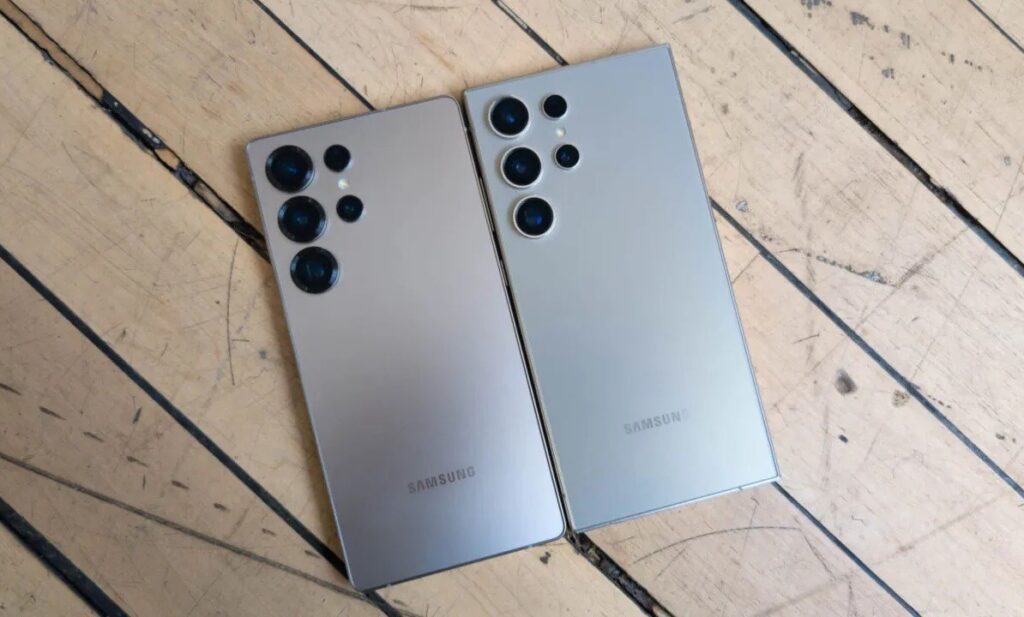
Another update has significantly worsened Samsung’s battery life. Image: androidauthority.com
Problems with the Galaxy S25 and S24 Update
Samsung began rolling out the April security patch for the Galaxy S25 and S24 lineups. The update was supposed to fix vulnerabilities, but instead brought serious battery life problems. Owners of both flagship generations started reporting a sharp increase in battery drain and noticeable device heating.
Samsung's April patch turned flagships into devices with budget phone battery life.
The scale is impressive. One Android Authority reader described the situation: charged the phone to 100% before bed, and woke up to 31% despite not using the device at all overnight. This never happened before the update.
Which Samsung Phones Are Draining Fast
Android Authority conducted a poll among readers — the results are alarming. Over 75% of respondents said they experienced abnormal battery drain after installing the April update. These aren’t isolated cases or a problem with a specific batch. This is a widespread failure.
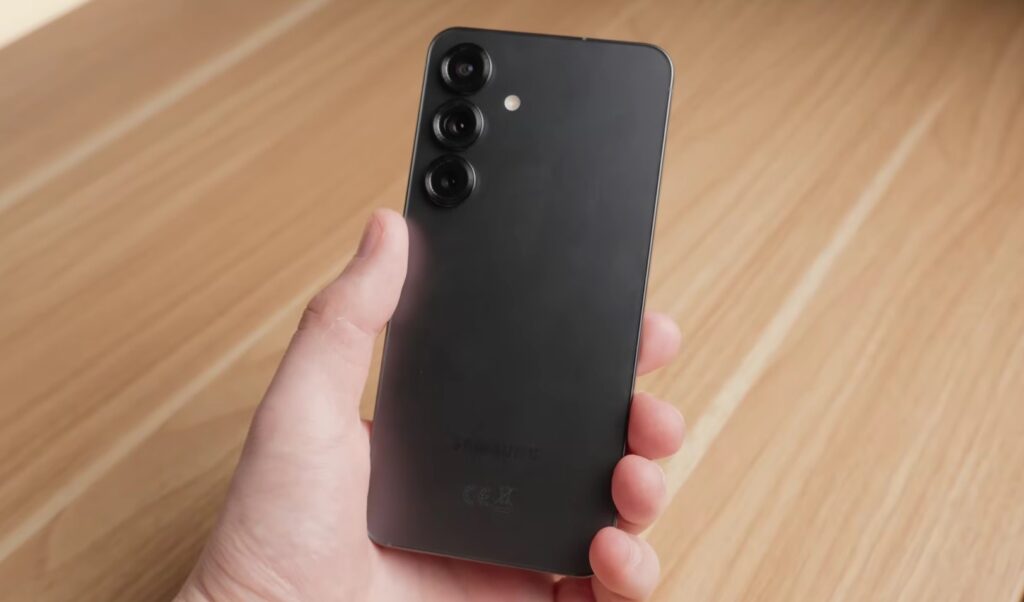
Samsung flagship owners are experiencing the problem. Image: Arran Brown
Notably, a similar situation recently happened with Pixel owners: after the March update, thousands of users also complained about rapid battery drain. It seems that the quality of security updates for Android smartphones this season is a systemic issue. The One UI update added problems instead of solving them. The situation is unpleasant but, unfortunately, not unique.
75% of Samsung owners are affected.
Samsung won’t hold a charge after the update for three out of four owners. This is no longer a bug — it’s a catastrophe.
Why Samsung Drains Quickly After the Update
The exact cause hasn’t been identified yet, but users have put forward several theories. The most popular one involves the system Knox Matrix app. This is a built-in Samsung service responsible for secure communication between devices and isolating compromised devices on a network. If Knox Matrix started working incorrectly after the update (constantly active in the background), this would explain both the drain and the overheating.
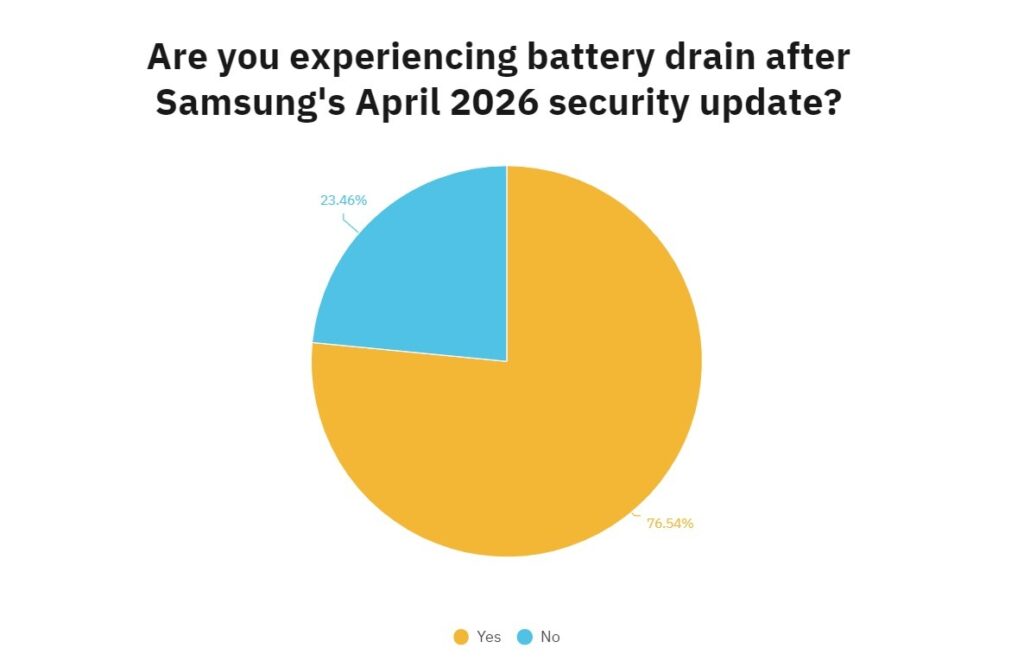
According to the poll, more than two-thirds of users encountered the problem. Source: androidauthority.com
Other users point to Meta apps as a possible culprit. There are theories about intentional throttling of older devices, but there’s no evidence to support this. The Samsung battery itself is not to blame. The problem is software-related, which means it’s fixable.
Knox Matrix running in the background is the main suspect, but Samsung remains silent.
What to Do If Your Samsung Is Draining and Overheating
There’s no guaranteed fix, as Samsung hasn’t released a patch yet. But there are steps that may reduce battery drain while waiting for a fix:
- Check “Settings — Battery — Battery Usage” to see which app or system process is consuming the most power. If it’s Knox Matrix — try disabling synchronization between Samsung devices in settings.
- Update Meta apps to the latest version or temporarily restrict their background activity.
- Restart your smartphone after the update if you haven’t done so already. Sometimes this helps system processes complete optimization correctly.
- Clear the system partition cache via Recovery mode: turn off the phone, press and hold the power and volume up buttons simultaneously, then select Wipe cache partition from the menu.
- If nothing helps — enable power saving mode. This isn’t a solution to the problem, but it will help you make it to a charger in a critical situation.
It’s important to understand: all of the above are workarounds, not a cure. The phone drains quickly due to a software glitch, and a proper fix can only come from Samsung with a new update.
Fixing Samsung Battery Issues Through a One UI Update
At the time of publication, Samsung has not issued an official statement and has not confirmed the problem. The timeline for a fix is unknown. When three-quarters of users report the same defect and the manufacturer stays silent, it looks strange even by corporate communication standards.
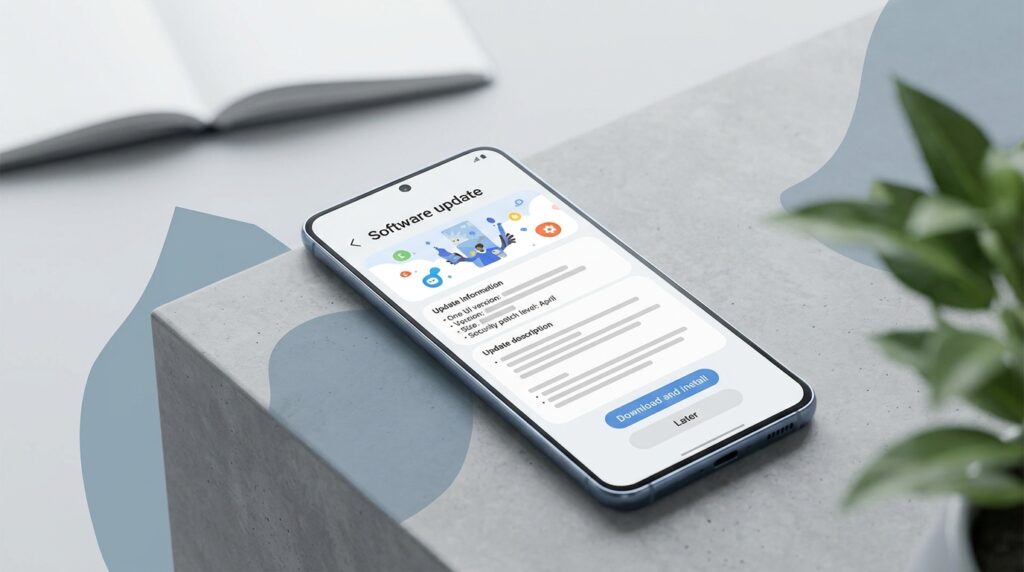
All we can do is wait for an update that will fix the problem
If you have a Galaxy S25 or S24 and Samsung is draining after the update, but the update hasn’t installed automatically yet, it makes sense to wait. You can postpone the installation of the April patch in the “Software Update” section in settings. Yes, this means temporarily forgoing the latest security fixes. But stable smartphone performance is more important in this case.
A phone battery shouldn’t die in a few hours because of an update. This is a reminder that even security patches from major manufacturers should be installed with caution, especially in the first days after release.