The debate over what’s better — restarting or shutting down your smartphone — has been going on for a long time. Some believe modern phones don’t need a restart at all, while others turn off their device every evening “for battery health.” In reality, these are two different processes, and each solves its own tasks. In this article, we’ll break down how a restart differs from a full shutdown, when to use each method, and how to properly do it on iPhone and Android smartphones.
Understanding the difference between these seemingly simple actions
Differences Between Restarting and Shutting Down a Smartphone
At first glance, both actions look the same: the screen goes dark, the phone goes quiet, then boots up again. But in terms of what happens inside, these are two different scenarios.
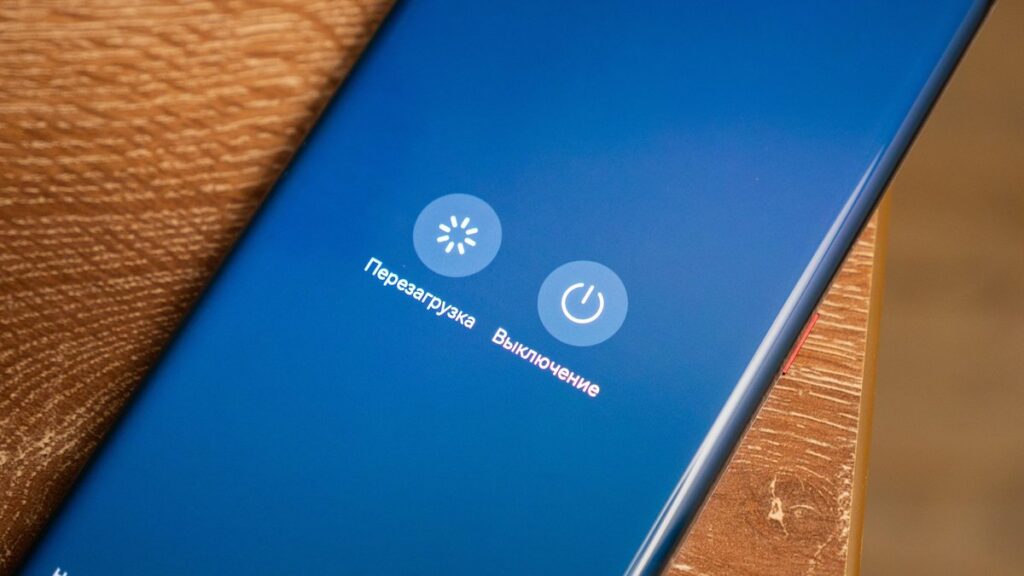
Restarting vs. shutting down a smartphone: what are the differences
Restart (restart, reboot) — this is a command for the system to terminate all processes and immediately start up again. The smartphone “knows” it’s about to turn back on, so some service data is preserved, and the hardware doesn’t actually have time to fully lose power. That’s why a restart is faster and gentler on the device.
Shutdown (shutdown, power off) — this is a complete stop of all operations. All running applications are closed, RAM is cleared, and power is cut from most components. When you then press the power button, the system starts “from scratch”: it performs a deeper self-check, reinitializes communication modules, sensors, and storage.
To simplify, the difference is:
- Restart — is a “quick reboot” of the software side without fully powering off the hardware.
- Shutdown and power on — is a complete state reset, including processor cache and RAM, followed by a cold boot.
- A restart takes less time and uses fewer resources, but shutting down more deeply “cleans” the system of accumulated software errors.
An important nuance: on iPhones and many Android smartphones, the “restart” option in the power menu actually hides a full cycle — the system truly shuts down the device and brings it back up. However, a “soft restart” through gestures or hotkeys on iPhone (Force Restart) works differently — it’s an emergency reboot for when the phone is frozen and not responding to touch.
When Is a Restart Enough, and When Is It Better to Shut Down
Short answer: for everyday tasks, a regular restart is sufficient in most cases. A full shutdown is needed less often, but sometimes it’s genuinely more effective.
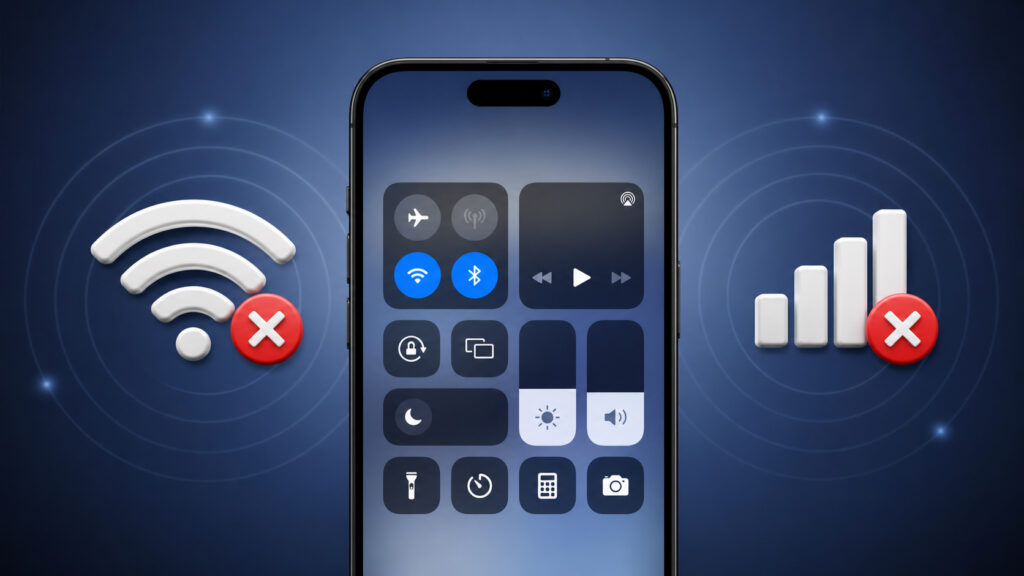
Losing network and internet access is one reason to restart
A restart solves most minor problems:
- an app has started lagging or crashing;
- Wi-Fi or mobile data won’t connect;
- Bluetooth headset or smartwatch isn’t working;
- after installing an update, an app or the system behaves strangely;
- the phone has become slower even though there’s enough free memory.
In these situations, a restart redistributes RAM, reloads system services, and applies the latest settings changes. That’s why app developers and Apple themselves often recommend restarting the device after updates — without a restart, some changes simply won’t activate.
A full shutdown is useful in other cases:
- the smartphone is overheating significantly and won’t cool down even at rest;
- the system freezes regularly, and restarts only help briefly;
- you’re flying on a plane or going somewhere you won’t need connectivity for several hours;
- the phone will sit unused for a long time (for example, a backup device);
- you need to give the battery a “rest” before long-term storage.
With a full shutdown, the processor cache is completely cleared, background processes don’t resume automatically, and at the next startup, the system performs a more thorough component check. This helps when errors have accumulated that a regular restart can’t resolve.
How Often Should You Restart Your Smartphone
How often should you restart your smartphone
There are no strict recommendations from Apple or Google on restart frequency, but practice and advice from security experts converge on roughly the same schedule:
- Once a week — a regular restart. This is enough for the system to clear RAM, apply updates, and prevent software errors from accumulating.
- Once every one to two weeks — a full shutdown for at least 30–60 seconds. This more deeply resets the state of communication modules and helps “rejuvenate” the system.
- As needed — if the phone is lagging, overheating, can’t find a network, or behaves strangely after an update.
A separate argument in favor of regular restarts is security. The U.S. National Security Agency (NSA) in its mobile device protection guidelines recommends restarting your smartphone at least once a week: this resets some simple attacks and spyware processes that only persist in RAM.
How to Restart an iPhone
The method depends on the model. On modern iPhones with Face ID, the buttons work differently than on older models with Touch ID.
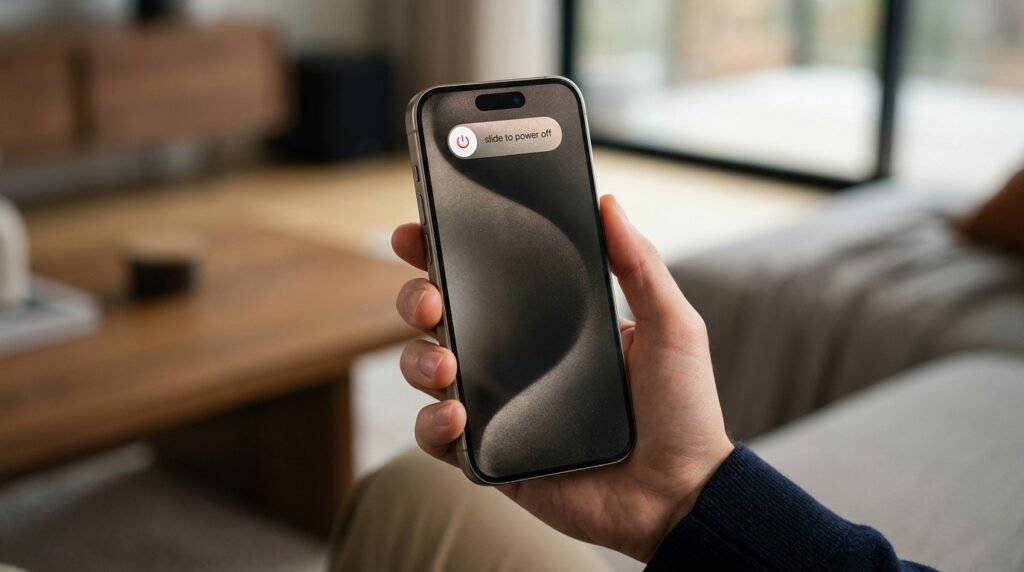
Standard restart for iPhone with Face ID (iPhone X and later, including iPhone 15, 16, and 17):
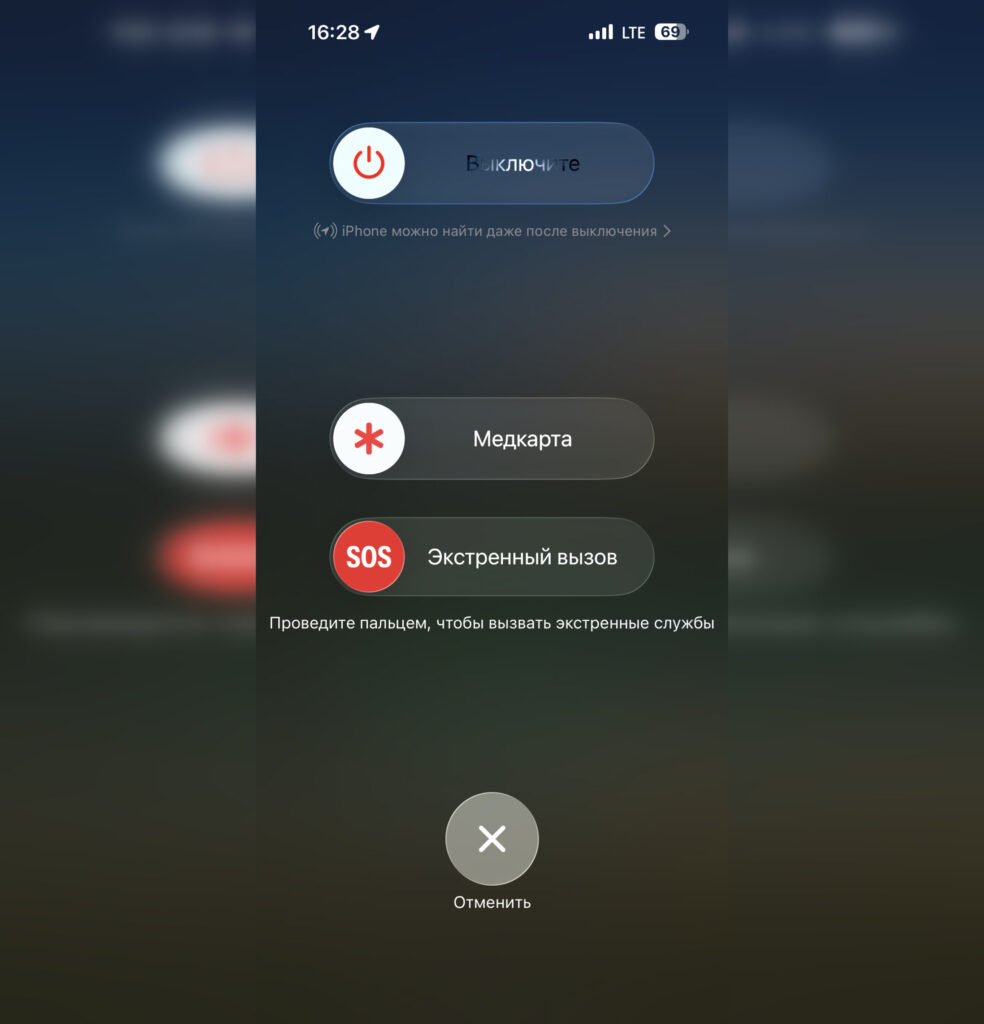
Hold the buttons and you’ll get the familiar interface
- Press and hold the side button and either volume button simultaneously.
- Wait for the “Slide to Power Off” slider to appear.
- Slide the slider to the right and wait about 30 seconds until the screen goes completely dark.
- To turn the phone back on, hold the side button until the Apple logo appears.
Standard restart for iPhone with Home button (iPhone SE, iPhone 8 and older):
- Press and hold the top or side button.
- Wait for the “Slide to Power Off” slider and swipe it.
- After about half a minute, turn on the device with a long press of the same button.
Restart through Settings (universal method for iOS 16 and later): open “Settings,” go to the “General” section, and scroll down to “Shut Down.” After that — the same slider.