The smartphone market is undergoing major changes, and OnePlus has announced its closure in key markets. Where the brand still remains, the proprietary OxygenOS shell will merge with OPPO’s ColorOS, and this will affect not only new devices. Future updates for already released OnePlus smartphones will replace the familiar shell with ColorOS. Let’s break down what this means for owners: what extras will appear, which features will disappear, and why some users are greeting the news without enthusiasm.
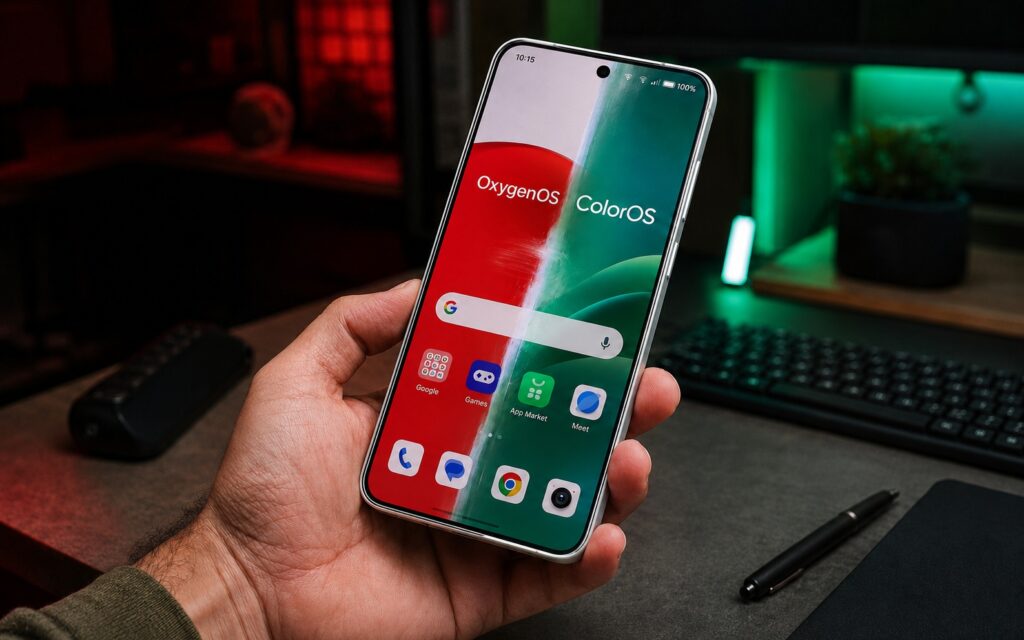
Here’s what will happen to your OnePlus after the transition
When Will ColorOS Come to OnePlus
OnePlus hasn’t given exact timelines. However, the transition is presumably expected by the end of this year or early next year along with a major ColorOS update based on Android 17. For now this is an estimate, not a confirmed date, so it should be taken with caution.
It’s important to understand: this isn’t a cosmetic rebrand. OxygenOS will stop being merely “based on ColorOS” — it will become ColorOS. That’s exactly why users are debating whether OPPO is trying to completely absorb OnePlus into itself.
The ColorOS Problem — Pre-installed Apps and OPPO’s App Store
The first thing to worry about is the abundance of unnecessary software out of the box. OPPO smartphones, even top-tier ones, come with pre-installed “App Market” and “Game Center” — these are gateways to OPPO’s own app store, which offers you dubious copies of popular programs and games.
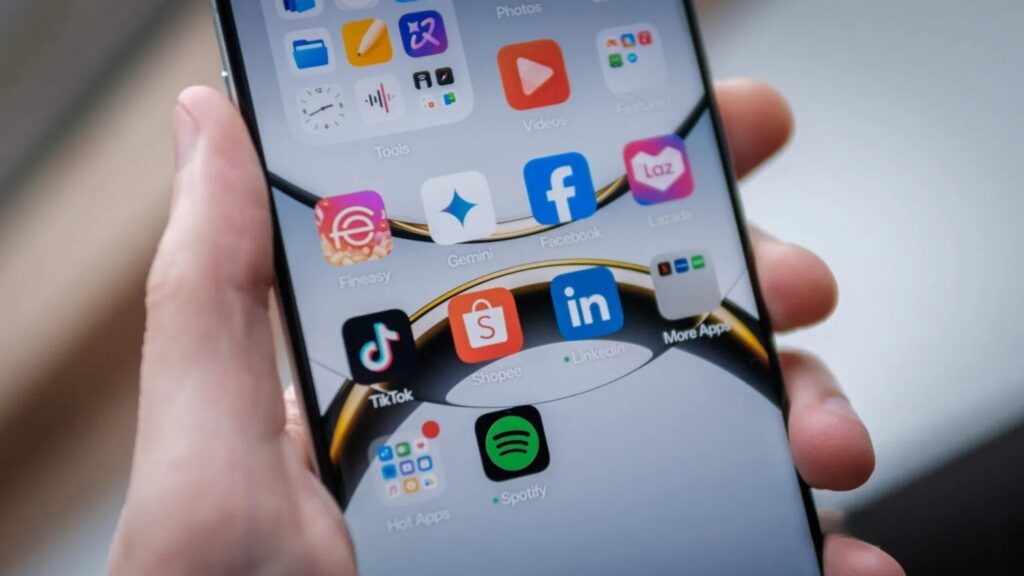
The ColorOS shell contains a lot of pre-installed junk. Image: androidauthority.com
The situation is similar to other proprietary stores (like Samsung’s Galaxy Store): they are barely moderated and often contain low-quality clones of well-known, sometimes paid apps. Worst of all are the pushy notifications suggesting you install “highly rated apps and games” that you never asked for.
Budget OnePlus models, like the recent OnePlus N6, also come with App Market and a gaming extension, but flagships have so far avoided this fate. OPPO doesn’t work that way: even on the premium Find X9 series you can find a pile of pre-installed partner apps. The selection depends on the region, but it’s noticeably longer than what OnePlus owners are used to.
Can You Remove the Bloatware on ColorOS
Partially — yes, but not completely. Most unnecessary apps can be uninstalled, but the store itself cannot be removed even with third-party Android cleaning tools. Here’s what you can do:
- disable notifications from the proprietary store;
- deactivate the store itself;
- hide it from the app list.
There’s still a bad taste left: the app essentially remains on the device without your explicit consent. A separate headache is the “magazine” feature on the lock screen, enabled by default, which essentially shows ads disguised as interesting content. It can also be turned off, but the extra steps don’t add any pleasure.
OxygenOS Is Shutting Down — What You’ll Lose
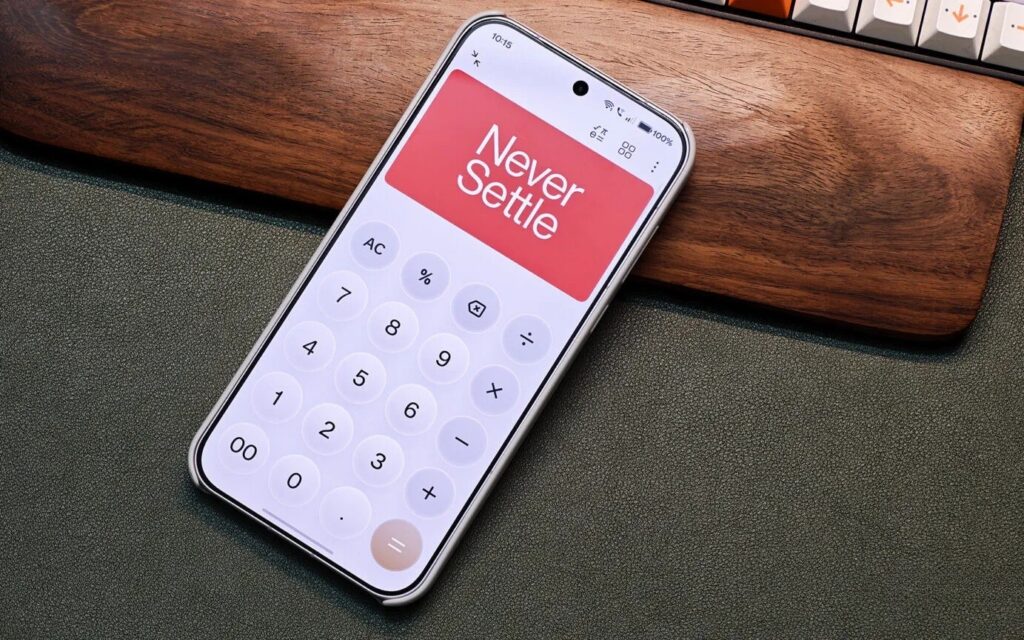
OnePlus will lose many key features. Image: androidauthority.com
Those who have used OnePlus for a long time will miss the clean, less cluttered interface, calm colors, and smooth animations. Much of this was already lost earlier, but several small things will disappear specifically now:
- a more “Android-like” and restrained version of the Control Center in iPhone style — OPPO is more actively moving toward translucent graphics in the Liquid Glass style;
- the ability to completely disable blur for some elements;
- an Easter egg in the Calculator: performing “1 + =” would display the Never Settle logo;
- the “classic” OnePlus icon set and some of the familiar design elements.
The launcher deserves a separate mention. It has already become limited: fewer home screen and app layout settings. The proprietary Shelf panel can no longer be opened with a right swipe — that gesture has been given to the Google Discover feed. To access Shelf, you have to swipe down from the top, which conflicts with opening the notification shade. If the standard launcher doesn’t suit you, I recommend installing something faster and cleaner.
What ColorOS and OxygenOS Have in Common
The transition isn’t entirely one-sided. ColorOS has adopted some successful OnePlus features — for example, the Zen Space app with continuous background sounds for concentration and the ability to restrict apps.
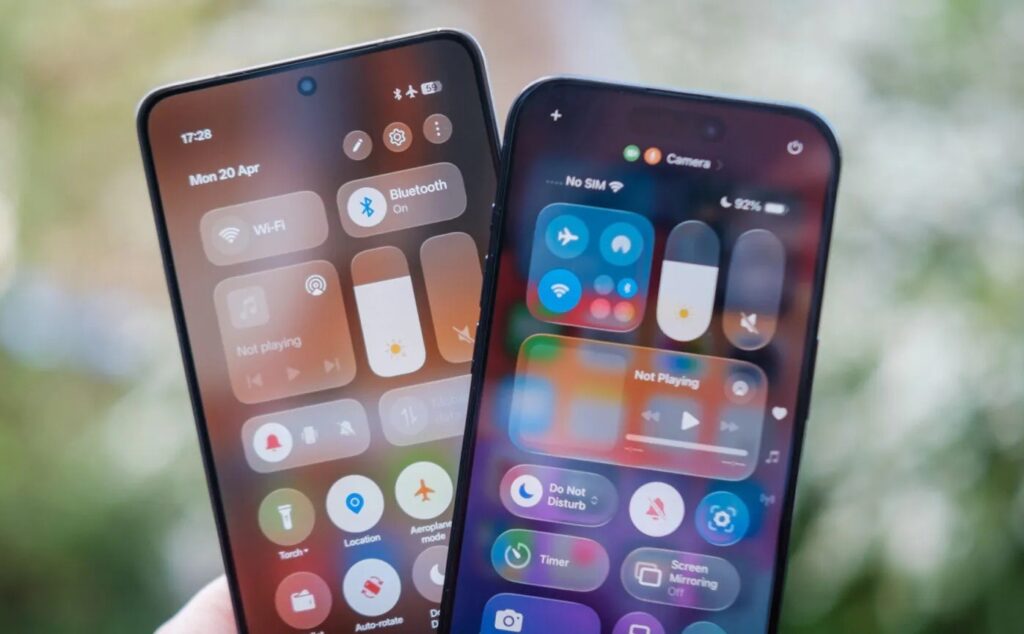
There are some similarities between the two shells after all. Image: androidauthority.com
A number of features already exist in both shells: an always-on display in iOS style, depth effects for lock screen wallpapers, and AI capabilities in Mind Space. The latter allows you to save screenshots and submit them for AI analysis (for most users worldwide, this is probably Gemini), receiving brief summaries or reminders. It’s useful if you collect media and messages for AI processing. But for those already using Gemini, it may seem like an overloaded notebook and nothing more.
What Will Happen to OnePlus Smartphones Worldwide
It’s not just the software that’s changing. For owners in the US and Europe, major changes in hardware and support are coming. In Europe, OnePlus is transferring a significant portion of its business to OPPO and directing customers to its devices. Repairs will also gradually transition to OPPO.
OnePlus has big problems worldwide
The company assures that users won’t have any problems, but there are already reports of repair difficulties — OnePlus is replacing warranty obligations with vouchers instead of actual solutions.


