A year ago, I bought an iPhone 16 Plus. During this time, I never changed my charging habits and didn’t do anything extraordinary. But when I recently checked the battery settings, I saw the coveted 100% maximum capacity. Exactly the same as on the first day. Many people I know have already lost 3-5% over the same period, and some have lost as much as 10%. What exactly helped me keep the battery in perfect condition and why it’s easier than it seems.
Sharing tips on how to preserve iPhone battery capacity
iPhone Charge Limit: What Percentage to Choose for Your Battery
The first thing I did right after activating my iPhone 16 Plus was set the charge limit to 95%. This feature appeared in iOS not long ago, and many people still don’t know about it or deliberately ignore it. They think, why should I miss out on my rightful 5% of capacity? In reality, it’s precisely the last few percent of charging from 95 to 100 that wear out the lithium-ion battery the most. When the battery is at maximum, the chemical processes inside it run in a stressed mode. Constantly charging to 100% is like keeping a balloon inflated to its limit. Sooner or later, it will start losing its shape.
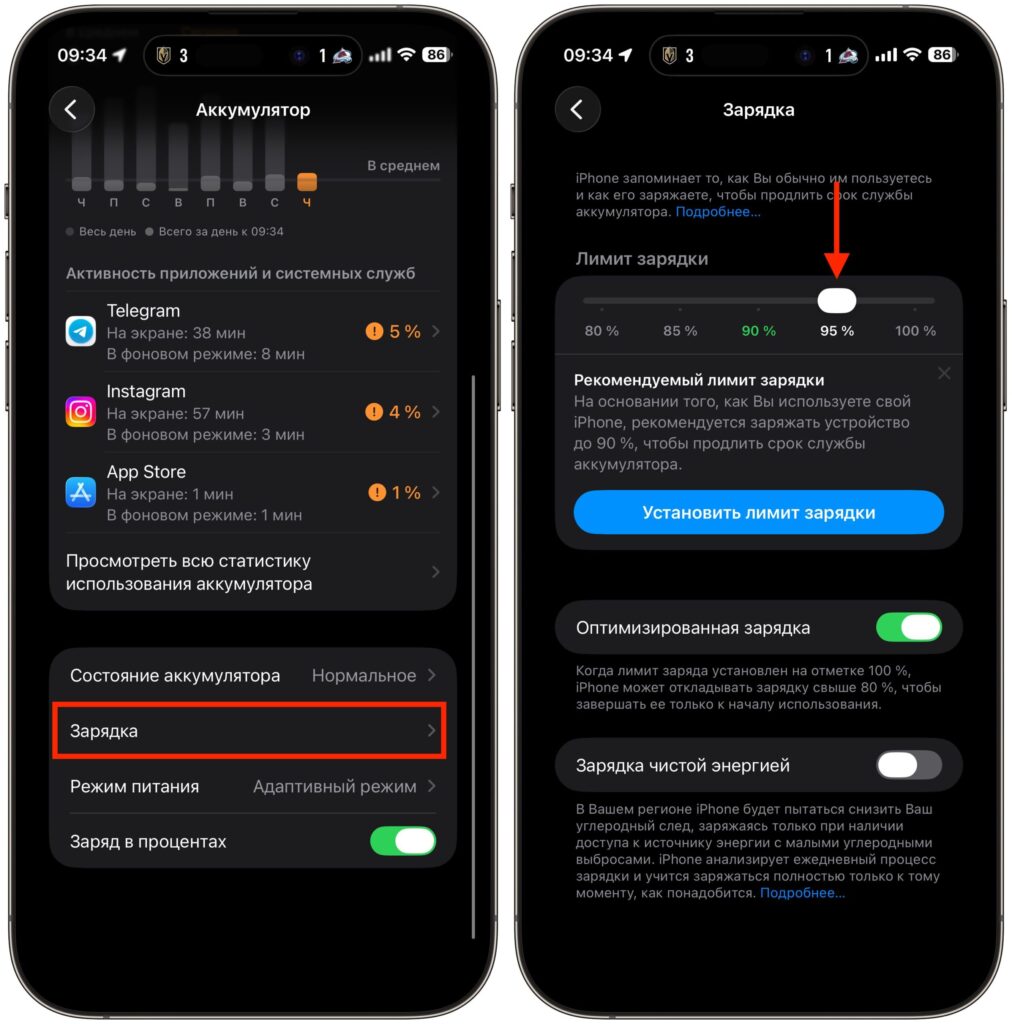
Turns out, this feature really works and barely affects battery life
You can set the limit in Settings — Battery — Battery Health & Charging — Charge Limit. Select 95%, and from that point on, iPhone will automatically stop charging at that mark. In everyday use, the difference between 100% and 95% is practically unnoticeable. Yet over the course of a year, I accumulated only 248 charging cycles. For comparison, some people reach that number in much less time. And it’s precisely the number of cycles that directly affects battery degradation.
What Chargers and Cables Can You Use with iPhone
The second important point — I always charged my iPhone only with verified and quality accessories. No nameless chargers from marketplaces for a couple of dollars, no cables from street vendors. From day one, I used what I had on hand: branded Xiaomi power adapters that remained from my previous smartphone, and Ugreen charging devices. When I needed to charge on the go, I took a magnetic power bank for iPhone with the appropriate cable.
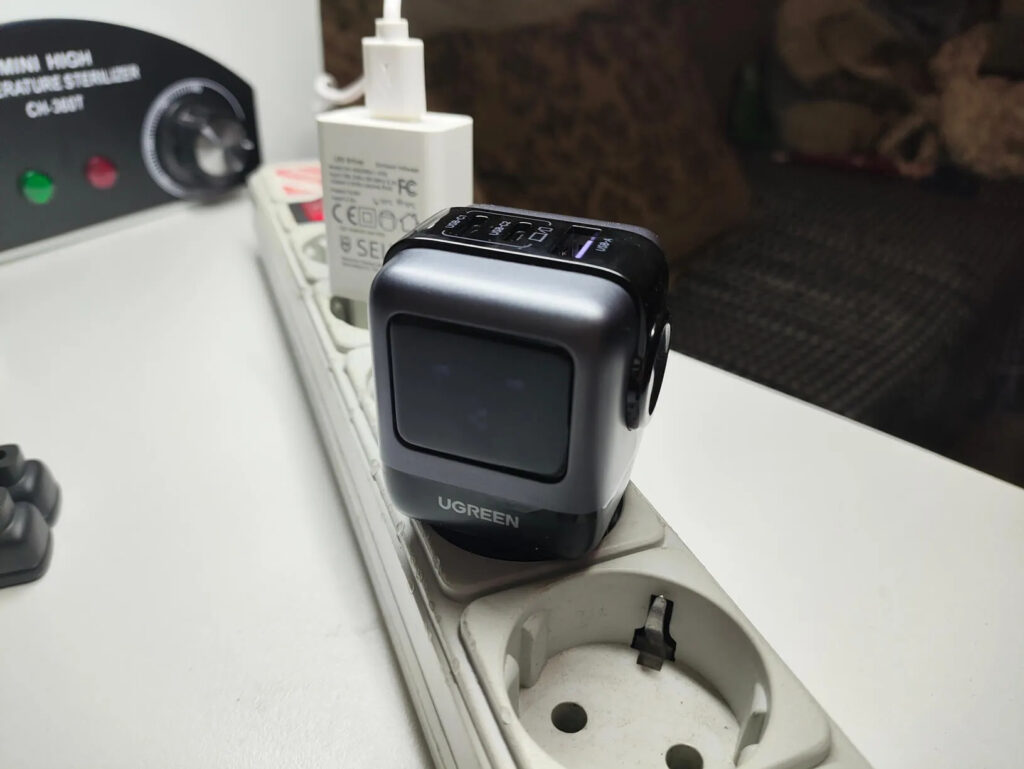
I use this charger with a screen
Why does this matter? Cheap charging devices often deliver unstable voltage and current. Current and voltage spikes are a direct path to accelerated battery wear. Branded adapters from Xiaomi and Ugreen are certified and support all modern fast charging protocols. They communicate correctly with the iPhone’s power controller and deliver exactly the current the device needs at any given moment. This isn’t marketing — it’s basic electrical engineering. A quality charger treats the battery gently, while a cheap one can kill it in six months.
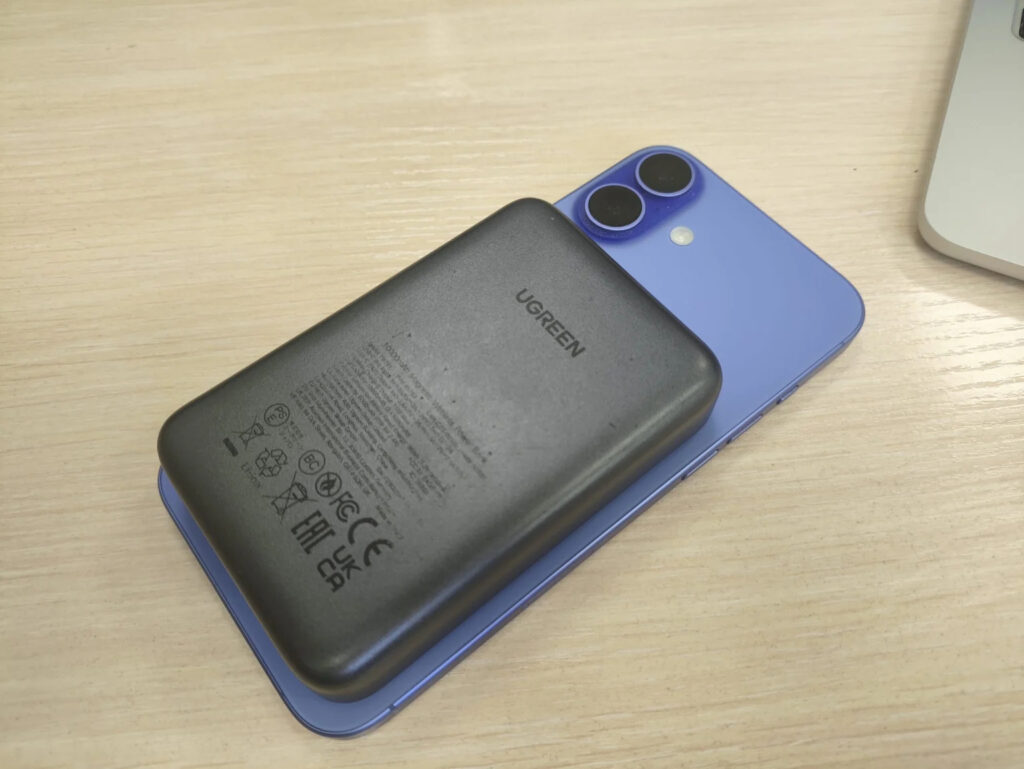
And I got a cool magnetic power bank
Cables matter too. A damaged or low-quality cable creates additional resistance, causing the charger to heat up more and the charging process to be less stable. I use original Apple cables and Ugreen cables with MFi certification. This doesn’t require extra spending because one good cable lasts for years, while cheap ones need to be replaced every couple of months.
How Charging Cycles Affect iPhone Battery
The third and perhaps most underestimated factor is the choice of model itself. The iPhone 16 Plus is equipped with a 4674 mAh battery, which is noticeably larger than the standard iPhone 16. In practice, this difference means I don’t charge my smartphone every day. Usually, one charge lasts for a day and a half of active use: messaging apps, social media, watching videos, navigation. There are days when the phone comfortably lasts until the evening of the next day with a decent reserve.
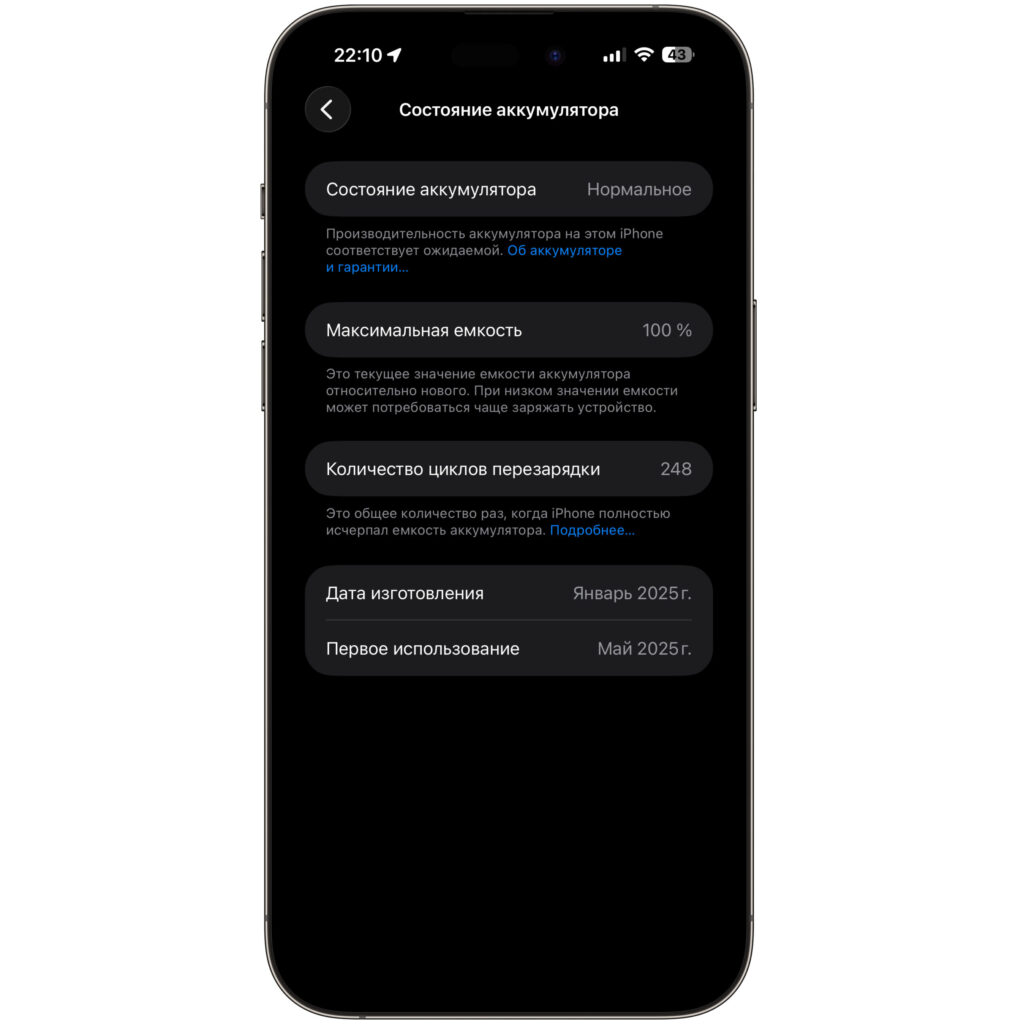
Here’s the current state of my battery
The less frequently you charge your smartphone, the fewer cycles it goes through per year. The slower the battery wears out. It’s simple math that many overlook when choosing a phone. Some people reach my 248 cycles in six months, while it took me an entire year.
So if you’re deciding between the standard and Plus model, think not only about screen size. Think about how many charging cycles you’ll save over two to three years of ownership. The difference in battery longevity will be significant.
Wireless Charging for iPhone: How It Affects the Battery
I’d like to separately debunk one popular myth. Since September of last year, I switched to MagSafe wireless charging and have been using it every day. I put my iPhone on the charger in the evening and take it off in the morning. And during all this time, the battery condition hasn’t changed. No accelerated wear whatsoever.
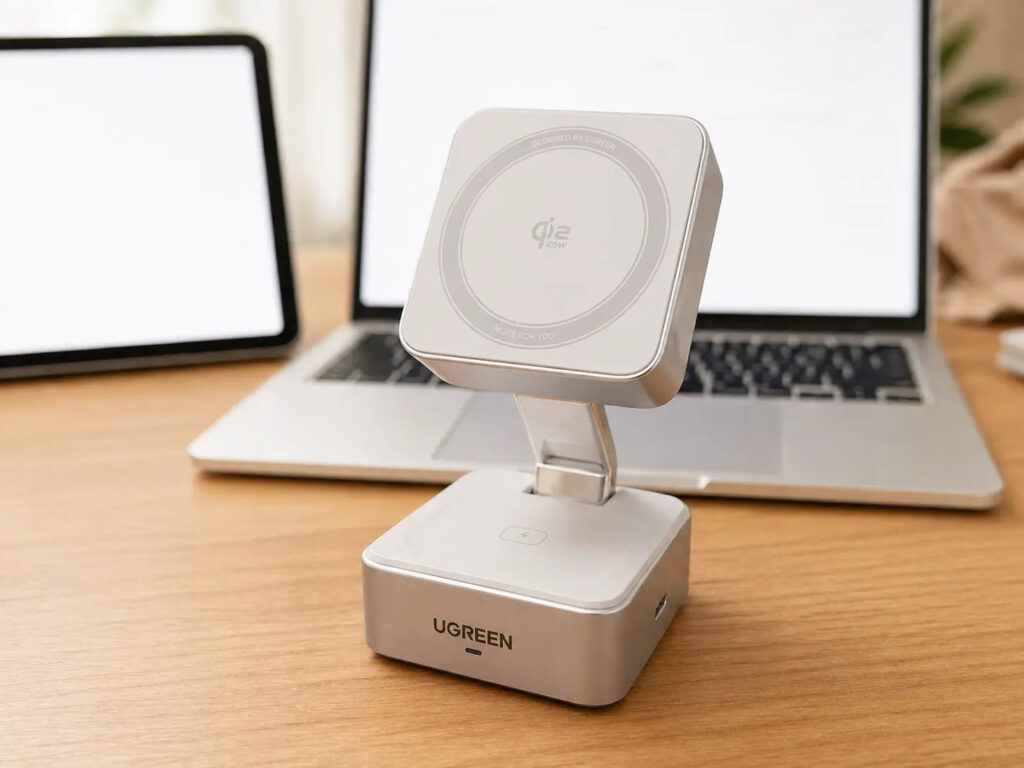
Since September, I charge my iPhone on this charger every day


