The standard Google Clock app is a decent tool with a timer, stopwatch, and world clocks, but as an alarm clock, it doesn’t work for everyone. It’s too easy to dismiss in a half-asleep state, only to fall back asleep again. We’ve already covered why your phone alarm might not go off, and as one of the solutions, we suggested simply installing an alternative app. But which one? We picked five alternative alarm clocks for Android, each suited to its own use case.
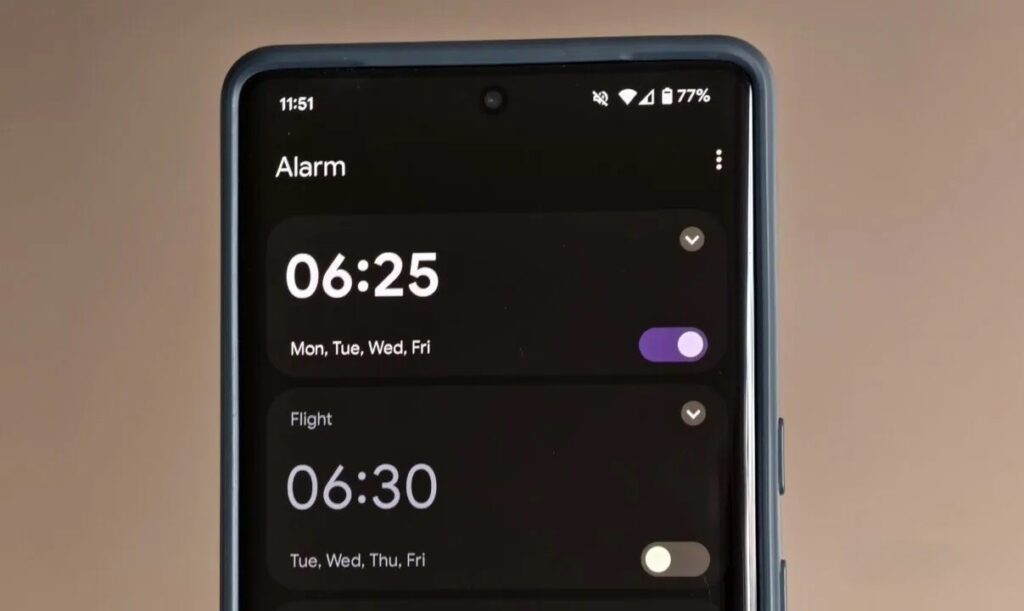
The standard alarm let me down, and I had to find a new one. Image: androidauthority.com
Chrono — A Google-Style Morning Alarm
Chrono is an open-source app that looks almost like Google Clock thanks to its support for Material Design from Google, but it can do much more. Right from the first launch, the Chrono app offers several ways to protect against being “put to sleep” by the system. This is important to ensure the alarm reliably goes off on any smartphone, even with aggressive battery saving.
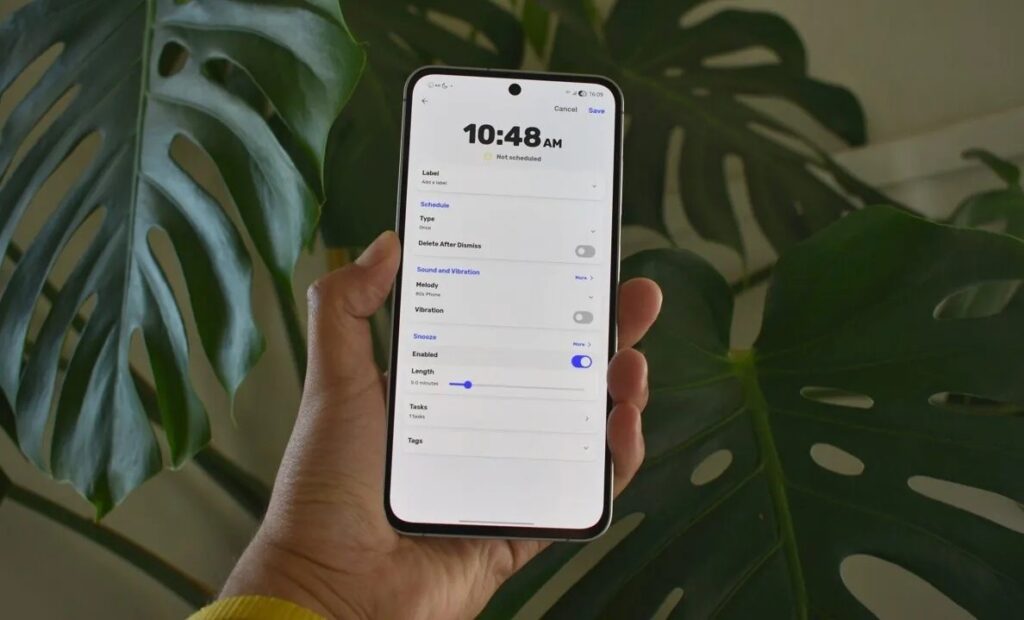
An app that looks like the standard Android alarm. Image: androidauthority.com
The main feature of the Chrono app is the “Tasks” section. Before you can dismiss the alarm, you need to complete one of four challenges: solve a math problem, type out displayed text, repeat a sequence, or pass a memory test. The difficulty is adjustable, and tasks can be combined for especially heavy sleepers. On the downside, there’s no option to dismiss the phone alarm by scanning an NFC tag or QR code, which would force you to get out of bed. But for the basic goal of “not letting you turn off the alarm with one tap,” Chrono does an excellent job. The app is completely free, available on F-Droid and GitHub, and works on Android 5.0 and above. It’s a great option for those who want a simple, attractive alarm clock without ads or subscriptions, but with real protection against oversleeping.
Sleep as Android — A Smart Phone Alarm
Sleep as Android is more than just an alarm. The app tracks sleep phases, records snoring, and offers sleep quality statistics with ratings, including comparisons with other users from your country. But the alarm here is also no pushover.
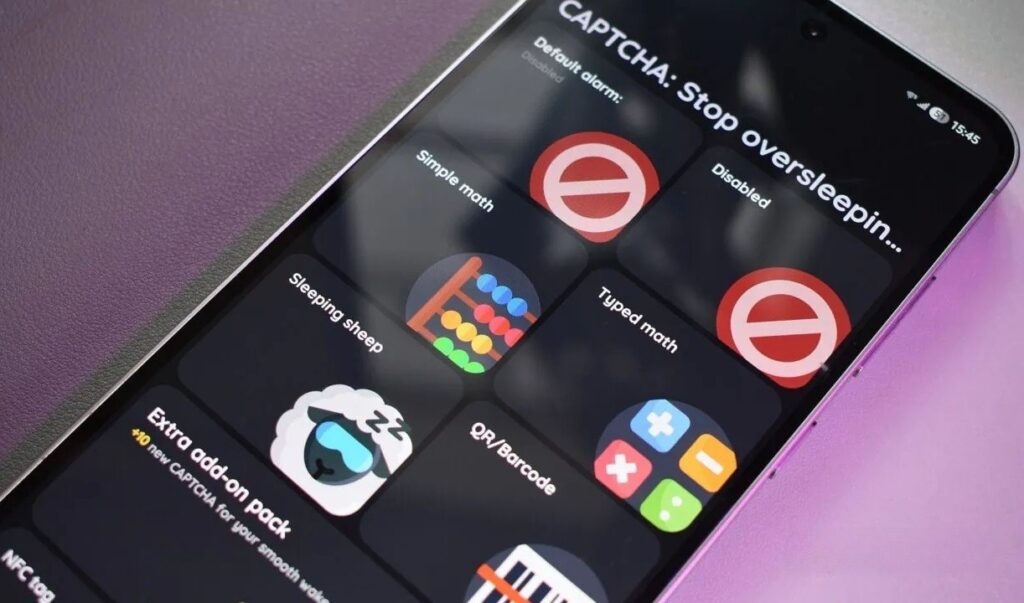
A cool alarm with challenges. Image: androidauthority.com
The set of alarm challenges for waking up (called CAPTCHAs in the app) is impressive: from math equations to selfie verification, counting sheep on the screen, a “Zombie Walk” task, and even laughing into the camera. There’s an add-on with even more challenges and an anti-cheating feature — for example, blocking the phone from being turned off until the task is completed.
The “Smart Wake-Up” feature deserves special attention: the app wakes you not at the exact time but at the optimal moment within a 30-minute window around the set time, when your sleep phase is lightest. A similar approach is used by Fitbit watches and Wear OS devices. The downsides are a cumbersome initial setup process, a not-so-friendly interface, and the need to pay for full access. The full version costs about $85 on Google Play, which is roughly 10,000 ₽ in Russia. There’s also a subscription — approximately $5 per month.
NFC Alarm Clock — A Simple Alarm with NFC
If the previous two apps seemed too feature-heavy, NFC Alarm Clock is their complete opposite. The app is lightweight and focused on one thing: an alarm you can’t turn off without getting out of bed. The main idea is that to dismiss the alarm, you need to hold your phone up to an NFC tag. You can stick such a tag anywhere: in the bathroom, on the coffee machine, on your desk. This physically forces you to get up. The app lets you create a default alarm template in advance with your preferred sound, vibration, and schedule settings.
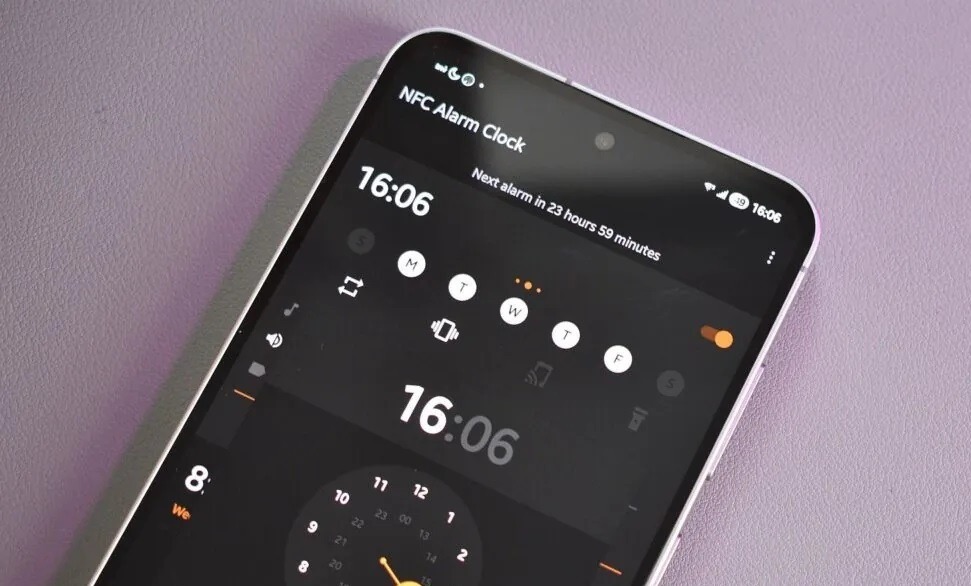
A visually simple alarm that requires NFC to dismiss. Image: androidauthority.com
Extra features are minimal — no sleep trackers, challenges, or statistics. But that’s exactly the advantage for those who need a simple and reliable alarm without the extras. NFC Alarm Clock is free and open-source. The only limitation is that you need a smartphone with NFC for it to work. Virtually all modern mid-range and high-end Android smartphones support this technology, but budget models may lack NFC.
Alarmy — A Loud Android Alarm
The Alarmy app positions itself as “the most powerful alarm for heavy sleepers,” and there’s some truth to that. The app offers the widest range of so-called “missions” — tasks that must be completed before the alarm can be dismissed.
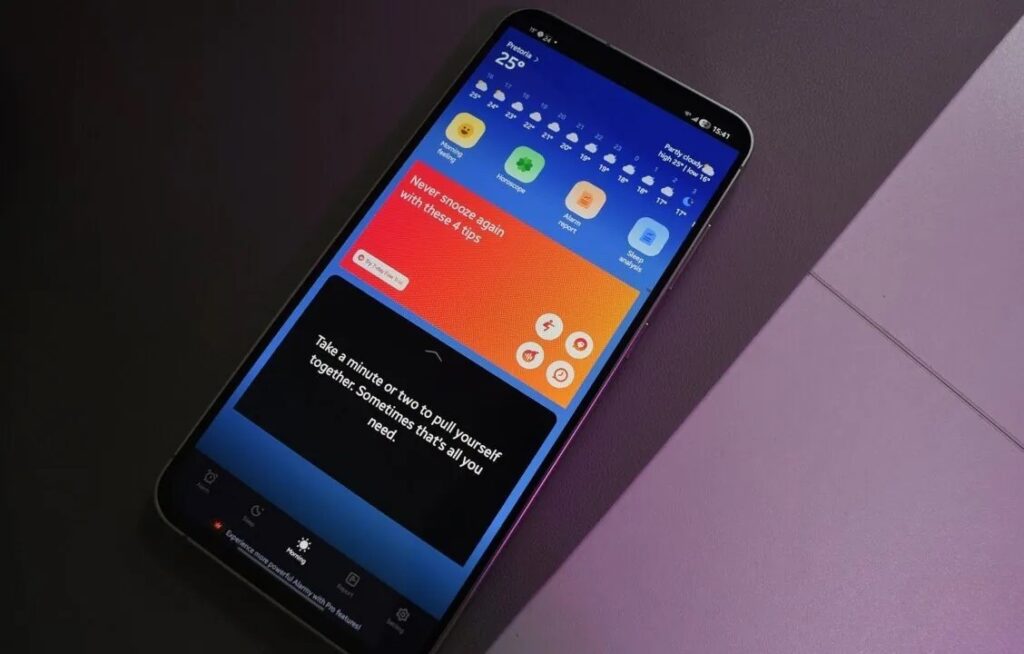
A very loud alarm that’s hard to shut off. Image: androidauthority.com
Among the alarm tasks are finding household items around the house by photographing them, doing squats, finding colored tiles, solving math problems, and much more. There’s a “Wake-Up Check” feature: some time after the alarm, you receive a notification, and if you don’t confirm that you’re up, the alarm goes off again. Among the nice details — you can choose classical music as your ringtone, and the “Morning” tab features a weather forecast and motivational quotes.


