The MAX messenger has released an Android update with four features that are available now rather than promised for later: recommendations for similar channels, an archive of past stories, automatic saving of chat media to the phone gallery, and an in-app text size setting. According to the source author, the text size option is especially useful for people who set up the app for older relatives. The author also advises caution with media auto-save, which can quickly fill a phone’s storage.
What you need to know
- After you subscribe to a channel, MAX now suggests similar ones. According to the messenger, the algorithm considers user interests, channel topics, post quality and how actively subscribers engage.
- Published stories are kept in an archive. You can open it by long-pressing your profile icon in the Chats tab or by going to Settings and choosing My stories.
- Photos and videos from chats can be saved to the gallery automatically. This is controlled in the Media storage and download section of the settings.
- Text size can now be changed in the Appearance section without enlarging fonts across the whole Android system.
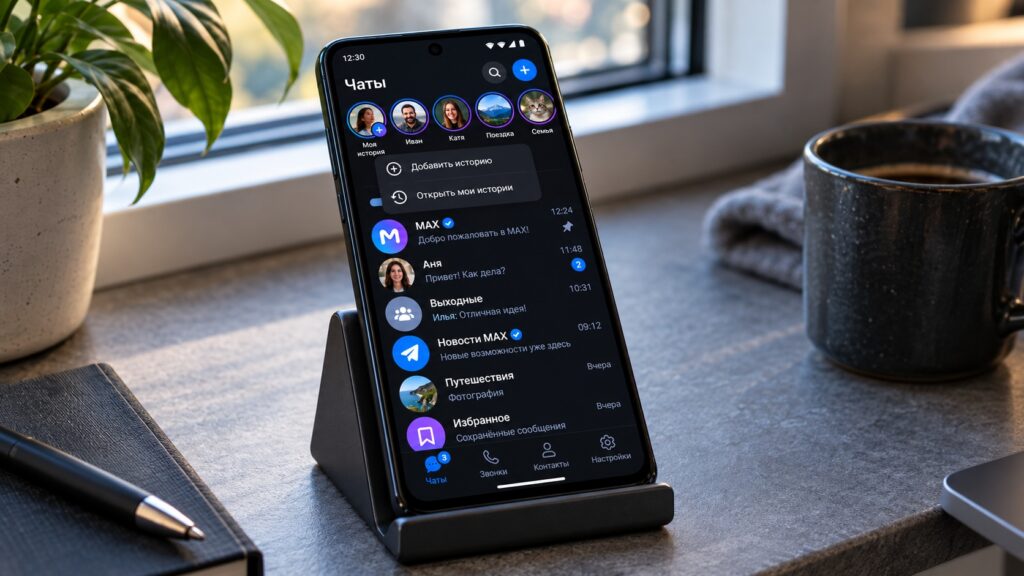
The new version of the MAX messenger on Android
Similar-channel recommendations after you subscribe
The change most users will notice first is recommendations. When you subscribe to a channel, MAX now immediately shows a selection of similar channels. According to the messenger, the algorithm takes into account your interests, the channels’ topics, the quality of their posts and how actively subscribers interact with them.
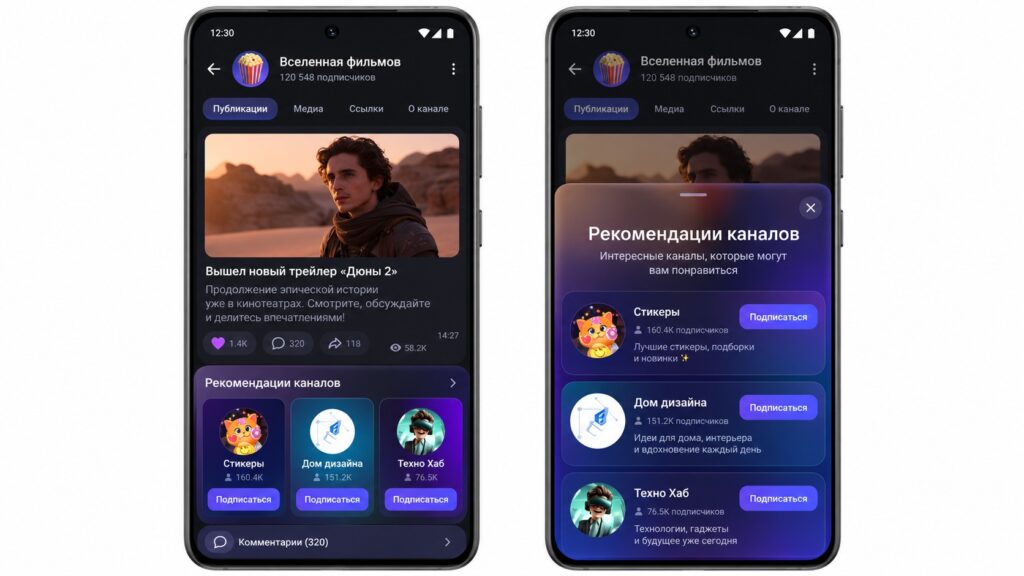
Visualization of channel recommendations in MAX
For readers, this offers a quicker way to build a feed. For channel authors, it is a chance to gain subscribers without advertising. The source author notes that it will take a couple of weeks to judge how accurate the suggestions are and advises against rushing to subscribe to everything.
All past stories in one archive
The second addition is a story archive, which lets you revisit stories you have published at any time. There are two ways to open it:
- long-press your profile icon in the Chats tab, or
- go to Settings and select My stories.
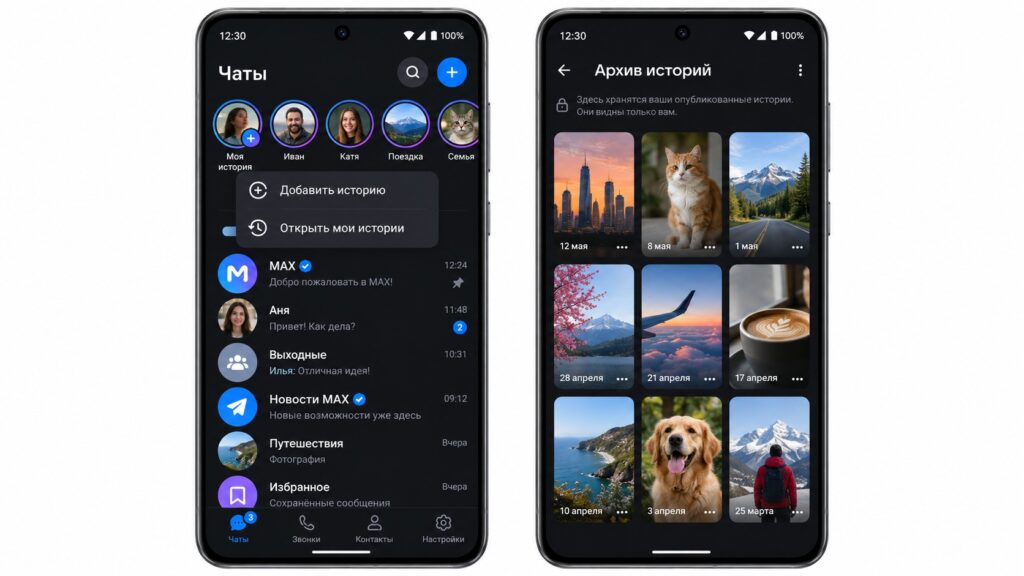
Visualization of the story archive in MAX
This is handy if you have posted something for family or friends and want to go back to older photos and videos.
Chat photos can go straight to the gallery
The third feature is media auto-save. MAX can now automatically place photos and videos from chats into the phone’s gallery. You can turn this on or off in the settings, in the Media storage and download section.

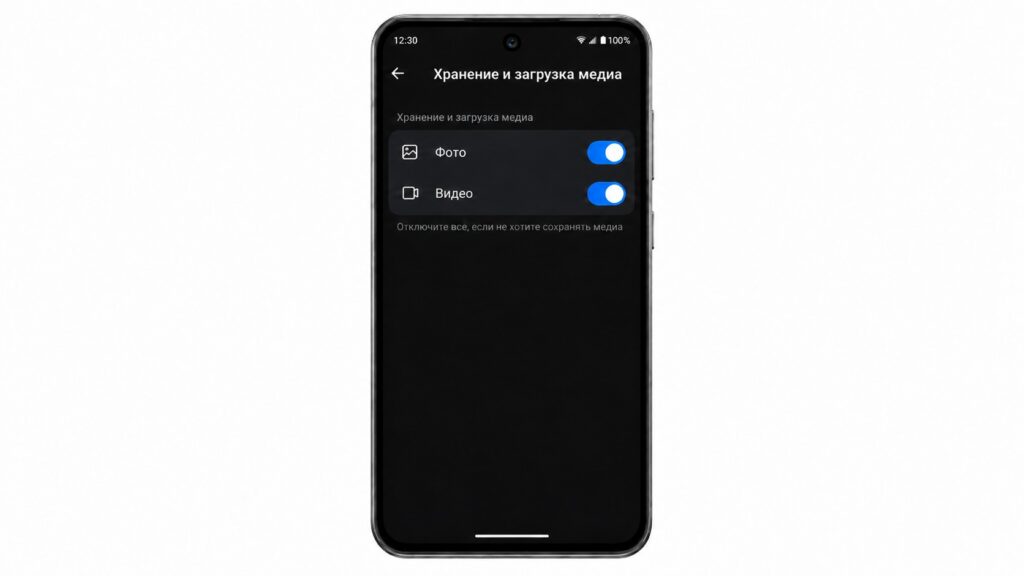
Setting up media auto-save in MAX
Why the source author recommends caution
The source author considers this the feature to approach most carefully. If you belong to a building residents’ chat, a school parents’ chat or several work groups, your gallery can quickly fill up with other people’s images, forwarded greeting cards and videos. On a phone with 64 or 128 GB of storage, the author warns, this will noticeably eat into available space. The author’s recommendation is to enable auto-save only if you are in few chats and otherwise save the photos you need manually.
Larger text in the messenger only
The fourth addition is aimed particularly at people who install MAX for their parents. The Appearance section now lets you change the text size within the messenger itself.
Previously, this required enlarging the font in Android’s system settings, which made everything bigger, including menus, the keyboard and banking apps. Now you can make text larger in conversations only and leave the rest of the phone unchanged.
Availability and version
According to the source, MAX is no longer available on Google Play, and the main way to update it on Android is through the RuStore app store. At the time the source article was written, the version listed there was MAX 26.35.1, dated October 9.
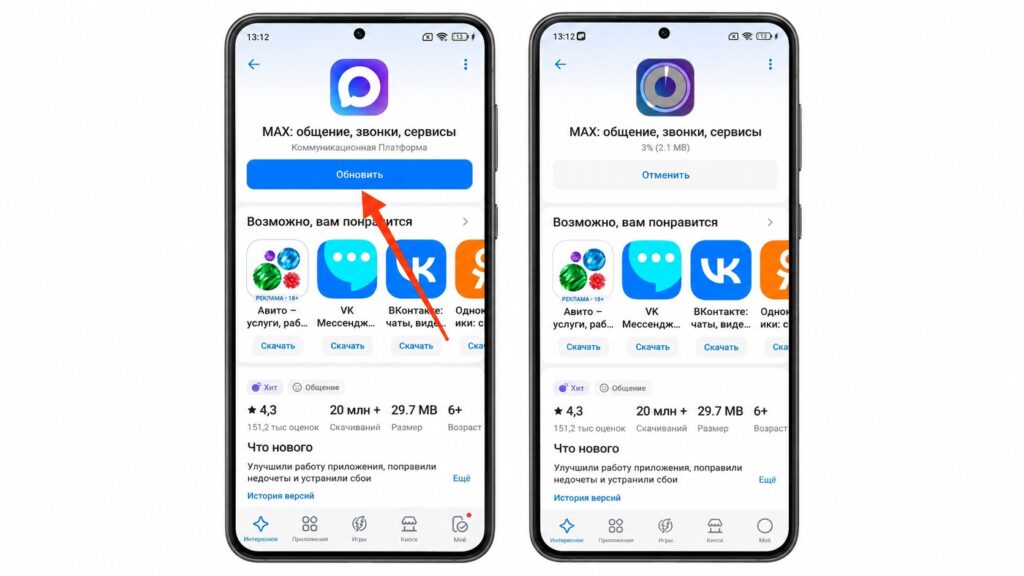
Updating MAX through the RuStore app store
What remains unclear
The messenger has not said which version first includes the new features. If the relevant options do not yet appear in your settings, the source suggests checking for updates again in a day or two.
Interface labels in this article are translated from Russian and may differ from the exact wording shown on your device.


