A magnet on the box does not mean fast charging. Wireless chargers for the iPhone can look almost identical, but a cheap puck labelled “MagSafe Compatible” usually charges at the old Qi rate of up to 7.5 W. Certified MagSafe, Qi2 and Qi2.2 chargers deliver 15 to 25 W. According to measurements by Macworld cited in the source, that is the difference between reaching 50% in about 90 minutes and in about 30 minutes. Your iPhone model also sets its own ceiling. A faster charger will not help a phone that cannot accept the extra power, and Apple’s logo does not make a charger faster than an equivalent Qi2 charger.
What you need to know
- “MagSafe Compatible” usually means a standard Qi coil with magnets attached, typically limited to 7.5 W.
- Per Macworld, an iPhone reaches 50% in about 90 minutes at 7.5 W and in about 30 minutes at 25 W.
- iPhone 12–15 and iPhone 17e top out at 15 W wirelessly, so a 25 W Qi2.2 charger gives them no speed advantage.
- For 25 W Qi2.2 charging, the source says you need iOS 26 or later and usually a USB-C Power Delivery adapter rated at 30 W or more.
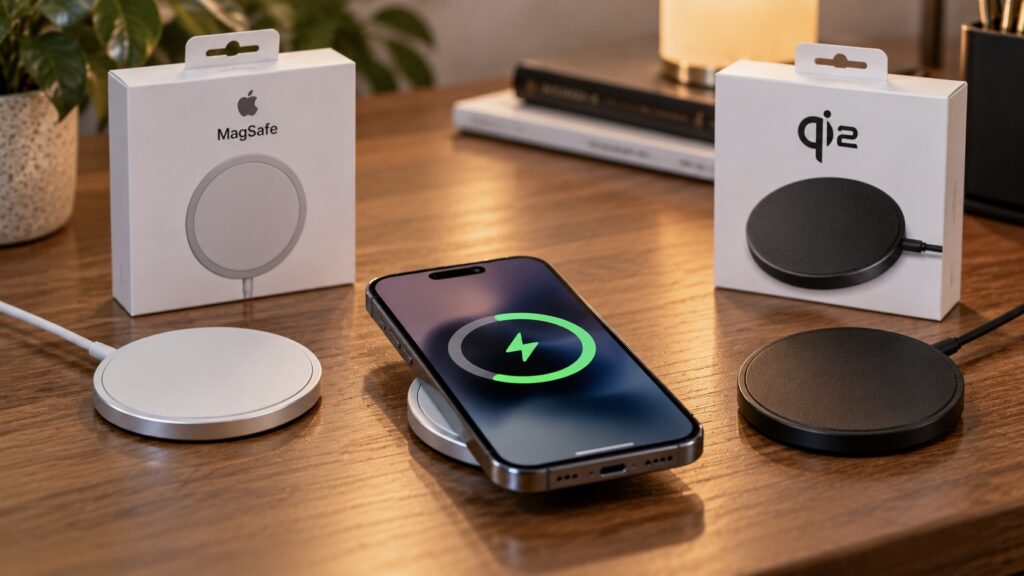
Two magnetic chargers on a wooden table: a white MagSafe charger with its Apple box on the left, a black Qi2 puck with its box on the right, and an iPhone charging in the middle
Magnets are everywhere, but speeds differ threefold
Wireless charging arrived on the iPhone with the iPhone 8, using standard Qi. Qi dates back to 2008 and has no alignment mechanism, so the coil in the phone has to sit precisely over the coil in the charger. According to the source, moving the iPhone by about a centimetre turns energy into heat, and sometimes charging does not start at all. On the iPhone, this kind of Qi charging is capped at 7.5 W.
With the iPhone 12, Apple added a ring of magnets and called the system MagSafe. The magnets snap the phone into the correct position, which reduces losses and raised the power to 15 W. The source argues that accessory makers soon learned that magnets sell better than wattage.
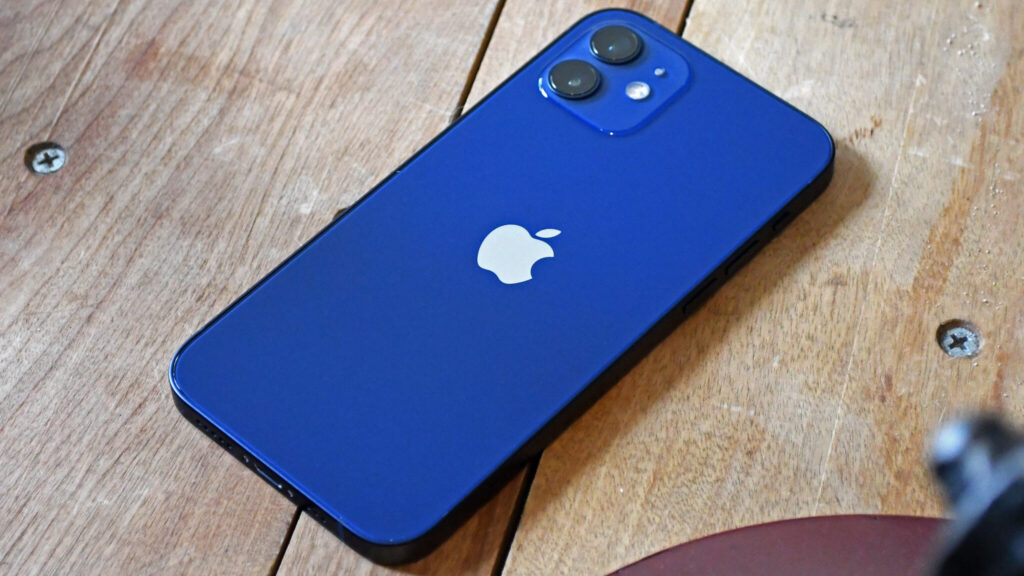
A blue iPhone 12 lying face down on a wooden table. MagSafe magnets first appeared in this model
What the labels on the box mean
- “MagSafe Compatible”: magnets attached to an ordinary Qi coil, usually up to 7.5 W.
- MagSafe: Apple’s original technology, or a charger certified by Apple.
- Qi2 or Qi2 15W: an open standard with magnets, up to 15 W.
- Qi2 25W, also called Qi2.2: the newer generation, up to 25 W. According to the source, these chargers became widely available from mid-2025.
The first label is the trap. The source says “MagSafe Compatible” on the box almost always means old Qi speeds with magnets added. The phone holds firmly, but it charges as an iPhone 8 did eight years ago.
The gap is significant. According to Macworld, an iPhone gains its first 50% in roughly 90 minutes at 7.5 W and in roughly 30 minutes at 25 W.
Every iPhone has its own power ceiling
Even the most expensive charger cannot deliver more than the phone accepts, and the limits do not always follow the phone’s age. For example, the newer iPhone 16e charges more slowly than the five-year-old iPhone 12. Macworld compiled the models into a single overview. The times below are for charging from 0 to 50%:
| iPhone models | Maximum wireless charging | 0–50% |
|---|---|---|
| iPhone 8–11, iPhone 16e | Qi, 7.5 W | about 90 minutes |
| iPhone 12–15, iPhone 17e | MagSafe and Qi2, 15 W | about 45 minutes |
| iPhone Air | Qi2, 20 W | about 40 minutes |
| iPhone 16, iPhone 16 Pro | MagSafe and Qi2.2, 22 W | about 35 minutes |
| iPhone 16 Plus, 16 Pro Max, iPhone 17, 17 Pro and 17 Pro Max, iPhone 18 Pro and 18 Pro Max, iPhone Duo | MagSafe and Qi2.2, 25 W | about 30 minutes |
The table’s main takeaway is that buying a Qi2.2 charger for an iPhone 12–15 makes no sense, because the phone still takes only 15 W. The iPhone 16e is more limited still. It has no magnets at all, so any magnetic puck works on it as ordinary 7.5 W Qi, and it will not hold the phone in place.
According to the source, the iPhone Air is limited to 20 W because of its thin body. There is little room to dissipate heat, and Apple chose not to take the risk. Meanwhile, the difference between 22 W and 25 W for the iPhone 16 and 16 Pro is barely noticeable in practice. The Macworld author advises not to worry about it, because room temperature and whether you use the phone while it charges have a bigger effect on total charging time.
What you pay for with Apple’s own MagSafe charger
The source explains that the Qi2 standard is built on MagSafe technology, which Apple itself handed to the WPC, the consortium responsible for Qi. Qi2 uses the same magnets, the same coil layout and the same operating principle. The difference is that a Qi2 manufacturer does not need Apple certification and therefore does not pay Apple for it.
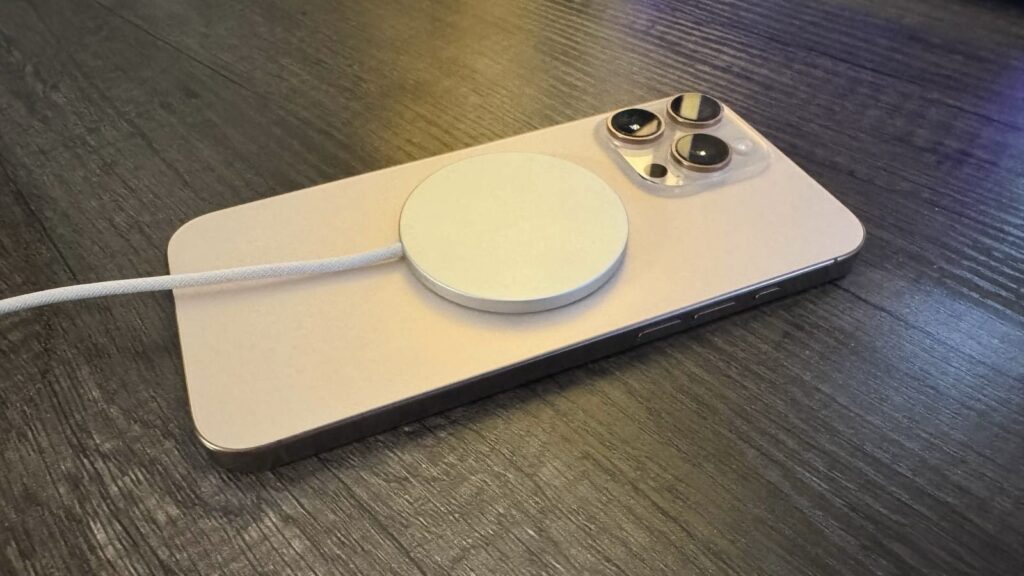
Apple’s original white MagSafe charger with a braided cable attached magnetically to the back of an iPhone on a dark table
That is why prices differ. For the iPhone 12–15, the source says original MagSafe and a proper 15 W Qi2 charger are practically equivalent, so you can choose on price alone. An Apple logo on the puck does not make it charge faster.
The same logic applies to newer iPhones, but the bar is higher. The source recommends that owners of an iPhone 16 or later choose either the latest-generation MagSafe or a Qi2 25W charger. In Macworld’s tests, such a charger brought an iPhone 16 Pro to 50% in an average of 32–34 minutes. A 15 W puck took about 45 minutes for the same task. By Macworld’s calculation, the 25 W charger is roughly 25–30% faster.
A 25 W rating on the charger does not mean the phone receives 25 W for the full 30 minutes. Power stays high at the start and drops noticeably as the battery fills. That is why Macworld’s real-world times were longer than the raw wattage alone would suggest.
Why the right charger can still underdeliver
Suppose you have an iPhone 17 and a genuine 25 W Qi2.2 charger, and the phone still charges slowly. The source suggests first checking how high you are charging it. Speed drops after 80% with any charger. Macworld also recommends stopping at that level, both for speed and for battery health.
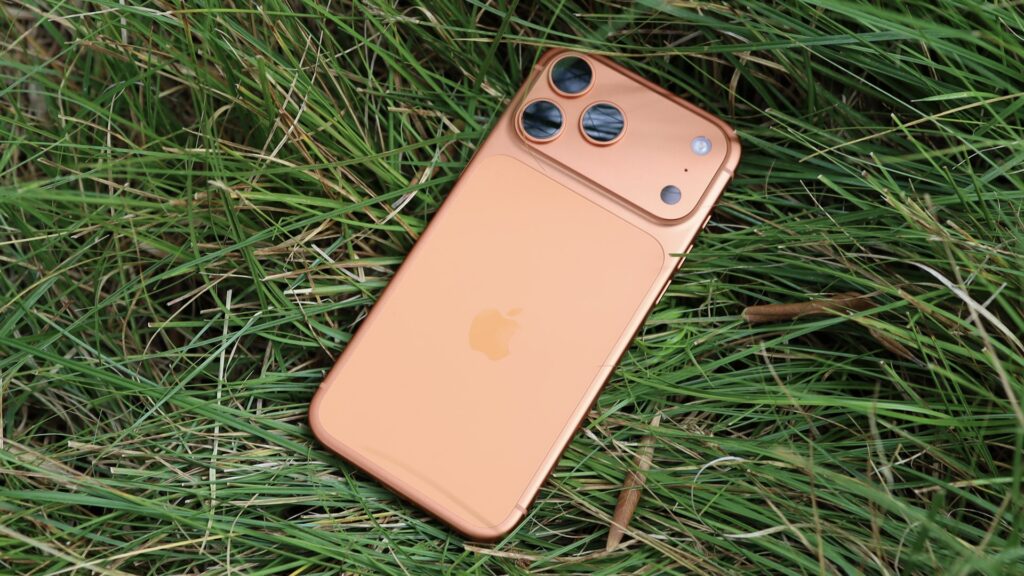
An orange iPhone 17 Pro Max lying face down on grass. This model accepts up to 25 W wirelessly
The source then lists the most common reasons a charger loses power:
- Software: update the iPhone to iOS 26 or later. According to the source, 25 W Qi2.2 charging does not run at full power without it.
- Power adapter: check which power adapter your charger requires. The source says 25 W pucks usually need a USB-C Power Delivery adapter rated at 30 W or more. An older 20 W adapter will deliver less power.
- Case: remove a thick case or replace it with a case that supports MagSafe. Extra millimetres between the coils reduce power.
- Heat: avoid charging in direct sun, on a pillow or while gaming. According to the source, Qi2.2 chargers monitor heat and do not let the surface get hotter than 40°C, so they slow down on their own when it is hot.
If you have checked every item and the speed has not improved, the source says the problem most likely lies with the charger itself.
The source also stresses that a cable is still faster than any wireless charger. A wireless puck is convenient on a bedside table or desk, but if you need to revive an iPhone in 15 minutes before heading out, a USB-C cable and a proper adapter will do the job better.
The bottom line for each model
- iPhone 8–11 and iPhone 16e: paying extra for magnets brings no speed benefit.
- iPhone 12–15 and iPhone 17e: choose a 15 W Qi2 charger or MagSafe, whichever costs less.
- iPhone Air, the iPhone 16 series and later models: look only at Qi2 25W or the latest MagSafe.
What to check in a listing before you buy
The source illustrates its advice with several accessory types. The specific products are shown below for reference. The useful part for buyers is the specification to look for, not the brand.
A Qi2.2 magnetic puck for iPhone 16 and newer
The source’s example is a UGREEN Qi2.2 magnetic charger. The source says it delivers up to 25 W to the iPhone 16–17 and up to 15 W to the iPhone 12–15, and it has a USB-C input, a fixed cable and a charging indicator. It also has a built-in fan with TEC cooling. The source says this helps sustain 25 W in summer or under a case, when ordinary pucks hit their thermal limit and slow down. The iPhone Air will work with it but take only its 20 W. When comparing alternatives, the source advises looking for Qi2 25W (Qi2.2) certification in the listing rather than the word “magnetic”.
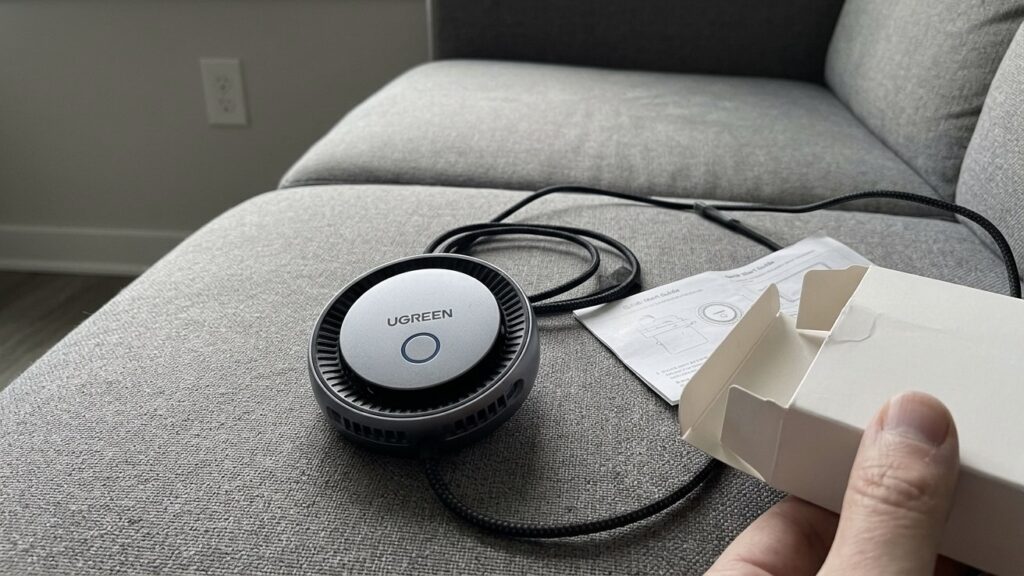
A UGREEN Qi2.2 magnetic charger with a circular fan grille on a grey sofa next to its cable, manual and box
A 3-in-1 bedside stand
The source’s example is a Baseus 3-in-1 Qi2.2 stand. According to the source, it charges the iPhone 16–17 at 25 W, the iPhone 12–15 at 15 W, and Apple Watch and AirPods at 5 W each. The source recommends a version bundled with a 45 W adapter, because a weak adapter cannot power three devices at once. It also notes that 5 W is ordinary rather than fast charging for Apple Watch. The watch will reach 100% overnight but will not gain much in 20 minutes in the morning. If that matters to you, look for a module marked as supporting Apple Watch fast charging. In any case, the iPhone pad should carry Qi2 25W certification.
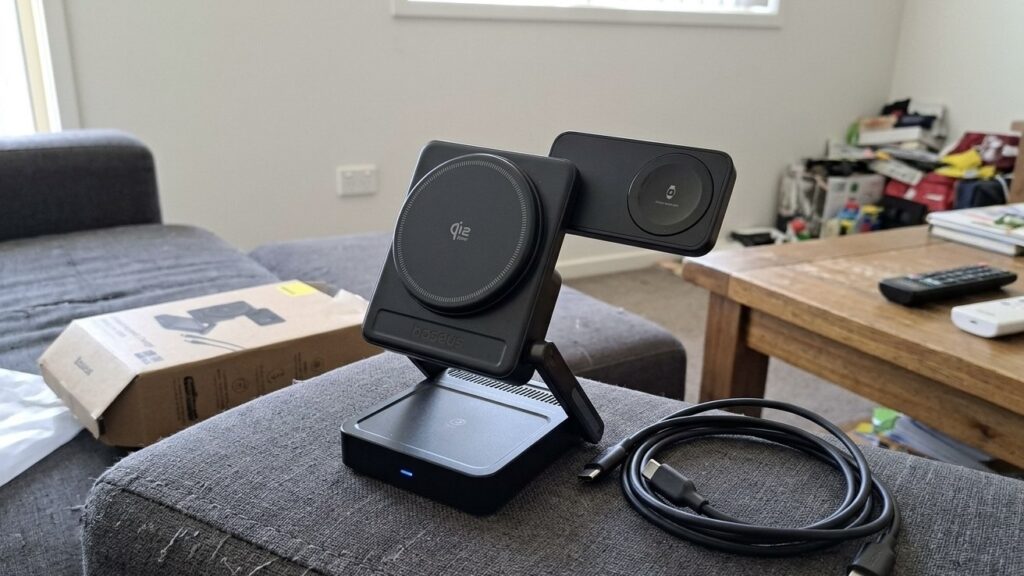
A black Baseus 3-in-1 stand unfolded on a sofa armrest, with a Qi2 pad for the iPhone on top and a fold-out pad for earbuds, next to a USB-C cable and the box
A budget 15 W puck for iPhone 12–15
For the iPhone 12, 13, 14, 15 and 17e, the source says paying for 25 W makes no sense. Its example is an inexpensive 15 W magnetic charger with a USB-C cable included. The source openly cautions that the listing shows no Qi2 logo and that the seller only claims 15 W and compatibility with the iPhone 12–17. The speed is therefore not guaranteed. If you want assured performance, the source advises looking for Qi2 15W or Qi2 Certified in the description. According to the source, a 20 W power adapter is enough for a puck of this kind.
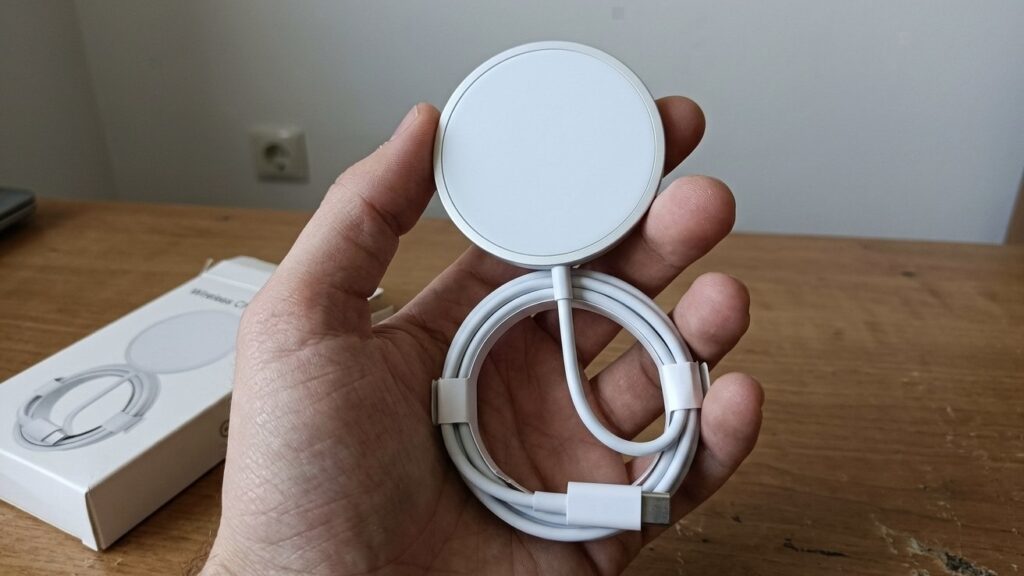
A white 15 W magnetic charger with a coiled USB-C cable held in a hand, with its box on the table nearby
A power adapter, without which 25 W will not happen
The source notes that many pucks are sold without an adapter and calls this the main source of disappointment. Qi2.2 requires a USB-C Power Delivery adapter rated at 30 W or more. If you also plan to charge a MacBook Air from it, the source suggests leaving some headroom. Its example is a compact 70 W Vention adapter built on gallium nitride (GaN), with two USB-C ports and one USB-A port. The source says a single adapter like this can power a puck, a wired iPhone and a laptop. When choosing an alternative, check how much power a single port delivers, because the advertised wattage is often shared across all ports.
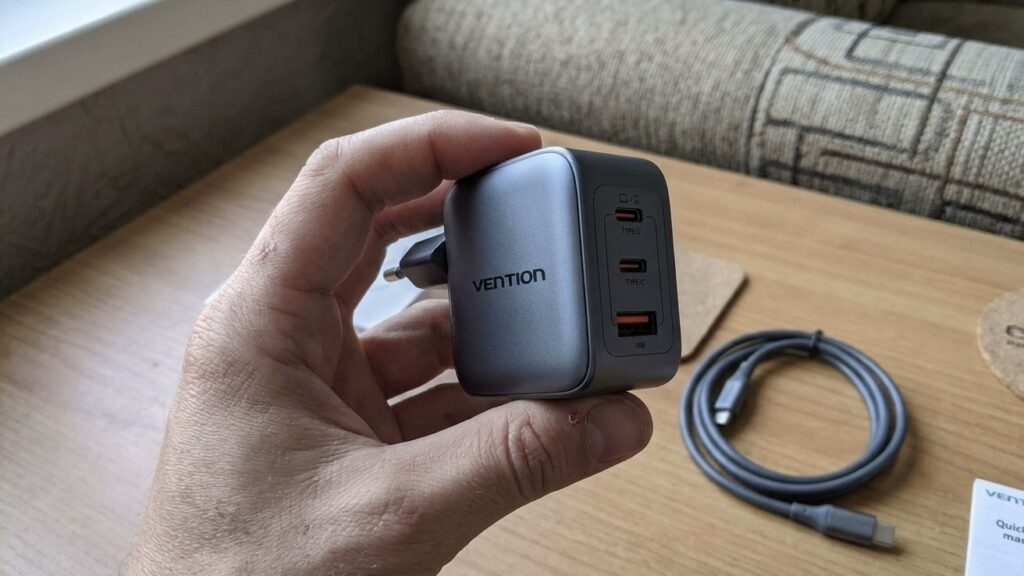
A grey 70 W Vention adapter with two USB-C ports and one USB-A port held in a hand, with a USB-C cable on the table nearby