The cheapest MacBook in Apple’s history — Neo at $599 (approximately 65,000 ₽ in Russia) — turned out to be capable of running Claude Code, a program for writing code with the help of artificial intelligence. But with serious caveats regarding memory and heat. Developers conducted a detailed stress test of the base MacBook Neo model with an A18 Pro chip and 8 GB of RAM. Below is what this means in practice for those who want to buy a cheap Mac for AI tasks.

MacBook Neo is suitable for vibe coding, but with caveats
How Much RAM Does Claude Code Need on MacBook Neo
MacBook Neo is Apple’s base model at $599 (about 65,000 ₽ in Russia). The tested configuration featured an Apple A18 Pro chip with six cores (2 performance and 4 efficiency), 8 GB of RAM, and a 256 GB SSD.
Claude Code is a command-line utility from Anthropic through which developers ask AI to write and refactor code. The computations themselves run in the cloud, but the computer also does work: it opens project files, searches for code fragments, executes commands, and can handle multiple tasks simultaneously. This puts a noticeable load on the processor, memory, and disk.

RAM is one of the laptop’s weak points
The main question for a machine with 8 GB is whether a serious development tool will fit. According to the author’s measurements, Claude Code uses about 1 GB of memory across 13 processes together with the Claude desktop application. That’s approximately 12.4% of all available memory on the Neo. macOS actively compresses data in memory: 4909 MB of information is packed into 1893 MB of physical memory, a compression ratio of 2.6x. And most importantly — throughout the entire test session, there was not a single swap write (offloading data from RAM to SSD, which usually slows down the system).
On the built-in storage, Claude takes up about 12.6 GB: the application itself — 623 MB, temporary files and work history — about 12 GB, settings — 13 MB. On a 256 GB drive, that’s roughly 5% of all space. With Claude running, about 2 GB of memory remains free. That’s enough for a browser with a few tabs, but running everything at once won’t work — the 8 GB ceiling is truly felt.
How Fast Does Claude Code Run on MacBook Neo
According to measurements, in normal operation everything feels quite fast. Opening the program takes 52 ms (that’s one-twentieth of a second, meaning very fast), searching through 50 files — 53 ms, checking project status — 65 ms. Five parallel agent tasks launch in 195 ms.
Each action fits within a fifth of a second — a delay humans simply don’t notice. For typical Claude Code work (reading files, working with a project, searching code), the A18 Pro processor handles it without visible effort.
Why MacBook Neo Loses Performance Under Load

The lack of active cooling also affects MacBook Neo’s performance
This is where things get interesting. Geekbench 6 was run on the MacBook Neo in three modes:
- In a clean cold state (nothing running): single-core score — 3569, multi-core — 8879. This is on par with current-generation flagships, somewhere near the Apple M3.
- During a live Claude session (desktop app, CLI, and active VNC): 709 and 1305. Single-core drop — 80%, multi-core — 85%.
- After a 5-minute stress test on all cores: 476 and 1340. Drop — about 87% and 85%.
Translated into plain language, it goes like this. MacBook Neo drops to the level of 2012 devices — during a working session with Claude, performance ends up at the level of an Intel Core i7-3770K (a desktop processor from 2012) or an ultrabook-class Intel Core i5-4250U from 2013. After thermal throttling, the machine drops to the level of budget Pentium and Celeron chips from the early 2020s or laptops from the early 2010s.

CPU monitoring: the two performance cores handle the main load
The reason is that the MacBook Neo has no fan. The processor cannot cool itself down, so under prolonged load it is forced to reduce its operating speed to avoid overheating.
MacBook Neo Throttling: When It Kicks In
In a 5-minute maximum load test, the processor ran at full power for the first 60 seconds, then sharply dropped its speed and remained in a slowed-down mode. This is a 6.6x drop in performance, and it happens instantly — as if someone flipped a switch.
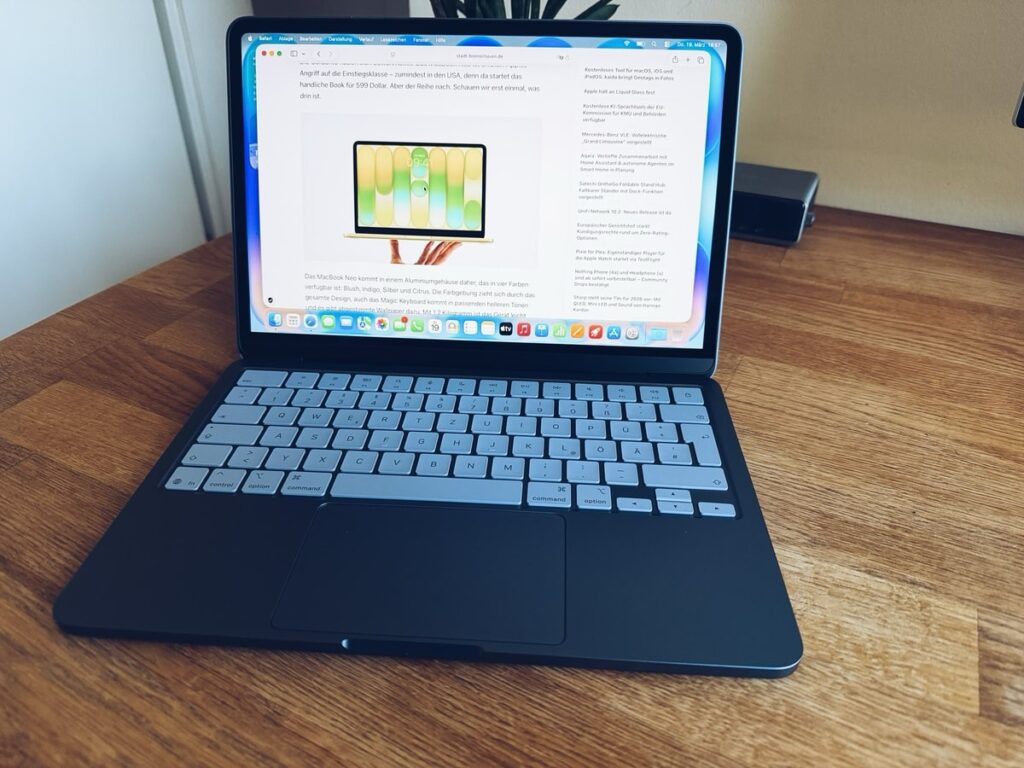
Under load, Neo sharply reduces performance, and there’s nothing you can do about it
For Claude Code, this is critical in only one scenario — when the AI is running multiple tasks in parallel. A single task (opening a file, finding the right code, making an edit) doesn’t strain the machine. But five simultaneous tasks will hit the thermal wall in less than a minute.
The paradox is that Claude Code feels fast even after throttling. The reason is that most of the time the program is simply waiting for a response from the server rather than loading the processor. So in practice, everything works noticeably better than what benchmarks show.
Is It Worth Buying MacBook Neo for Claude Code
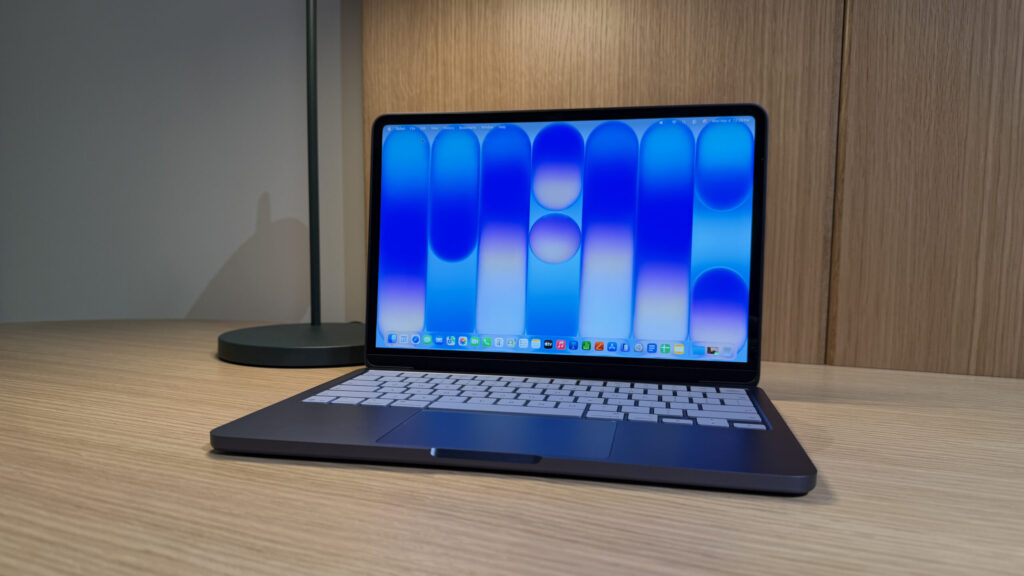
If you plan to run multiple agents in parallel, Neo might not handle it, but it will manage a single one


