If you are choosing between storage tiers on the iPhone 18 Pro and iPhone 18 Pro Max, the short answer from a recent enthusiast test is this: the 256GB and 512GB versions use faster TLC flash memory, while the 1TB model uses denser but slower QLC memory. In sustained write tests, the 1TB iPhone 18 Pro Max fell far behind once its fast buffer was exhausted, dropping to a few dozen megabytes per second, and in the worst case to 1.1 MB/s on a nearly full drive. For everyday use the difference is mostly invisible, but for long 4K or ProRes video recording, large file transfers and backup restores, the most expensive configurations may actually perform worse than the cheaper ones.
What you need to know
- The 1TB iPhone 18 Pro Max tested uses QLC flash (four bits per cell), while the 256GB and 512GB models use TLC (three bits per cell).
- In mixed read/write workloads, the 512GB TLC model was ahead by almost 38 percent in places; in small-block reads the gap was small.
- Writes stay above 3,000 MB/s only while a fast buffer of roughly 250GB has space; that buffer shrinks to about 58GB as the drive fills.
- Once the buffer is exhausted, direct QLC writes averaged 79.4 MB/s on an empty drive and 45 MB/s at 60 percent full, with a minimum of 1.1 MB/s.
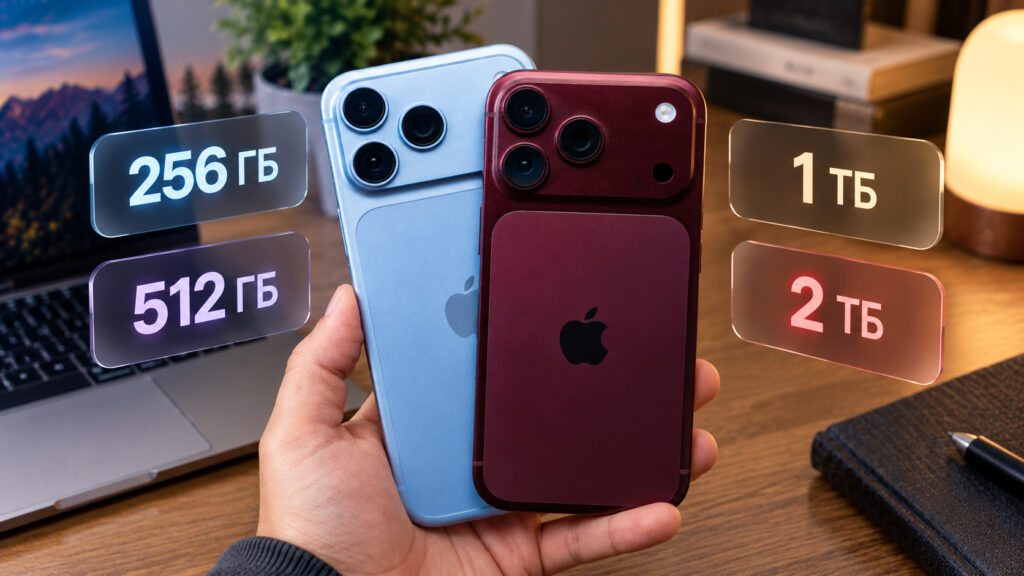
iPhone 18 Pro and iPhone 18 Pro Max side by side with different storage capacities
Why the 1TB model is slower: TLC vs QLC
Smartphone storage keeps data in tiny cells, and each cell can hold a different number of bits depending on the memory type. Most modern phones use TLC (triple-level cell) flash, which stores three bits per cell and offers a balance of speed, capacity and durability that has made it the industry standard.
According to the source, the 1TB iPhone 18 Pro Max is built differently: it uses QLC (quad-level cell) flash, which packs four bits into the same cell. The advantage is obvious: a chip of the same size can hold more data, which is how the terabyte capacities become possible. The drawback shows up in practice. The more states a single cell has to distinguish, the slower it operates and the less endurance headroom it has. Put simply, capacity is being traded for speed.
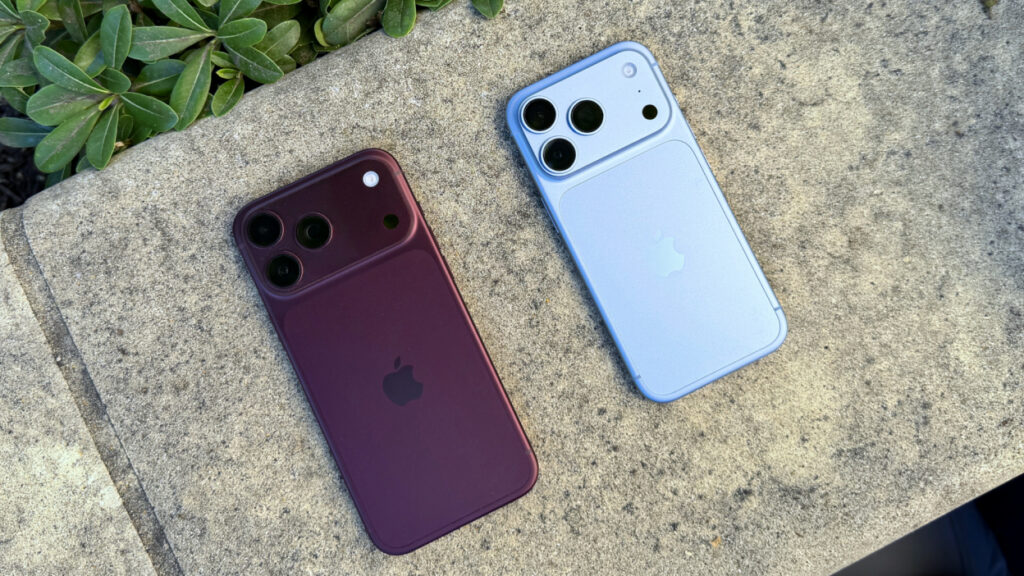
iPhone 18 Pro Max and iPhone 18 Pro in burgundy and light blue
This was not just theory. The source reports that enthusiasts benchmarked the 1TB QLC model against a 512GB model with conventional TLC. In ordinary small-block reads, the difference was minor. In mixed workloads, where the phone reads and writes simultaneously, the 512GB version pulled clearly ahead, by almost 38 percent in places. The source does not identify who ran the tests or which benchmarking tools were used, so the figures should be treated as third-party enthusiast measurements rather than official specifications.
How bad the write speeds get
The storage relies on a trick common to flash drives: part of each write goes through a fast buffer, a temporary high-speed zone where data is dumped quickly. On the tested 1TB model, that buffer was roughly 250GB. While there is room in it, writes stay above 3,000 MB/s. Problems begin when the buffer is full, and the fuller the drive gets, the smaller the buffer becomes, shrinking from about 250GB to about 58GB.
After the buffer is exhausted, the phone switches to an intermediate mode that is noticeably slower. When that is used up too, data is written directly to the QLC cells, and this is where speed collapses. The more occupied the drive, the less room remains for buffering and the sharper the drop.
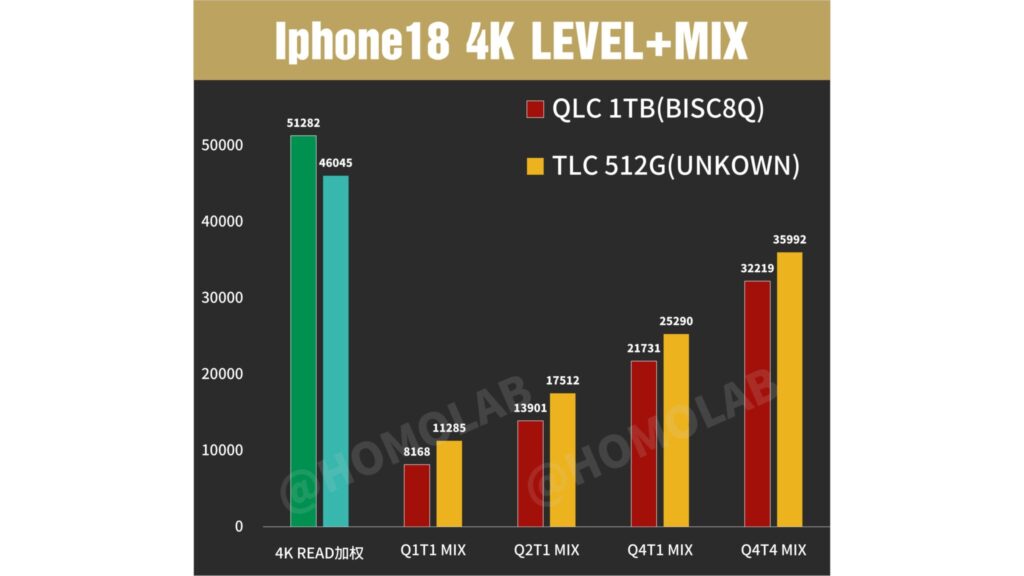
Chart of storage speed across different iPhone 18 Pro models
The figures reported by the source are summarized below, comparing an empty drive with one filled to 60 percent.
| Write stage | Empty drive | 60% full |
|---|---|---|
| Fast buffer | Above 3,000 MB/s | Above 3,000 MB/s, but the buffer is smaller |
| Intermediate mode | About 578 MB/s | About 396 MB/s |
| Direct QLC write | 79.4 MB/s average, 25.6 MB/s minimum | 45 MB/s average, 1.1 MB/s minimum |
In practical terms, the headline 3,000 MB/s figure appears only during short operations while the buffer holds out. During a long write, speed slides to a few dozen megabytes per second. In the worst case, with the drive nearly full, it dropped to 1.1 MB/s, which the source notes is slower than a cheap microSD card. The source adds an important qualification: that lowest speed was recorded only for fractions of a second, so users are unlikely to notice it directly.
When the slowdown actually matters
For everyday tasks the difference is barely perceptible. Messaging, web browsing, social feeds and ordinary photos are all short operations that the fast buffer handles without trouble. If that is your use case, there is little reason for concern. The issue appears with long, high-volume writes. Typical scenarios the source lists:
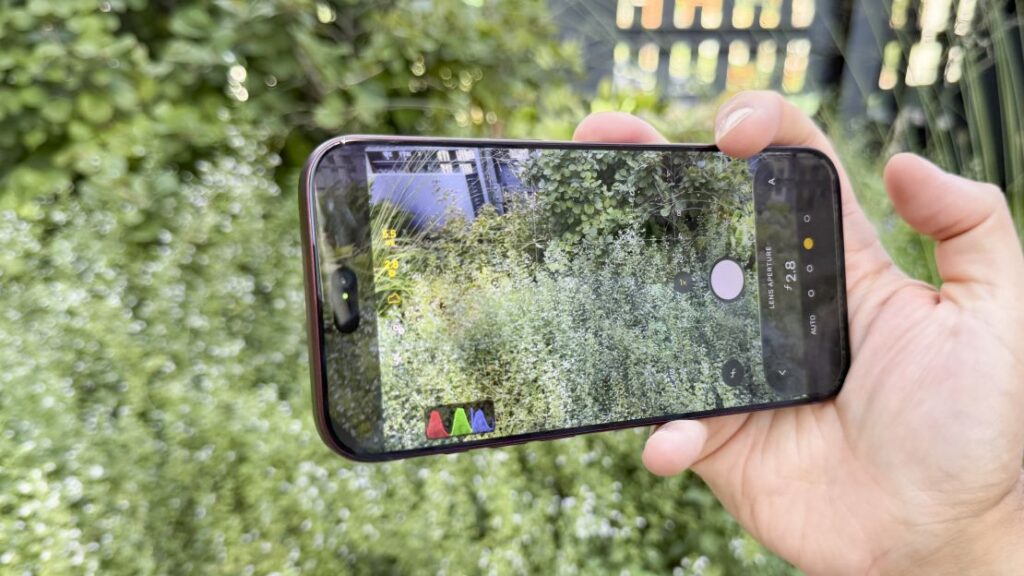
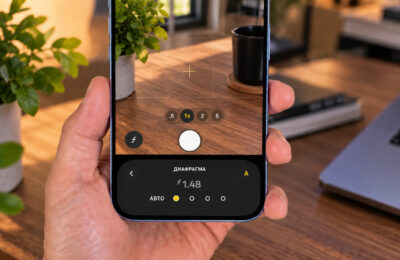
Camera app open on an iPhone 18 Pro Max
- Extended video recording in 4K or in ProRes, which consumes enormous amounts of storage
- Transferring large amounts of data, for example migrating from an old phone with a full photo and video archive
- Restoring from a backup when setting up a new device
The irony, as the source points out, is that these are exactly the workloads that draw buyers to the largest storage tier. People pay extra for a terabyte to shoot heavy video and keep a big archive, and receive memory that struggles most on precisely those tasks.
Which storage tier to choose
The source’s logic is straightforward. Slower QLC memory is found in the highest-capacity tier that was tested, the 1TB model, and the source author infers that the 2TB version uses QLC for the same reason, though the 2TB model was not itself benchmarked in the reported tests. The lower configurations, 256GB and 512GB, use faster TLC. The result is a paradox: in this specific respect, the most expensive options are not the best.
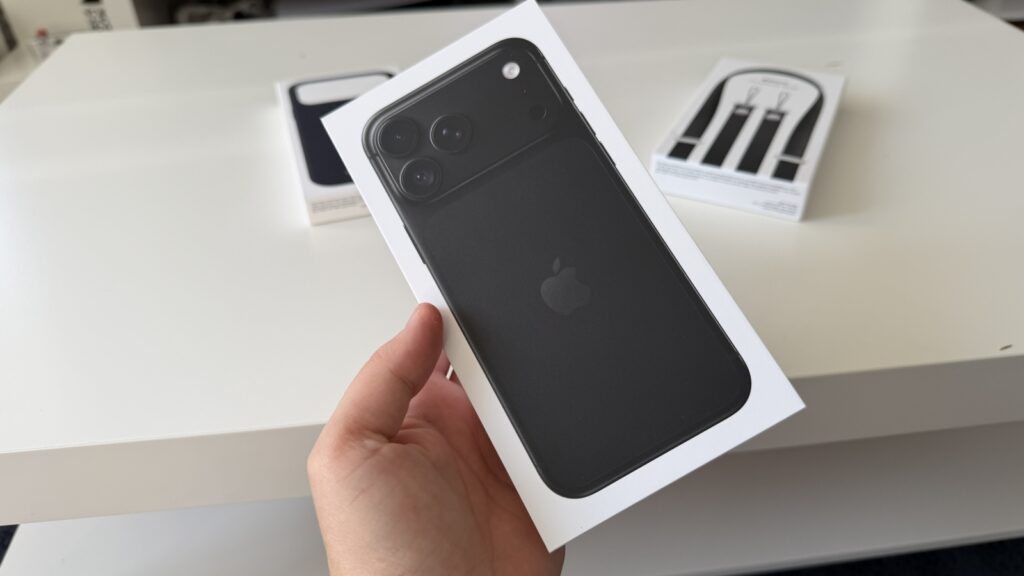
Retail box of a black iPhone 18 Pro
Broken down by use case, the source’s recommendations are:
- Messaging, social media and casual photos: the 256GB or 512GB models are the sensible choice. The memory is faster and you avoid paying a premium for capacity you may not use.
- Heavy video shooting and a large media archive: a harder call. You need the space, but the terabyte version slows down most on exactly these tasks. The source suggests considering a smaller tier paired with an external SSD.
- Capacity is critical and write speed is secondary: the 1TB or 2TB options remain reasonable.
In short, there is little point in chasing the maximum capacity for its own sake. For most people, the 256GB and 512GB versions will be both faster and better value. Keep in mind that these conclusions rest on a single set of enthusiast measurements reported by the source; results could vary across individual devices and software versions.