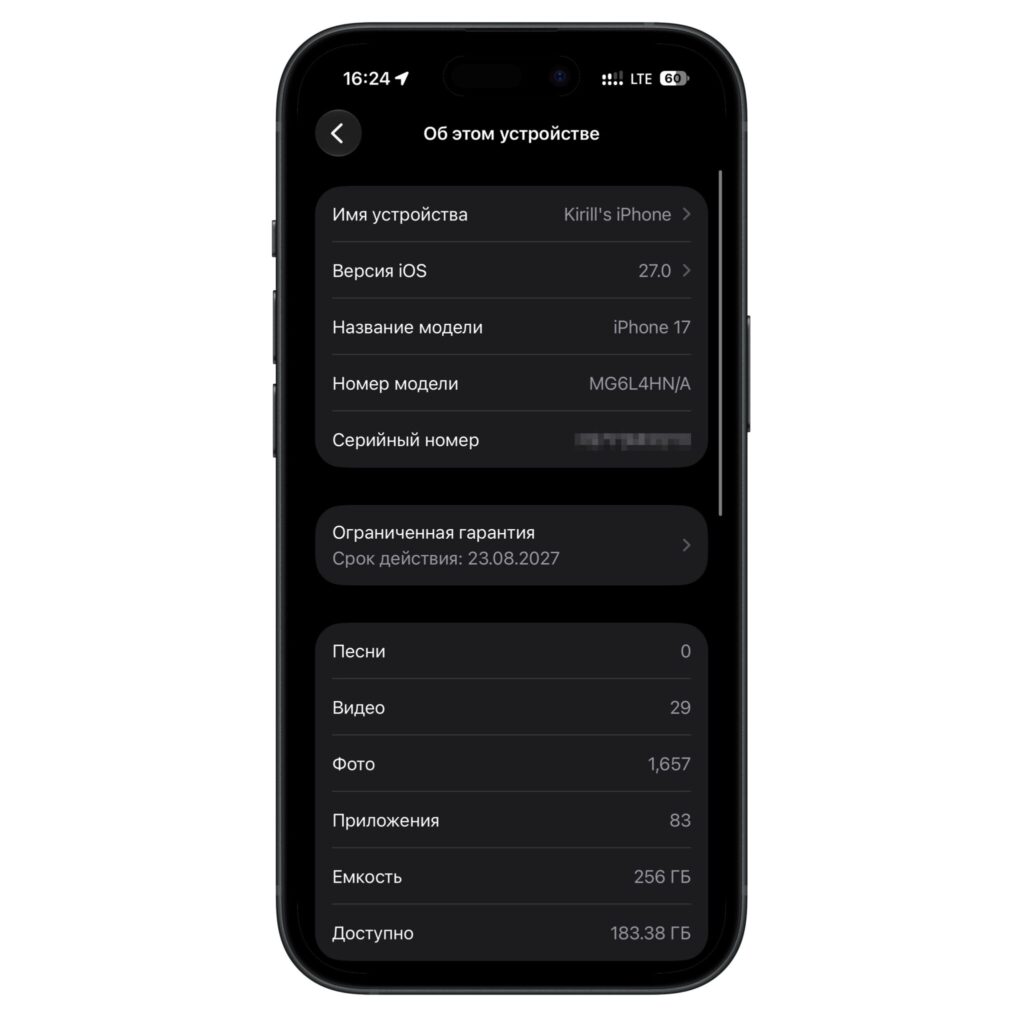
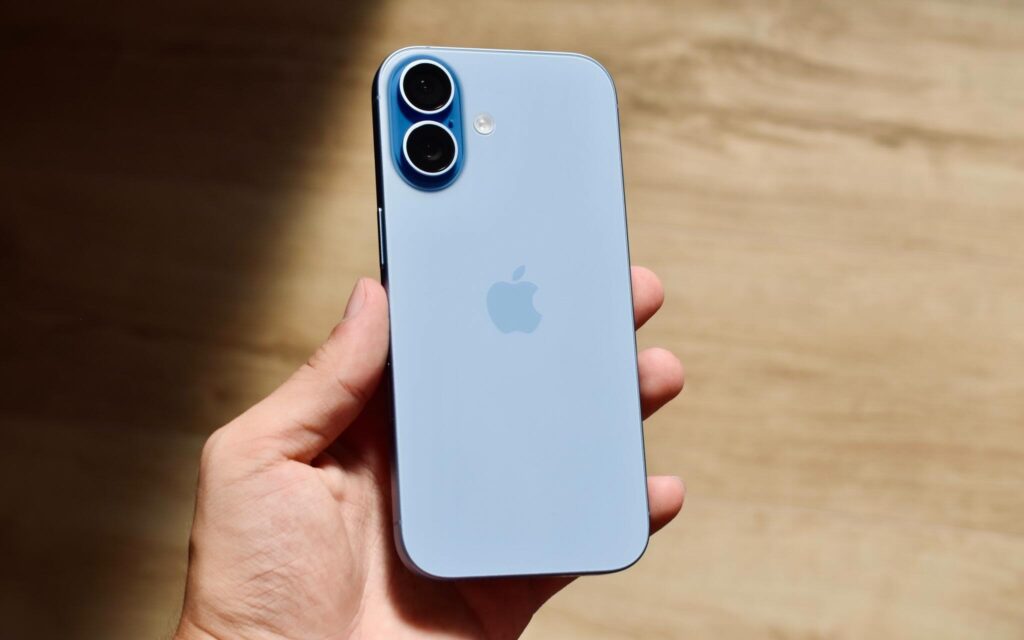
The source author recently upgraded from an iPhone 16 Plus to an iPhone 17 and immediately installed iOS 27 — not entirely by choice. Because the iPhone 16 Plus was already running iOS 27, the backup could not be restored onto the iPhone 17’s factory iOS 26 installation. Apple’s system explicitly blocks restoring a backup made on a newer OS version onto an older one. After updating the iPhone 17 to iOS 27, the backup restored without issues.
After several days of daily use, the source author reports that iOS 27 runs smoothly on the iPhone 17, with no glitches, micro-freezes, or interface lag observed. Battery life has also been stable, with no unexpected drain. Here are the key takeaways.
What you need to know
- A backup created on a newer iOS version (e.g., iOS 27) cannot be restored onto a device running an older version — the new device must be updated first.
- The source author reports zero glitches, freezes, or lag on iPhone 17 running iOS 27 across everyday tasks including scrolling, app switching, and camera use.
- Spotlight indexing took approximately two days to complete on a device with 73 GB of data and 83 apps, during which on-device search results were incomplete.
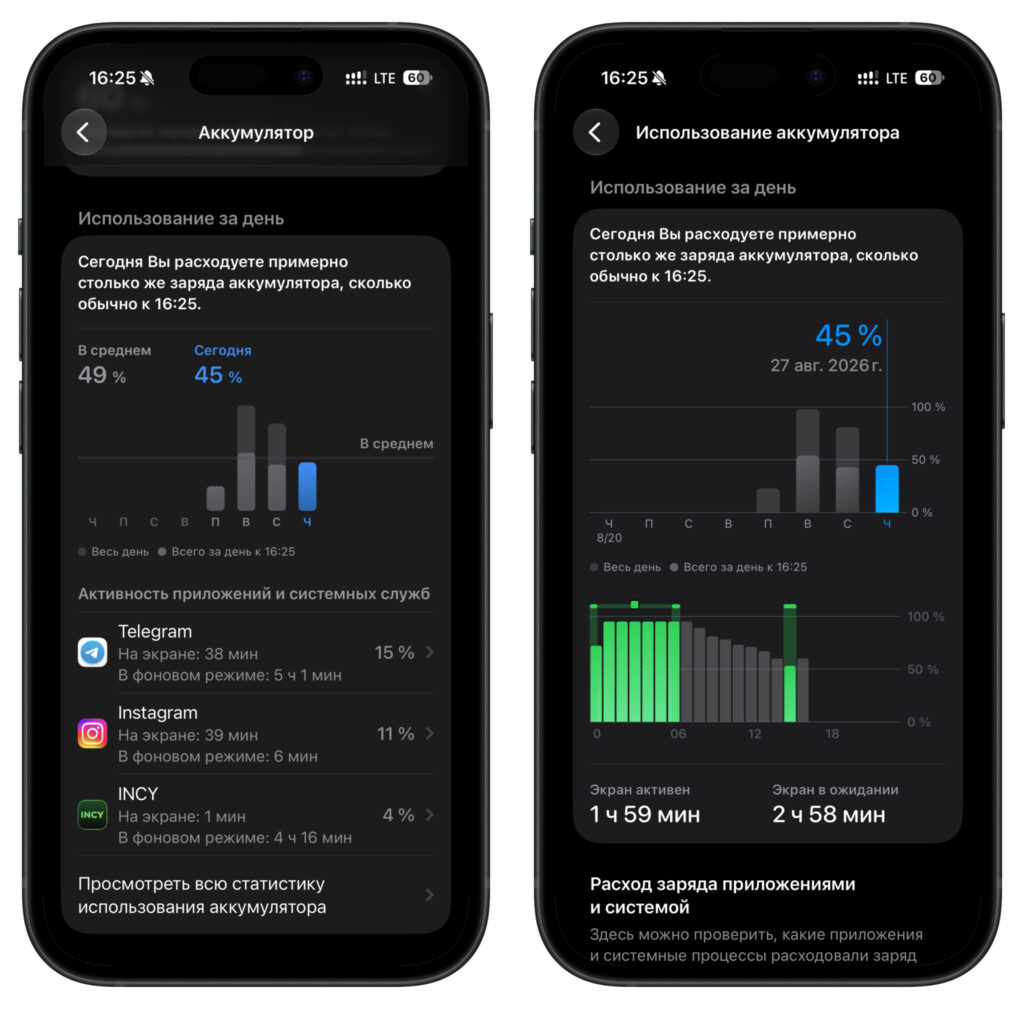
- Battery life showed no abnormal drain; no app consumed excessive power in the background after the initial indexing period.
Why the iOS 27 update was mandatory
The source author had planned to keep the new iPhone 17 on iOS 26 and transfer data at leisure. That plan fell apart immediately. iOS will not allow a backup from a newer OS version to be restored onto a device running an older version — the system displays an explicit error stating that restoration is impossible.
This left two options: set up the iPhone 17 from scratch manually, or update it to iOS 27 first and then restore the backup normally. The source author chose the latter and reports no regrets.
This is an important caveat for anyone planning a device migration: a backup from a newer iOS version will only restore onto the same version or higher. If your current phone is already running a beta or newer release, the new device must be brought up to the same OS level before the backup can be applied.
Performance: Smooth across the board
The source author reports that iOS 27 on the iPhone 17 feels remarkably polished for what is described as feeling closer to a finished release than a pre-final build. Scrolling through feeds, switching between apps, opening the camera, and swiping across home screens all felt fluid and responsive. No micro-freezes or stuttering were observed, even when rapidly switching between resource-heavy applications.
Animations were singled out as particularly smooth — consistent and free of jank throughout the interface. The source author notes that no formal benchmarks were run; the assessment is based entirely on subjective daily use.
Battery life and Spotlight indexing
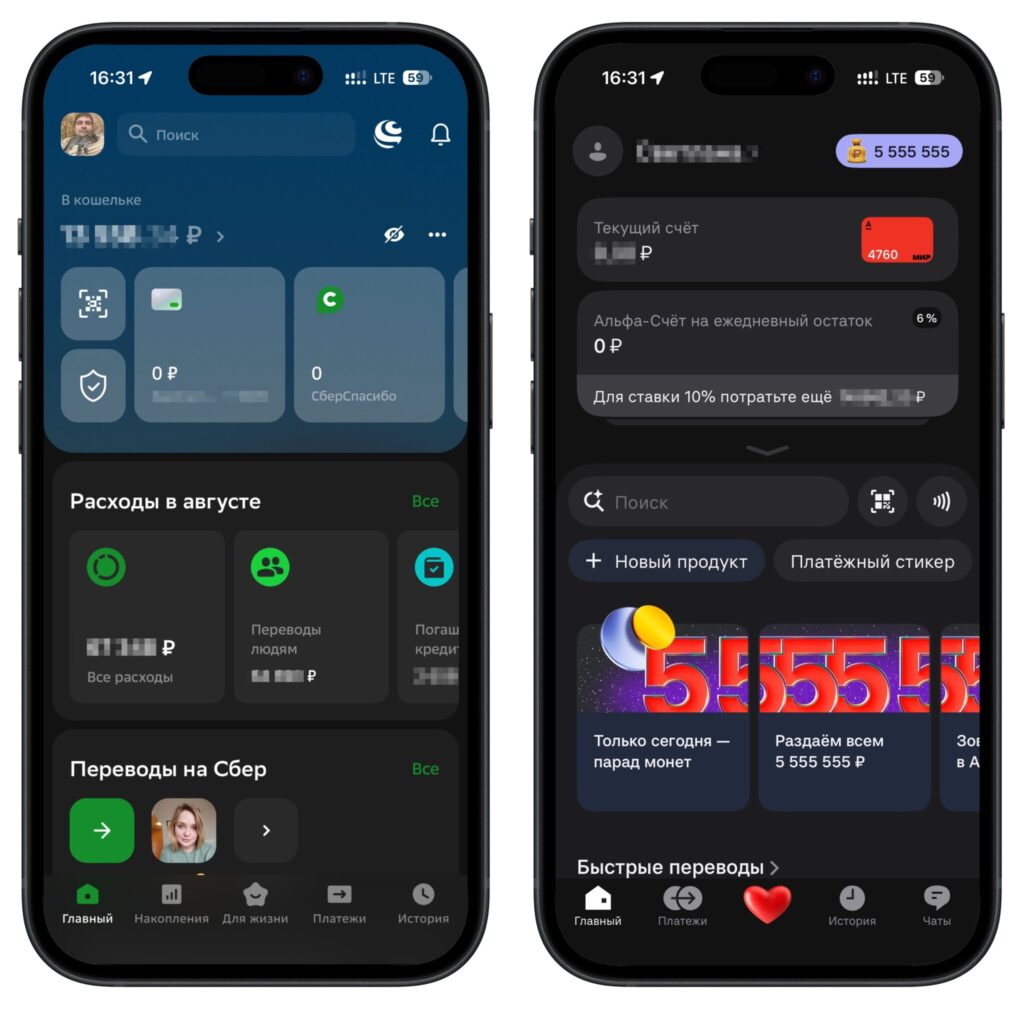
On the battery front, the source author reports no surprises — and considers that a positive outcome. There was no uncontrolled battery drain, and no individual app stood out as consuming excessive power in the background. Usage patterns were described as even and predictable.
The one notable post-setup process was Spotlight indexing, which took a full two days to complete — from Monday to Wednesday. This was despite the device holding only 73 GB of data with 83 apps installed, a relatively modest load. During this period, on-device search did not return complete results. The source author advises that if search seems broken immediately after updating or migrating, it is likely just the indexing process still running rather than an actual bug.
The Spotlight indexing did not appear to significantly affect battery life, according to the source author’s observations.
Caveats and limitations
It is worth noting several limitations of this account. The source author did not run formal benchmarks — all performance impressions are subjective and based on one person’s daily usage patterns. The overall impression was that the software felt like a polished release, but iOS 27 had not yet reached its final public version at the time of writing, meaning performance and stability could still change. Individual experiences may vary depending on installed apps, data volume, and usage habits.
Additionally, the Spotlight indexing duration (two days for 73 GB) may differ on devices with more data or more apps installed. Users with larger libraries should expect potentially longer indexing times and plan accordingly.
The bottom line
Based on several days of real-world use, the source author reports being fully satisfied with iOS 27 on the iPhone 17. System performance is described as excellent, battery life as normal, and the migration process — once the OS version mismatch was resolved — as smooth. The key practical takeaway for anyone planning a similar upgrade: make sure your new device is running the same iOS version as the backup you intend to restore, or be prepared to set up from scratch.