Apple has released iOS 27.2 beta 3 to registered developers. The build arrived exactly two weeks after the second beta, and there is still no public beta for the 27.2 branch. This release focuses on bug fixes rather than new features. The source author argues that by the third beta, Apple has usually stopped adding features and turned to fixing bugs, so this build should look close to the final release. The source’s advice for most people right now is to stay off the beta entirely.
What you need to know
- iOS 27.2 beta 3 is available only to registered developers. The 27.2 branch has no public beta yet.
- Apple’s release notes for this build cover bug fixes and developer-facing changes, including an expanded tracking-permission prompt for users in the EU.
- The headline 27.2 features, such as the redesigned Health app, first appeared in beta 1. According to the source, the camera-based fitness assessment works only in the US and only in English.
- The source recommends staying on iOS 26.7 if you have not upgraded yet, or installing iOS 27.0.1 if you already run iOS 27. It advises against putting the beta on your main phone.
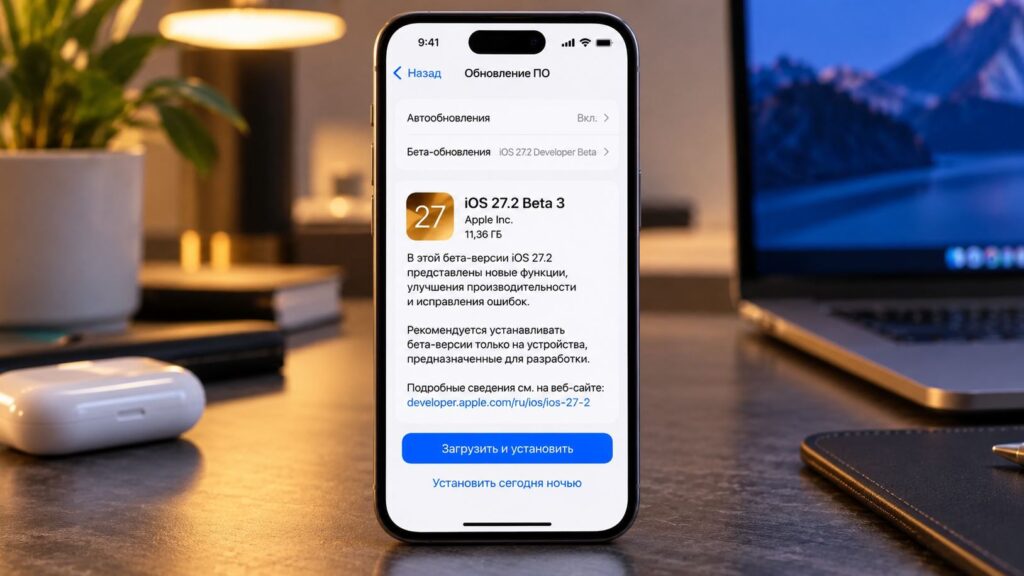
iOS 27.2 beta 3 has been released for developers
Who can get the third beta
Only registered developers can download the build. Everyone else will need to wait until a public beta or the final release. Apple updated its other platforms on the same day:
- iOS 27.2 beta 3 and iPadOS 27.2 beta 3
- macOS Golden Gate 27.2 beta 3
- watchOS 27.2 beta 3
- tvOS 27.2 beta 3
- visionOS 27.2 beta 3
- HomePod Software 27.2 beta 3
The source author sees the same-day release as a good sign. In the author’s view, no platform is lagging behind, and Apple is moving the whole system toward release at an even pace.
What is new in iOS 27.2 beta 3
According to the source, beta 3 is entirely about bug fixes. Apple has updated its iOS and iPadOS 27.2 release notes, and the source highlights these changes:
- Tracking request in the EU. Users in the European Union get an expanded prompt that asks whether to allow an app to track them. The system will ask again once a year. The source says this format is mandatory in France, Germany, Italy, Poland and Romania.
- Interface margins in apps. Starting with iOS 27.1, interface elements have no edge margins by default. This affects developers, who will need to check whether their app layouts have shifted.
- Test purchases. Apple fixed three bugs in the tool developers use to test purchases and subscriptions:
- Trial periods now reset immediately.
- Changes to store country and language now apply correctly.
- Error pop-ups no longer appear after they have been turned off.
- Tracking-request command. The command was renamed, and the source says this happened twice. This is a purely technical change for app developers.
Features introduced earlier in the 27.2 cycle
The source says Apple showed the most interesting parts of this branch in the first build. The most visible change is a rebuilt Health app with three tabs:
- Overview shows heart rate, sleep and activity.
- Longevity shows a “Health Age” metric.
- All Data holds your full history.
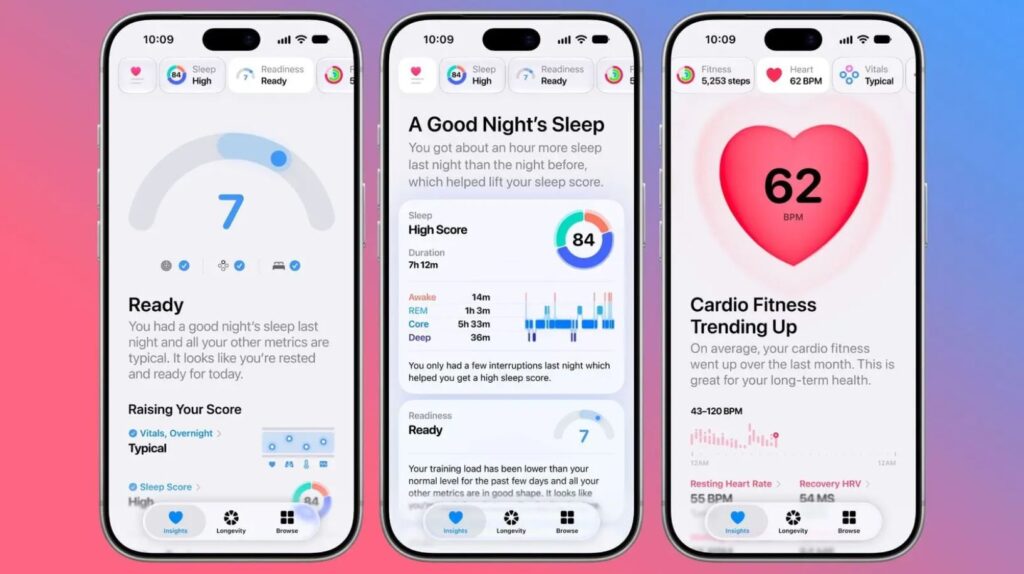
The redesigned Health app in iOS 27.2
The Health app also gains an at-home assessment that uses the camera. The iPhone estimates flexibility, strength, balance and VO2 max. According to the source, this works only in the US and only in English.
The source lists several smaller changes that may matter more in everyday use:
- Reminders before a call. If a contact card includes an anniversary, the Phone app will mention it before you place the call.
- New Siri languages. Siri adds French, Japanese, Korean, Portuguese and Spanish.
- Profiles in Apple TV. You can create a separate profile for a child and restrict content by age.
- Sign language interpretation in FaceTime. Third-party apps will be able to bring a live interpreter into a video call.
- Themes for CarPlay Ultra. You can change the wallpaper, gauge style and colour. In some cars, the theme also changes the interior lighting.
- Black buttons in Music. There is noticeably less red in the library.
- Hiding apps from Siri. You can now remove several apps from search and suggestions at once, using a list.
The source also says Apple is gradually restoring features it removed from iOS 27 before release. The author suggests watching the betas for these changes, but the source does not say which features are involved.
Why Apple skipped version 27.1 in testing
According to the source, Apple held back iOS 27.1 on purpose because the update is tied to a foldable iPhone. The source says it includes two-screen app layouts and a vertical dock, which Apple does not want to show early. The source does not cite Apple for these details.
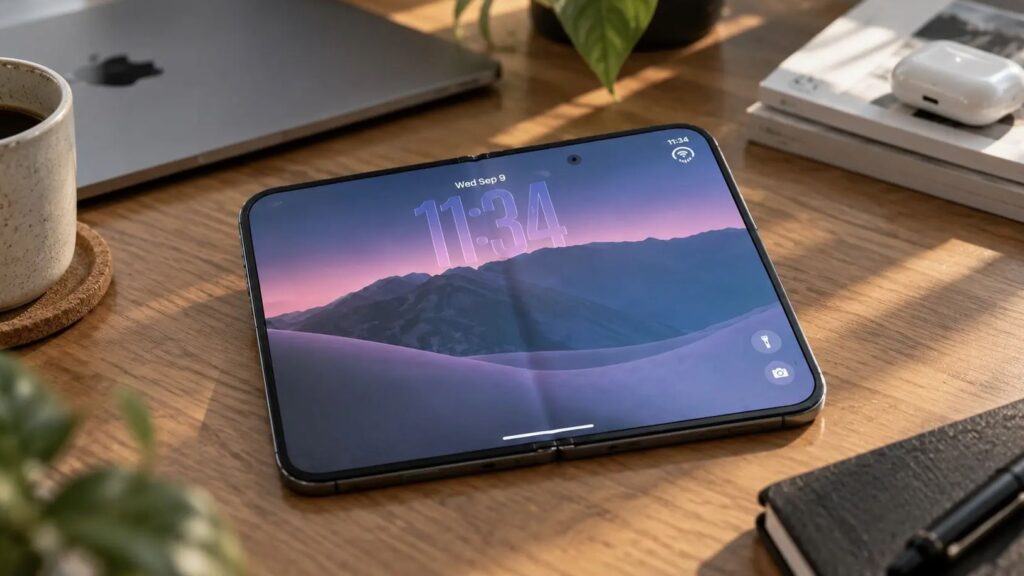
According to the source, iPhone Duo will launch on October 23 with iOS 27.1
The source states that iPhone Duo will go on sale on October 23 running iOS 27.1. Other iPhone models are expected to receive 27.1 as a regular update, without a long testing period.
Which version to install right now
The source’s recommendation depends on what your iPhone currently runs.
There is no need to rush to iOS 27: iOS 26.7 is the calmer option for now
- If you are still on iOS 26: the source suggests updating to iOS 26.7 and staying there for now. According to the author, it includes recent security patches, apps work as before and battery life stays as expected. The author calls it the calmest option today.
- If you have already moved to iOS 27: the source sees no reason to roll back. It does recommend installing iOS 27.0.1 rather than staying on the first build, because Apple fixed bugs in it that appeared right after release.
The source strongly advises against installing the beta on your main phone. According to the author, even the third build can crash a banking app or lose notifications. The author recommends using it only on a spare iPhone you can afford to have problems with.
How to install the beta on an iPhone
If you have a spare device and still want to try the beta, the source describes the steps below. According to the source, a developer account is free: you sign in with your Apple ID on Apple’s developer website.
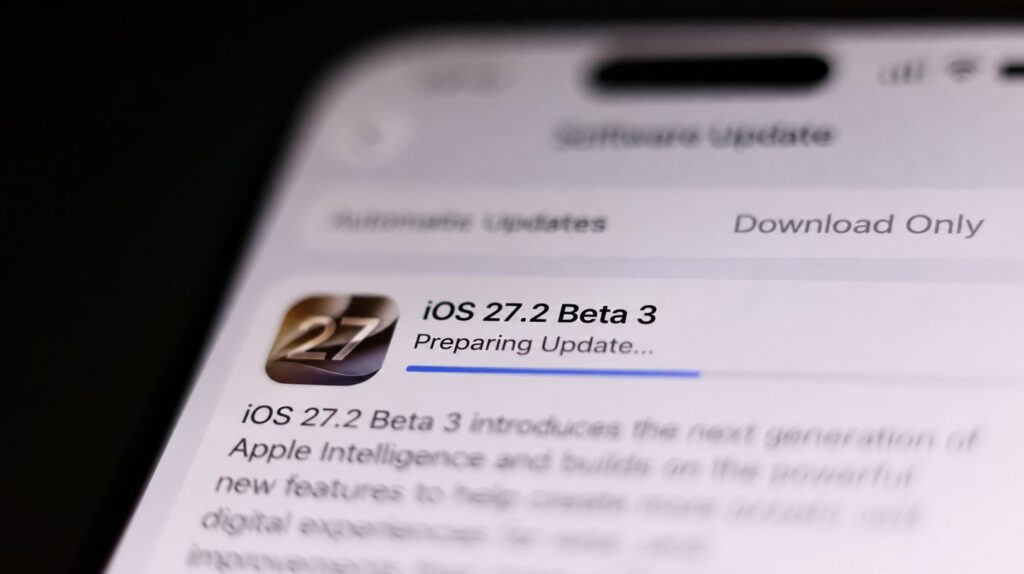
Installing iOS 27.2 beta 3 on an iPhone
- Make a backup to iCloud or a computer, and wait for it to finish.
- Make sure your banking app and your work messaging app are available on another device.
- Connect the iPhone to a charger and to Wi-Fi.
- Open Settings, go to General and select Software Update.
- Turn on developer beta updates and wait for the build to appear.
- Do not use the phone until the installation is complete.
According to the source, the iPhone may run warm and drain faster for the first couple of days while the system re-indexes data. If something goes wrong, the source says you can restore the phone from the backup.
When iOS 27.2 will be released to everyone
Apple has not announced a release date. The source expects 27.1 to arrive in October alongside the foldable iPhone, with 27.2 following later. The source’s estimate for 27.2 is around December, but this is a forecast, not an Apple announcement. Apple usually releases several more builds before a final version.
The source author suggests that by then, early bugs should be fixed and app developers should have had time to adapt. In the author’s view, that is the point when other users should consider moving to iOS 27.


