A simple everyday life hack is gaining popularity on TikTok: iPhone owners are using the built-in Magnifier app to quickly find ticks on dogs and cats. No separate gadgets or paid apps are needed — just one filter in an already built-in tool.
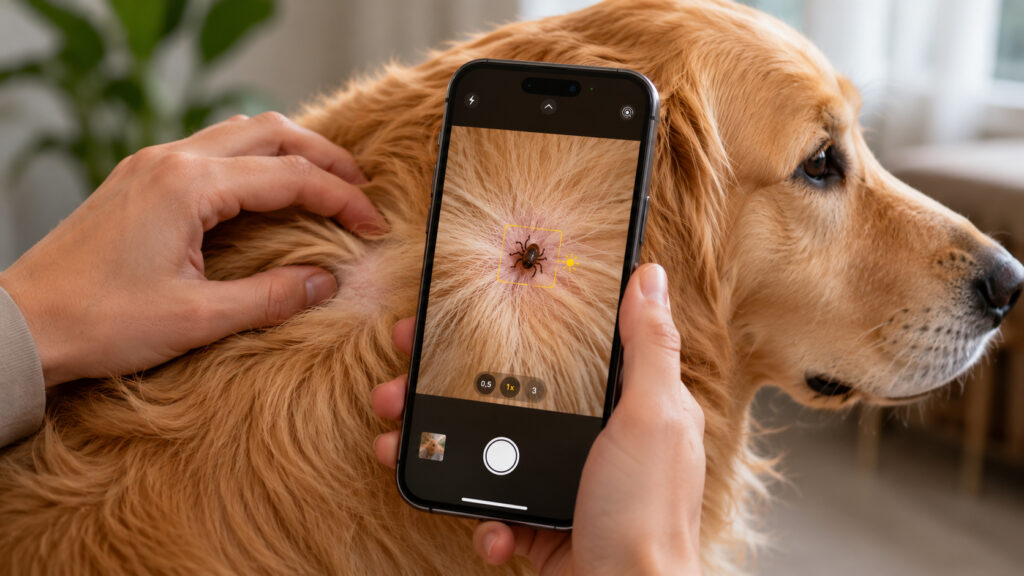
Yes, iPhone can help you find parasites on your pet
A Simple Way to Check Your Dog for Ticks After a Walk
You can find a tick on a cat or dog using the iPhone camera, and TikTok users have discovered this for themselves — videos are spreading across the platform where Apple smartphone owners instantly find pests on their pets using the Magnifier app.
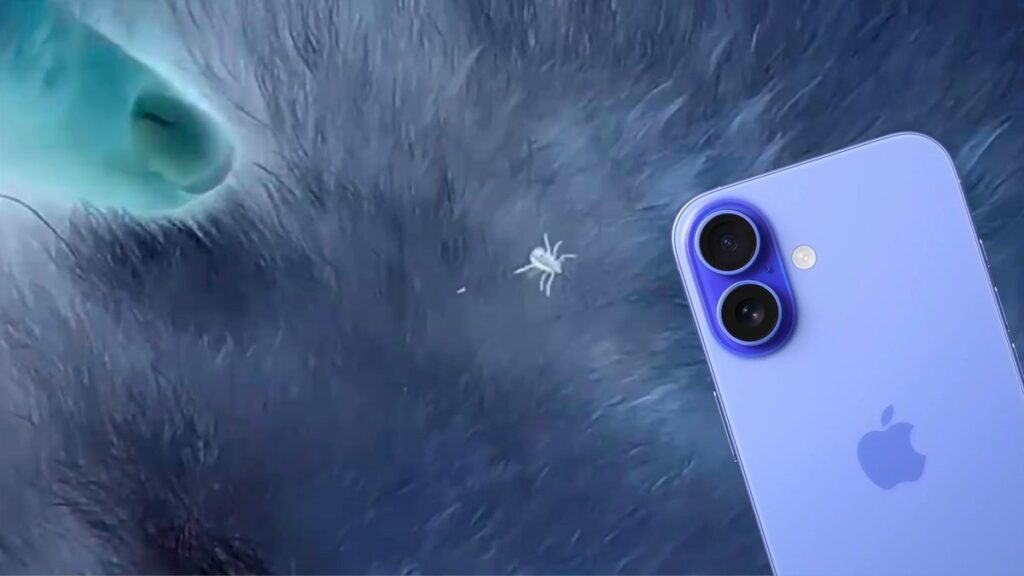
People found an unexpected use for the Magnifier app.
The idea is that the app can apply color filters to the camera image in real time. With a certain filter, the contrast between the fur and the tick’s body is enhanced, making the parasite easier to spot — especially in thick or dark fur, where it almost blends into the background with the naked eye.
Step-by-Step Guide: How to Search for Ticks Using an iPhone
The method takes less than a minute and requires no settings other than selecting the right filter.
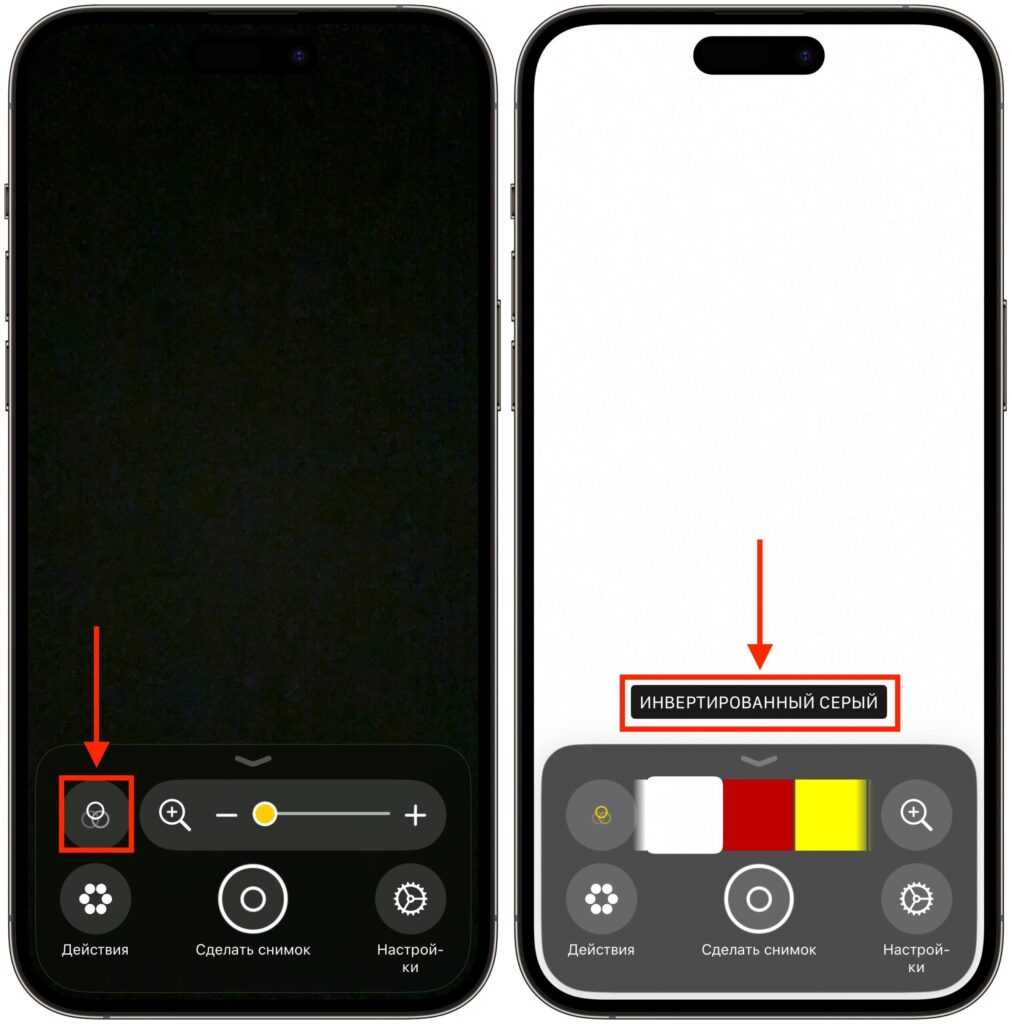
Switch to the right filter and point the camera at the fur
- Open the Magnifier app. If it’s not on your device, install it for free from the App Store.
- Go to the “Filters” section.
- Select “Inverted Grayscale” — or any other higher-contrast filter that seems more convenient.
- Point the iPhone camera at your pet and slowly move it across the fur, watching the image on the screen.
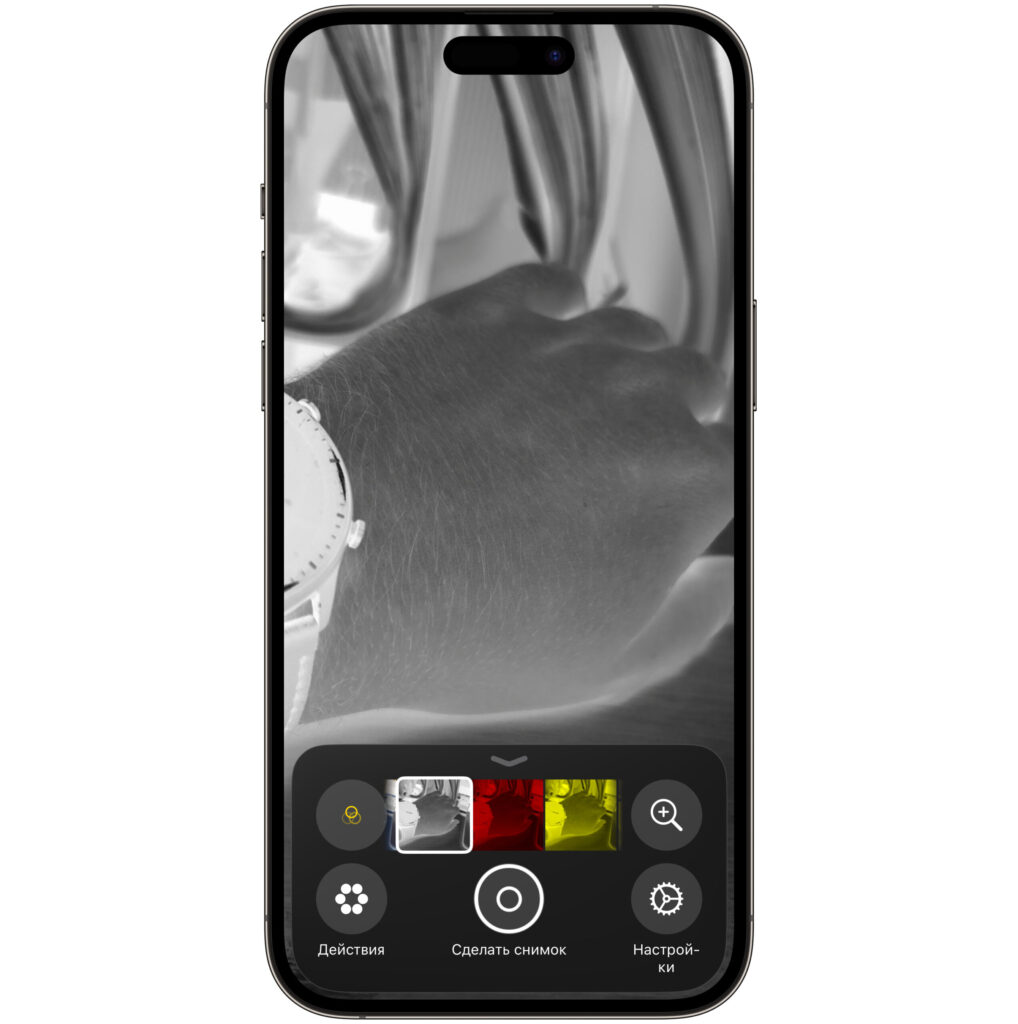
Fortunately, I have no ticks
Users note that ticks appear darker even against a pet’s black fur — meaning the method works not only with light-colored dogs and cats.
The “Inverted Grayscale” Filter in Magnifier: What It’s For
In TikTok videos, “Inverted Grayscale” is the most commonly recommended filter: it removes color and inverts brightness, causing dark objects on a dark background to stand out. But Magnifier also offers other modes — yellow on blue, red on black, and so on.
If you don’t see a tick on the first try, it makes sense to switch between filters during the inspection. Different breeds and coat colors work better with different combinations, and there’s no universal “correct” filter — it’s just a matter of a few seconds of experimentation.
Why iPhone Filters Help Spot a Tick in Fur
Magnifier was originally designed as an accessibility tool in iOS: it magnifies small text, helps examine details, and adapts the image for people with visual impairments. The filters are there to help people with vision issues distinguish objects more easily — and it’s precisely this feature that turned out to be useful for an everyday task with pets.
It’s important to understand the limitations. The app doesn’t “detect” ticks — it only helps the eye notice contrast. The decision of whether it’s a tick or debris in the fur is still made by a person. And if a parasite is found, it’s best to remove it at the vet or with a special tick remover tool, not with your fingers.
Is It Worth Using an iPhone to Search for Ticks on Your Dog?
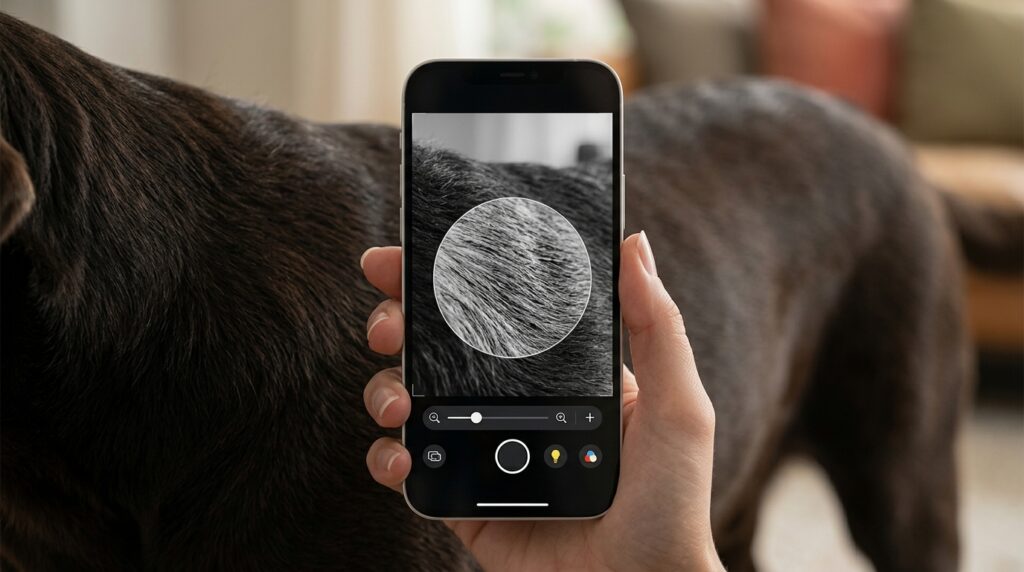
The “Inverted Grayscale” filter in the Magnifier app
This life hack is especially useful for owners of dogs and cats that go outside or travel to the countryside — particularly in spring and early summer, when tick activity is at its peak. It’s not a replacement for a vet examination, but a convenient way to quickly check your pet after a walk without buying a separate magnifying glass.
If you have a pet and an iPhone — it’s definitely worth a try. The method is free, takes a minute, and requires nothing more than the built-in Magnifier app. It won’t replace a vet and doesn’t guarantee you’ll find every tick, but it genuinely makes inspecting dark fur easier. For those without pets, feel free to move along — no new iOS feature has appeared here; it’s simply a clever use of what’s already in the system.


