Choose a laptop for programming around the tools that will run at the same time, not around the programming language. The common advice that almost any laptop will do holds only for first learning projects. Real development work quickly adds a browser, documentation, containers, local databases, an IDE, messengers and test environments. The code itself may use few resources, while the full working environment can use a great deal. A practical baseline is enough RAM, a fast and roomy SSD, a comfortable screen and keyboard, and stable cooling. A powerful processor and a discrete GPU make sense when a specific workload can actually use them.
What you need to know
- 8 GB of RAM is enough for a lightweight editor and a few tabs. 16 GB is a more sensible starting point for a general-purpose machine, and 32 GB suits regular use of multiple containers, virtual machines, heavy builds or large datasets.
- 256 GB of storage may still be enough for light web development, but 512 GB gives comfortable headroom because containers, SDKs, emulators and working branches can take up hundreds of gigabytes.
- A discrete GPU matters mainly for machine learning, 3D, graphics, some compute tasks and game development. For typical backend or web work, it often means extra weight, noise and battery drain.
- When buying a used laptop, stable performance under sustained load matters more than a good result in a short benchmark.

For programming, the processor and memory matter, but so do the screen, keyboard, cooling and comfort during long working sessions
RAM determines how freely you can multitask
A lightweight editor and a few browser tabs can get by with 8 GB. However, a large IDE, Docker, a local database and a browser can quickly fill that amount. For a general-purpose machine, 16 GB is a more reasonable starting point. 32 GB is for people who regularly run several containers or virtual machines, do heavy builds or work with large datasets.
Check whether the memory can be upgraded. In thin models, RAM is sometimes soldered to the board, so a later upgrade is impossible. If your project requirements may grow, find this out before you buy.
The SSD matters for more than booting the system
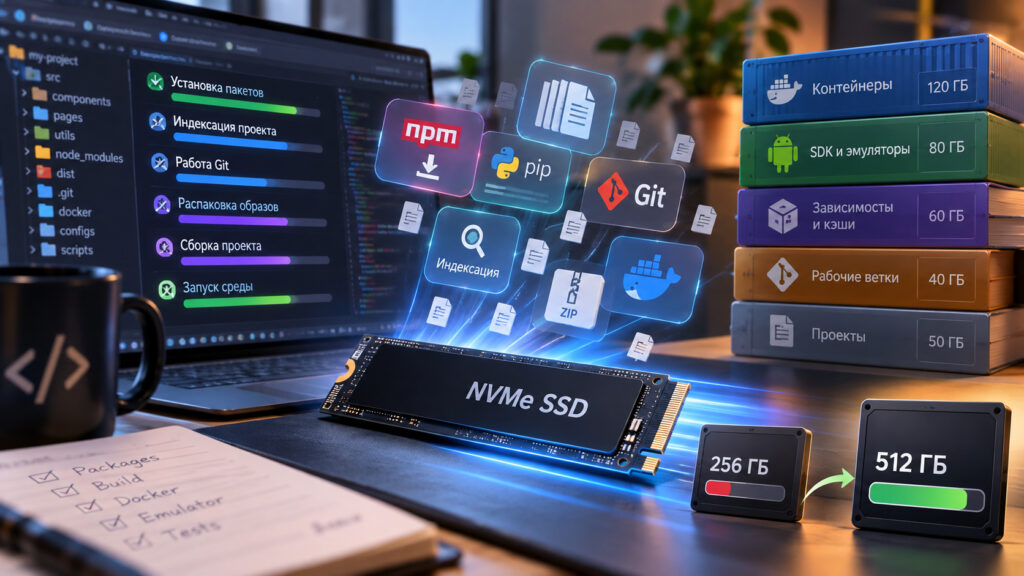
Computer memory and what it is used for
Development produces many small files, caches, dependencies and intermediate build artifacts. A fast drive speeds up operations that are hard to link to processor power at a glance, including installing packages, indexing a project, working with Git, unpacking images and starting the environment.
Capacity matters too. Containers, SDKs, emulators and several working branches can unexpectedly take up hundreds of gigabytes. For light web development, 256 GB may still be enough, but 512 GB provides comfortable headroom.
The right processor depends on the type of development
Frontend work and most learning projects do not need a top-tier CPU. Compiling large codebases, running mobile emulators, virtualization and local analytics do benefit from more performance cores. It is therefore worth working out where you actually wait for the computer: during builds, test runs, indexing or while running several services.
When a discrete GPU is worth it
Not every developer needs a dedicated graphics card. It becomes important for machine learning, 3D, graphics, some compute tasks and game development. For ordinary backend or web work, a discrete GPU often means extra weight, noise and battery drain.
The keyboard and screen are working tools
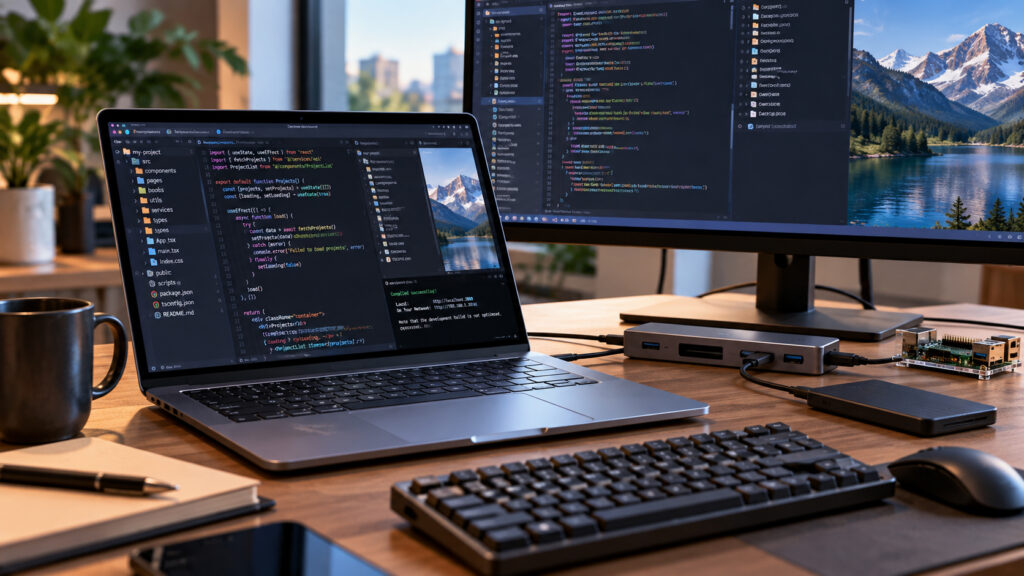
A monitor and keyboard for a computer
Developers spend much of their time working with text. Comfortable key travel, a solid keyboard deck and a sensible layout can affect comfort more than a small performance gain. Judge the screen by its resolution, panel type and actual brightness. A 14-inch Full HD display can be comfortable for work on the go, and you can connect a large monitor at home.
Ports are useful as well. An external monitor, a debugging board, a storage drive, a network connection and peripherals can quickly use up the available connectors. A single universal USB-C port is convenient, but without a docking station it cannot always replace everything else.
How to check a used laptop for development work
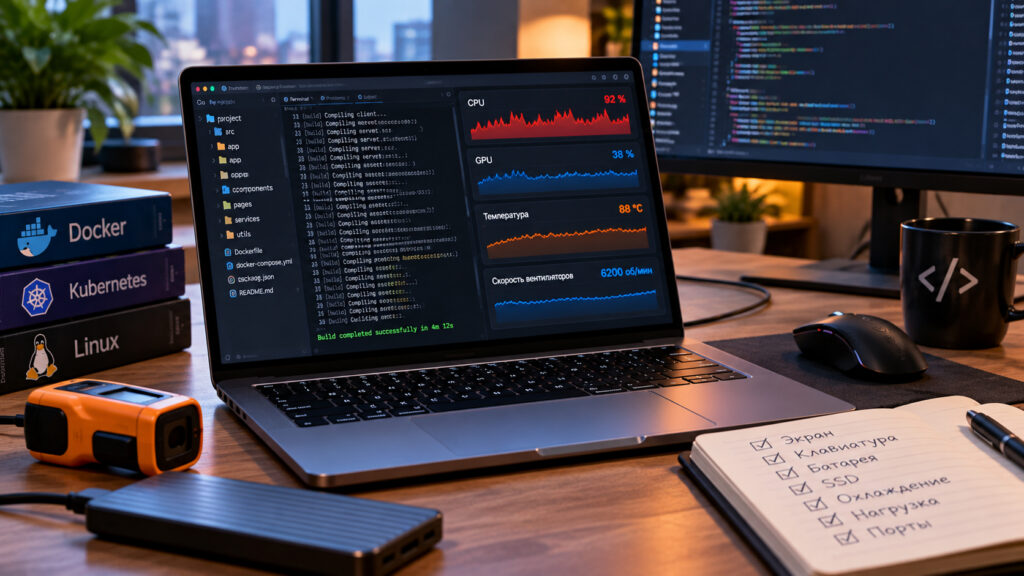
Checking a used laptop’s key parameters
Beyond the standard checks of the screen, keyboard, battery and SSD, look at how the cooling system behaves. If the machine will compile a project for hours or keep several containers running, stability under sustained load matters more than an impressive result in a short benchmark.
When choosing a configuration, it helps to plan not only for the IDE you use today but also for the next stage of your projects, such as moving from learning code to containers and local services.
There is no universal programmer’s laptop
Mobile app developers, data specialists and web programmers use different tools. The best machine can therefore be identified only after you list your working environment. RAM, the SSD, a comfortable screen and keyboard, and stable cooling usually form the foundation. A powerful processor and discrete graphics should be added when a specific task can actually make use of them.