The popular advice to keep 10 percent of your storage free doesn’t really apply to iPhones — and following it can leave you with either too little or too much reserved space depending on your model. The practical answer is simpler: keep 10–15 GB free on any modern iPhone, regardless of total capacity. That buffer covers iOS updates, app caching, and the occasional burst of 4K video recording. Here’s why the percentage rule is misleading and what actually matters for keeping your iPhone running smoothly.
What you need to know
- The “10 percent rule” originated with mechanical hard drives and their fragmentation issues — it does not directly apply to the flash storage in iPhones.
- Major iOS updates can temporarily require 12–20 GB of free space to download, unpack, and install.
- iPhone slowdowns from low storage occur only near the very bottom of available space, not gradually as storage fills up.
- A fixed 10–15 GB buffer works better than a percentage, which under-serves 64 GB models and over-reserves on 1 TB models.
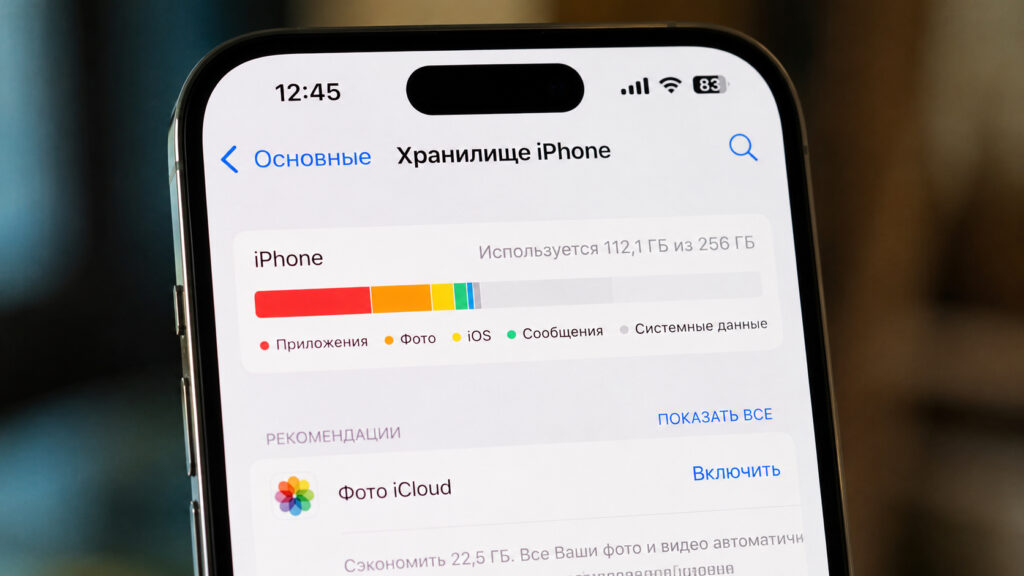
How much free storage you should maintain on an iPhone
Where the “10 percent” rule came from
The advice to keep 10 percent of a disk free dates back to the era of mechanical hard drives with spinning platters. On those drives, free space genuinely affected performance: the operating system spread files across sectors, fought fragmentation, and used empty space as a working area. When a drive filled past roughly 90 percent, the read/write head had to travel farther, defragmentation stalled, and the computer slowed noticeably.
That figure was later carried over to smartphones, even though iPhones use flash storage with no moving parts and none of the fragmentation problems that plagued traditional hard drives. Mechanically copying the “10 percent” guideline to an iPhone is already technically incorrect for that reason alone.
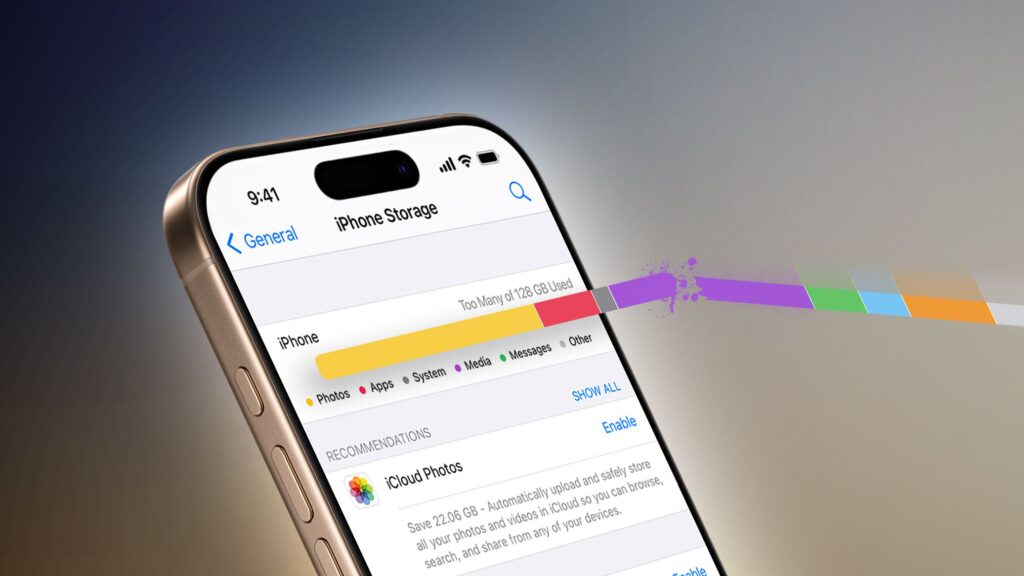
Maintaining a certain amount of free space is necessary for normal operation
There is also a mathematical problem with percentages: they scale poorly. Ten percent of 64 GB is roughly 6 GB — which may not even be enough for a single major iOS update. Ten percent of 1 TB is 100 GB — far more than any iPhone ever needs sitting empty. The percentage rule simultaneously short-changes small-capacity phones and wildly over-reserves on large ones.
What happens when an iPhone runs out of space
Running without any buffer does cause real problems, but for different reasons than on mechanical drives. Flash memory needs some free space for housekeeping tasks: temporary files, caching, and wear leveling. The storage controller constantly shuffles data between cells so they wear evenly. When almost no free blocks remain, the controller has to cycle through the same limited space repeatedly, writes slow down, and iOS begins aggressively purging caches.

You may also see a notification like this. Image: tengrinews.kz
That is when the iPhone starts to stutter. Apps lose their cached data and have to reload everything from scratch, feeds take longer to open, and iOS displays the “Storage Almost Full” notification. Crucially, these slowdowns appear only at the very edge — in the last few percent of capacity. Above a healthy reserve, extra empty space does not make the phone any faster. The idea that “the more free space, the faster the phone” only holds true near full capacity; beyond that, it is a myth.
How many gigabytes to actually keep free
The practical recommendation is to think in gigabytes, not percentages. The biggest single consumer of your storage buffer is predictable: iOS updates. A major update needs room to download, unpack, verify, and install. In practice, the system can require 6–7 GB at minimum, often 12–15 GB, and sometimes temporarily close to 20 GB during installation. Apple’s formal minimum is modest — around 1 GB to prevent the phone from breaking — but that is a floor, not a comfort zone.
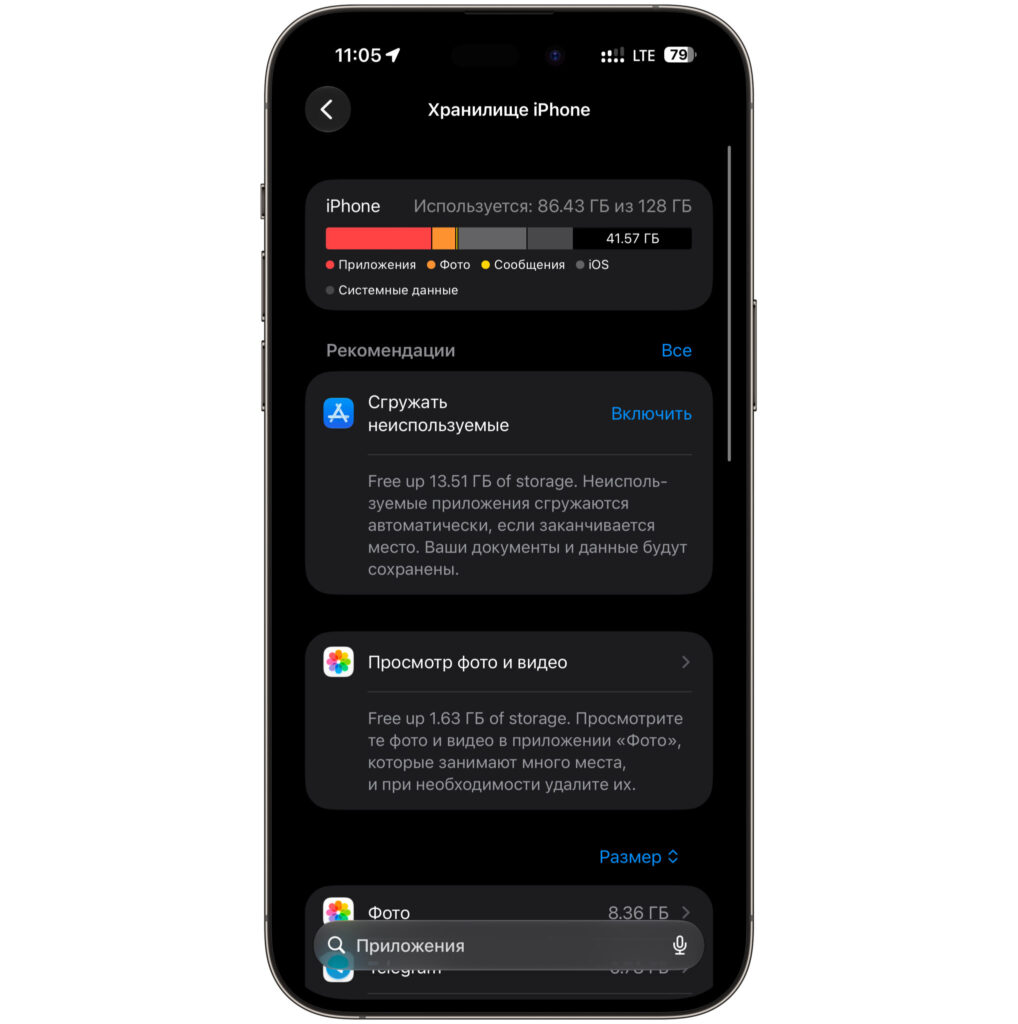
The author reports maintaining this amount of free space on their iPhone
From this, a practical guideline emerges: keep 10–15 GB free as a permanent buffer on any modern iPhone, whether it has 128 GB or 1 TB. That is enough for updates with headroom to spare, normal app caching, and a few spontaneous 4K video clips. On older 64 GB models, the “10 percent” figure of roughly 6 GB is genuinely too small — you will hit a wall at the first major update. On a 1 TB model, reserving 100 GB is pointless; 15–20 GB covers every realistic need.
How to maintain a storage buffer without constant monitoring
You can set things up once and largely forget about storage management. Here are the recommended steps:
- Target 10–15 GB of free space and do not let it drop below that threshold. This is your buffer for updates and caching.
- Enable “Optimize iPhone Storage” for Photos so that full-resolution originals live in iCloud while lighter versions stay on the device.
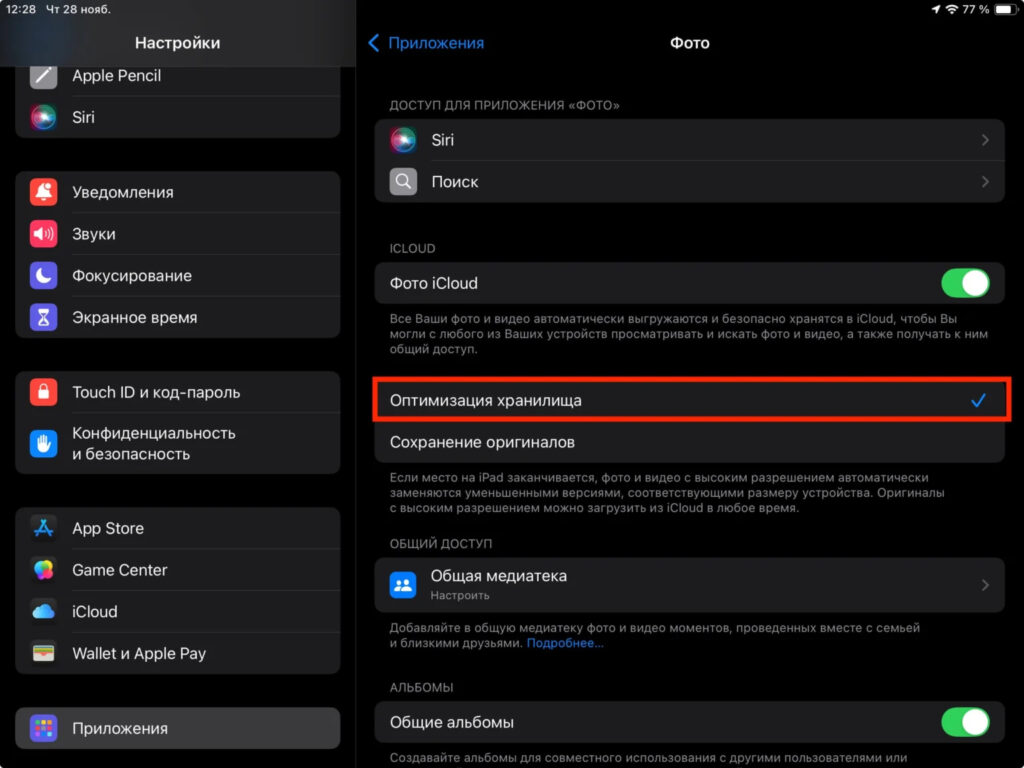
Storage optimization will automatically offload your photos and videos to iCloud
- Offload unused apps: iOS removes the app binary but preserves its data, reclaiming space without losing anything.
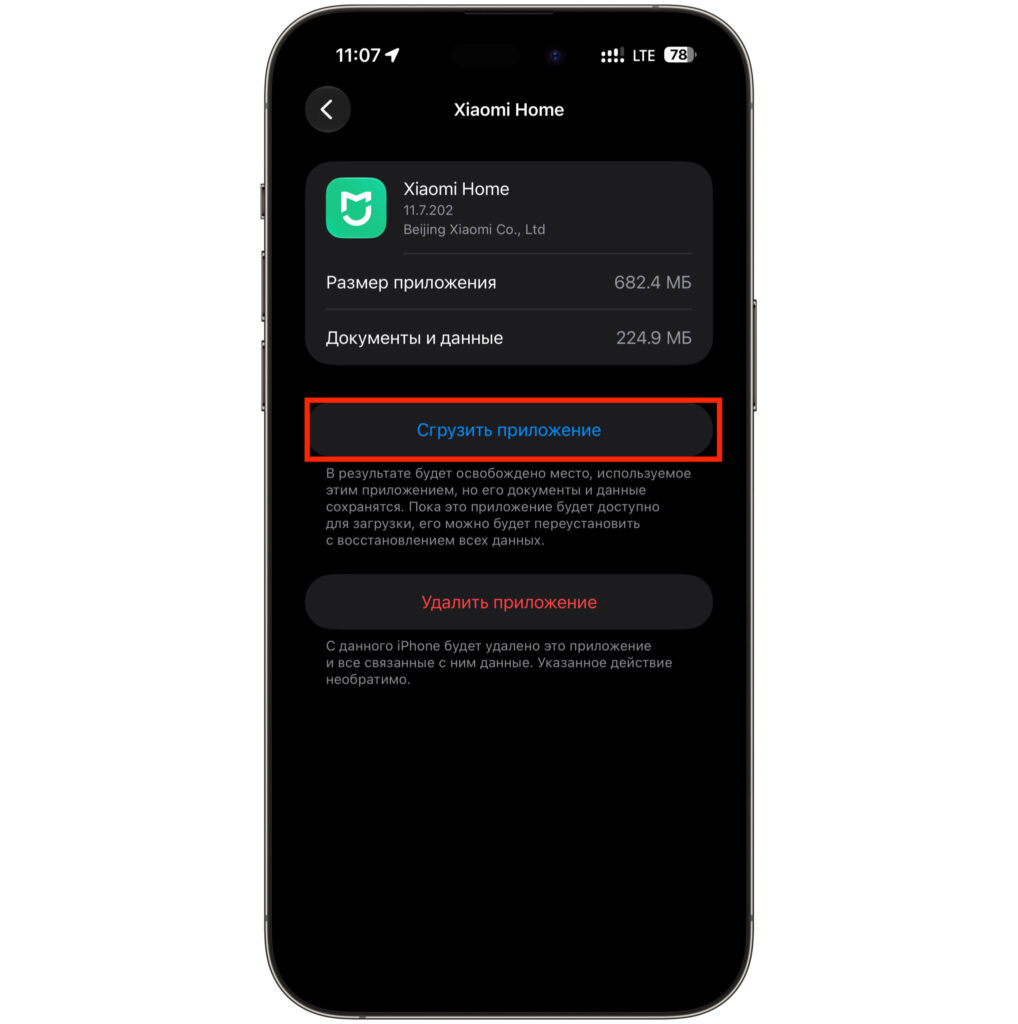
Unused apps can be offloaded to save space
- Keep an eye on message attachments and downloaded music or video from streaming services — these accumulate silently.
- Periodically check Settings → General → iPhone Storage to see which apps are consuming the most space.
It is also worth noting that deleting apps does not always free as much space as expected, because residual data and caches can remain behind. The bottom line: there is no magic percentage. Tie your reserve to a fixed gigabyte figure, and your iPhone should avoid both the slowdowns that come from running on empty and the annoying “Storage Almost Full” alerts.