Constant charging through wired CarPlay does not, by itself, damage an iPhone’s battery. What speeds up battery ageing is the combination of a high charge level and high temperature, which is common in a hot car. Wireless CarPlay without charging creates a different issue: the phone drains as you drive. Based on figures reported by iPhone owners, the source estimates the drain at roughly 10–20% per hour when navigating. This explainer covers what happens to the battery in each mode, when it makes sense to plug in, and which settings and habits can reduce wear.
What you need to know
- Close to 100%, the iPhone gradually reduces charging current and then mostly runs on cable power, so an hour at 100% is not the same as an hour of continuous charging.
- Apple says the iPhone works best at ambient temperatures of 16–22°C (61–72°F). It advises against using or charging it above 35°C (95°F), because this can permanently shorten battery life.
- Owner reports compiled by the source suggest wireless CarPlay navigation without charging uses about 10–20% of the battery per hour, with large variation between devices.
- On iPhone 15 and later models, a charge limit between 80% and 100%, set in 5% steps, can keep the phone from sitting at full charge in the heat.
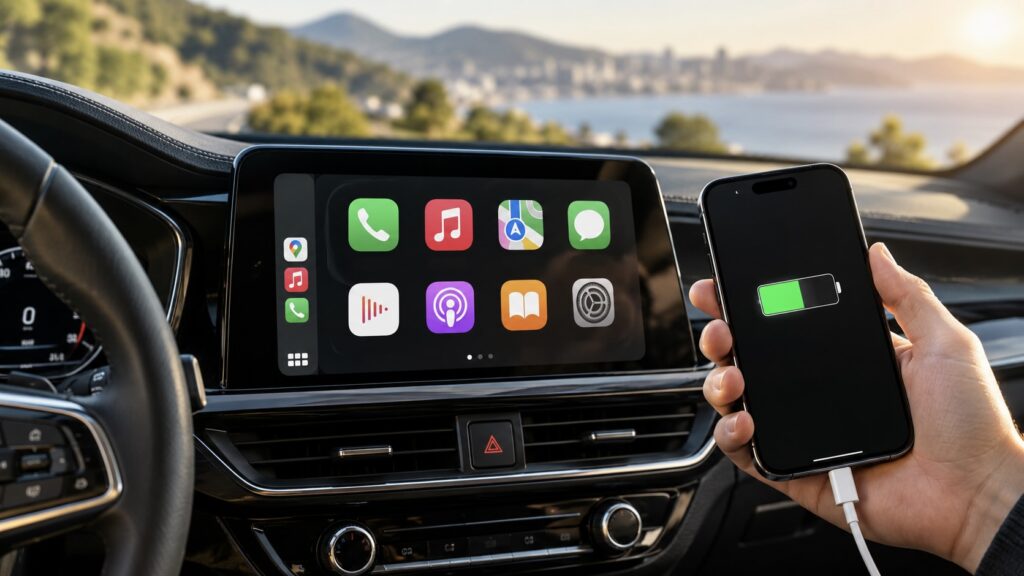
An iPhone charging while connected to CarPlay
What actually happens to the battery at 100%
With wired CarPlay, the iPhone charges for the whole trip whether you want it to or not. A phone that starts at 80% can show 100% within half an hour and stay there until you park. During that time it may also be running navigation, mobile data, live traffic and music. Many drivers set up their navigation app to launch automatically when the phone connects, so the phone is working hard from the first minute.
Once the battery reaches 100%, the iPhone does not keep pushing energy into it. As it nears full charge, the controller gradually lowers the current. After that, the phone mostly runs on power from the cable and only tops up the battery when the percentage dips slightly. That is why an hour at 100% is not the same as an hour of continuous charging. The source also argues that wired CarPlay can save charge cycles: you arrive with a full phone and have not spent battery on the drive.
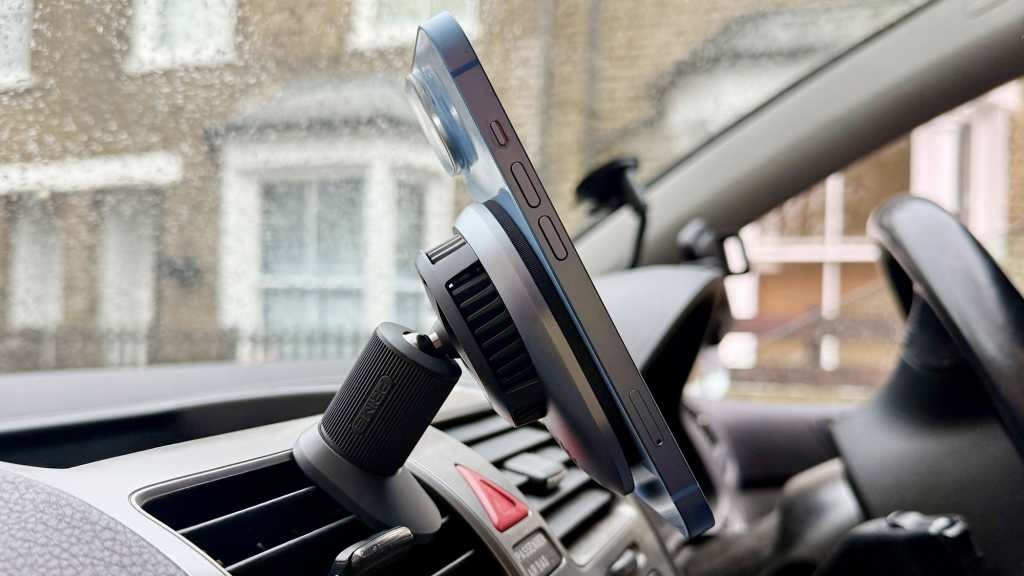
An iPhone on a magnetic mount connected to a wireless charger
Heat plus a full charge is the problem
A lithium-ion battery ages fastest when two conditions occur together: a high charge level and high temperature. Either one alone is less of a concern. According to Apple, the iPhone works best at ambient temperatures between 16 and 22°C (61–72°F). The company advises against using or charging it above 35°C (95°F), because doing so can permanently shorten battery life.
A car in midsummer can bring all of these factors together. The phone may sit in a mount near the windscreen or in a compartment under the armrest, where air conditioning barely reaches. The processor is calculating the route, the modem is constantly searching for signal on the highway, and the power controller warms up during charging. The sun adds more heat. According to the source, it is this combination that does the damage, not the fact that the phone is plugged in.
Built-in iOS protections and their limits
iOS has a safeguard for this situation. If the battery overheats, the system can pause charging at 80% and resume once the iPhone cools down. Starting with iOS 16, a notification on the lock screen reports this. The source says a similar card has also been added to the battery settings in iOS 27. If the phone overheats severely during navigation, it may turn off the screen and continue giving voice directions, switching the display on only before turns. If this happens in your car, the phone is clearly too hot.
The familiar Optimized Battery Charging feature does little in a car, according to the source. It learns your regular routine, such as charging overnight at home, and holds the battery at 80% until morning. Car trips are usually too irregular for it, so the phone typically charges to 100% on the road.
How much wireless CarPlay drains without charging
With a wireless connection, the situation is reversed. There is no cable, and the iPhone stays connected to the car’s head unit over Wi-Fi and Bluetooth for the entire trip, sending video and audio to the car’s display. Navigation, music streaming and calls add to the load. Voice conversations with an AI assistant such as Claude also require constant data exchange with a server. The battery covers all of this.
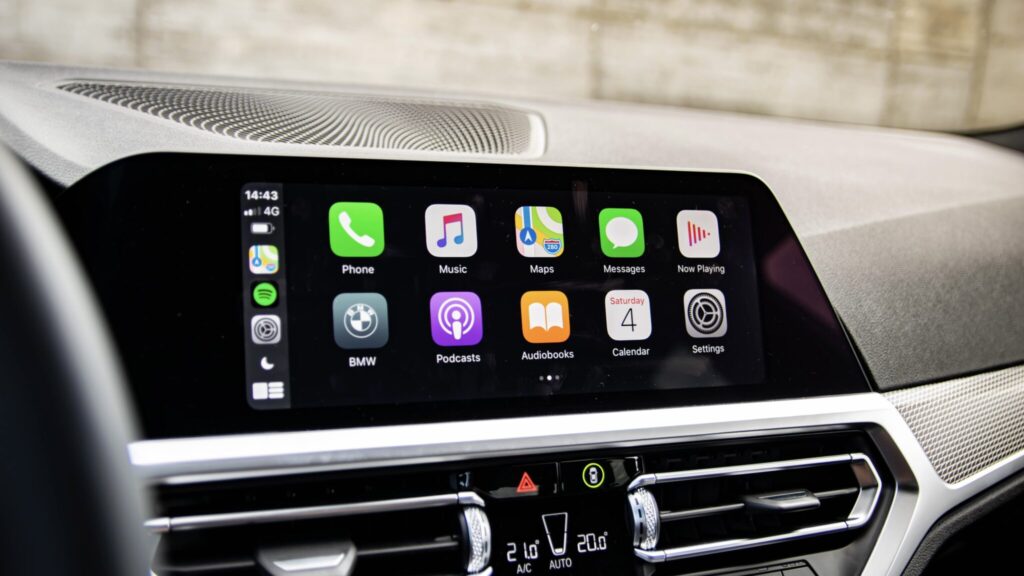
A wireless CarPlay connection
No official figures, only owner reports
There are no official numbers. Apple does not state how much power CarPlay uses in each mode, and according to the source, independent tests comparing wired and wireless connections under identical conditions are practically impossible to find. Instead, the source author compiled figures that iPhone owners recorded themselves. Results depend heavily on the model, battery age, signal quality and apps in use. Treat them as a rough guide, not a standard.
| iPhone | Trip | Battery used |
|---|---|---|
| iPhone 15 Pro | 55 minutes, Maps and music | 15% |
| iPhone 13 Pro | Round trip | 15% to 35% |
| iPhone 12 Pro Max | About 4 hours non-stop | Under 20% left at the end |
| Model not specified | 1 hour 45 minutes, Waze | From 80% to 40%, with significant heating |
| Combined reports | Navigation without charging | 10% to 20% per hour |
Taken together, the source suggests planning for 10–20% of battery per hour when navigating without charging. A 20–30-minute city drive would use about 5–10%, which is barely noticeable. An hour on the highway with weak signal and streaming could use a quarter of the battery, and an older iPhone with a worn battery could use more. The phone’s own screen stays off during CarPlay, so brightness is not a factor. The main drain comes from the modem, the wireless radios and navigation.
Check whether CarPlay is really to blame
Sometimes the cause is not CarPlay at all. The source cites a Mazda owner who complained that their iPhone lost 10% every 10 minutes, then found in the battery statistics that Waze, running in the background, accounted for almost half of the drain. To check this yourself, open the Battery section in Settings and tap the bar on the chart for the hour when you were driving. The iPhone will show which apps used power during that period.
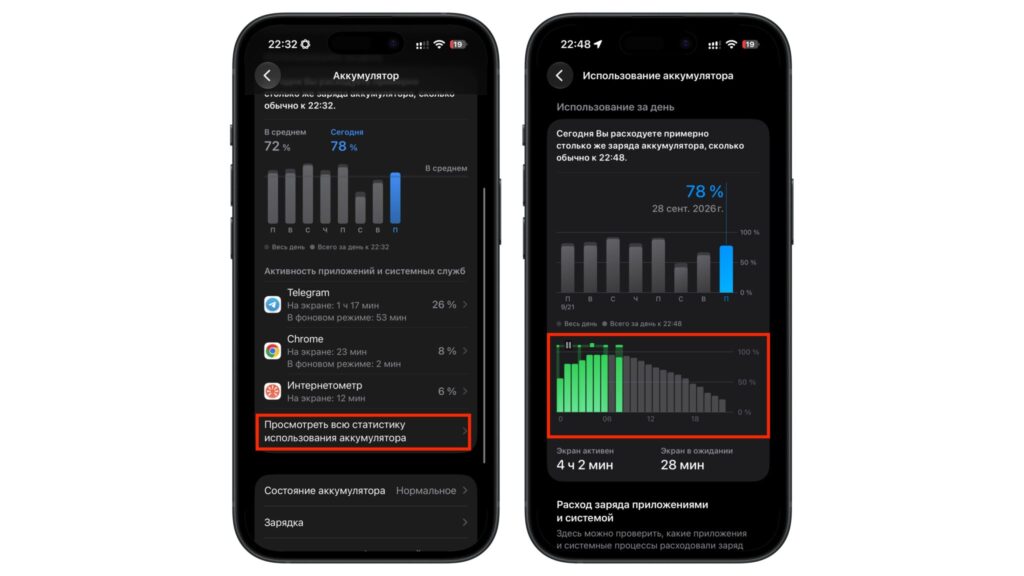
The battery usage chart in iPhone settings
In-car wireless charging pads
It might seem that placing the iPhone on a Qi charging pad solves the problem. In practice, the source notes that these pads are often weak. Owners report that phones charge very slowly on them and barely keep up with the drain. Navigation, wireless CarPlay and inductive charging together heat the iPhone more than any other setup. According to the source, this is the worst option for the battery in a car, especially in summer.
If you need wireless charging, the source suggests a magnetic air-vent mount with a built-in fan. Air from the air conditioning combined with the fan noticeably reduces heating.
Should you plug in your iPhone on every trip?
The source says there is no single answer, and the deciding factors are not CarPlay itself. Trip length, starting charge, weather and what you need the phone for afterward all matter. For a 15-minute drive to the shop, dealing with a cable is pointless. For three hours on the highway followed by a meeting where you need the phone, charging is essential. The source author summarizes the main scenarios as follows:
| Scenario | Suggested approach |
|---|---|
| City driving, under 30 minutes, battery above 50% | You can skip charging; expect to use 5–10% |
| Trip of an hour or more with navigation | Plug in, or you may lose up to a quarter of the battery |
| Battery below 30% at the start | Plug in regardless |
| Hot weather, phone in direct sun | Cool the cabin first, then start charging |
| All day in the car, such as taxi or delivery work | Use a cable and a charge limit of 80–85% |
| Older car with a weak USB port | Use a separate USB-C PD adapter in the 12V socket |
With wireless CarPlay, the source recommends charging the iPhone only on long trips or when the battery is already low. With wired CarPlay, charging happens automatically, so the main task is keeping the phone from overheating.
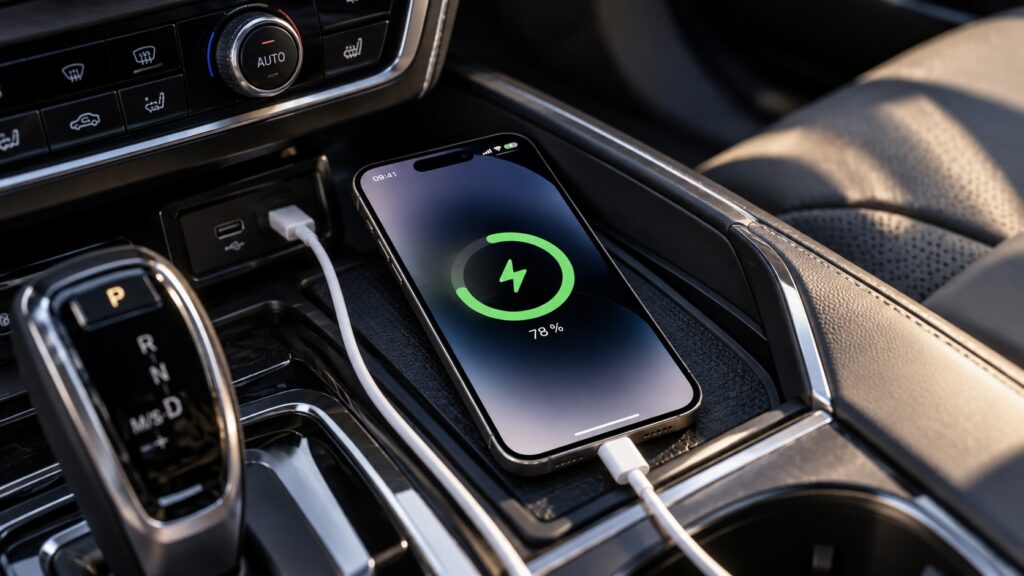
An iPhone on wired charging in a car
Weak USB ports in older cars
One often-overlooked detail: USB ports in older cars frequently deliver no more than 5–7.5 W. With navigation and mobile data running, that may not be enough, and the iPhone can slowly drain while plugged in. If you notice this, the source recommends a separate 12V-socket adapter with USB-C PD support. The cable used for CarPlay itself must support data transfer. A charge-only cable will not launch the CarPlay interface on the car’s screen.
How to protect the battery if your iPhone often travels with you
If you regularly drive for long periods with wired CarPlay, the source identifies the charge limit as the most useful setting. On iPhone 15 and later, open Settings, go to Battery, then Charging, and choose a limit between 80% and 100% in 5% steps. The source author suggests 80% or 85% for driving. The phone will no longer sit at full charge in the heat, and you will not notice the reduced capacity on the road, since the phone stays plugged in anyway.
Habits can handle most of the rest:
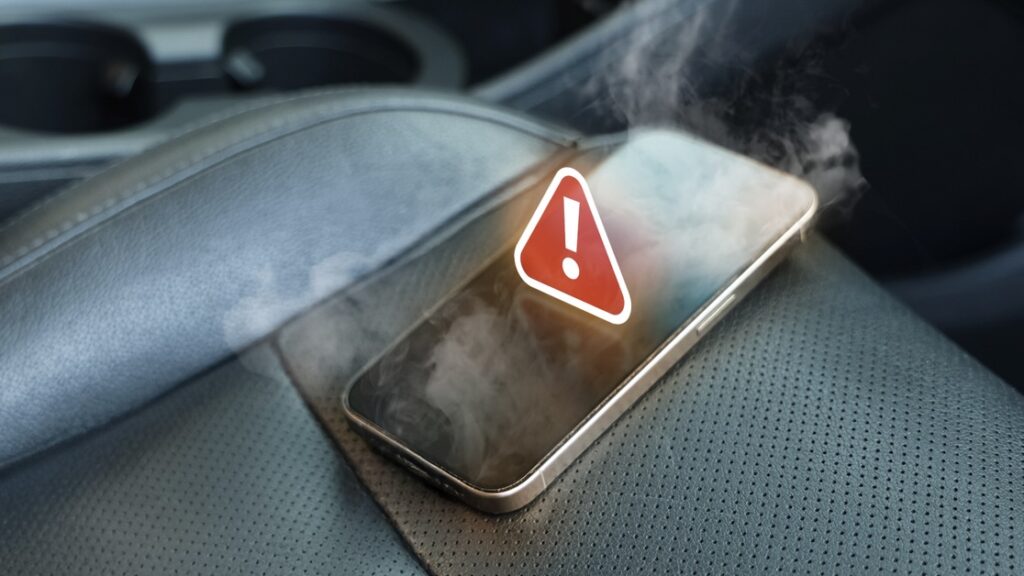
An overheated iPhone in a car
- Keep the iPhone where air can flow around it. An air-vent mount is better than the compartment under the armrest, and especially better than the dashboard under the windscreen.
- Remove a thick case if the phone gets noticeably warm while charging. According to the source, Apple itself recommends this.
- Do not leave the iPhone in a parked car. The source says Apple allows storage at temperatures up to 45°C (113°F) and explicitly warns that a parked car can get hotter than that.
- Before a highway trip, download offline maps and music. In areas with weak signal, the modem uses power searching for a network.
- Check Battery Health every couple of months. According to the source, if maximum capacity drops below 80%, it is time to replace the battery.
The bottom line
According to the source, constant charging through CarPlay does not damage an iPhone on its own. iOS lowers the charging current in time and pauses at 80% if the battery overheats. What wears the battery down is heat at full charge, and that can be managed with a charge limit, a well-ventilated mount and the habit of not leaving the phone in the car. Wireless CarPlay without charging should easily handle a city drive, but for highway trips it is worth keeping a cable within reach.