At the WWDC 2026 presentation, Apple showcased its full lineup of operating systems, and the watch wasn’t left behind. The watchOS 27 update revolves around three things: the smart assistant Siri, one-handed control, and more accurate sports tracking.
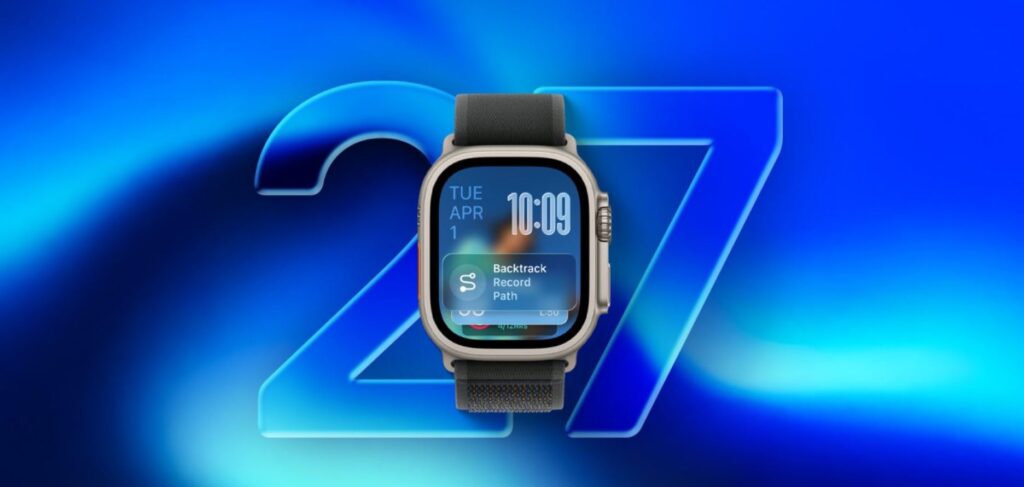
watchOS 27 has also been introduced. What’s changed?
AI-Powered Siri — Is It Available in watchOS 27?
The heart of the update is the revamped Siri powered by Apple Intelligence. The new watchOS transforms the assistant into a full-fledged conversationalist: you can have a live dialogue, ask open-ended questions, and request advice on anything from workouts to ferry schedules. Siri pulls fresh data from the web, so it gives relevant answers.
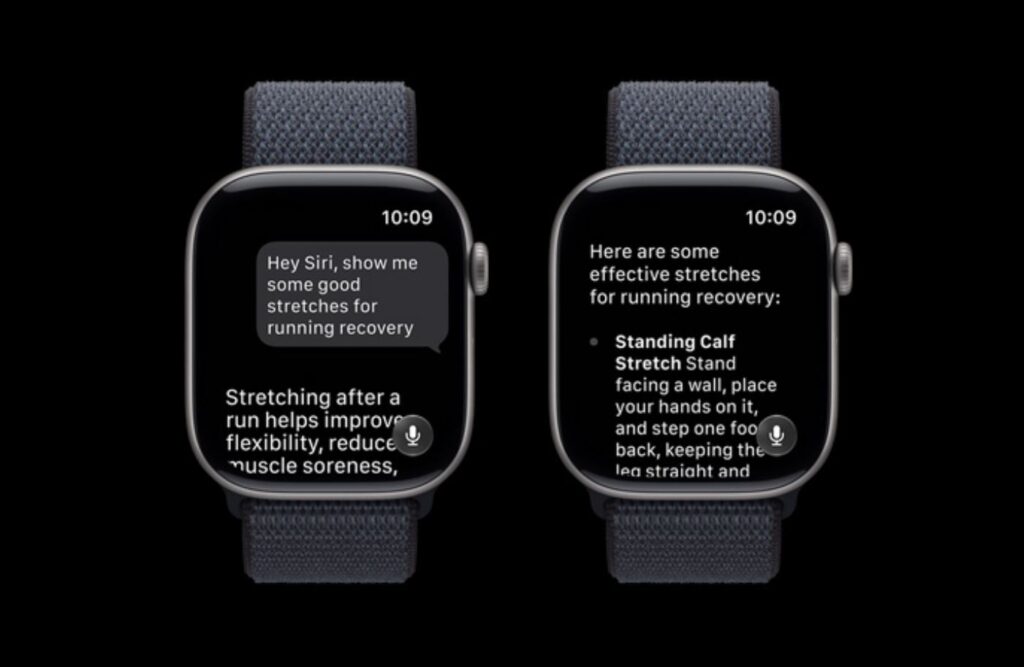
Naturally, Siri is available in the watch update
The assistant now understands personal context. Ask for your driver’s license number, the code to a rented apartment, or the contents of an old note, and the watch will find it without digging through apps. Siri can also take action: send flight details to family, play a song from your trainer, or change your Activity Rings goal. A note: AI features will be enabled later this year and only in English, while in the EU they will arrive with a delay.
watchOS 27: Siri and Dynamic Grid
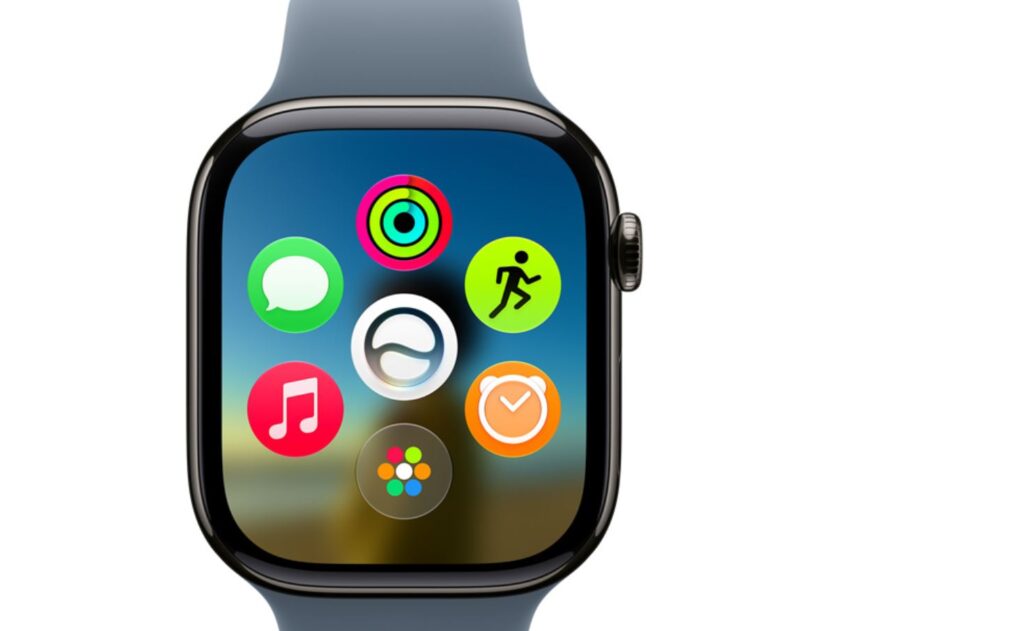
Here’s the new interface. What do you think?
Among the key innovations of watchOS 27 is a dedicated home for the assistant — a separate app where all conversations are collected. Start a conversation on iPhone, continue it on the watch, and pin an important chat. Apple also revamped the app grid: it’s now dynamic and automatically surfaces the apps you use most, with the Siri icon pinned in the center.
New Gesture in watchOS 27
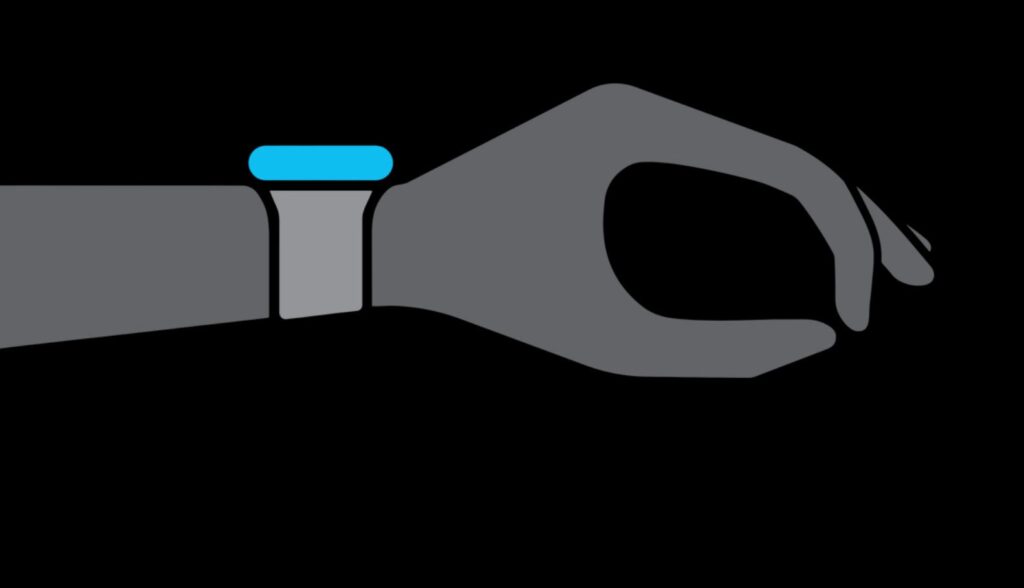
Another new gesture has arrived
The standout discovery for controls is the new gesture in watchOS 27. A single pinch of your index finger and thumb opens a widget in the Smart Stack. It works even when your other hand is carrying bags or holding a subway handrail. The Smart Stack itself has become smarter: it will remind you of a friend’s birthday, show where you parked your car, suggest moving your alarm before holidays, and display your transit card when it’s time to check your balance.
Health and Sports: What’s New for Workouts
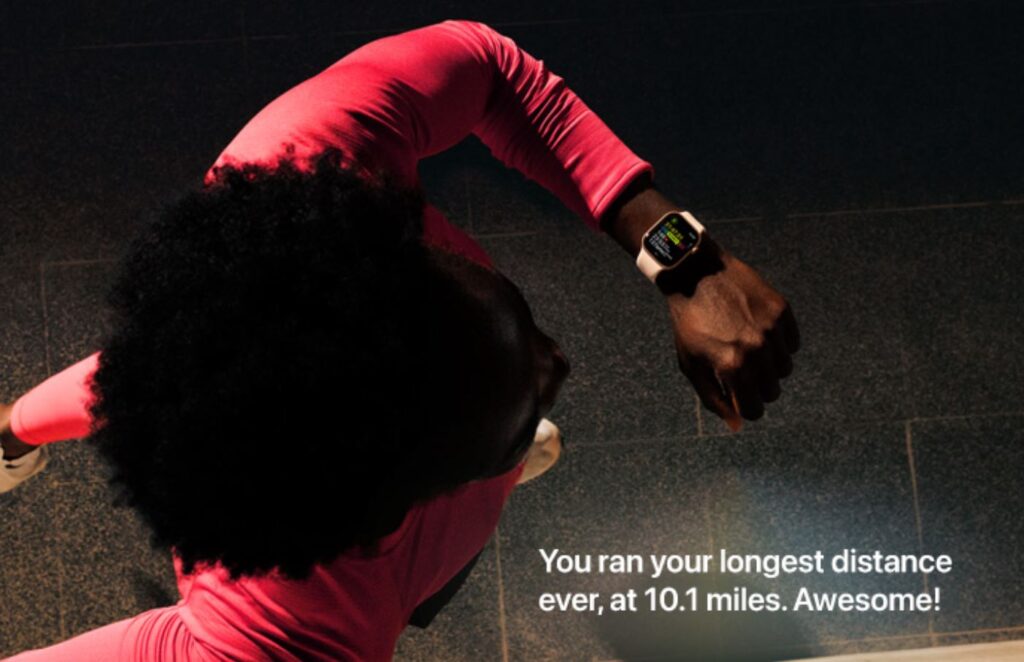
There are changes in Apple Watch workouts
The Workout Buddy training assistant now relies on workout history and provides progress insights on pace, distance, and duration. It finally works without an iPhone nearby and now speaks Spanish. For runners, what matters more is this: health features in watchOS 27 have become more accurate, with algorithms better calculating treadmill distance, where the watch used to constantly get it wrong. Support for perimenopause and menopause has also been added — cycle tracking in the Health app sends notifications if data suggests changes and provides educational materials.
New watchOS 27 Watch Faces
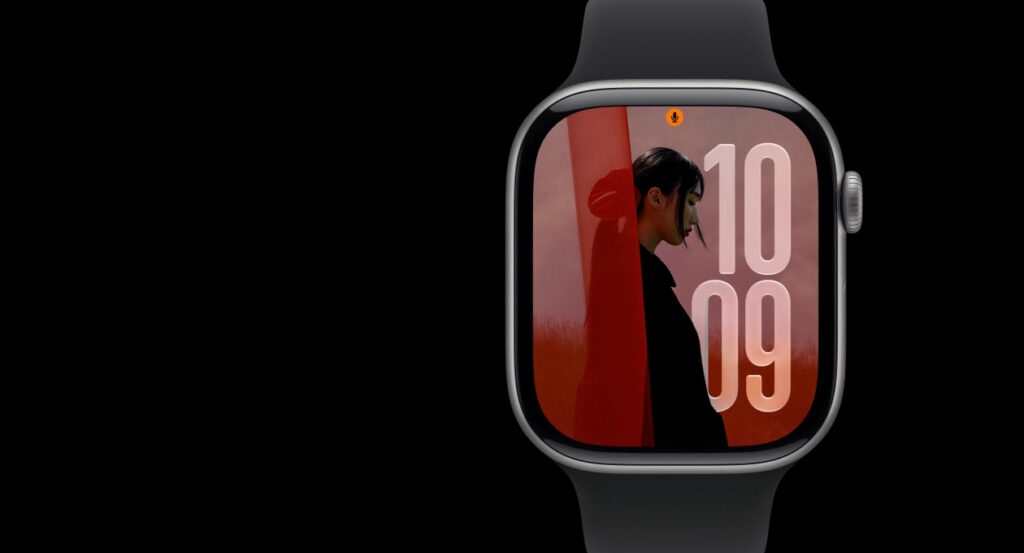
And of course, updated watch faces
There’s also fresh screen styling. New watchOS 27 watch faces now include a simplified version of Modular Ultra, which previously lived only on Apple Watch Ultra but has now been adapted for regular models with smaller screens. The large, readable time display remains, while cluttered elements have been removed.
Design and Other Changes in watchOS 27
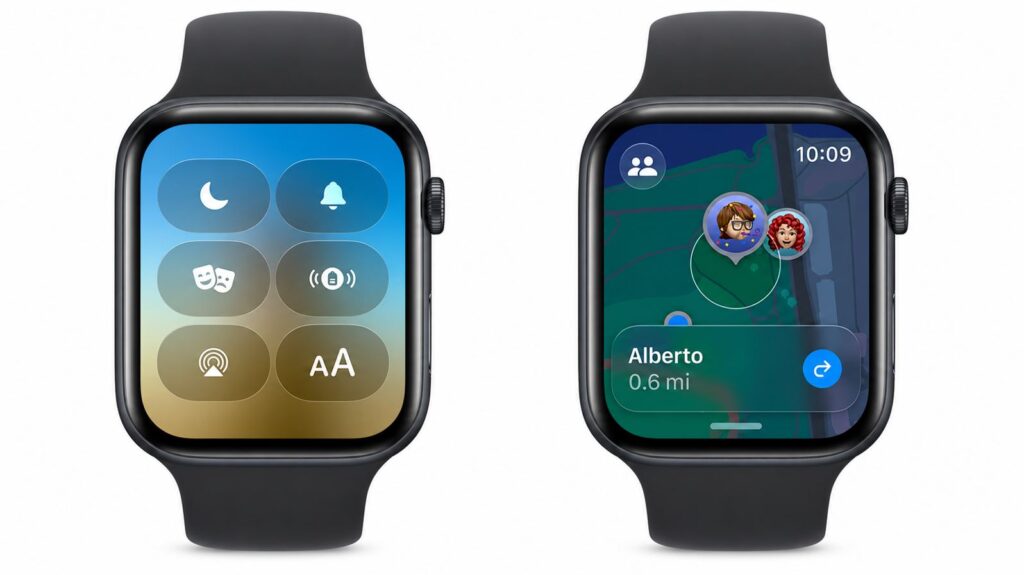
The design has been refined — it’s a bit more beautiful
The watchOS 27 design has been refreshed with improved Liquid Glass: refraction is more uniform, contrast is higher, and reading from the screen is easier. A new Call Context feature has appeared, which automatically surfaces relevant information from your apps during phone calls — for example, a confirmation code from Mail when calling an airline. The small touches are nice too: music launches faster, the step counter in Fitness syncs with the Health app, and the system will occasionally suggest how to save battery.
How to Update Apple Watch to watchOS 27
If you want to update Apple Watch to watchOS 27 right now, you first need a developer profile and iOS 27 installed on your iPhone. Here’s the step-by-step process:
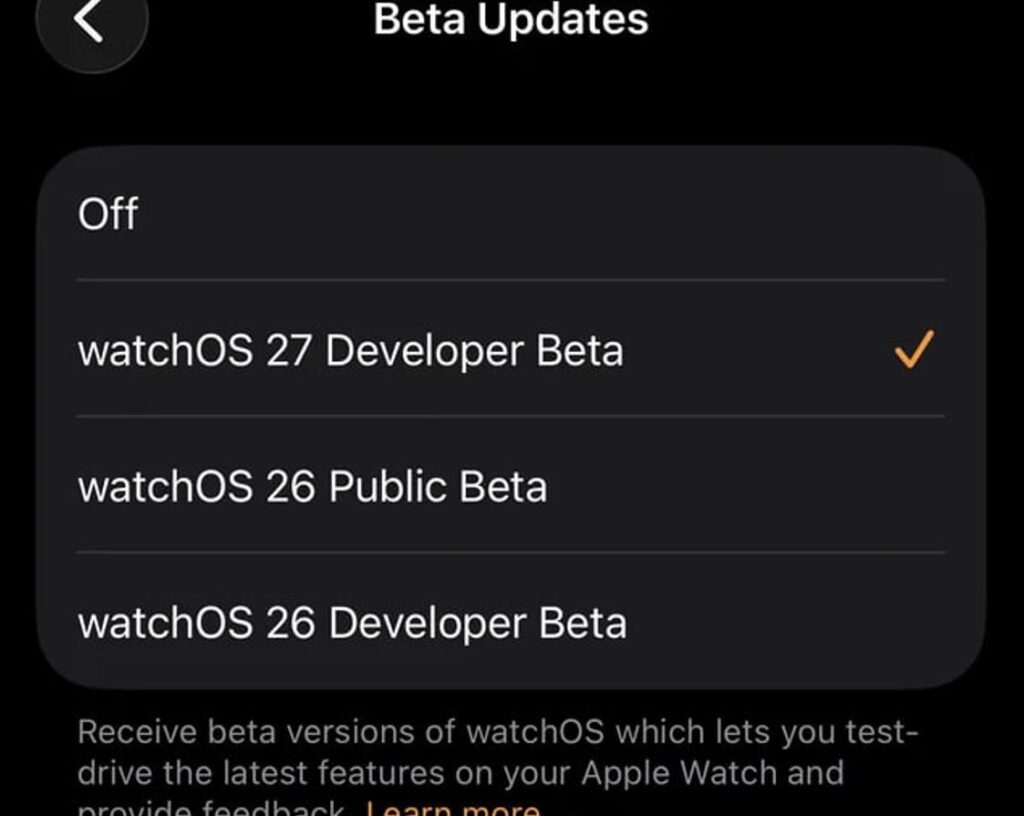
Look for the update in Apple Watch settings
- Register your Apple ID as a developer account on the Apple portal and accept the agreement;
- Open the Watch app on your iPhone and go to “General”;
- Tap “Software Update,” then “Beta Updates”;
- Select the watchOS 27 Developer Beta profile;
- Exit the menu, search for updates, and install.
You can install watchOS 27 directly on the watch through Settings by selecting “General” — “Software Update.” During the download, don’t remove Apple Watch from the charger: the process is long and battery-hungry.