Apple explained why five Apple Watch models are being left without watchOS 27 and new Siri capabilities. Left without the update are Apple Watch Series 6, 7, 8, SE 2, and the original Apple Watch Ultra. For the watch lineup, this is the largest support cut at one time, and it’s hard to ignore such news. Just about everyone was shocked by the list of supported watchOS 27 devices, so let’s calmly break down who this affects and whether it’s worth rushing to the store for a new model.
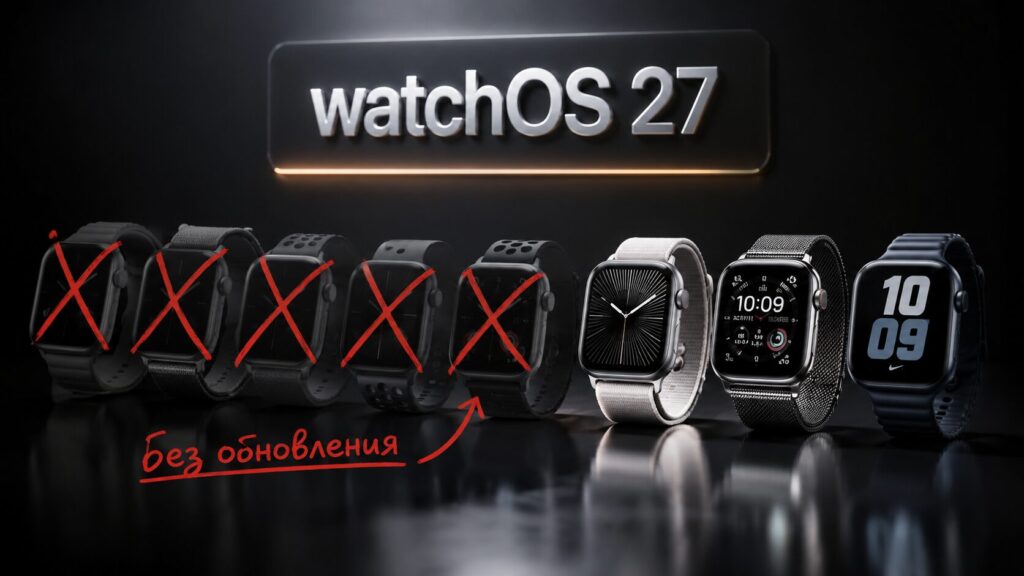
Now it’s clear why so many Apple Watch models won’t get the update
Which Apple Watch Models Won’t Get watchOS 27
According to official information, watchOS 27 won’t be available for Apple Watch Series 6, 7, 8, SE 2, and the first Apple Watch Ultra. These models will continue to receive only basic security updates. Effectively, Apple is cutting off three years’ worth of devices with a single update, and for the watch lineup, this is happening for the first time.
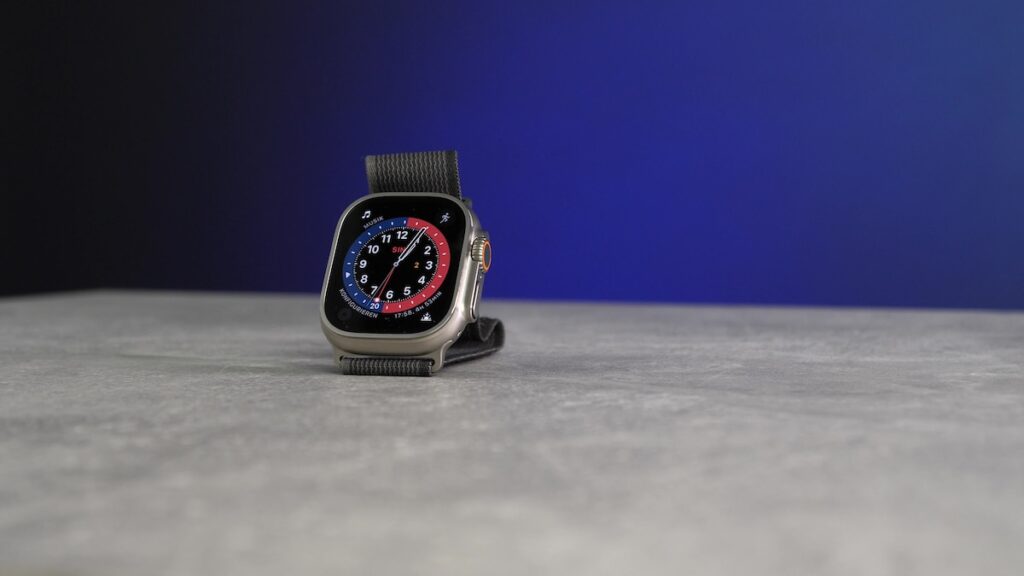
Even the expensive first-generation Ultra was left without the update
If you own one of these models, your watch won’t turn into a brick. Apple emphasizes that older watches will continue to work paired with an iPhone running the current system and will receive security patches. They just won’t get the new watchOS 27 features or the updated Siri.
If in short, the new features are designed for Apple Watch Series 9 and newer, Ultra 2 and newer, as well as SE 3. Everything older is left behind the major update.
Why Apple Dropped Support for Older Apple Watch Models
The official reason is simple — it’s performance. In a conversation with TechRadar, Apple’s marketing manager for Apple Watch and Health, Kate Dooly, explained that the decision is based on processor power requirements. Without sufficient computational headroom, some scenarios simply can’t run as intended.
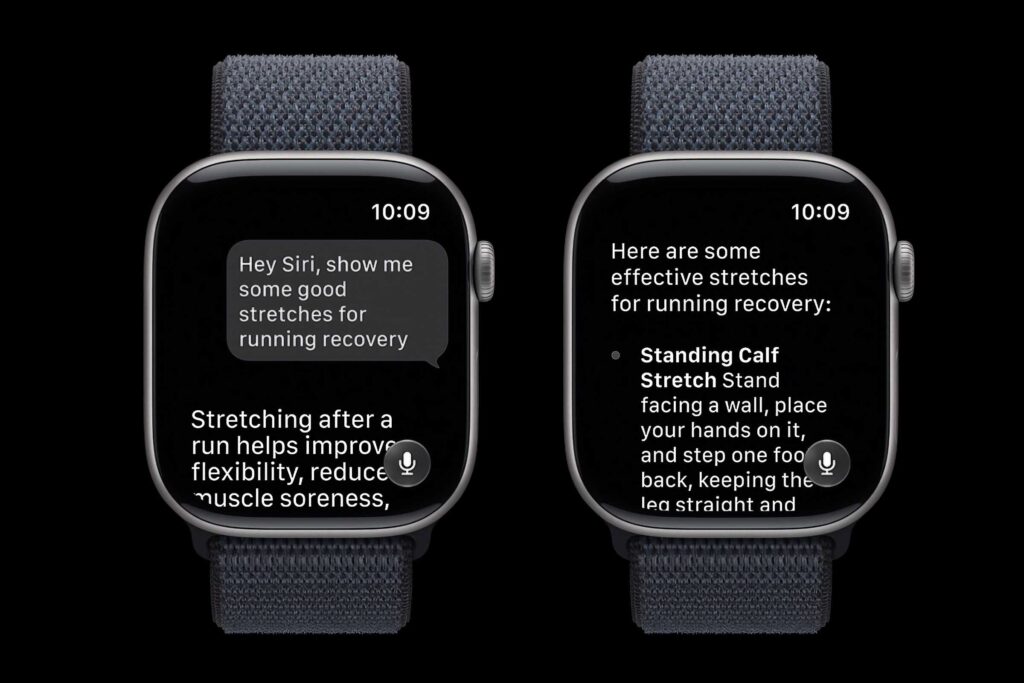
It all comes down to, surprisingly, the new Siri
According to her, the key new capabilities of watchOS 27, including AI-powered Siri features and a new finger-touch gesture, work best on the latest generation chips. In other words, older hardware, according to Apple, simply can’t deliver the needed responsiveness, and a half-baked result isn’t something the company wants.
It’s worth maintaining a healthy dose of skepticism here. Apple’s support boundary is always partly a marketing decision: it’s in the company’s interest for owners of older devices to upgrade more frequently. Although the argument about AI computational demands looks plausible — such tasks are indeed demanding on the hardware right on your wrist, without help from a smartphone.
What Apple Watch Owners Lose Without watchOS 27
The main loss, of course, is the updated Siri. Senior Director of watchOS Development David Clark said that one of the goals of watchOS 27 was to make the watch a full-fledged companion for Apple Intelligence — Apple’s suite of proprietary AI features.
Clark called the watch the most convenient way to interact with Siri: it’s on your wrist all day and helps out when your hands are busy. The idea is for Siri to work identically on both the watch and iPhone, with access to your data and consistent results.
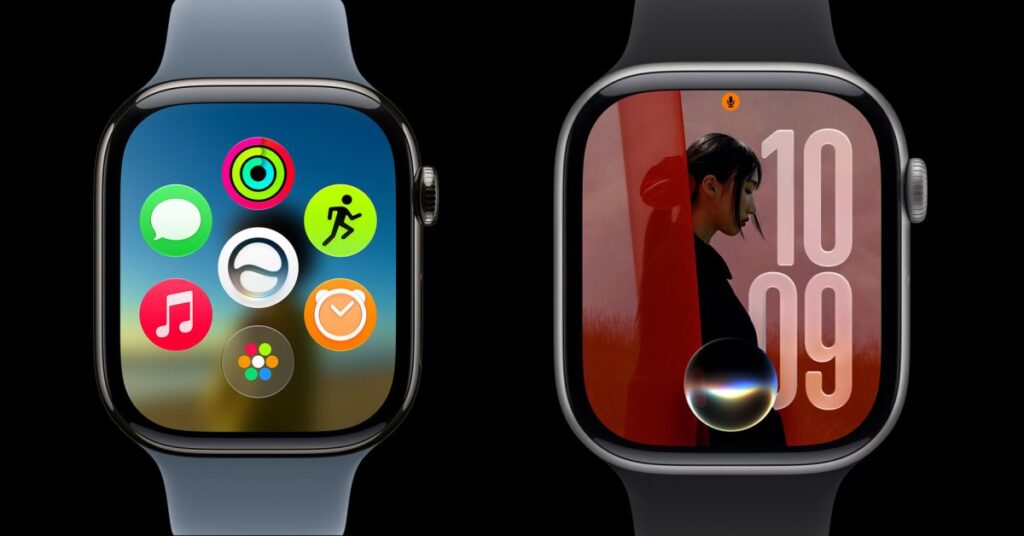
Comfortably chatting with the smart Siri on older watches won’t be possible
As an example, he described a relatable everyday situation: asking Siri on your watch for a recipe’s ingredient list right in the store when both hands are busy, and later opening the same list on your iPhone in a more readable format. Besides Siri, the update will also include the new finger-touch gesture for watch control, which older models will miss out on.
When Will watchOS 27 Be Released
Currently, watchOS 27 is available as a developer beta. The public beta is expected next month, and the official release will come in the fall, following Apple’s traditional schedule. So you have time to weigh whether you even need this firmware right now.
If you’re considering buying an Apple Watch for the new Siri, you should look at Series 9 and newer, Ultra 2 and newer, or SE 3. Older models on the secondary market are still suitable for basic tasks, but the next wave of watch development will no longer reach them.
Is It Worth Upgrading Apple Watch Because of watchOS 27
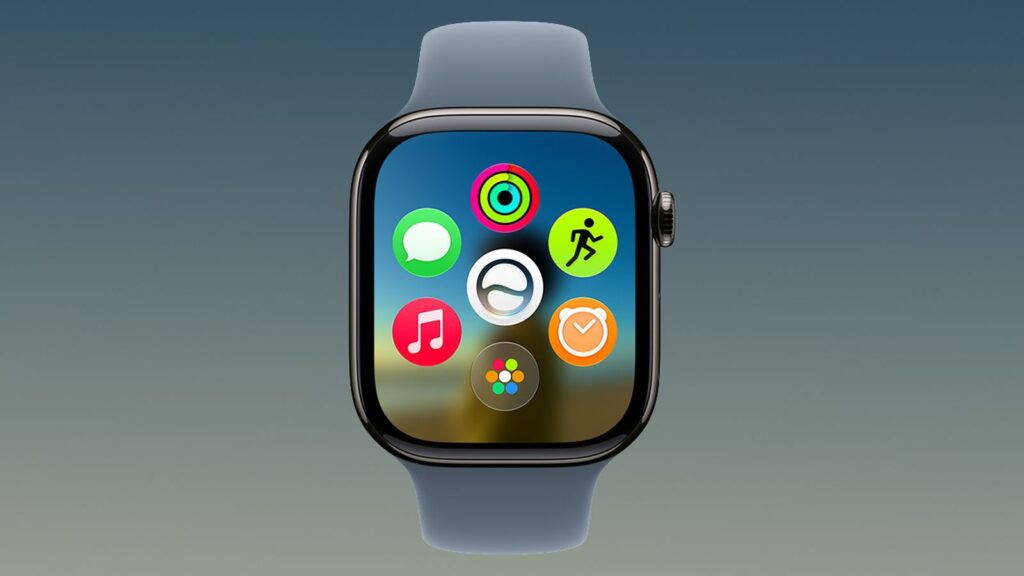
The dynamic app grid will also pass by older models
If you have an Apple Watch Series 6, 7, 8, SE 2, or the first Ultra, there’s definitely no need to panic: the watches will continue to work and receive security updates. Notifications, workouts, sleep and heart rate tracking aren’t going anywhere — and that’s the core of the everyday use case.
Upgrading your watch right now only makes sense in one case: if you truly care about the updated Siri on your wrist and the new control gesture. For everyone else, this is a calm reason not to rush. Your old model will still serve you well, and an upgrade can be planned later, when the hardware actually starts to let you down.


