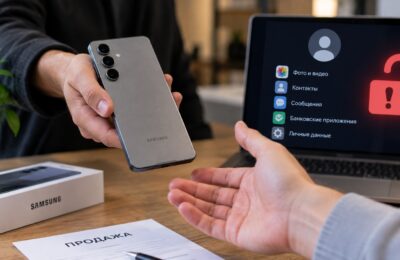
If you’ve been using VPN on iPhone for a while, you’ve probably noticed a strange pattern. Some apps work as if nothing happened, while others start acting up when VPN is enabled. Product cards won’t load, videos won’t play, banks ask you to “check your connection,” and marketplaces silently show an endless loading wheel. Coincidence? No.
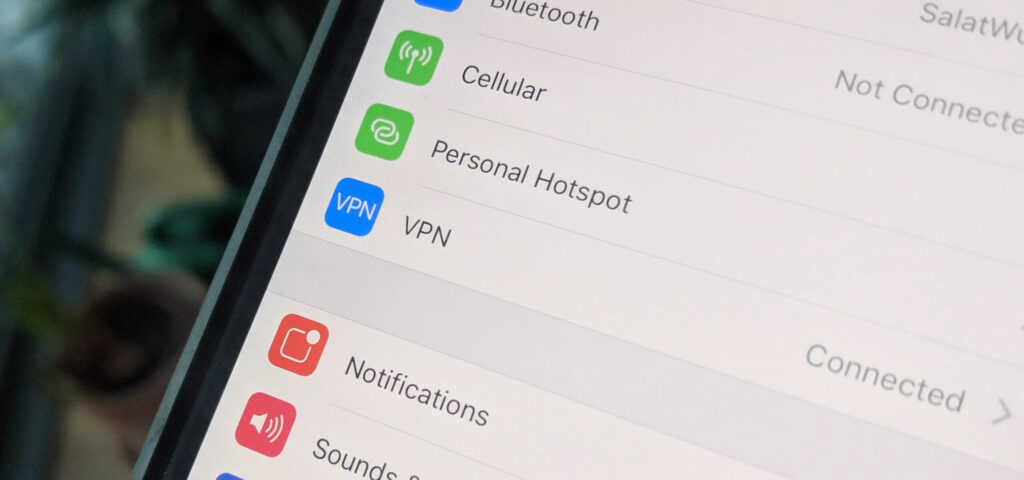
Russian apps have learned to detect enabled VPN and refuse to load
Researchers from RKS Global analyzed 30 of the most popular Russian apps and found that most of them can detect an active VPN connection on the device. The analysis was conducted on Android, but the same companies release iOS versions of their apps — the logic works similarly there, though the set of technical methods differs slightly due to iOS limitations.
List of iPhone Apps That Detect VPN
As it turned out, popular marketplaces were just the first sign. Here is a list of apps where researchers found VPN detection mechanisms. Almost all of them are available in the App Store and are installed by most users in Russia:

All popular apps and services
- Banks: Sberbank Online, T-Bank, Alfa-Bank
- Marketplaces: Wildberries, Ozon, Avito, Samokat
- Yandex services: Yandex Browser, Yandex Maps, Yandex Music, Kinopoisk, Yandex Market
- VK services: VKontakte, VK Video, VK Music, Odnoklassniki
- Messengers: MAX
- Other: My MTS, 2GIS, Gosuslugi, Megafon
If you look at this list carefully, you’ll realize: these are exactly the apps you use every day. Banking, delivery, maps, music, social networks. Among them, researchers didn’t find detection mechanisms only in Yandex Eda, Yandex Go, Dzen, and Mail.ru — but that doesn’t mean those mechanisms won’t appear there tomorrow.
Methods of VPN Detection on iPhone
On iPhone, an app can’t see everything happening in the system. But it can still determine from certain signs that your internet is going through a VPN.
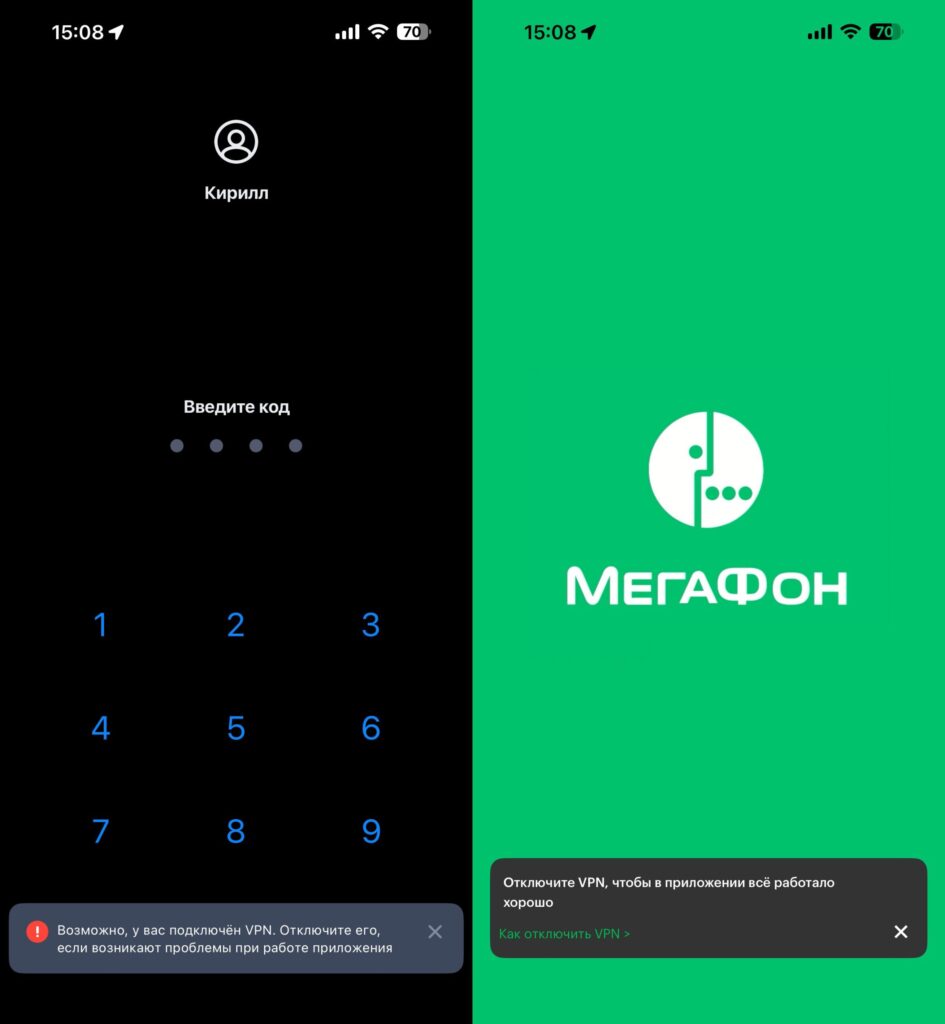
These are the messages that appear on screen when launching Russian apps with VPN enabled
The first method is to check network connections within the system. When VPN is active on iPhone, a special virtual connection sometimes appears. The app can check the list of such connections and notice familiar designations, such as utun. This doesn’t always mean VPN with 100% certainty, but it often serves as an important clue for the app.
The second method is to check network settings. The app can see that the internet is working in an unusual way, for example through a proxy or another intermediate node. For the app, this is also a signal that the connection might be going through a VPN or similar service.
The third method is server-side verification. Here the iPhone is barely involved at all. The app’s server simply checks which IP address you’re connecting from. If the address suddenly turns out to be from another country or belongs to a known VPN service, the app concludes that you’re most likely using a VPN.
As for MAX, according to the researchers, the app showed signs of VPN checking. Part of this logic was hidden not in plain sight but in a more obfuscated form. This looks like a deliberate attempt to hide such checking from quick analysis.
What Apps Do When They Detect VPN on iPhone
And here’s where it gets really interesting. Just a month ago, most apps limited themselves to a polite warning like “the service may not work correctly when using VPN.” Now the picture has changed.
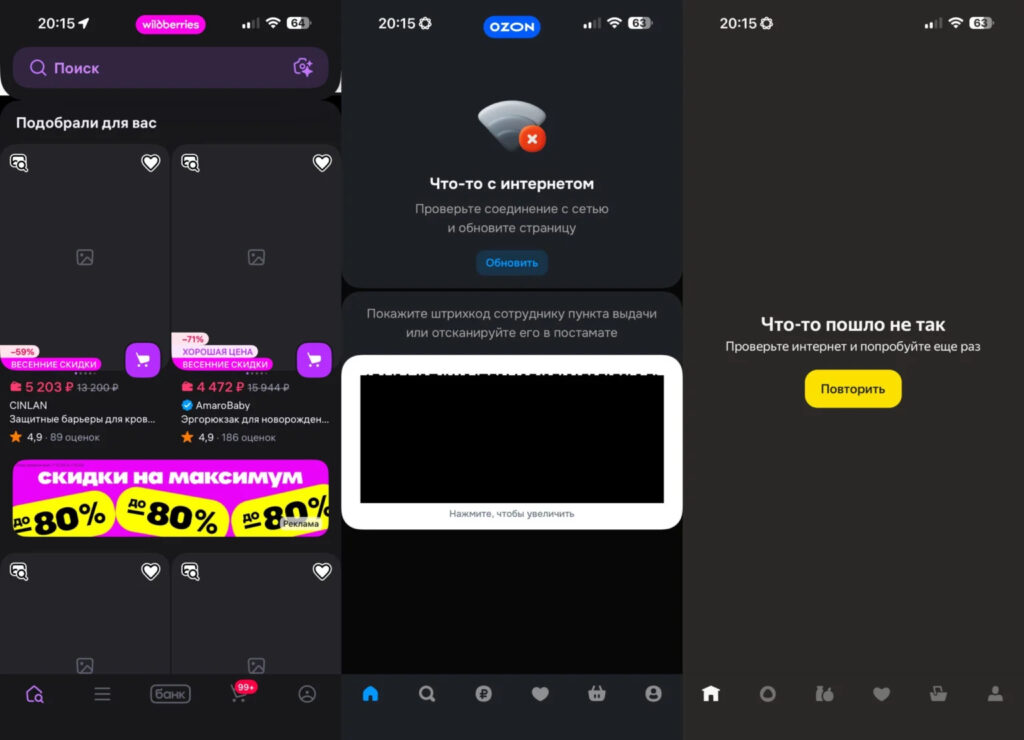
Marketplaces flatly refuse to load or do so very slowly
Since the beginning of April 2026, users have been massively complaining that Wildberries, Ozon, and VkusVill stop working properly with VPN enabled: sites slow down, product cards won’t open, catalogs won’t load. This is no longer a warning — it’s a functionality restriction. Marketplaces have moved from persuasion to action.
In some apps, the situation is even more fun: with an active VPN, they simply refuse to launch. Loading screen, then a connection error message, then the same thing over and over. Technically, the app isn’t blocking you — it “can’t connect.” In practice, this means you won’t get in without turning off the VPN.
Banking apps are a separate story. Sberbank, T-Bank, and Alfa-Bank not only detect VPN but also use an entire arsenal of other device identification methods. Banks explain this as fighting fraud — and they’re largely right, protection is indeed necessary. But the side effect is that with VPN enabled, the bank may consider your session suspicious and block the transaction or request additional verification.
What to Do If an App Doesn’t Work with VPN
Good news: iOS gives you enough tools to live comfortably with VPN. Bad news: there’s no perfect solution, you’ll have to tinker a bit.
Use the automatic VPN on/off feature if your client supports it. On iPhone, this is implemented through Shortcuts. You open a Russian app — VPN turns off, and the bank or Wildberries sees your regular IP and works without issues.
Turn off VPN for specific tasks. iOS allows you to quickly toggle VPN through Control Center or a widget on the lock screen. Don’t hesitate to use this: opened the bank — turned it off, finished your business — turned it back on. It’s boring, but it works.
Get a second device for sensitive tasks. If you have an old iPhone lying around, make it your “work” device: banks, Gosuslugi, Wildberries, delivery. Keep everything else on your main iPhone. It’s not a cure-all, but life becomes noticeably easier.
Check app permissions. Go to Settings — Privacy & Security and go through location, contacts, microphone, camera. A bank probably shouldn’t have constant access to your location, and a marketplace shouldn’t have access to your contacts. The less data you give apps, the fewer reasons there are for their internal checks to trigger.
Should You Keep VPN Enabled All the Time
What used to be a rare feature of individual apps is now becoming a standard for the entire Russian segment of the App Store. If you use VPN on iPhone — be prepared that some of your usual services will work intermittently, and some won’t launch at all. This isn’t a glitch or a bug, it’s a deliberate policy by developers.
Personally, I’ve chosen a compromise: VPN is always on, and for banks and marketplaces I use automation. As a result, Sber and Wildberries see my Russian IP and work without problems. You set it up once, and then it just works.