In a few days, Apple will unveil iOS 27 — and almost all of its features have already leaked online. Apparently, that’s why the company decided to change the tune and remind everyone who sets the tone when it comes to privacy. On June 3, a new video about Safari was released that takes direct aim at Chrome, barely concealing its irony. Spy trackers in the video walk around in chrome-plated suits, following the main character as he browses websites. The moment he opens Safari, the pursuers dissolve into a cloud of silvery glitter. Let’s break down what arguments Apple makes in favor of its browser and why Safari on iPhone is truly built differently.
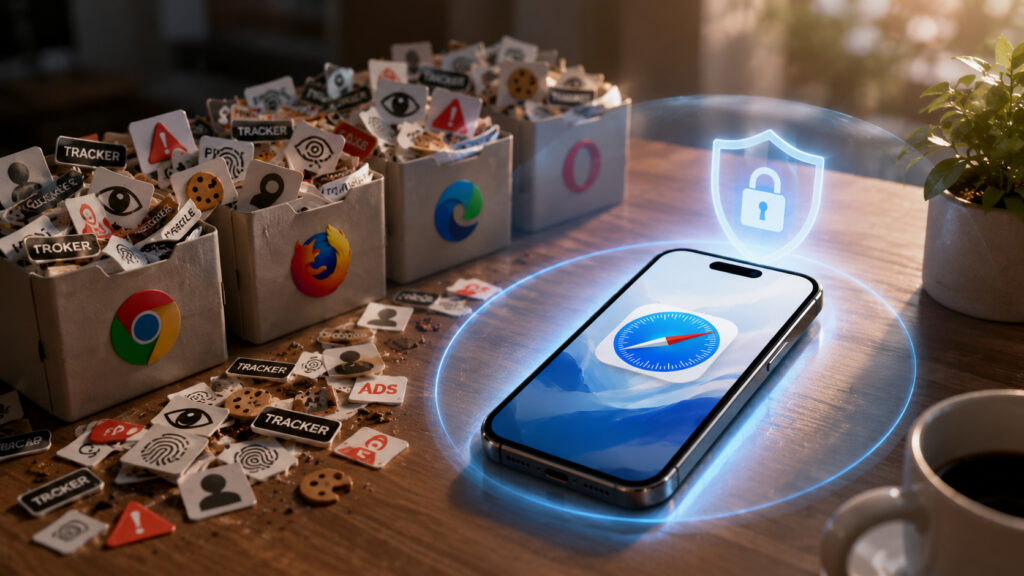
Apple positions Safari as fully protected from online tracking
New Safari Ad About Tracking Protection
The “Privacy. That’s iPhone” campaign has been running for several years now, and Apple keeps finding a new visual language for it each time. In 2024, creepy mechanical birds with cameras instead of heads flew across the screen — a nod to surveillance, shot almost in a Hitchcockian style. The fresh short film is called “Safari helps block data trackers” and conveys the same message through comedy.

Subtle trolling aimed at Google Chrome
The idea is simple. Online trackers are portrayed as intrusive characters who literally look over your shoulder while you’re browsing. Their suits are chrome-plated, and that’s no coincidence: one of the characters directly draws attention to the chrome wardrobe of those around them. The hint at Chrome here is far more direct than in previous Apple ads.
By the end, the user switches to Safari, and the tracker figures vanish, turning into silvery glitter. The tagline is short: “Safari. A browser that’s actually private.” The campaign isn’t limited to video — Apple is also launching digital advertising.
Privacy Features in Safari on iPhone
Behind the flashy visuals are very specific technologies. Safari became the first major browser to block all third-party cookies by default — back in 2019, without any user configuration required. Since then, Apple has only ramped up protection, and today the browser comes with a whole set of tools right out of the box.
- Intelligent Tracking Prevention — on-device machine learning identifies and blocks trackers while websites continue to function normally.
- Privacy Report — shows which cross-site trackers were blocked; it can be accessed from the toolbar and Safari’s start page.
- Fingerprinting protection — the browser sends simplified system information to websites so that devices look identical, making it harder to identify you. It works by default with no action needed.
- Extension controls — data access can be granted for one day, only for the current site, or permanently.
- iCloud Private Relay hides your IP address by splitting traffic into two stages, so websites can’t see where you’re connecting from.
It sounds like marketing, but the privacy report is easy to verify yourself. Open any news site, check the report — and you’ll see a list of domains that tried to track you. Sometimes there are dozens of them on a single page.
How Safari’s Private Browsing Differs from Chrome’s Incognito
Apple specifically emphasizes that private browsing in Safari goes deeper than regular incognito mode in other browsers. The difference isn’t just that history isn’t saved. Several layers of protection are added on top of the familiar mode.
- Link tracking protection strips tracking “tails” from URLs — those long parameters at the end of addresses that advertisers use to identify you.
- Private tabs can be locked behind Face ID or Touch ID: if someone else picks up your phone, they won’t be able to access them.
- Extension controls also apply in private mode, so intrusive add-ons can’t spy on what you type.
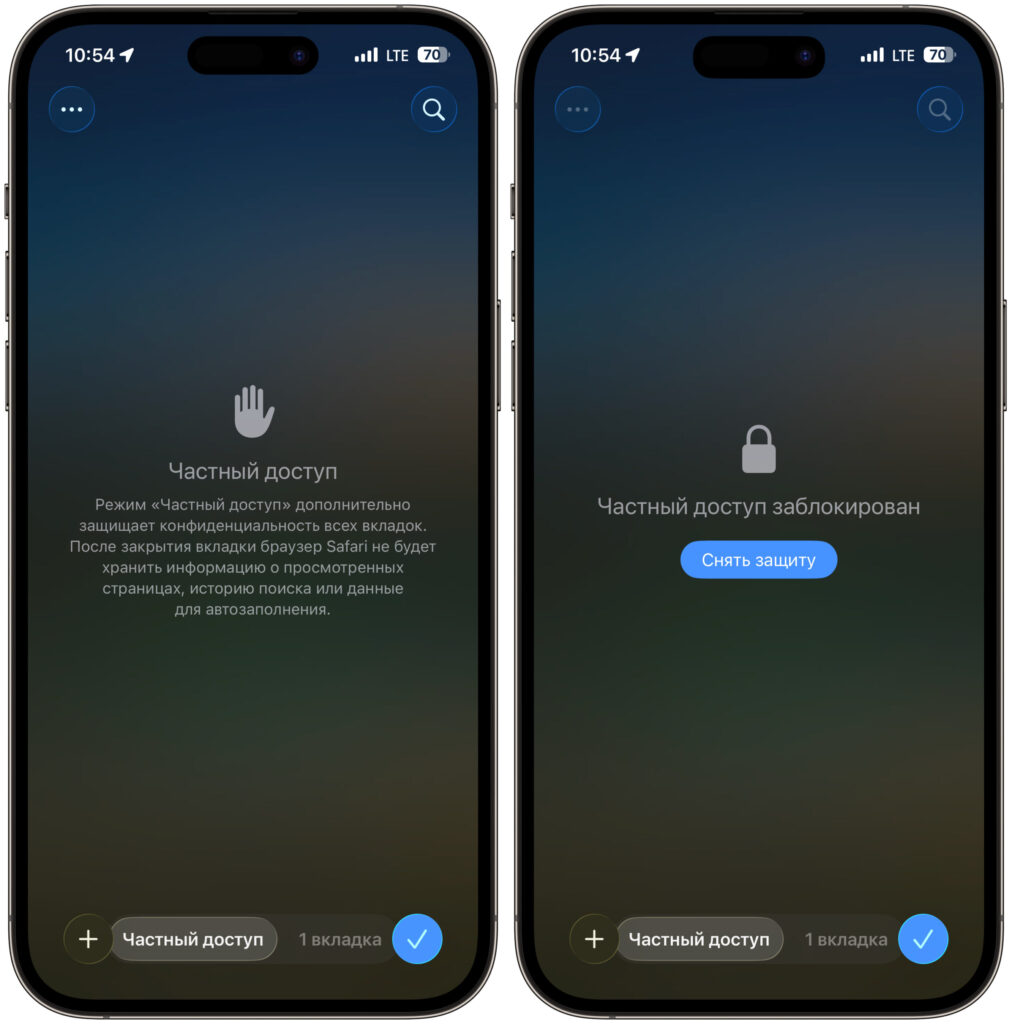
Private Browsing is locked behind biometrics by default
It’s precisely this combination — cookie blocking, fingerprinting protection, and link trimming — that Apple contrasts with Chrome. In the competitor’s regular incognito mode, much of this is either absent or requires manual activation.
How Apple’s Privacy Ties Into New iOS 27 Features
I think at WWDC 2026 we’ll hear even more about privacy
The timing for the ad was no accident. WWDC 2026 kicks off on June 8, and privacy will almost certainly be one of the main themes of the presentation — especially against the backdrop of Apple Intelligence. The more actively the company promotes AI features, the louder the questions about what happens to user data. During the iOS 27 presentation, Apple will definitely need to address this, as users will clearly have questions. The fresh campaign sets the right tone in advance: that privacy is built into the system, not bolted on as an afterthought.
Whether one ad is enough reason to ditch your usual browser is up to you. But taking a look at Safari’s privacy report and checking your private browsing settings certainly won’t hurt: it takes just a couple of minutes, and the understanding of who’s tracking you and how will stay with you for a long time.


