Apple users in Russia frequently encounter errors like “Payment method declined,” “Update your information,” or messages saying that a payment was declined by the carrier in App Store and iCloud. In this article, we’ll explain why iCloud declines the payment method on iPhone and provide step-by-step solutions to fix this problem.
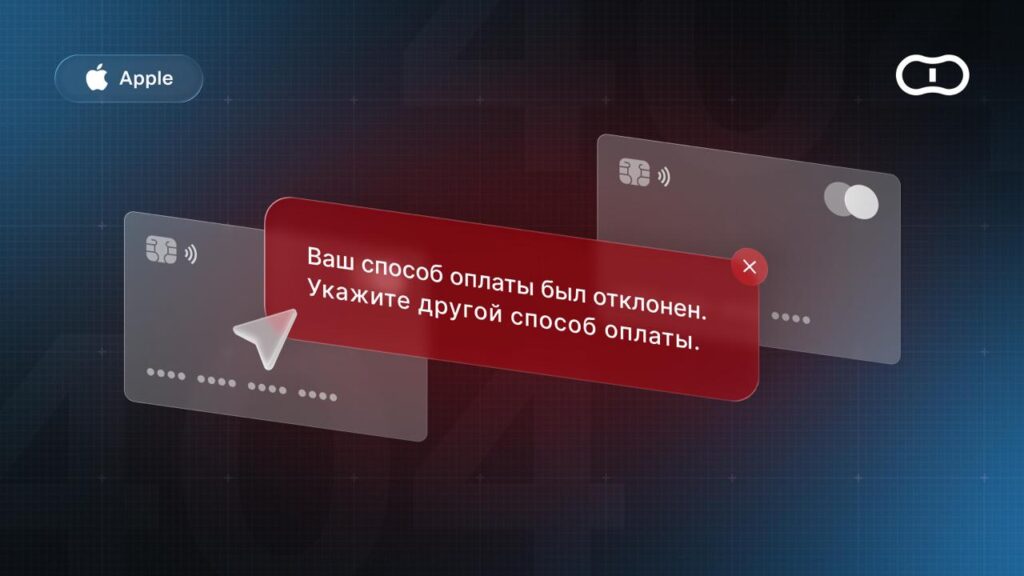
You can encounter this error in the App Store too
Mobile Commerce Disabled by Carriers
Starting April 1, 2026, Russian carriers disabled Apple ID payments through mobile billing. MTS and Beeline stopped working, while MegaFon and T2 had already been disconnected back in 2022. Now iPhone displays errors:
- “Payment declined by carrier”;
- “Mobile payment temporarily unavailable”;
- “Payment method declined.”
iPhone declines the phone payment method through carriers because the payment function itself is no longer available in Russia.
How to fix:
- Remove the phone number from payment methods in Settings — your name — “Payment & Shipping”;
- Change your Apple ID region to a foreign one and top up your balance with gift cards from that region.
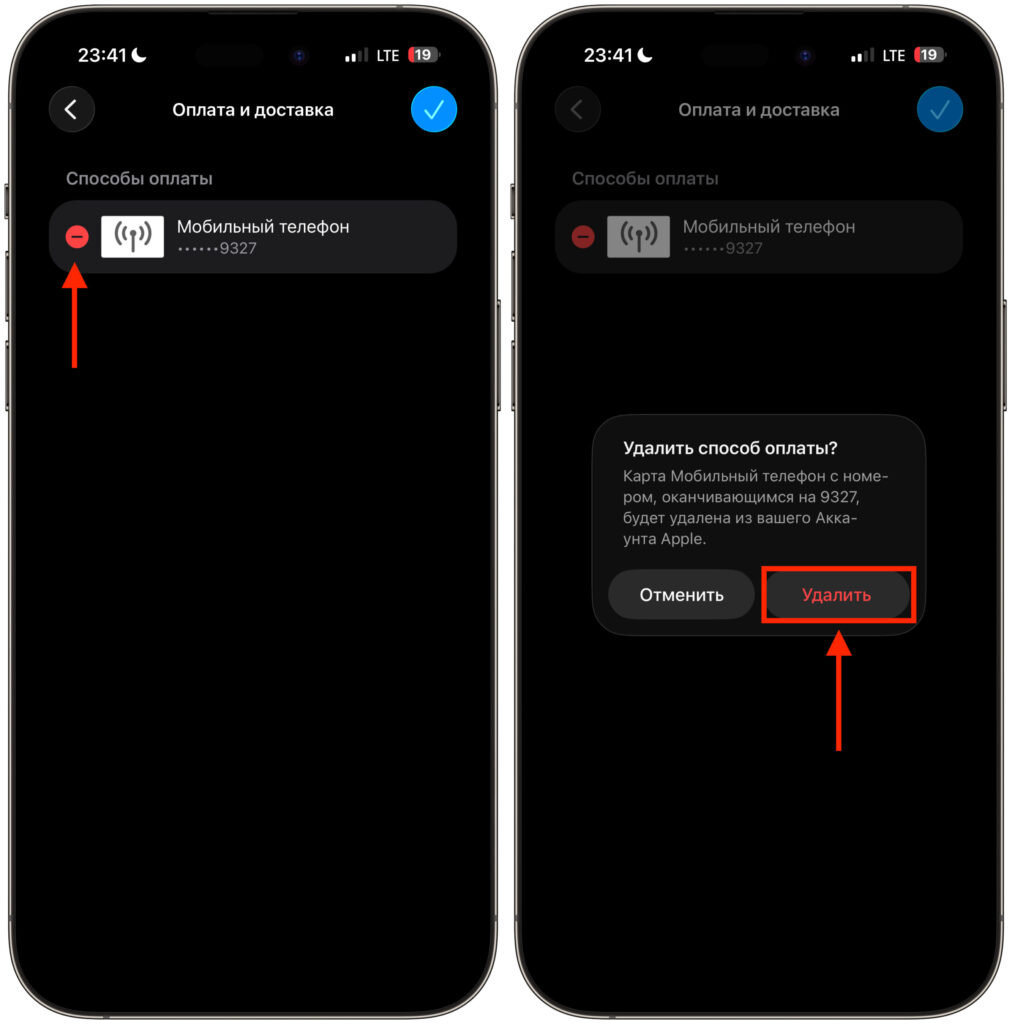
Remove the old number you previously used for payments
Using Russian Bank Cards
Why does iPhone decline the Mir card payment method? The answer is simple: direct transactions through the Russian banking sector are blocked — the reason lies solely in sanctions restrictions. Since 2022, Apple has completely stopped supporting Russian bank cards. Because of this, any attempts to link a payment method result in Apple declining the card.
How to fix: Direct card payment is impossible, so you need to completely change the payment gateway in your Apple ID settings:
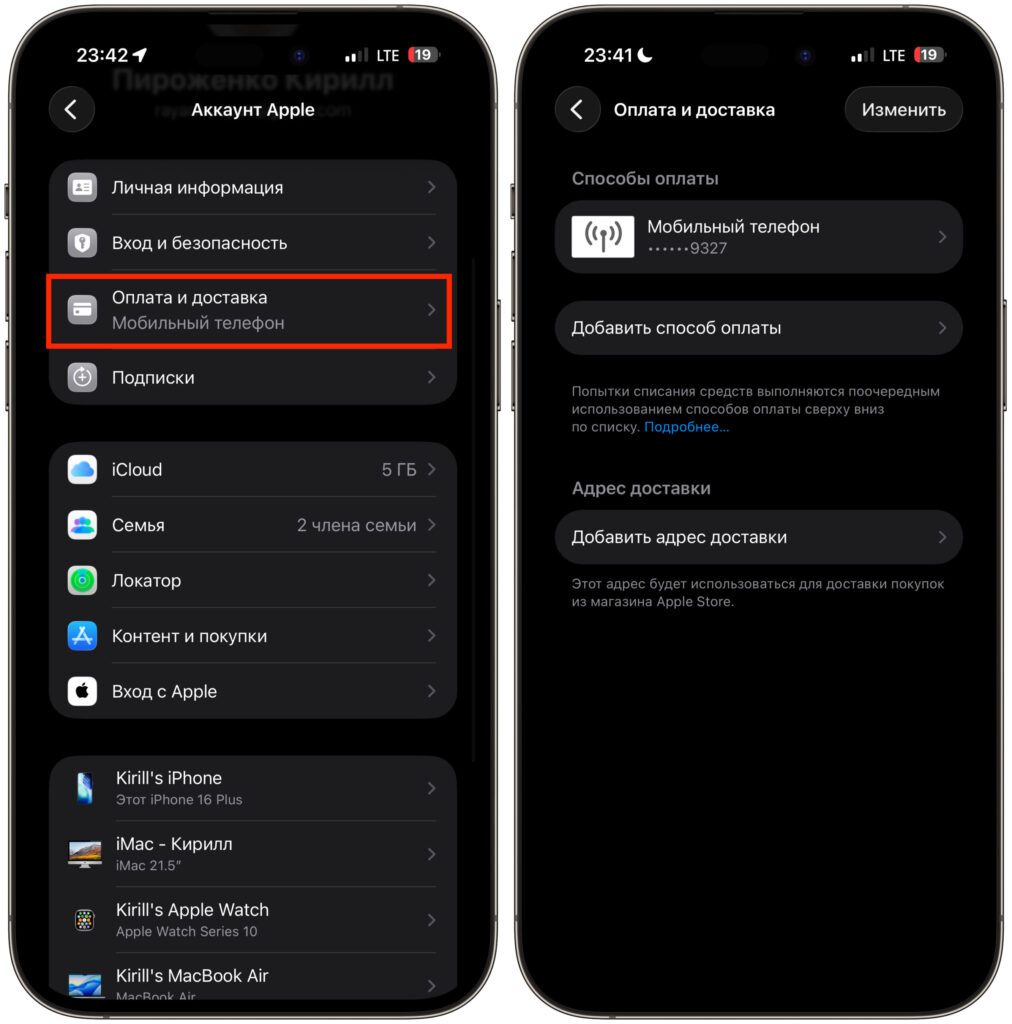
Make sure there are no linked cards here
- Go to your iPhone Settings, tap your name, and select “Payment & Shipping”;
- If an old bank card is linked there, remove it to prevent conflicts during automatic subscription renewals;
- As an alternative, use a foreign account and purchase official gift cards.
Insufficient Funds or Exceeded Limit
Why does the App Store decline card payment if the card is working? This issue most often affects those who already have a foreign account with a foreign card linked. If the Apple ID balance or the card itself doesn’t have enough money for the purchase, Apple will decline the payment even if the payment method is generally valid. The same applies to limits: many banks have a default restriction or daily/monthly limit on online payments, and if it’s exceeded, the transaction won’t go through.
How to fix:
- Check your Apple ID balance in account settings;
- Check the balance on the card itself if the payment is being charged directly to it;
- Increase the daily/monthly limit for online payments through your banking app;
- Check if there’s a block on international payments.
Outstanding Subscription Debt Blocks New Purchases
If you have an outstanding balance on any subscription (for example, Apple made several unsuccessful attempts to charge you for the previous month), the system blocks the ability to download even free apps. Until the old debt is paid off, any payment method will be declined.
How to fix:
- Go to Apple ID settings, select “Subscriptions,” and check if there are any items with a status of “Billing error” or “Outstanding balance”;
- Add a new, guaranteed working payment method or purchase a gift card;
- Allow the system to automatically charge the accumulated debt. If the automatic charge didn’t go through, temporarily remove the old payment profile, restart the device, and add a current payment method again.
Apple ID Region and Payment Method Mismatch
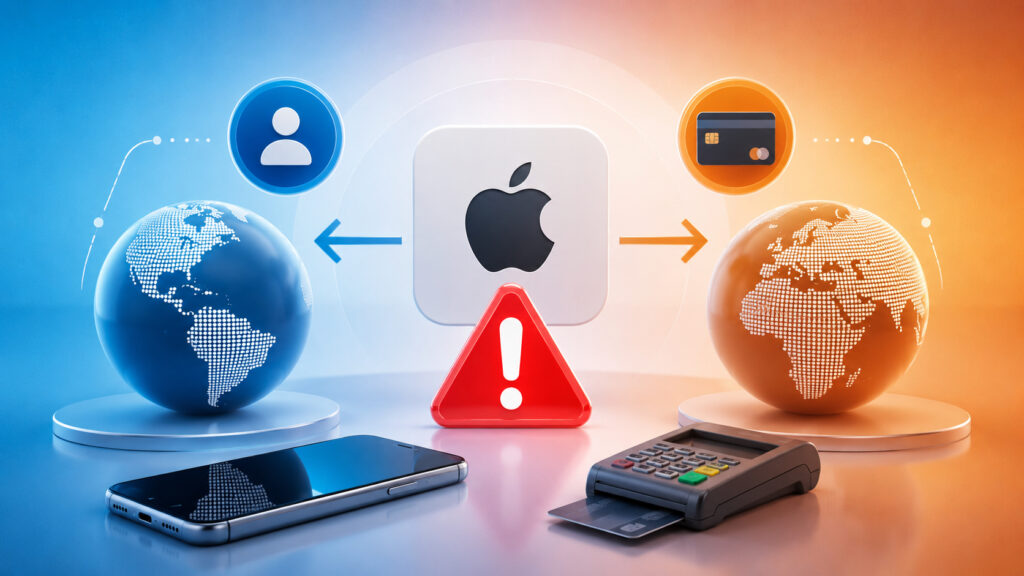
Your Apple ID region might be one country, but you’re trying to add a payment method from another
Sometimes users change their account region to another country to access blocked apps, but then try to link a payment method issued in a country that doesn’t match the Apple ID region. Apple’s security rules clearly state: the account country must match the country of the payment instrument issuer.
How to fix:
- Verify which country your account is registered in (Settings — Apple ID — “Media & Purchases” — “View” — “Country/Region”);
- If the region is set to “Russia,” you can only use funds remaining on your balance; after that, you’ll need a foreign Apple ID;
- If you’re using a foreign account, you need to purchase gift cards specifically for the region specified in the profile, or open a card with a local bank.
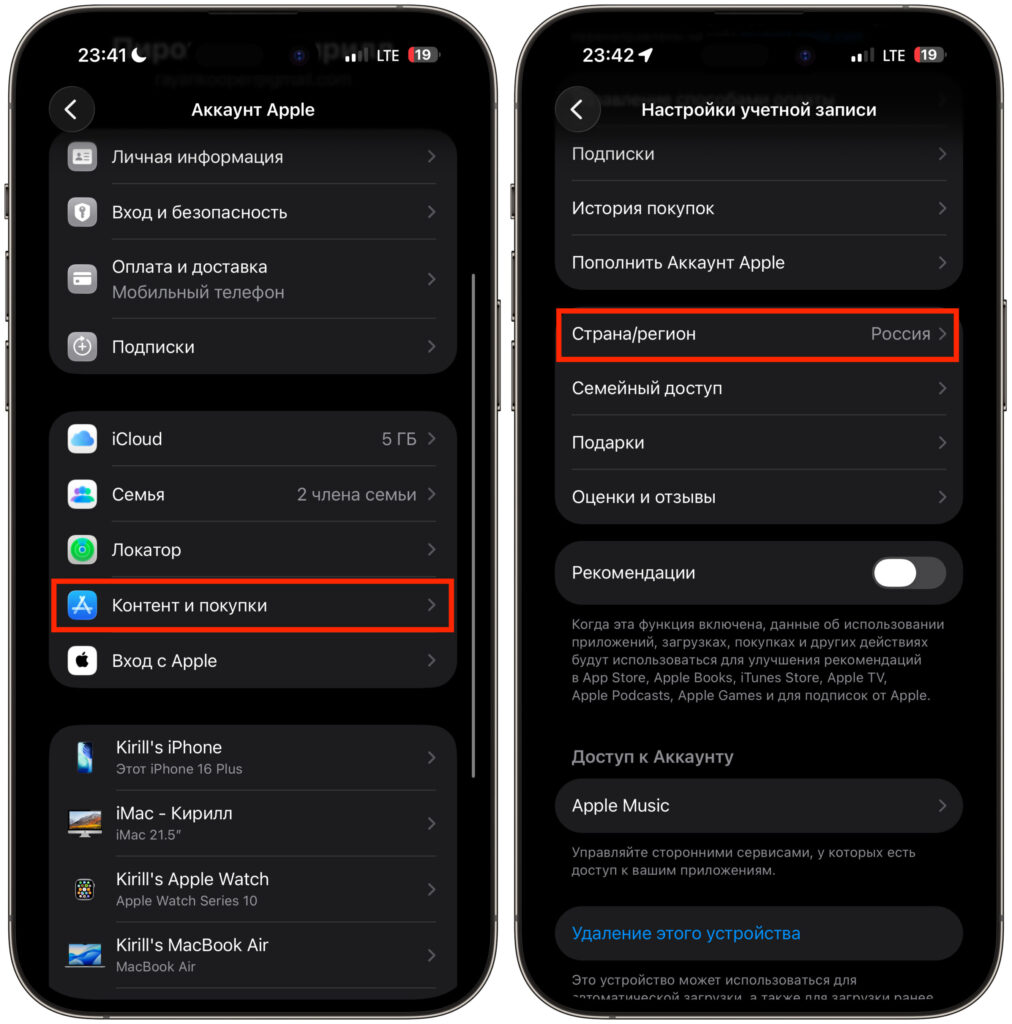
Check your account region
Expired Card or Changed Payment Details
Why does iPhone say “payment method declined — update your information”? Apple considers the current details outdated and won’t process the payment until they’re updated.
This happens in situations when:
- The linked card has expired;
- The billing address or postal code has changed;
- The system requires identity verification of the account owner.


