WhatsApp has rolled out a significant group chat update on Android in August 2026, adding timed polls with anonymous voting, an @all mention feature that notifies every group member at once, and a shortcut to create a new group from an existing one. These changes follow the introduction of usernames in June 2026 and are aimed at making group decision-making faster and reducing chat clutter. Here’s what each feature does, how it works, and what limitations apply.
What you need to know
- WhatsApp polls now support automatic closing timers, anonymous voting, and a 15-minute editing window for the poll question.
- The new @all mention notifies every group member — but in groups larger than 32 people, only admins can use it.
- A new shortcut lets you create a new group from the member list of an existing one in a single tap.
- Features are rolling out gradually; even after updating, some users may need to wait before they appear.
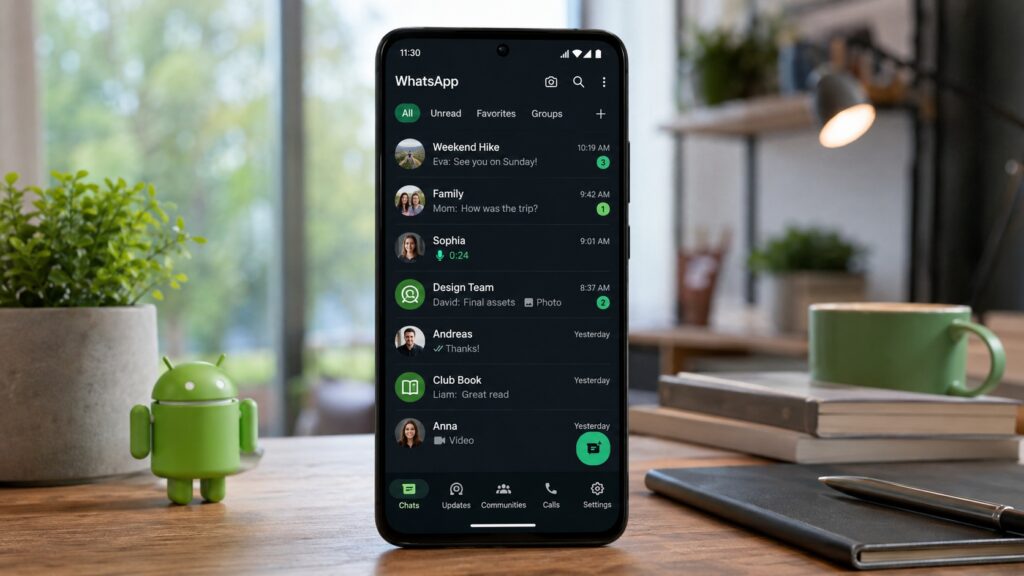
WhatsApp received a major update in August 2026
What’s new with WhatsApp polls
WhatsApp’s in-chat polls have received three improvements designed to help groups reach decisions more quickly:
- Poll closing timer — Creators can now set a deadline after which the poll closes automatically. This is useful when responses need to be collected by a specific time rather than left open indefinitely.
- Hidden voter names — Participants can see the results but not who voted for which option. According to WhatsApp, this is intended to make people more comfortable sharing their honest opinion without fear of judgment.
- 15-minute editing window — If you spot a typo or want to refine the wording, you can edit the poll question within 15 minutes of posting it.
All three additions target the same goal: shortening the path from question to decision. They are particularly relevant when a group is trying to agree on a time or place to meet and the discussion drags on.
How the @all mention works in group chats
The second major addition is an @all mention that sends a notification to every member of a group chat in one action, instead of tagging people individually. The feature is designed for genuinely urgent messages — cancellations, office closures, last-minute schedule changes, and similar announcements where it’s critical that everyone sees the information.
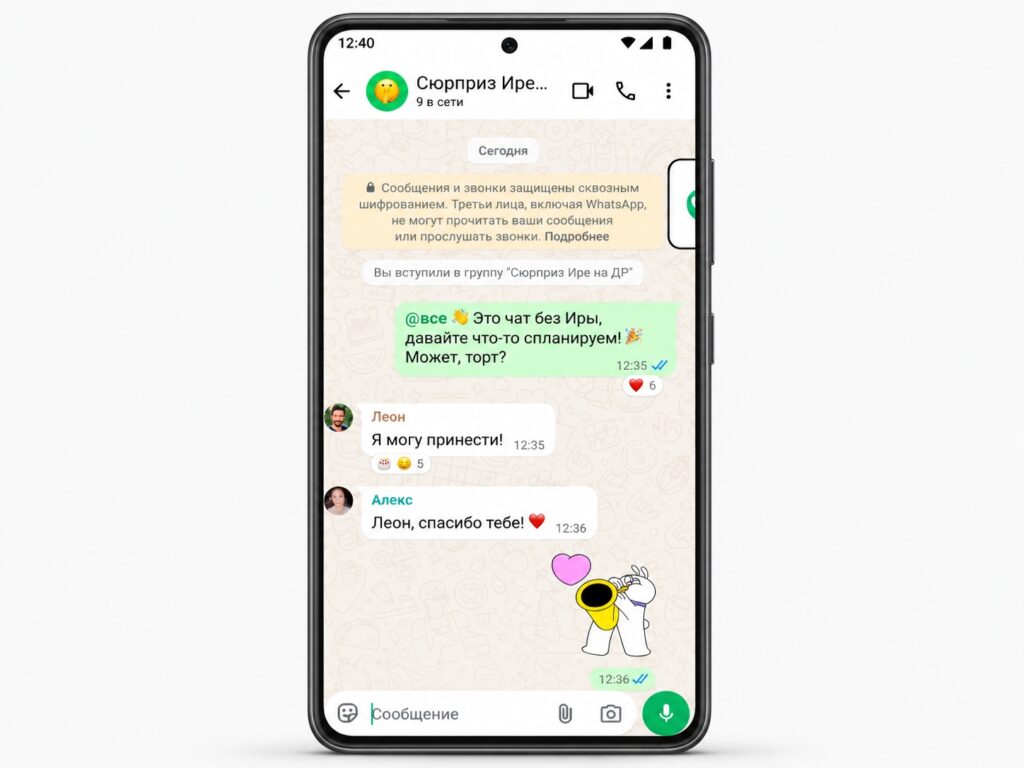
The @all tag is now available in WhatsApp group chats

There are important restrictions to prevent misuse:
- In groups with more than 32 members, only admins can use @all. This prevents any member from spamming the entire group with notifications.
- @all overrides muted group notifications — the alert will come through even if a member has muted the group. However, users retain control: the @all mention can be separately disabled in notification settings if it becomes disruptive.
Quick group creation from an existing group
The third feature saves time when setting up new chats. You can now create a new group from the member list of an existing one in a single tap, without manually adding contacts one by one.
Practical use cases include splitting off into a separate chat to plan a surprise, discuss event logistics, or dive deeper into a topic without cluttering the main conversation. For anyone managing multiple overlapping groups, this shortcut should noticeably reduce friction.
How to update WhatsApp on Android
To access the new features as soon as possible, update to the latest version of the app:
- Open Google Play and tap your profile icon in the top-right corner.
- Select “Manage apps & device.”
- Find WhatsApp in the list of available updates and tap “Update.” Alternatively, search for WhatsApp in Google Play and tap “Update” on the app page.
- Wait for the download to complete and restart the messenger.
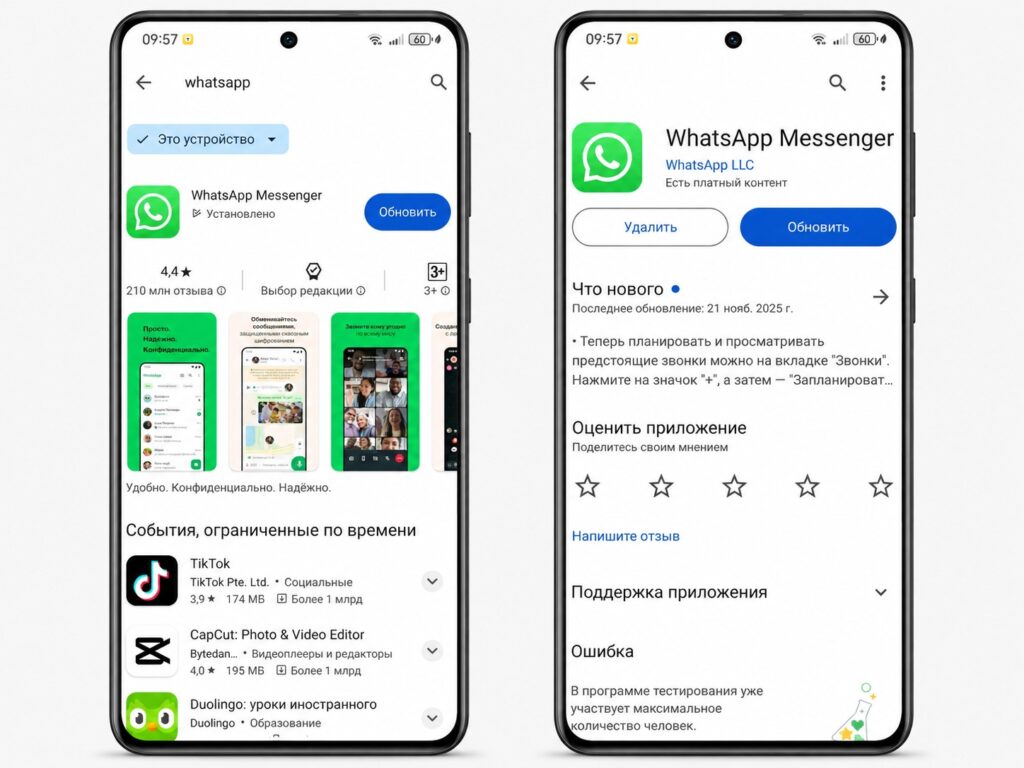
The app can be updated through Google Play
If no update button appears, you already have the latest version. Even after updating, some features may arrive with a delay — this is normal for a staged rollout.


