A phone number has long ceased to be just a way to make calls. Messengers, banking apps, social networks, and dozens of services that require your number during registration are all tied to it. When you change your number and don’t unlink it from your accounts, all those connections don’t disappear — they stay attached to the number and end up with the next owner. And that’s when problems begin for them. This situation might seem like a rare oddity, but in practice, many people encounter it. Let’s break down how a number ends up with a new owner, what they can do with it, and how to protect yourself — whether you’re giving up an old number or receiving someone else’s former one.
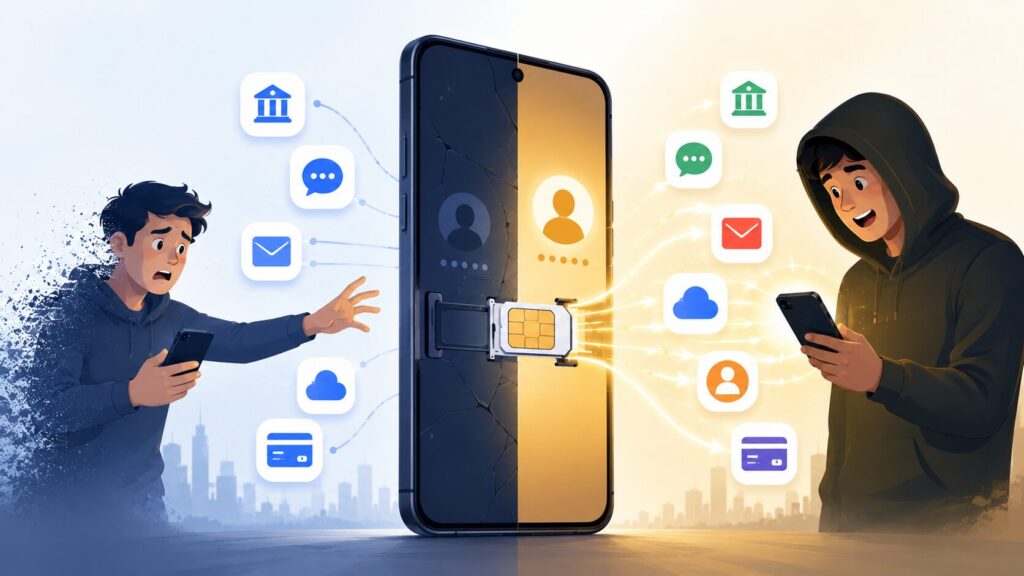
Phone numbers often move between different people. The key in such situations is knowing how to act if you end up with someone else’s number
Why Your Old Number Gets Passed to Someone Else
Carriers don’t keep disconnected numbers forever. After a subscriber terminates their contract, the number sits idle for a while, then returns to the general pool and goes back on sale. The new buyer gets a number that was already in use — with all the baggage of the previous owner.
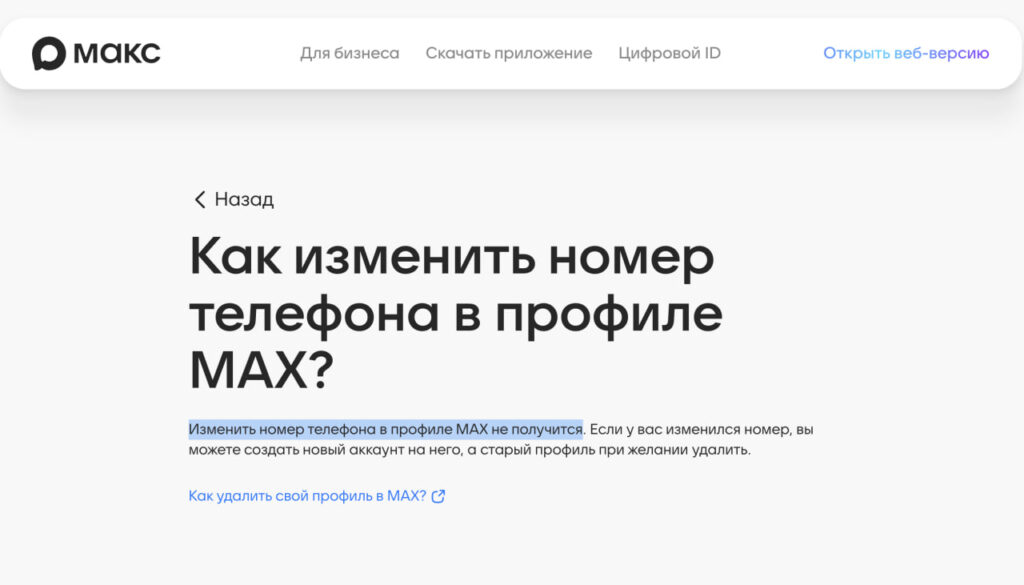
Some services — for example, MAX — don’t allow you to change your phone number. So you’ll have to resolve this issue through support or delete the entire profile
Sometimes this leads to certain inconveniences. If the number was used to register with online services, messages from them will keep coming even if the new owner never signed up for them.
And here’s the key point: the carrier is virtually powerless here. MTS explains that the company simply has no technical ability to unlink a number from social networks and services — only the person who created those accounts can do that. If the previous owner forgot to unlink the number, the new buyer has to deal with it through each service’s support team individually.
What a Person Who Gets Your Old Number Can Do
The main danger of number transfer isn’t spam — it’s the fact that a phone number often serves as an access recovery key. Many services allow you to reset a password or log into an account using an SMS code. If your old number ended up with a stranger, they can theoretically request access to your accounts and receive the confirmation code on their phone.
At risk are messengers, social networks, email, and in the worst case — banking apps. This doesn’t mean the new owner is necessarily a bad actor: in most cases, the person just wants to use the number and suffers from someone else’s trail themselves. But the risk is real, and that’s exactly why unlinking your number is primarily about your own security, not just courtesy toward the next buyer.
Which Accounts Are Linked to Your Number and How Different Services Differ
Not all services behave the same way when a number changes owners. Some handle it automatically, while others require more effort.
- VKontakte solves the problem automatically. If the number is already linked to another account, when you link it to a new profile, it automatically unlinks from the previous one. But if you have trouble logging in, you’ll need to explain the situation directly to support.
- Telegram lets you change your phone number without any issues and even notify users from your contact list. Your chats won’t go anywhere, nor will your conversations with attachments.
- With MAX, the situation is the opposite. This messenger doesn’t allow changing the phone number. You can only delete the profile if the phone was already registered in the service, and then create a new one in your name.
- Banking apps store the number in their database. You can change the number, but only if you have access to the old phone.
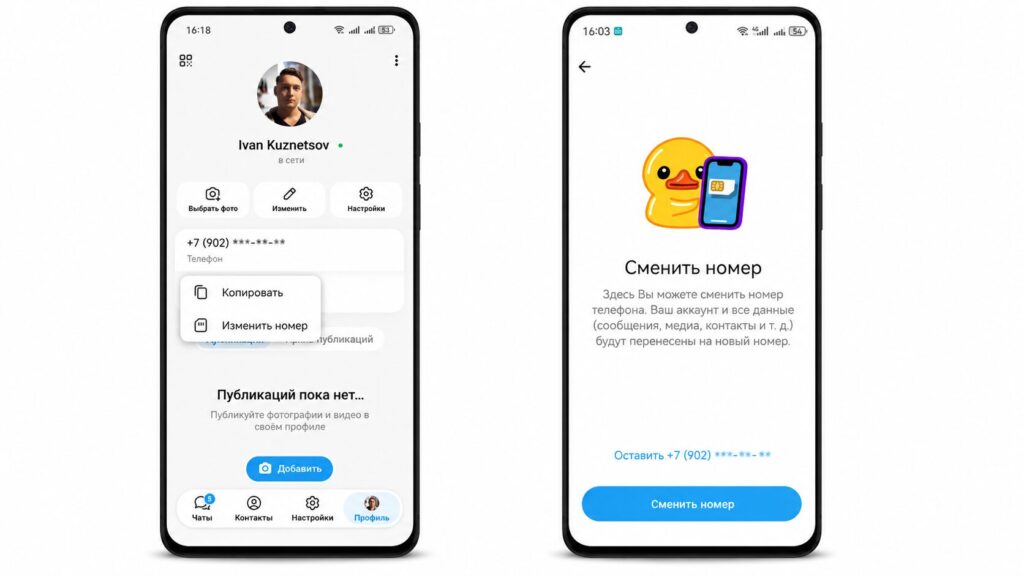
In Telegram, changing your number is easy and simple
An important detail about MAX: when you delete a profile, all app data on the device is deleted without the possibility of recovery. In principle, this makes sense, considering that the account may belong to another person.
How to Unlink Your Number from Services Before Changing Your SIM Card
The most reliable way to avoid this whole situation is to unlink your number in advance, while it’s still yours and you have access to the confirmation code. After terminating your contract, doing this will be much more difficult.
- Make a list of services where your number is used: messengers, social networks, banks, email, marketplaces, government services.
- In each app, go to profile or security settings and replace the old number with a new one or unlink it.
- Separately check messengers that are tightly bound to the number — MAX, Viber, WhatsApp. In these, number changes are done directly in the account settings.
- Check banking apps and services with two-factor authentication — there, the number often serves as a way to recover access.
- Only after all this should you terminate your contract with the carrier or discard the old SIM card.
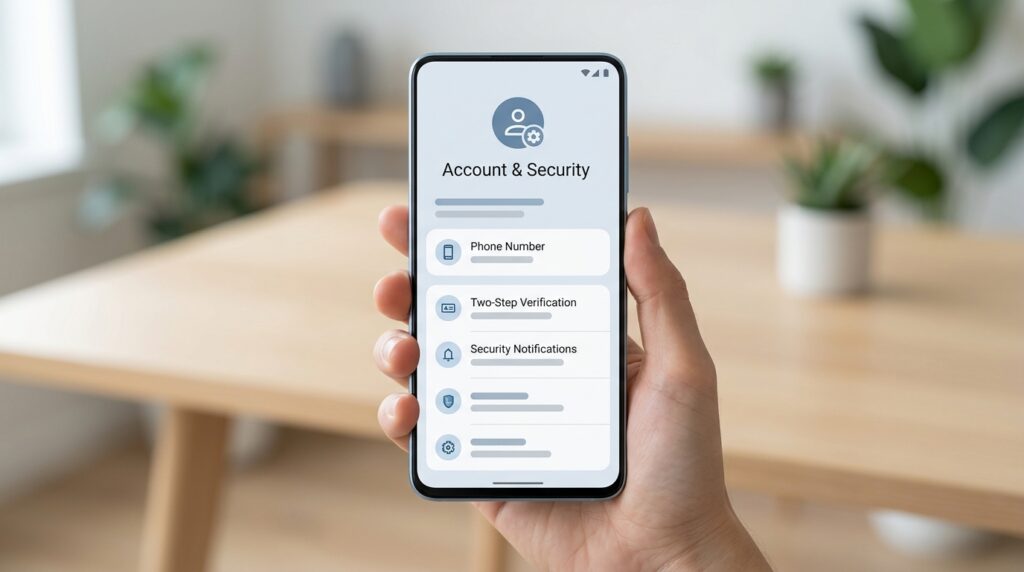
Each service has its own logic: some will unlink the number automatically, others require contacting support.
What to Do If the Number Has Already Been Transferred to Someone Else
If you find yourself on the other side — you bought a number with someone else’s linked accounts — then be prepared to act on your own. The carrier can’t help here: they can’t unlink the number from services, and you’ll have to do it through each service’s support team.
The process is simple, though tedious. First, determine which services the number is linked to — by incoming SMS and notifications. Then contact support for each problematic service, explaining that the number is new and has no connection to the old account.