In iOS 27, Apple has changed how iCloud shared albums work, and for users, it’s more of a downside. Previously, photos in shared albums didn’t count toward your iCloud storage, but now new photos will start taking up paid storage space. It’s all presented as an “improvement,” but in reality, it looks more like a careful attempt to push you toward buying a subscription.
Don’t activate this feature!
How iCloud Shared Albums Work on iPhone
Shared albums are a Photos feature that lets you collect photos and videos in a separate album and share access with friends or family. Until now, they had two important properties. First, a single album could hold up to 5,000 photos and videos. Second, and most importantly, these files were not counted toward your personal iCloud storage at all.
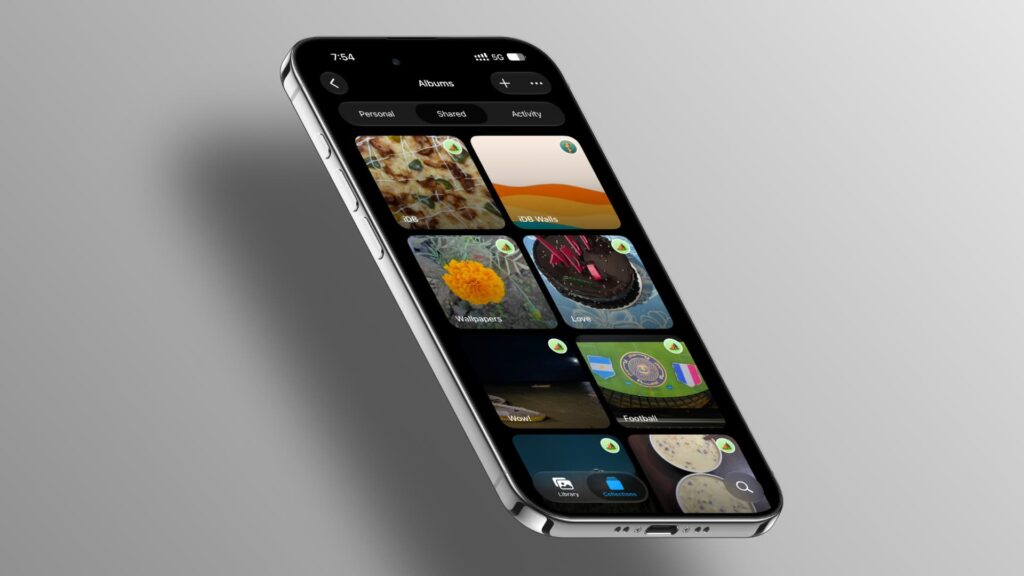
Shared albums allowed you to comfortably store photos without paying for it
That’s exactly why shared albums remained a convenient way to store and display photos for years without worrying about the 5 GB free storage limit or the size of your paid iCloud+ plan. The original author has been using such albums since 2014: the photos still open on all their devices and don’t consume a single byte of paid storage.
Why You Shouldn’t Upgrade Your Shared Album in iOS 27
After installing the iOS 27 beta, the author noticed a new option in the shared albums section: “Upgrade Shared Album.” The screen displays the benefits in large text: you can now share photos and videos in full resolution and send invitations through third-party apps like WhatsApp.
It sounds appealing, but the most important part is hidden in the fine print at the bottom: “the shared album owner will provide iCloud storage for all new items added to this album.” In plain language, after this “upgrade,” every new photo in the album will start taking up your paid iCloud storage.
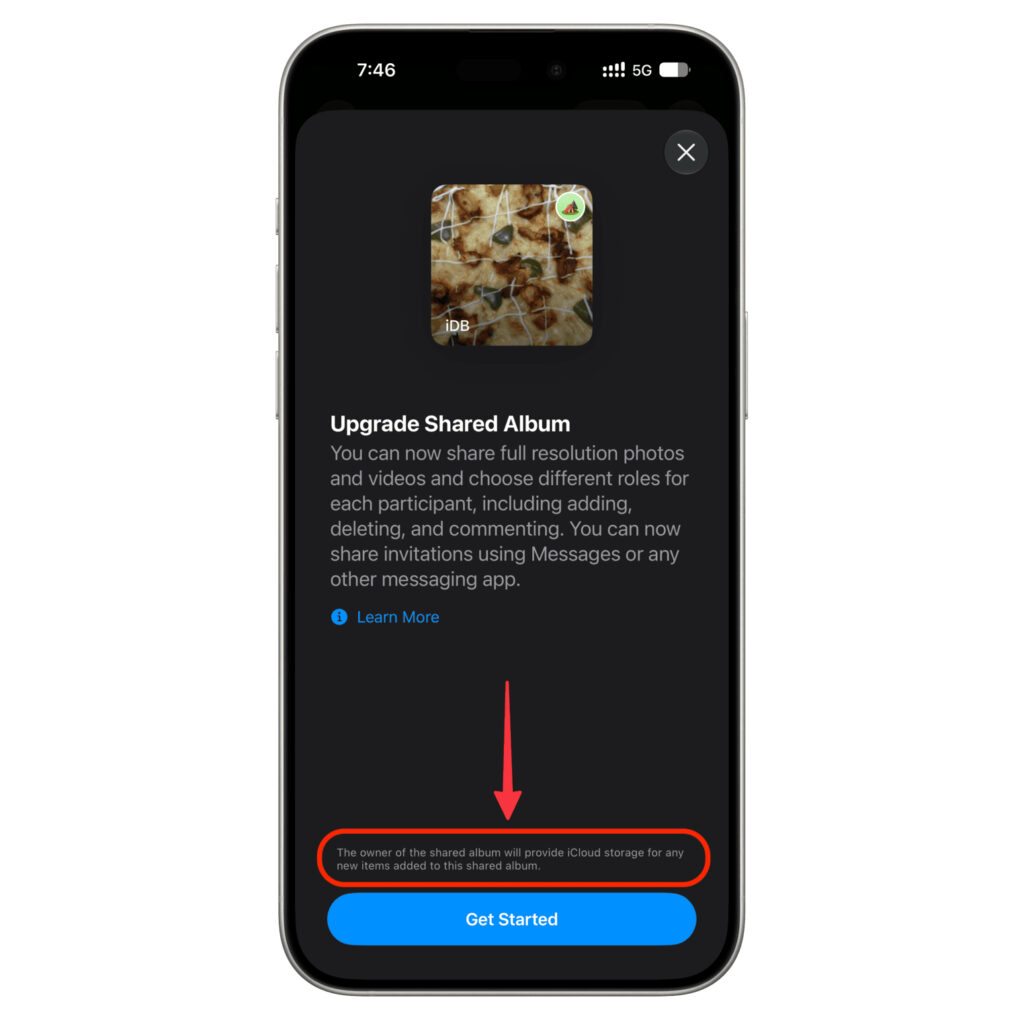
If you press this button, the shared album will become part of your storage
If this didn’t affect the album creator’s storage in any way, there would simply be no warning at the bottom of the screen. Essentially, free long-term storage for shared photos no longer exists: you’ll have to pay for the space, just like everything else in iCloud.
Why iPhone Requires Enabling iCloud Photos for Shared Albums
The second change concerns creating new albums. Previously, you could create a permanent shared album without enabling “iCloud Photos” — that is, without syncing your entire media library with the cloud. Now, when trying to disable the “Make album temporary” toggle, the system insistently prompts you to activate “iCloud Photos.”
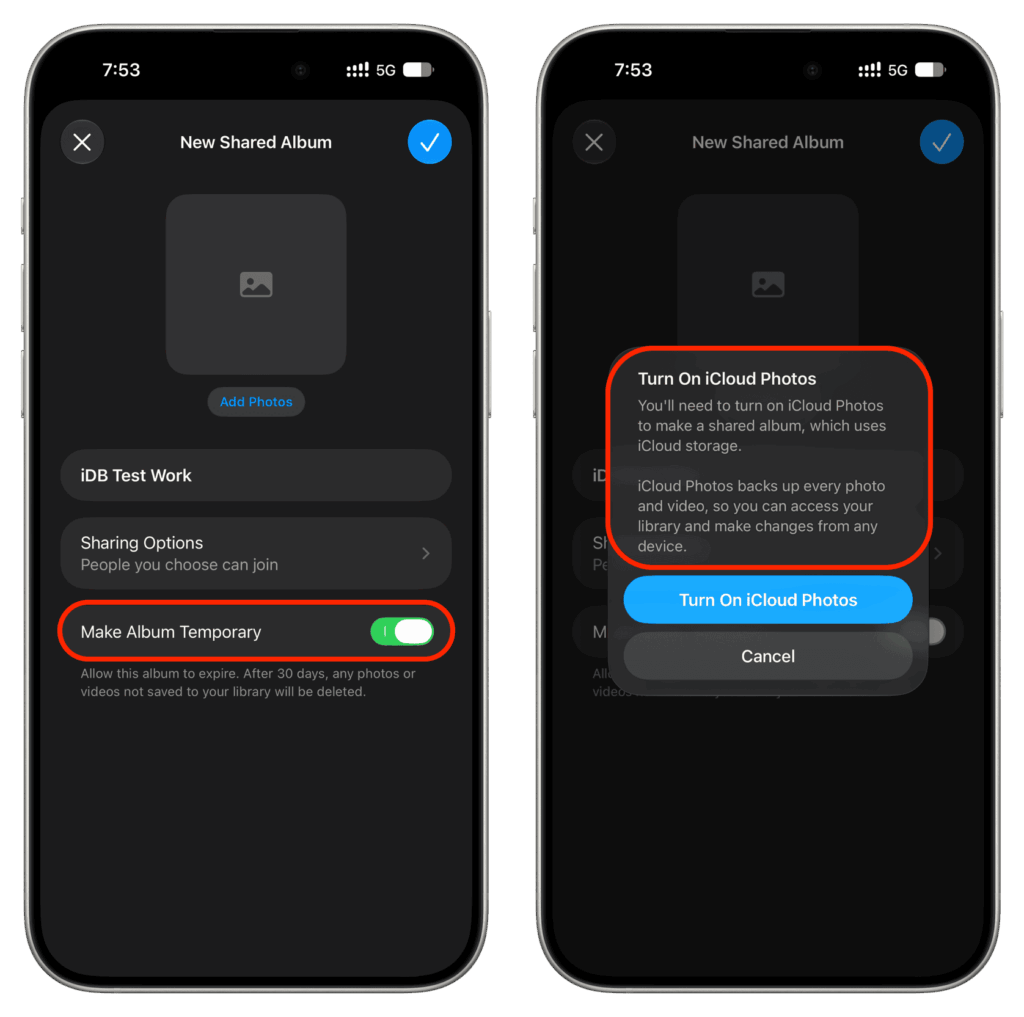
For permanent shared albums, you’ll need to enable “iCloud Photos”
This further confirms the overall logic: if you want to keep a shared album long-term, you need to allocate space for it in your iCloud storage. For those who deliberately don’t use cloud media library syncing, this means permanent shared albums can no longer be created.
How Long Does a Temporary Shared Album Last in iCloud
Apple has left a small loophole. You can still create a shared album for free, but only for 30 days and without enabling “iCloud Photos.” During this period, storage space is indeed not consumed.
The main caveat is different, though. To prevent photos from being lost, all album participants need to save the desired photos to their devices before the 30-day period expires. After that, the temporary album and all its contents are deleted without the possibility of recovery. For a one-time trip or a single event, this timeframe is sufficient, but it’s no longer suitable for a family archive meant to last years.
How to Keep iCloud Shared Albums Without Losing Storage
This change will hit hardest those who kept family and friend photo archives in shared albums for years specifically for the free storage benefit. If you have old shared albums, don’t rush to press “Upgrade Shared Album”: from observations, they continue to work under the old rules and don’t consume storage as long as you don’t “upgrade” them yourself.
If you truly need full resolution and the ability to send invitations through other apps, weigh in advance whether you’re willing to pay for additional storage. Remember that Apple enables photo syncing and backups by default, which is why the free 5 GB runs out quickly, followed by monthly iCloud+ fees.
The conclusion is simple: this is not an improvement but rather a hidden cutback of a free feature. For those already paying for iCloud+ or Apple One, the difference will be barely noticeable. But for everyone who used shared albums as free storage for a decade, you’ll either have to accept the storage consumption or switch to temporary albums and save photos to your devices in time.