There are so many horror stories circulating about the national messenger that many people are afraid to install it alongside their familiar Telegram. They say one app will immediately start spying on the other, the phone will crash, and conversations will leak where they shouldn’t. Let’s calmly figure out what actually happens if you keep MAX and Telegram on the same phone, and where the truth lies versus where it’s just misinformation.

Figuring out what happens if you use MAX and Telegram on the same phone
Can You Install MAX and Telegram on the Same Phone
First, the main point: yes, you can. Installing MAX and Telegram together on Android is completely fine — they’re two regular apps, and they coexist peacefully on the system. Android keeps programs in isolated sandboxes, so one messenger doesn’t directly access another’s chats.
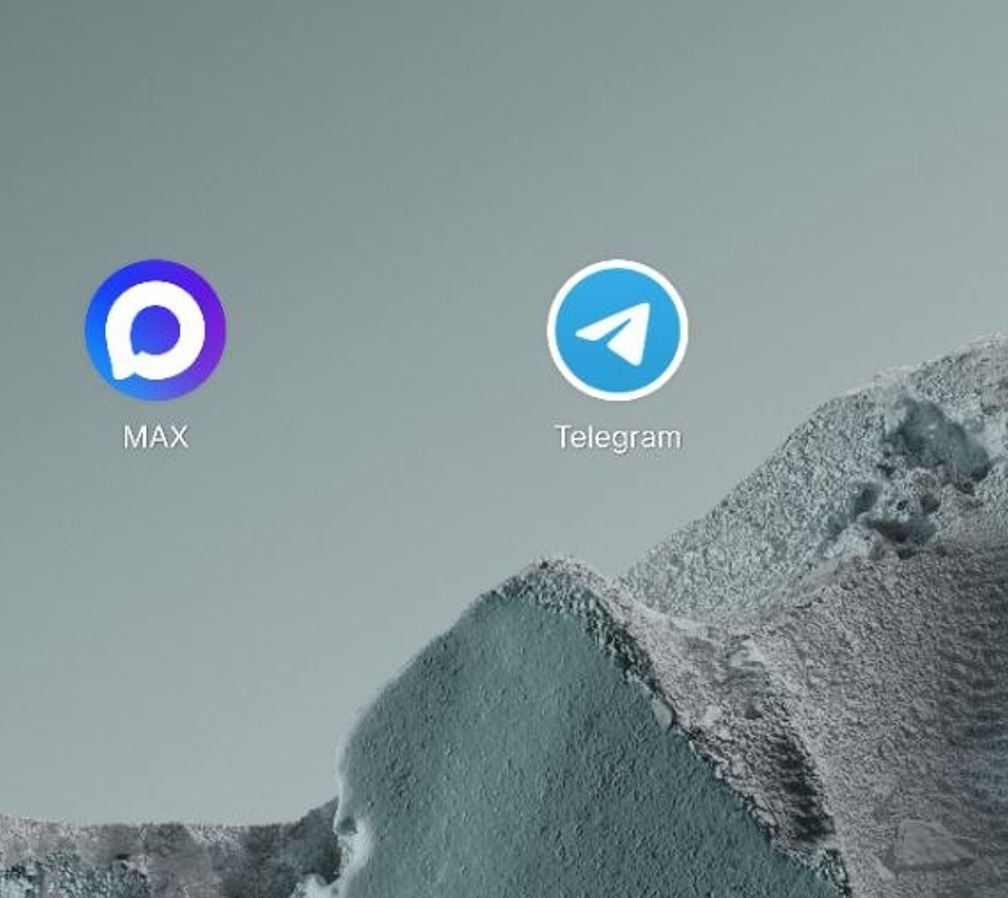
You can install both messengers on a phone and nothing will happen
In practice, having two apps side by side only affects free storage space and slightly impacts battery life, since both run in the background and send notifications. There’s no system conflict that would brick your smartphone. A couple of nuances: you can forward media from Telegram to MAX, but not the other way around. Otherwise, the picture is roughly the same as with RuStore and Google Play.
Does MAX Detect an Installed Telegram on Android
This is where the only thing with an actual basis begins. When analyzing the code, enthusiasts discovered that MAX was sending requests to Telegram and WhatsApp — essentially checking whether they were installed on the device. After this became public, the request sending was disabled in version 26.7.1 update. Overall, there’s nothing scary about it.

MAX monitors Telegram activity but doesn’t read your messages
So the question of whether MAX can see installed apps is currently open, but it definitely doesn’t have direct access to your Telegram conversations. If you want to play it safe, keep the messenger updated to the latest version.
MAX and Telegram Permissions: Who Requests More
The favorite argument of alarmists sounds like this: MAX asks for suspiciously many permissions. In reality, the numbers say otherwise. WhatsApp requests about 85 permissions, Telegram approximately 71, while MAX permissions on Android are more modest in number. Moreover, the ability to install apps outside Google Play — that scary REQUEST_INSTALL_PACKAGES permission — is requested by all three messengers, not just MAX.
Both messengers request similar access. There’s no proof that either one spies on users
When it comes to permissions, our subject doesn’t stand out against the competition.
Security and Encryption: MAX vs Telegram
The real differences are hidden not in surveillance but in how the services are built. MAX doesn’t have end-to-end encryption, which is available in WhatsApp and in Telegram’s secret chats. Additionally, MAX’s user agreement explicitly allows data to be shared with third parties and upon request from government authorities. These aren’t guesses — they’re points from official documents.
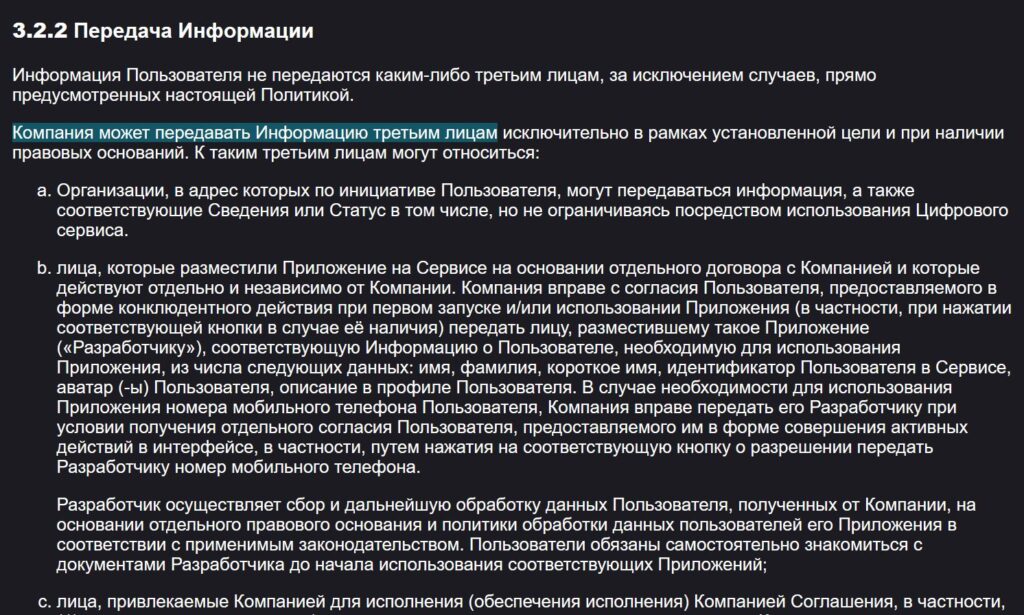
MAX can share user data, but only when there are grounds to do so
Therefore, it makes sense to have particularly sensitive conversations where end-to-end encryption works.
How to Restrict MAX and Telegram Permissions on Android
The good news is: you decide what an app can and can’t do. All permissions are revoked not inside the messenger but in your smartphone’s settings. To restrict app permissions on Android, do the following:
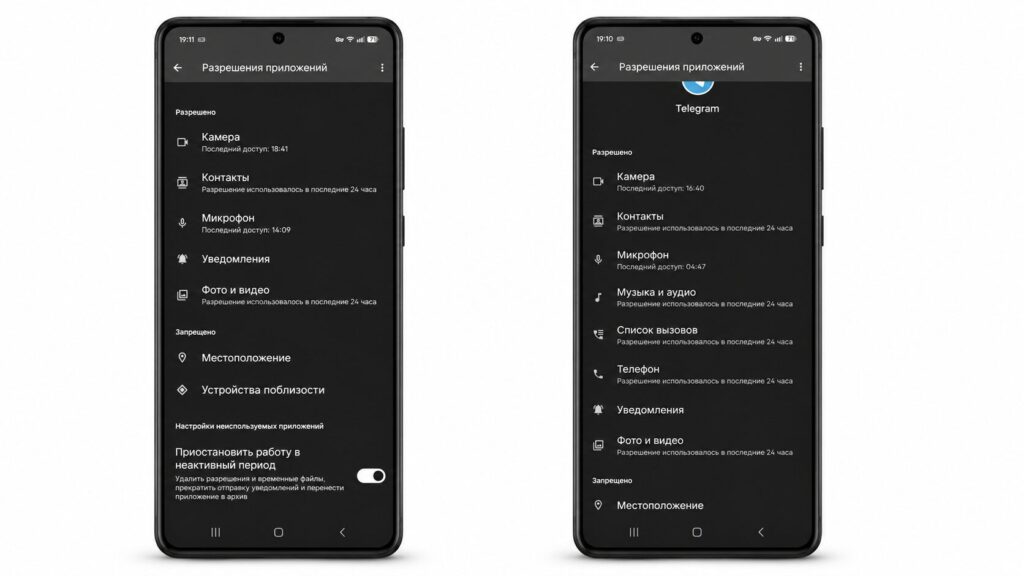
In general, it’s worth checking permissions for all apps on your phone
- Open your phone’s settings and go to the “Apps” section.
- Select MAX or Telegram from the list of installed apps.
- Open the “Permissions” section.
- Disable what the messenger doesn’t need: location, microphone, camera.
This way you can keep just messaging and cut off everything unnecessary for both messengers at once. But it’s better not to fixate solely on MAX and Telegram on your phone — check the permissions of other apps too.
The bottom line is simple: MAX and Telegram on the same phone coexist perfectly fine, and no apocalypse will happen. Keep an eye on updates, revoke unnecessary permissions, and don’t store secrets where there’s no encryption. And what to use daily is entirely up to you. Perhaps the only downside is that Telegram doesn’t work without a VPN in Russia, so when switching to MAX you have to turn it off.