In Russia, people have once again learned how to pay with an iPhone — and this time VTB made it happen. The bank launched its own Apple Pay alternative called VTB Pay. It works without NFC and without a QR code — payment goes through Bluetooth. Sounds like magic, right? But this magic turned out to have so many catches that paying with a regular plastic card or sticker is sometimes easier.
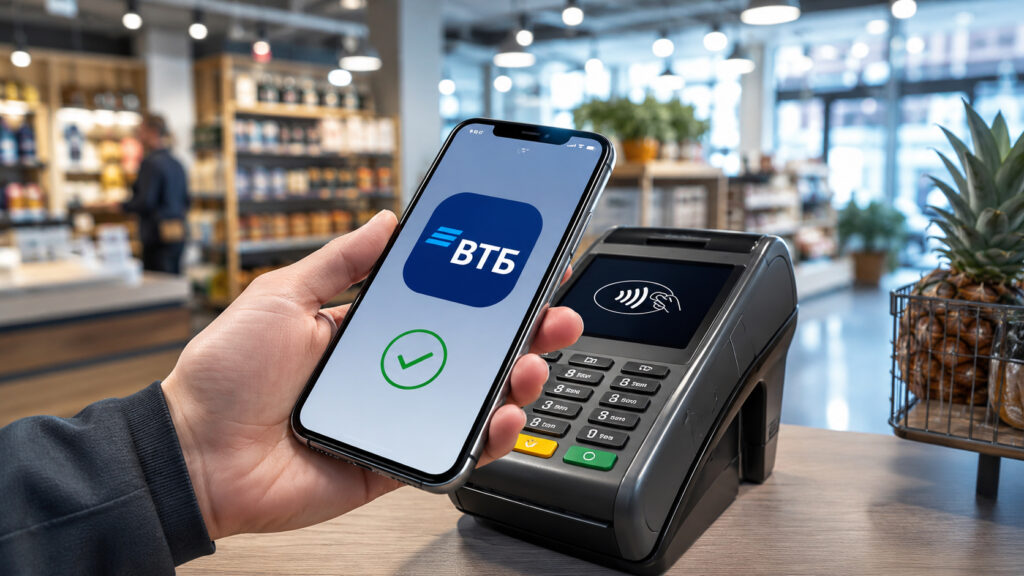
Now you can pay via Bluetooth with VTB cards too
How the “Volna” Technology Works for iPhone Payments
The main trick here is the “Volna” (Wave) technology from NSPK. This is the same standard that Sber and T-Bank previously deployed, so VTB isn’t a pioneer here but rather a follower. The concept is simple: instead of Apple’s closed NFC, which third-party banks in Russia don’t have access to, Bluetooth Low Energy is used. The iPhone exchanges payment data with the terminal via Bluetooth, and the purchase goes through.
Everything is linked to a “Mir” card through VTB Online. There are no other payment systems here, and there can’t be, so if you only have Visa or Mastercard, you’re out of luck. The money is debited from the Mir card, and cashback is credited in rubles exactly the same way as when paying with regular plastic. No reduced bonuses or separate conditions — that’s nice.
Why You Need the Luna Browser for VTB Pay
And now for the most interesting and, perhaps, the most controversial part. VTB Pay can’t be launched from a regular banking app — because there is no regular banking app in the App Store. The service only opens through a widget in the Luna browser.
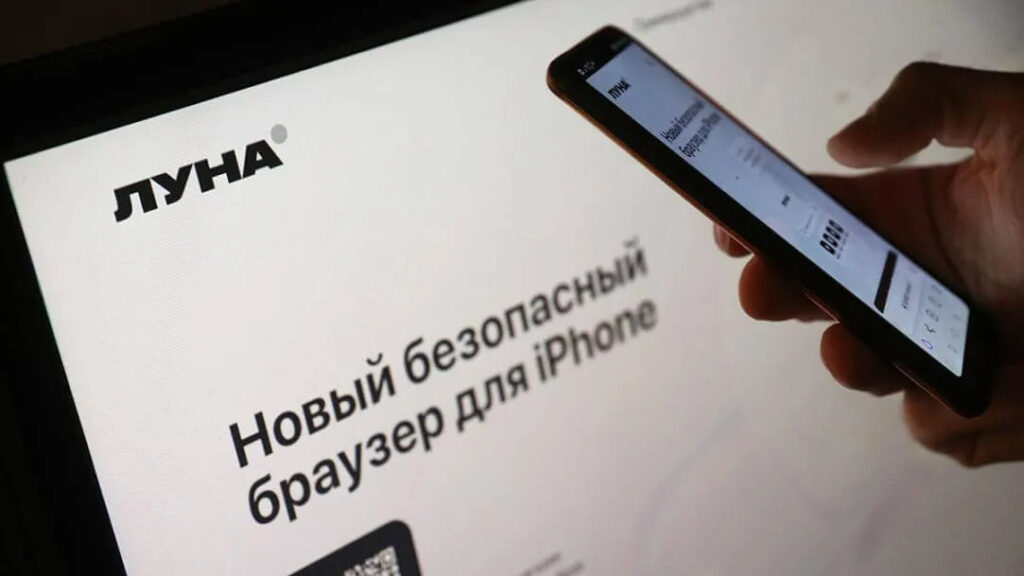
VTB says the Luna browser is required for VTB Pay on iPhone. Image: vedomosti.ru
In case you didn’t know, Luna is a Russian browser by VTB with built-in Ministry of Digital Development certificates, which the bank offers instead of the absent App Store application. The only problem is that Luna itself is no longer in the App Store — so only those who downloaded Luna earlier are lucky. And without this browser, VTB Pay simply doesn’t exist.
There’s no way around this limitation — we checked. You open the VTB website in Safari, navigate to the card — there’s no Bluetooth payment button at all. You install the web version of VTB Online as a PWA on the home screen hoping the widget will load — also no luck, the payment doesn’t launch. It works strictly through Luna, period.
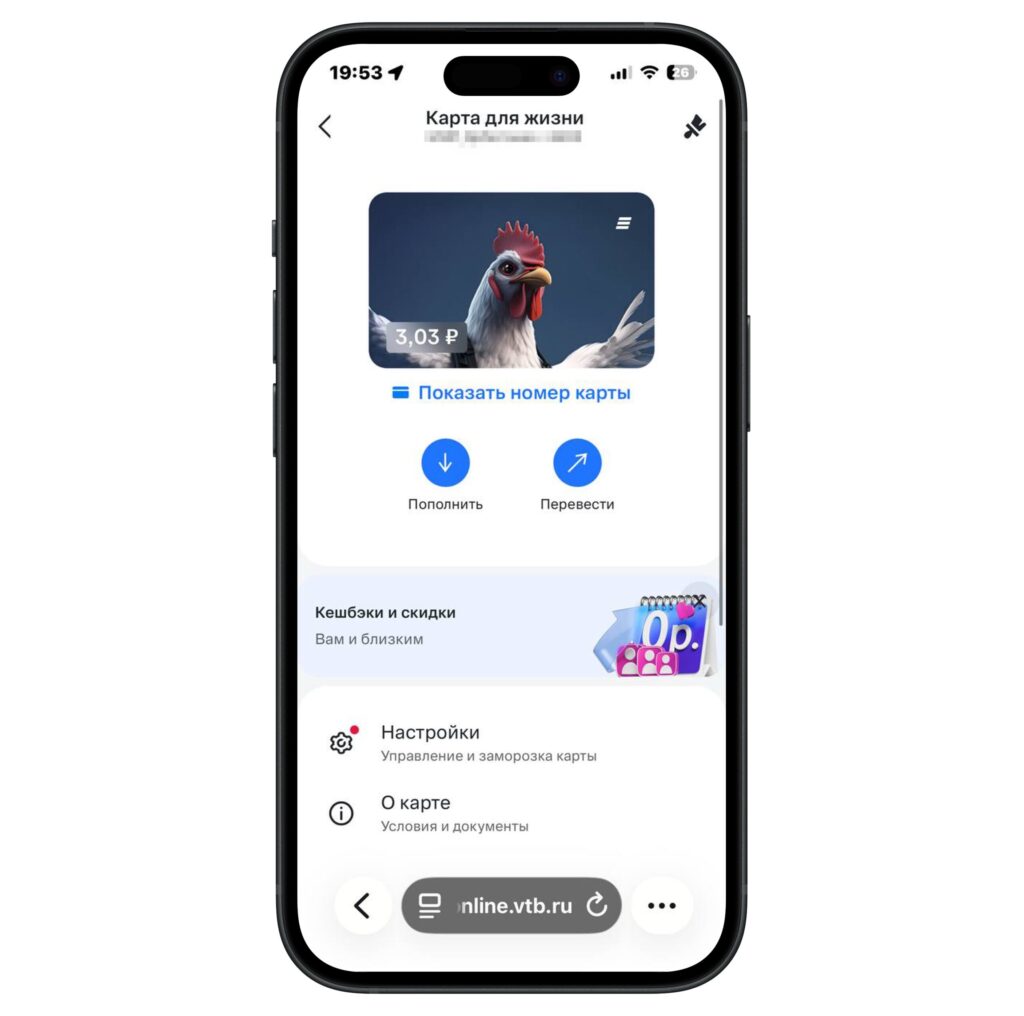
VTB Pay doesn’t work through Safari. We checked
Why is that? Luna is essentially a wrapper over the same Safari engine, but with the access permissions and certificates that VTB needs and that the stock Apple browser doesn’t have. Technically, it makes sense. But for the user, it means an extra step: to pay for a purchase, you first need to open a separate browser, and then — the VTB Pay widget inside it.
Setting Up VTB Pay on iPhone Step by Step
If none of this has scared you off and Luna is already installed on your iPhone, setting up the service isn’t hard. Here are all the steps:
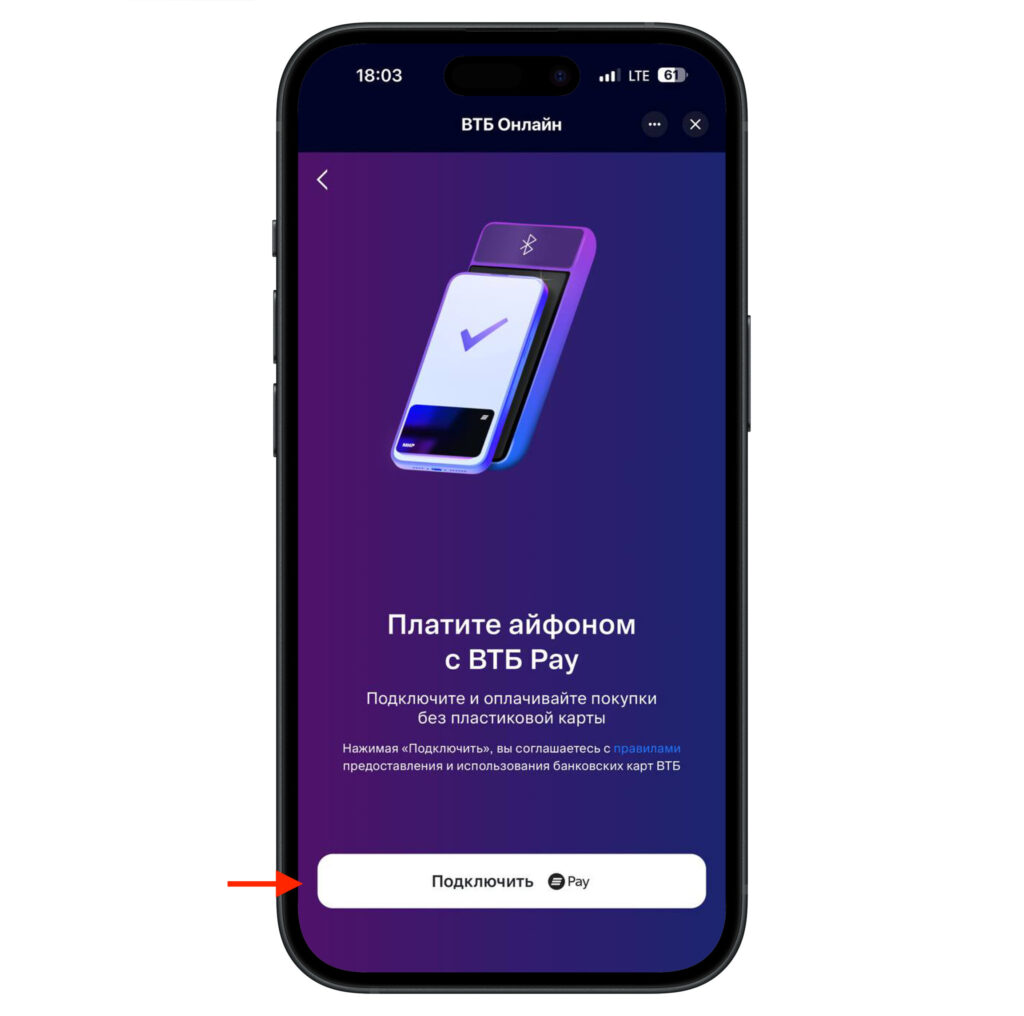
One button and VTB Pay works
- Open VTB Online directly in the Luna browser.
- Navigate to the desired Mir card and open its details.
- Tap the VTB Pay button, agree to the terms, and tap “Connect.”
- Wait for the VTB Pay shortcut to appear in the “Favorites” section of the browser.
After connecting, the actual payment at the checkout looks like this:
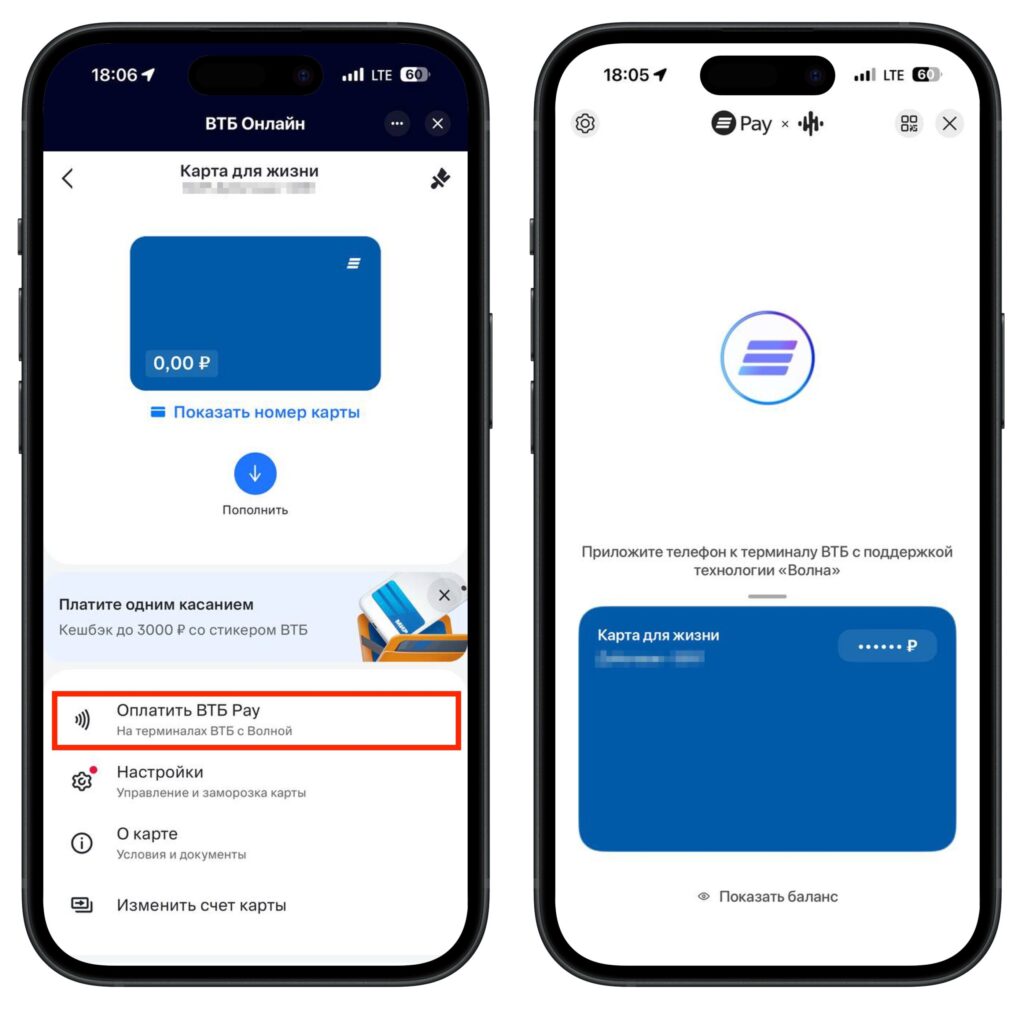
Launch the payment and hold your smartphone near the terminal
- Make sure Bluetooth is turned on on your iPhone.
- Open the VTB Pay widget in the Luna browser.
- Hold the smartphone near a VTB terminal.
- Confirm the payment — cashback will arrive in rubles as usual.
An important detail — you need an iPhone running at least iOS 15, because that’s the version required by the Luna browser. If you have a really old iPhone on iOS 14 or below, it won’t work. But let’s be honest, there aren’t many of those devices still in use.
Pros and Cons of VTB Pay for iPhone
This is where it’s worth cooling down a bit. The technology is great, no argument there — paying with a phone in Russia is possible again, and that’s good news. But there’s a big “but.”
VTB Pay works only on VTB terminals that support “Volna”. And frankly, there aren’t many such terminals yet. Sber’s acquiring hardware is installed in practically every kiosk, while a VTB terminal still needs to be found. The bank promises to expand the network, but right now you may very well walk into a store, open Luna, hold up your phone — and discover that the register simply doesn’t see you. You also can’t withdraw cash from an ATM with this — it’s for purchases only.
Let’s put it all together. To pay with an iPhone through VTB, you need: a Mir card, a separately installed Luna browser, iOS 15 or higher, Bluetooth turned on, and — most importantly — a store with a VTB terminal nearby. That’s a lot of conditions for something that Apple Pay once did with a single tap.
The bottom line: if you’re a VTB customer and you frequently visit places where their terminals are installed — give it a try, it certainly won’t hurt, and the cashback is real. But as a universal Apple Pay replacement, it’s too early to consider this. Too many “ifs.” Let’s wait until the terminal network grows — then we’ll talk seriously.


