One of the top recommendations for those who want to extend their smartphone battery’s lifespan: charge the device strictly from 20% to 80%. The logic is simple: the less time you keep the battery at extreme charge levels, the slower the lithium-ion cells wear out. But in exchange, you sacrifice a portion of your capacity every day, and not everyone benefits from that trade-off. Let’s figure out who Android battery protection will actually help, and who’s better off living without it.
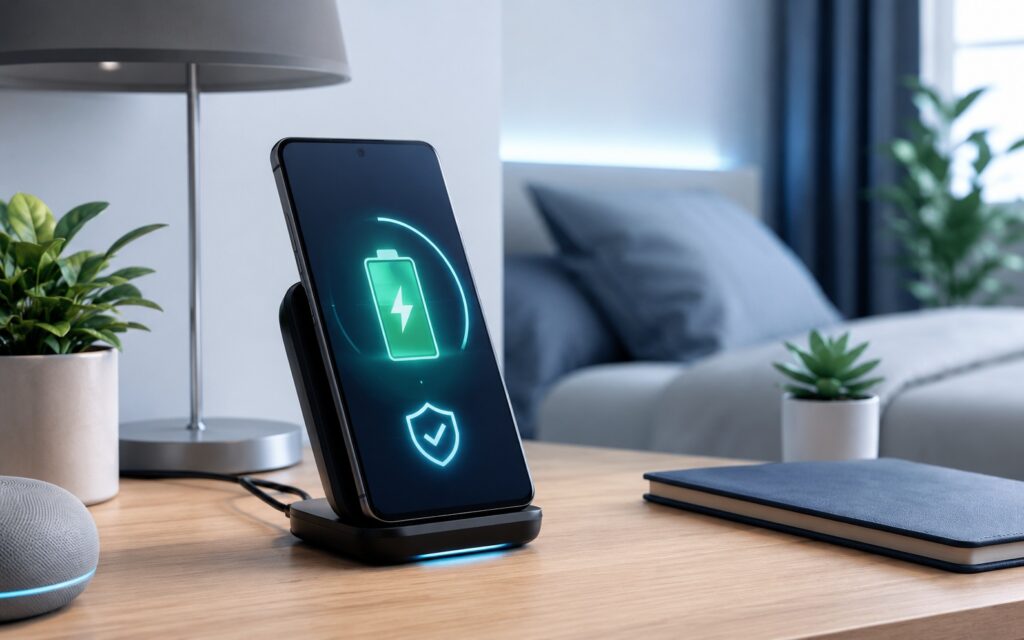
Is it worth enabling this much-discussed Android feature?
What Battery Protection Does on Android
The feature keeps the charge within a gentler range: most often it limits charging to 80% and tries to prevent the battery from dropping to zero. The idea is sound: extreme charge levels (close to 100% and close to 0%) wear out cells the most, and keeping the phone in the 20–80% range is indeed beneficial for longevity. To enable it:
- Open your smartphone’s settings.
- Go to the “Battery” section, then “Battery Protection.”
- Enable “Smart Charging,” “Adaptive Charging,” or “Safe Charging” (the name may vary).
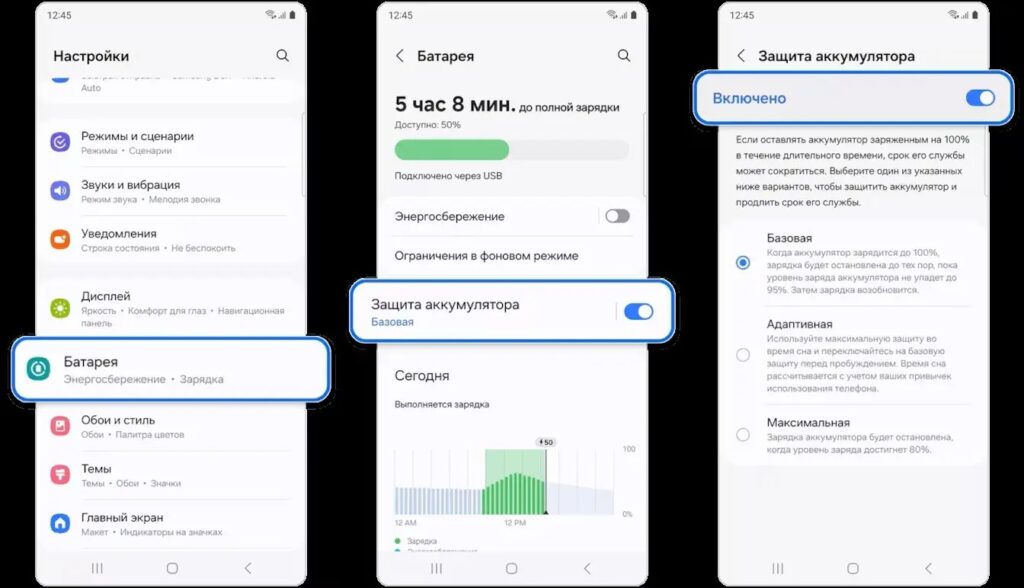
Here’s how you can enable the feature on Samsung
The problem lies elsewhere: you voluntarily give up 20% of capacity every day. In the morning you unplug the phone and see not 100%, but 80% — because the system decided that’s “better.” For some people that’s no big deal, but for others it’s a reason to spend the whole day rationing navigation, games, camera, and mobile data.
The Main Drawback of Android Safe Charging
The effect is especially noticeable on devices with a relatively modest battery. If you have a Galaxy S26 with a 4,300 mAh battery, then with the 80% limit, the usable capacity drops to roughly 3,440 mAh from the day of purchase. Psychologically this changes behavior: instead of casually using the phone, you start thinking twice before every resource-intensive task.
This is where so-called battery anxiety appears — the constant worry that you won’t have enough charge to last the day. If the phone barely makes it through the day as it is, the 80% limit only intensifies that feeling rather than solving the problem.
Smartphone Battery Lifespan
Another argument against the daily limit is that lithium-ion batteries have become noticeably more durable. Most batteries in modern phones are designed to retain about 80% of their health after 1,000–2,000 charge cycles. For newer models, that’s around 1,200 cycles.
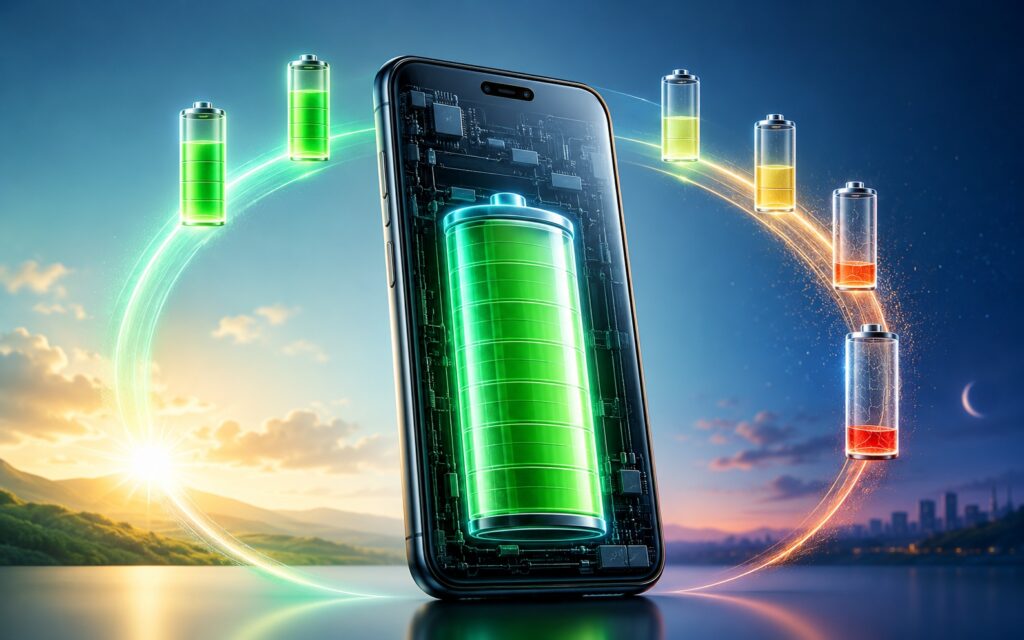
The smartphone battery lasts a long time anyway
In practice, this means something simple: even if you charge your phone to full once a day, or sometimes more often, it will take about two to three years to reach the 80% battery health mark. And by that time, many people are already thinking about replacing their smartphone. In other words, the feature protects a resource you’ll most likely never fully deplete.
Charge Limit on an Old Smartphone
The older the phone, the worse the idea of charge limiting works. Take a device that shipped with a 5,000 mAh battery. After a couple of years, natural wear reduces its health to about 85% (that’s around 4,250 mAh). Add the 80% limit on top, and you’re left with only about 3,400 mAh available. The drop from the original capacity becomes significant.
This is especially noticeable on older smartphones that remain in service as backup devices — for a second screen, desktop mode, or even as a TV remote. Such devices need frequent charging anyway, and artificially cutting an already diminished capacity simply isn’t worthwhile.
Replacing an Android Smartphone Battery
If you plan to keep the phone for a long time, there’s an obvious path without daily restrictions — simply replace the battery when its health deteriorates. This is a sensible procedure for anyone who wants to use a smartphone for many years, not just until the warranty expires. Moreover, some manufacturers (such as Xiaomi) install higher-capacity batteries as replacements.
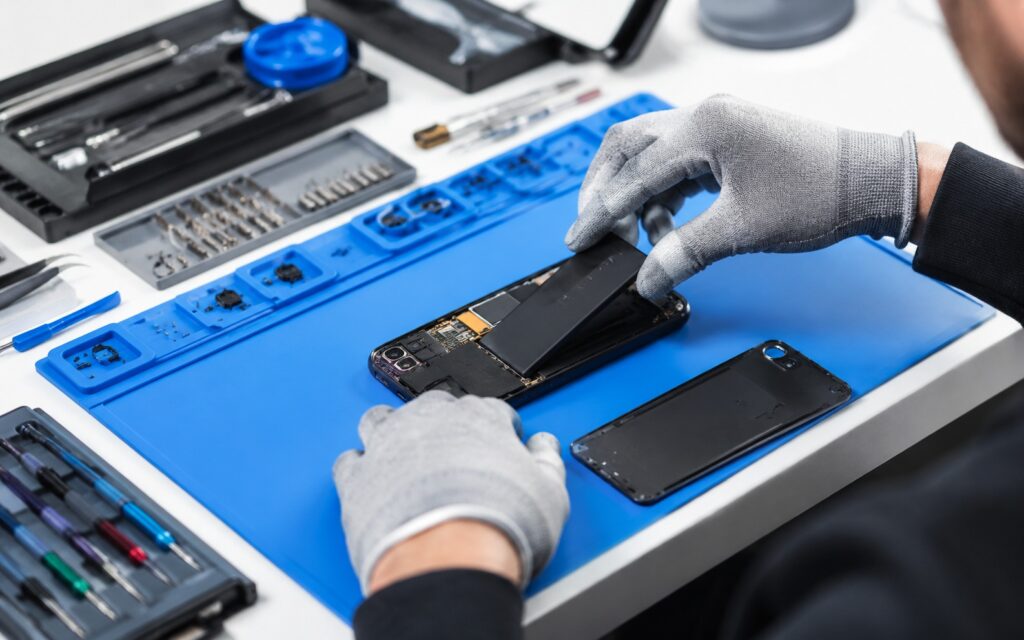
You can replace the battery at a service center, and it will last even longer
An official battery replacement typically costs 3,000–7,000 rubles depending on the brand, model, and region. For a flagship, an extra 7,000 after two or three years looks like a justified expense, especially if the device receives seven years of updates. The only difference with battery protection is timing: without the limit, a replacement may be needed roughly one year sooner, and that’s it. But a fresh battery restores confident battery life for another two to three years.
How to Extend Your Phone Battery’s Lifespan
Skipping the 80% limit doesn’t mean you can forget about battery health. There are simply ways to take care of it without cutting into your daily experience. The main enemy of cells is not the charge level itself, but overheating, and that’s what you should fight first:
- Don’t leave the phone in direct sunlight or in a scorching car;
- Disable fast charging when you’re not in a hurry (it heats the battery more);
- Use wireless charging less often, as it almost always generates more heat than wired charging;
- Keep adaptive charging enabled so the phone reaches 100% closer to your wake-up time instead of sitting fully charged all night;
- Use quality chargers and cables, not cheap accessories.
This approach preserves the battery without losing 20% of capacity every day. You get both longevity and a full charge in the morning.
Should You Enable Android Battery Protection?
Battery protection is a sensible tool, but not a universal one. It’s useful for those who keep their phone for four to five years and typically stay within range of home and office Wi-Fi, where a charger is always at hand. In that scenario, 80% is enough, and the battery’s lifespan truly gets extended.
But if your battery life is already borderline, if the phone is actively used on the go, or if it’s already an aging device with diminished capacity — the charge limit is more of a hindrance than a help. In these cases, it’s more practical to keep the charge full, watch out for overheating, and if needed, replace the battery once.


