The hysteria around internet blocks in Russia is surrounded by various myths. In particular, some experts say that VPN overheats your smartphone and can even cause it to explode. This is partly believable, but the blame may lie not only with VPN but also with other Android apps running in the background. The good news is that the problem is usually solved by one setting, not a reset or phone replacement.
Just one setting changes everything
Why Smartphone Overheating Is Dangerous
The main reason to worry about overheating is not hand discomfort but irreversible damage to the battery. Heat accelerates the chemical reactions inside the battery, aging it and gradually destroying the materials involved in the cell’s operation. And sometimes even the battery protection feature we discussed in a separate article doesn’t help.
As the internal components degrade, the battery capacity drops, and this is permanent damage that cannot be reversed or repaired — only by replacing the battery. That’s why you should take heat sources seriously rather than blaming everything on hot weather.
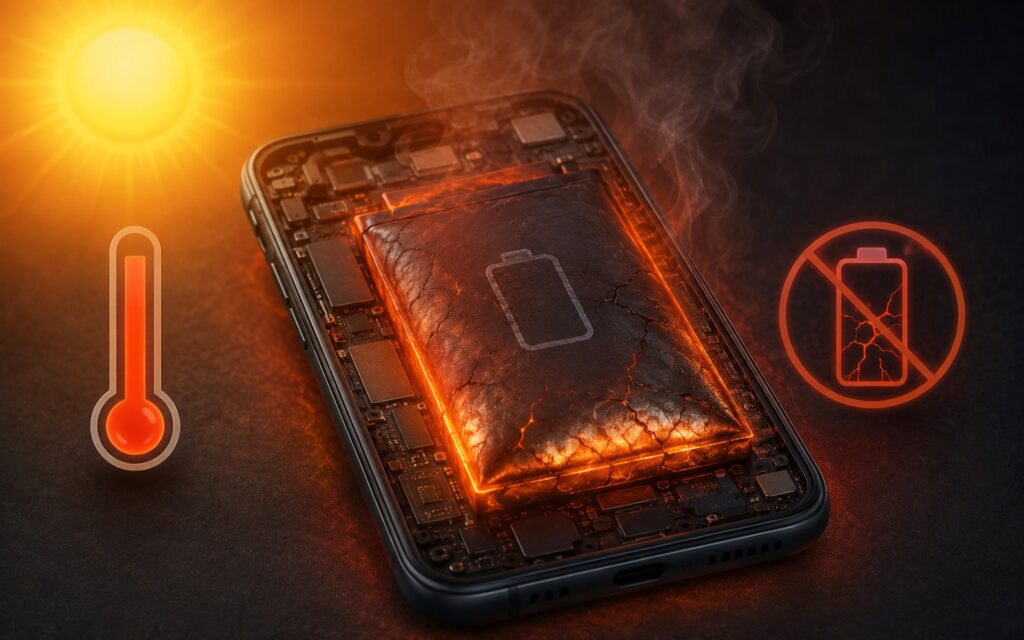
Smartphone overheating harms the battery
One noticeable source of heat is fast charging: the faster the power is delivered, the more it heats up. You can turn it off, and it’s also worth keeping the maximum charge at 80%, since the last few percent put the greatest strain on the lithium-ion battery. But charging is only part of the story: unoptimized apps torture the battery far more often.
How to Find the App That’s Heating Up Your Phone
The main tool against overheating is the battery usage screen in settings. It’s especially useful if you have adaptive battery mode enabled: this feature is supposed to automatically adjust to your habits, but it doesn’t always work correctly.
In the daily usage section, you need to open the detailed statistics and look at the breakdown by dates and times. The convenient method is simple: select the days with the highest usage and find the apps that consumed the most charge. Here’s how:
- Open settings and go to the battery section.
- Find the daily usage graph and open the details.
- Select dates with peak charge consumption.
- Note the apps that use the most energy.
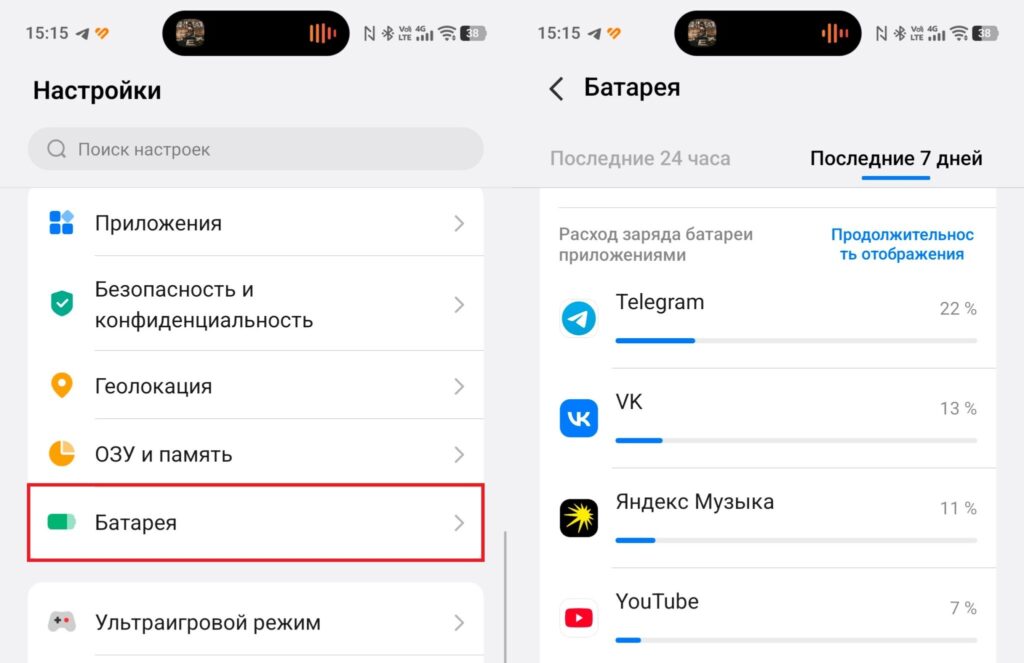
First, you need to find the most power-hungry app
For me, the consistent culprits turned out to be Telegram and VK — apps that actively pull data. If similar “power-hungry” programs appear in your list, you need to do something about them.
How to Restrict Background Activity on Android
The key setting itself is restricting background activity for apps you rarely use but don’t want to delete. This way, the app stops passively draining charge and heating up the phone when you’re not using it. Makes sense? Absolutely!
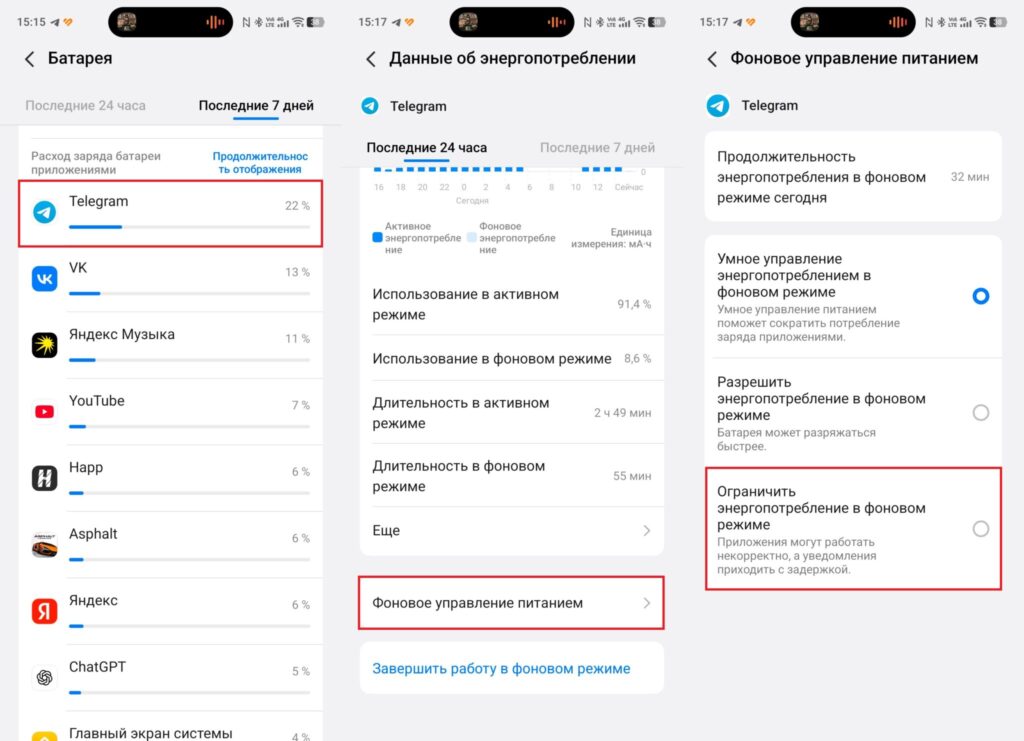
Now we restrict background activity
In the battery usage management for an app, you can choose an optimized or unrestricted profile or completely turn off background activity with a toggle. But keep in mind that restricting background activity may cause issues with receiving notifications.
When to Enable Data Saver and Power Saving Mode Against Android Overheating
Data saver and power saving mode are last-resort measures, not for constant use. They help in a pinch but noticeably reduce comfort: they limit processor power and background data transfer.
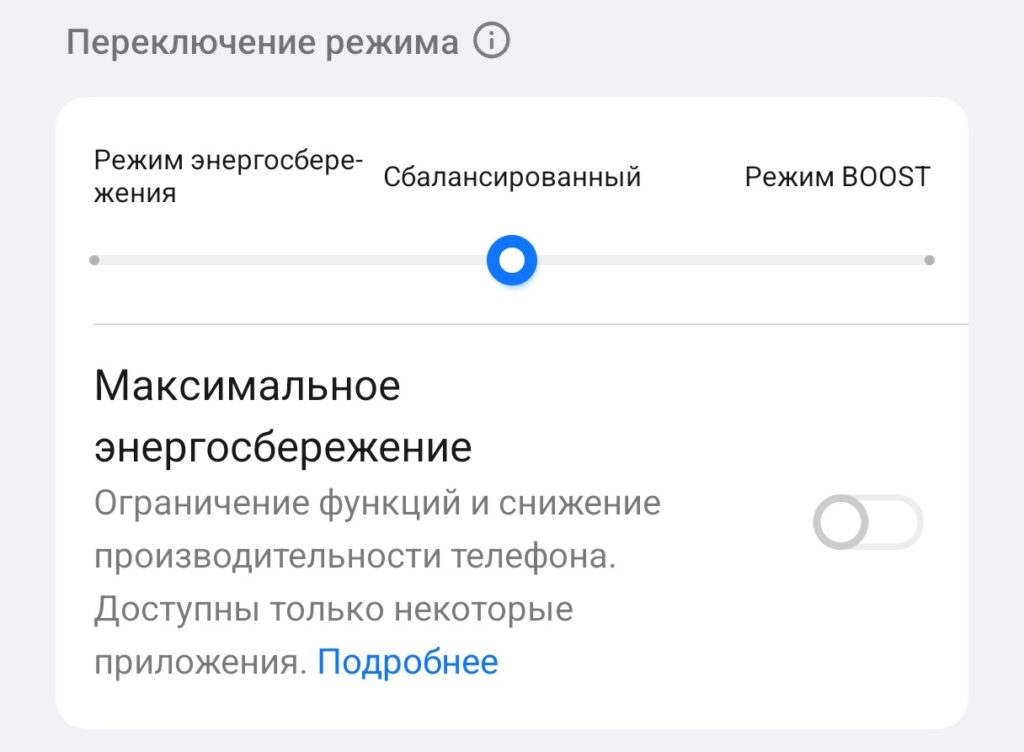
Sometimes it makes sense to turn on power saving mode
Many phones let you customize the power saving mode or offer different profiles: normal and extreme. The main advice before enabling it: check this mode’s settings in advance. For example, you can disable only the always-on display and dim the brightness without sacrificing the operation of needed apps in an emergency. This way, switching to power saving mode feels smoother, and you don’t lose important features exactly when you need them.
If your phone is overheating and draining fast, don’t rush to blame an update or plan a device replacement. First, open the battery usage screen, find the couple of most power-hungry apps, and restrict their background activity. Most often, this is exactly what eliminates the excess heat and also preserves your battery capacity for years to come.