The dictation app Monologue has introduced a new feature — Notes. It’s a voice notes module that from the very start delivers recordings via CLI and API to AI agents. It sounds niche, but the idea is simple: you dictate — and the text is no longer locked inside the app, but accessible to Codex, Claude, or any other agent.
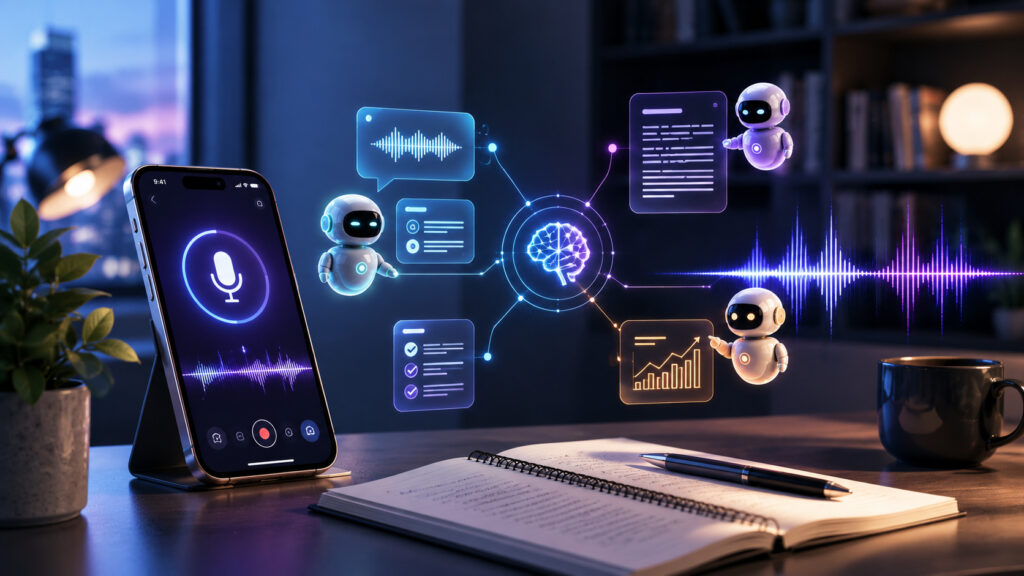
This app can work with agents, meaning its capabilities are truly limitless
Monologue Dictation App for iPhone, Mac, and Apple Watch
Monologue is a dictation app that works on Mac, iPhone, iPad, and Apple Watch. It stands out visually: a skeuomorphic design reminiscent of iOS 6, which is rare for purely utilitarian tools. Like other dictation apps, it supports different “modes” for casual messages and formal emails, lets you set up a replacement dictionary for frequently dictated names and abbreviations, and on iOS can be invoked via a custom keyboard and Live Activity in Dynamic Island.
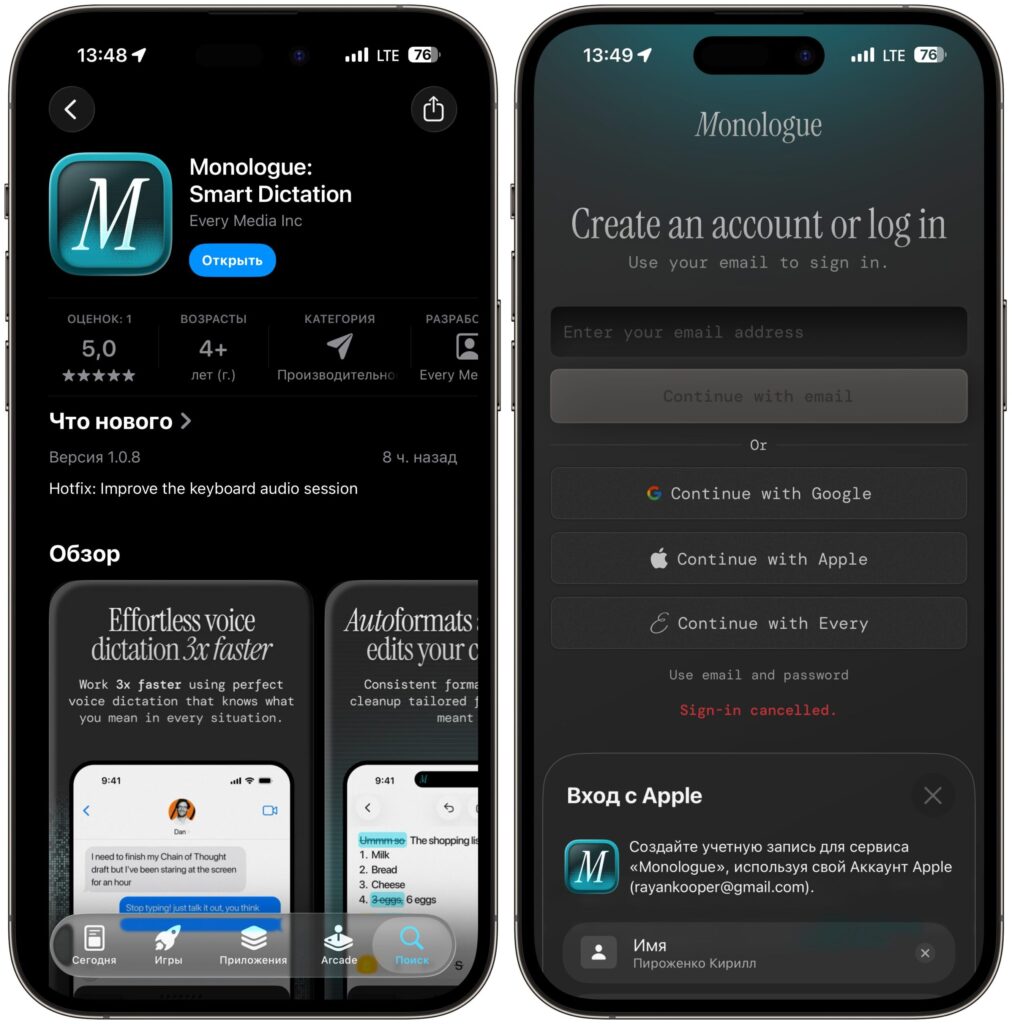
The app is available in the Russian App Store and supports convenient sign-in methods
The developers don’t disclose exactly which speech recognition model Monologue uses — a common issue in the category. Transcription quality, however, is rated as good.
Why Third-Party Dictation Is Better Than Apple’s Built-In Voice Input
Short answer: on its own — there’s no reason. Reliable dictation and speech-to-text conversion in the AI industry is now largely a solved problem for most languages. Transcription quality across Superwhisper, Wispr Flow, Aqua Voice, and local solutions based on Parakeet or VibeVoice is more or less comparable.
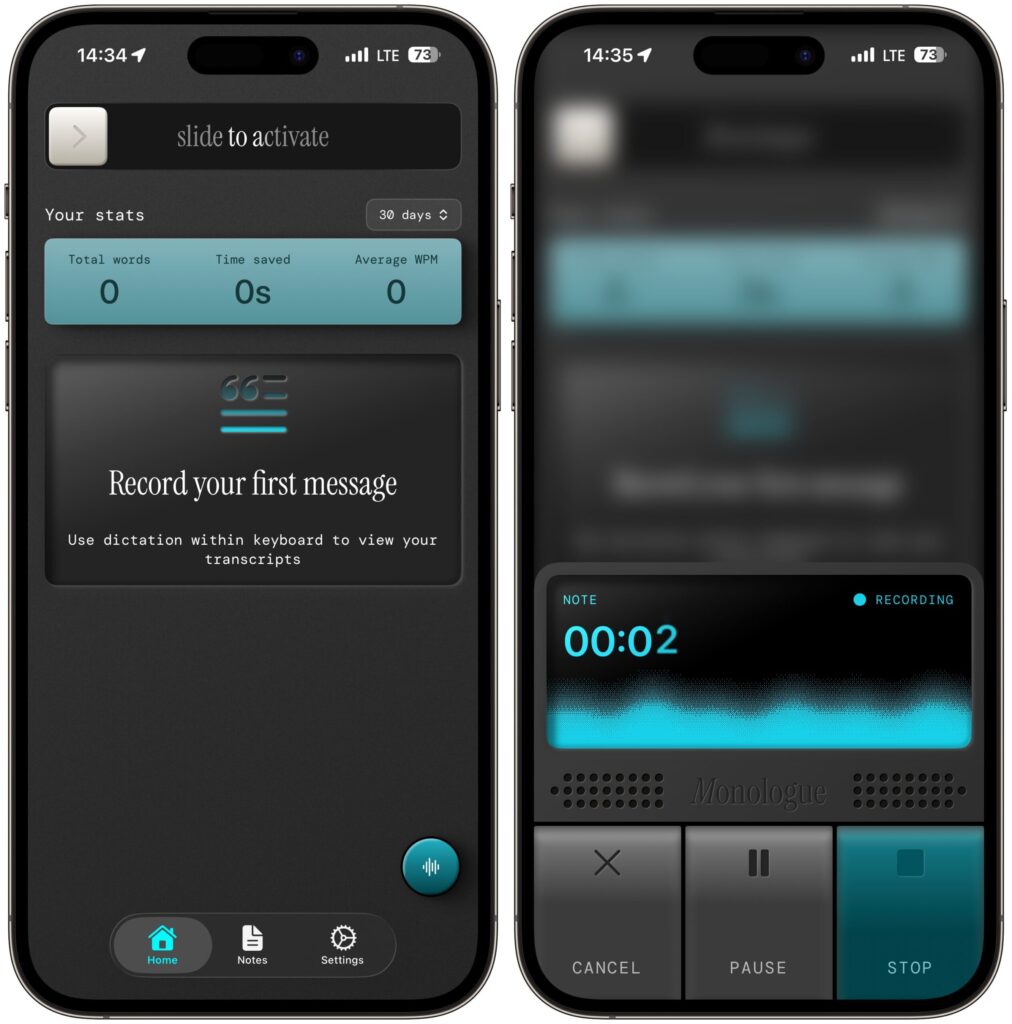
The app also has a top-notch design styled like a real dictaphone
The same applies to iOS integration: Wispr Flow was the first to create an Android app plus an iOS version with a custom keyboard and Live Activities, allowing dictation into any text field with greater performance and more features than Apple’s built-in dictation. Then Superwhisper, Aqua Voice, and others caught up. Deep iOS integration with text fields is also a solved problem.
In other words, choosing between these apps based on accuracy or how conveniently they type into input fields is pointless — they’re all roughly the same. Some enthusiasts walk down the street with open MacBooks to dictate text on the go — and any of these apps would work for them.
How Monologue Notes Differs from Other Dictation Apps
The key differentiator isn’t the notes feature itself, but how it’s designed externally. Notes launched immediately with API, CLI, skills, and MCP integrations for agents and chatbots that can be connected in any way you like.
In plain terms:
- API — a way to programmatically access your notes from other services
- CLI — a Terminal command through which other programs or AI agents can read and process your notes
- MCP — a standard through which chatbots like Claude directly connect to external applications
The bottom line is simple: dictated text doesn’t sit locked inside Monologue. Your AI agent can read it, push it to Notion, find it by query, or incorporate it into an automation chain.
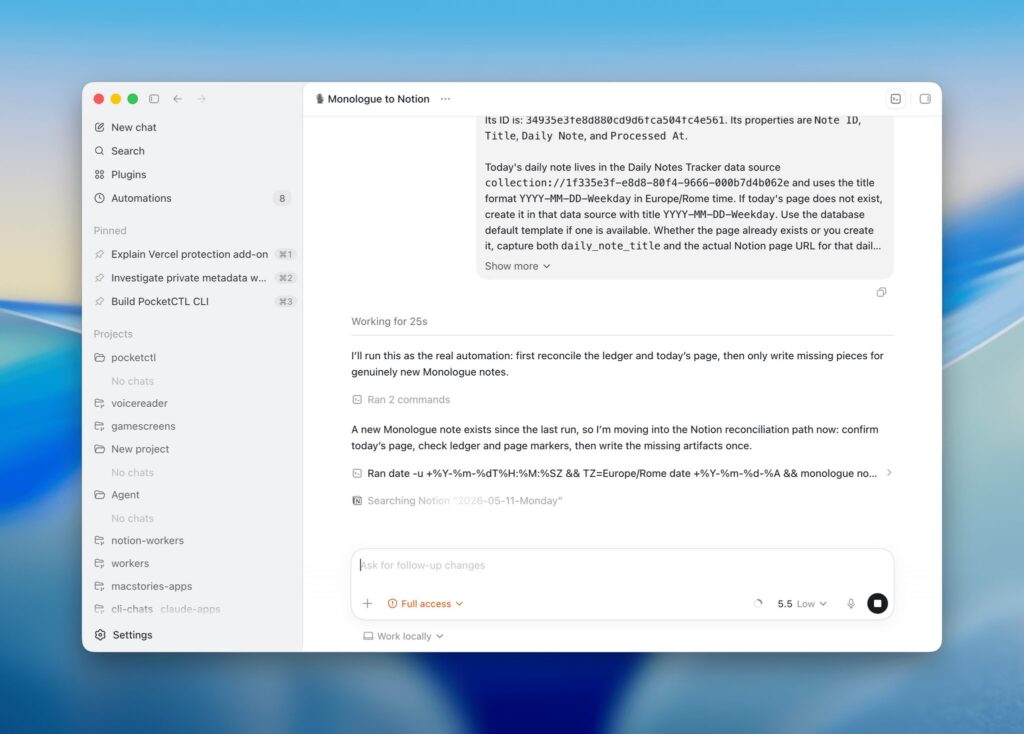
The agent picks up the dictated text automatically
As you can see, the app is packed with features for power users: developers, people who live in Codex, Claude, or Shortcuts, and those who build personal note systems on top of Notion or Obsidian.
But there’s an everyday side to this story. A typical scenario: you’re walking your dog, Apple Watch on your wrist, AirPods in your ears. You dictate a thought — and don’t worry about where it ends up. Then you can set up automation: every 30 minutes, Monologue’s CLI checks for new notes, and if it finds a record with an untracked ID, its content gets appended to a daily note in Notion via Codex’s built-in connector.
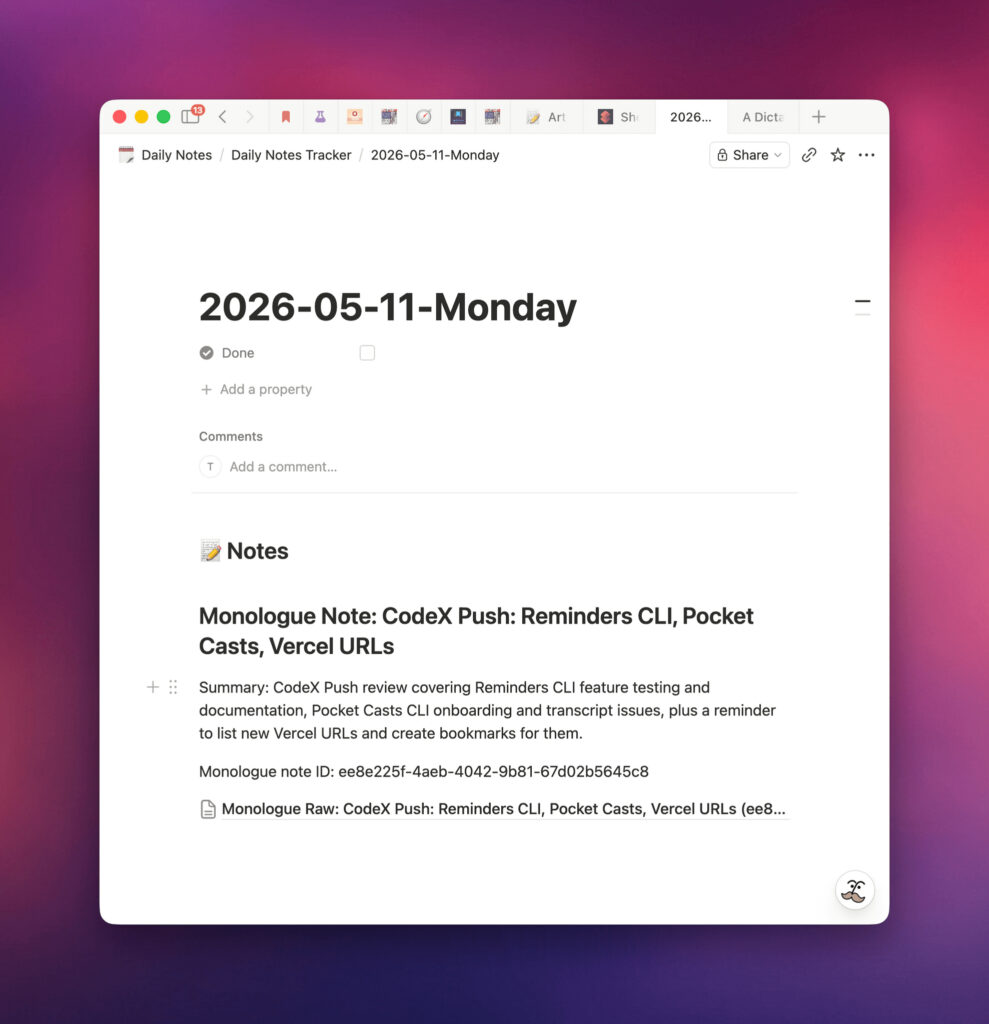
The agent can take the transcribed text and create a ready-made note or even write an article
This is the practical value: a voice note automatically ends up where you actually read it — in your daily planner, workspace, or knowledge base. No need to manually copy and organize. By the way, there are reasons why AI agents work better on Mac than on Windows or Linux — and the Monologue scenario clearly demonstrates this.
When You Should Replace Apple’s Dictation with a Third-Party App
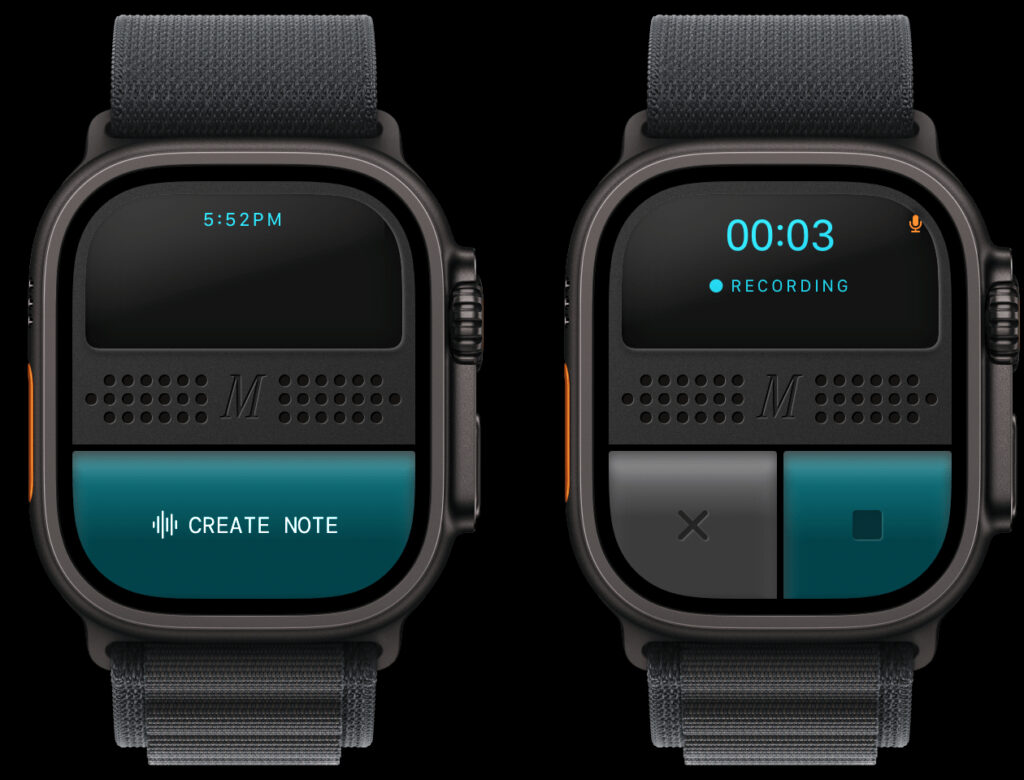
The app also works on Apple Watch, so you can make recordings literally on the go
Whether you need to replace the built-in dictation depends on how much you actually type by voice. If it’s a couple of messages a week — iOS’s built-in dictation is sufficient, and there’s no need to spend on a third-party app. If you dictate a lot — work emails, notes on the go, long texts — virtually any of these apps will be faster and more accurate than the system one. Monologue makes sense if you:
- already use an AI agent like Codex or Claude