As messaging apps grow into essential communication channels — handling everything from government notifications to banking alerts — they inevitably attract scammers. The MAX messenger, widely used in Russia, is seeing a surge in fraud schemes that exploit user trust. While these scams target MAX users specifically, the tactics are universal and appear on virtually every major messaging platform. Here is a breakdown of the most common schemes, how to recognize them, and what to do if you have already engaged.
What you need to know
- Legitimate services do not initiate direct messages asking for passwords, SMS codes, or card details — this rule alone blocks the majority of phishing attempts.
- “Easy money” schemes typically pay small real sums first to build trust, then ask victims to invest their own funds before disappearing.
- Romance scams unfold over weeks; a key early warning sign is the person consistently refusing voice or video calls.
- If you have already clicked a suspicious link or sent money, immediately change compromised passwords and contact your bank to report the fraudulent transfer.
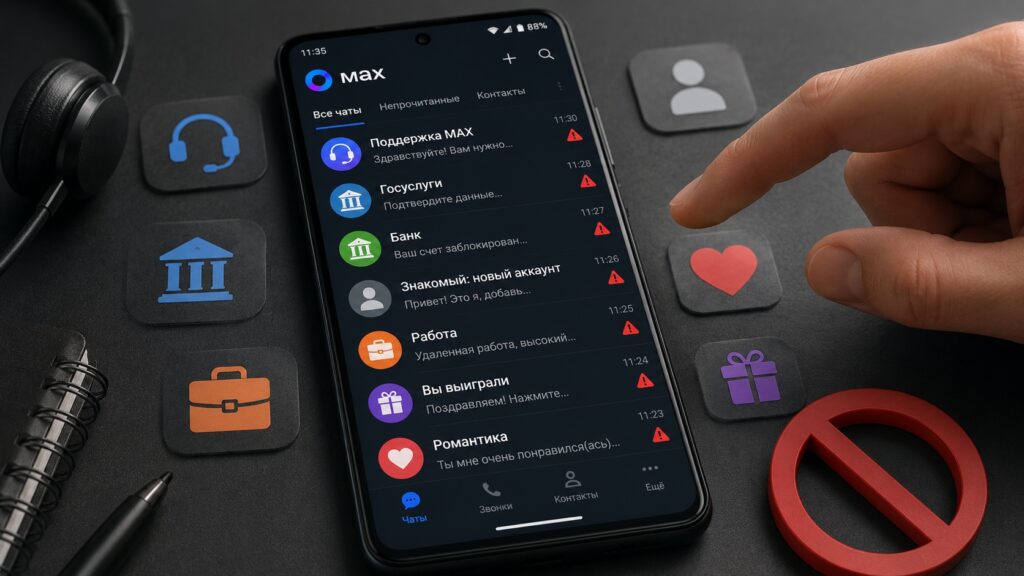
Not every message in the MAX messenger deserves a reply
Fake “official support” messages — the most common scheme
The single most widespread scam on MAX involves messages that impersonate official services. Typical examples include:
Your MAX account has been blocked. Follow this link and confirm your details to restore access.
Bank security department. A suspicious transaction has been detected. Call this number immediately.
A simple rule neutralizes the vast majority of these attempts: real services do not message you first in a private chat. A messenger will not suspend your account via a direct message. A government portal will not ask you to confirm passport data in a chat. A bank will not resolve security issues through a messenger.

Key signs of a fake “support” message:
- The message arrives unsolicited, without any prior request from you.
- It creates artificial urgency: “immediately,” “within one hour,” “or we will block your account.”
- It asks you to follow a link or call an unfamiliar number.
- It requests a password, an SMS verification code, or card details.
If you receive such a message, close it. If you are genuinely concerned about your account or card, open the official app of the relevant service directly — never through a link provided in the message.
A “friend” writing from a new account and asking for money
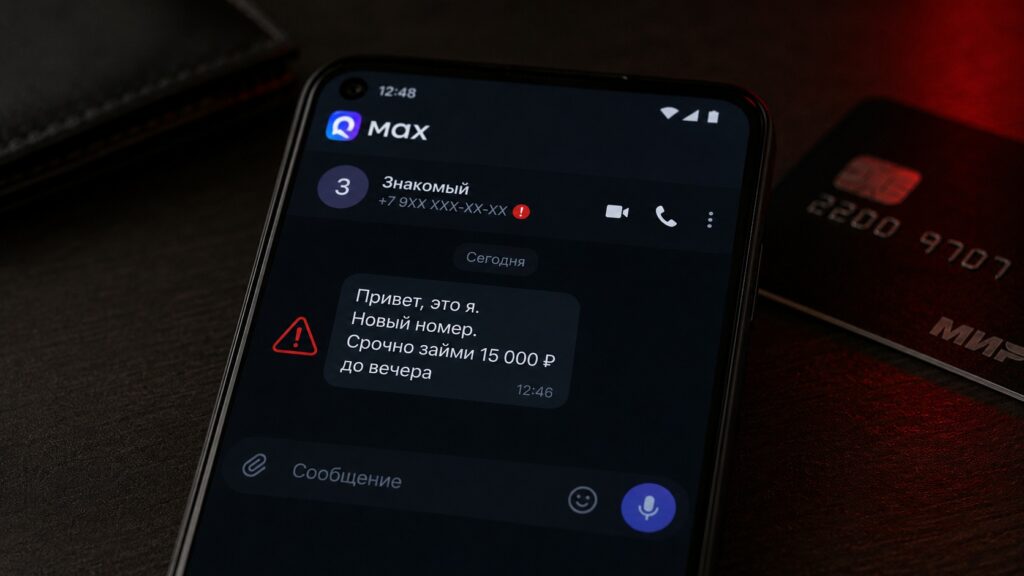
Beware of such “friends” in the MAX messenger
Another common tactic: a message arrives from someone whose name you recognize, but the account is new and has no profile photo — or uses someone else’s.
Hey, it’s me. I lost my phone, writing from a different number temporarily. Can you send me some money until tomorrow? I’ll pay you right back.
This is either a compromised account or a scammer who found the person’s name in a shared group and is exploiting your trust. The request looks natural — after all, people do lose phones.

Verification takes 20 seconds: call the person by voice on their regular phone number. A real person will pick up and explain the situation. A scammer will not. Never transfer money based solely on a text message, even if the name looks familiar.
“Easy money” offers — a scheme that always ends in losses
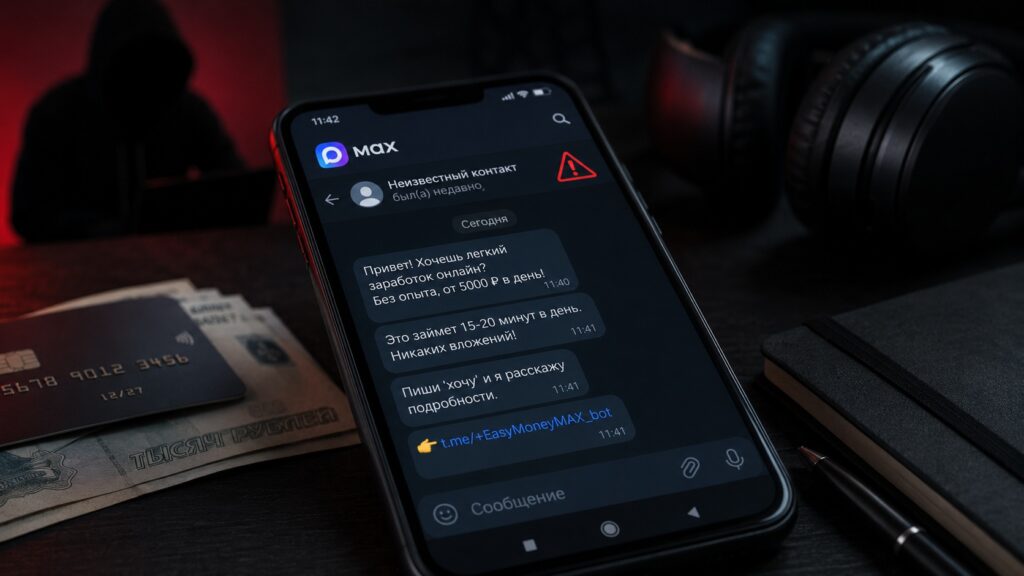
Another popular scam tactic in the MAX messenger
Messages promising large daily earnings for simple tasks — liking videos, completing surveys, or following a “trading mentor” — follow a consistent pattern:
- The victim receives small real payments at first (small amounts to build trust).
- A “lucrative task” or “unique deal” appears that requires the victim to invest their own money.
- The scammers disappear with the victim’s funds.
A universal red flag: a legitimate employer never asks an employee to invest personal funds in order to do the job. If that moment arrives, it is fraud — regardless of how much money has already been paid out to you.
Romance scams — slow, patient, and especially dangerous
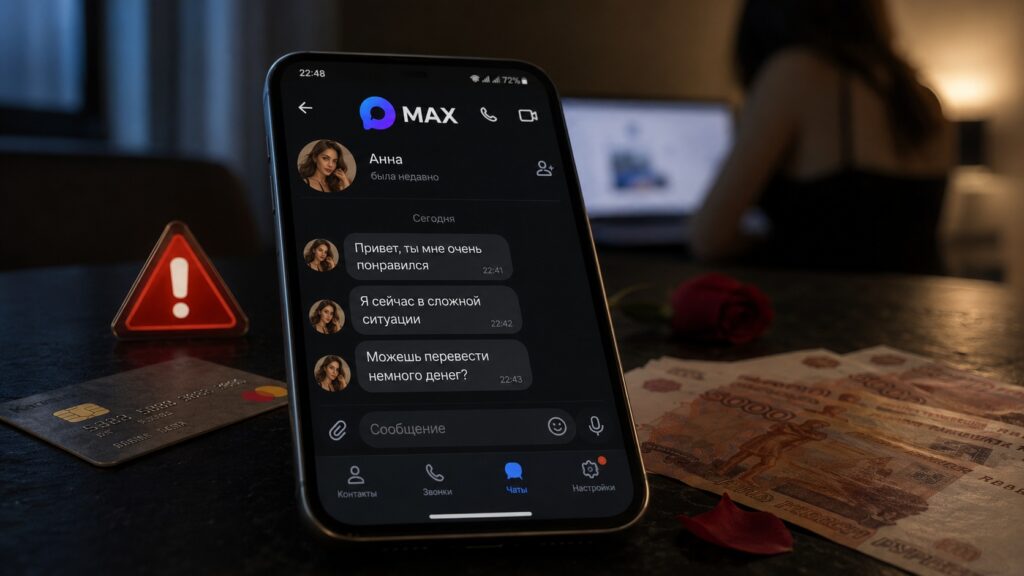
A common romance scam scheme in the MAX messenger

This scheme operates on a longer timeline, which makes it particularly effective. A stranger initiates contact in a group or channel, starts a pleasant conversation, and shows genuine-seeming interest. Communication continues for weeks with no suspicious requests — just friendly chat.
After roughly a month or more, the new acquaintance encounters a “situation”: a sick relative, a delayed paycheck, being stranded abroad. The request for help feels natural because a sense of closeness has already been established. In some variations, the acquaintance proposes joint investments where they have “already made money themselves.”
The key early warning sign: the person chats actively but consistently avoids voice or video calls under any pretext. A real person genuinely interested in communication will not dodge a call for months. Suggest a call — the reaction will tell you everything.
What to do if you have already engaged
Specific steps depending on how far the interaction has gone:
- If you only replied to the message: stop communicating, block the sender, and report them within the app.
- If you clicked a link: do not enter any data, close the tab, and clear your browser cache. If you did enter a login or password, change those credentials immediately in the real service’s app or website.
- If you transferred money: call your bank right away and report the fraudulent transfer. The faster you act, the higher the chance of recovering the funds.
How to block and report a user in the MAX app
- Open the chat with the suspicious user.
- Tap the user’s name or avatar at the top of the screen.
- Select “Report” or “Block.”
- Specify the reason for the complaint — fraud, spam.
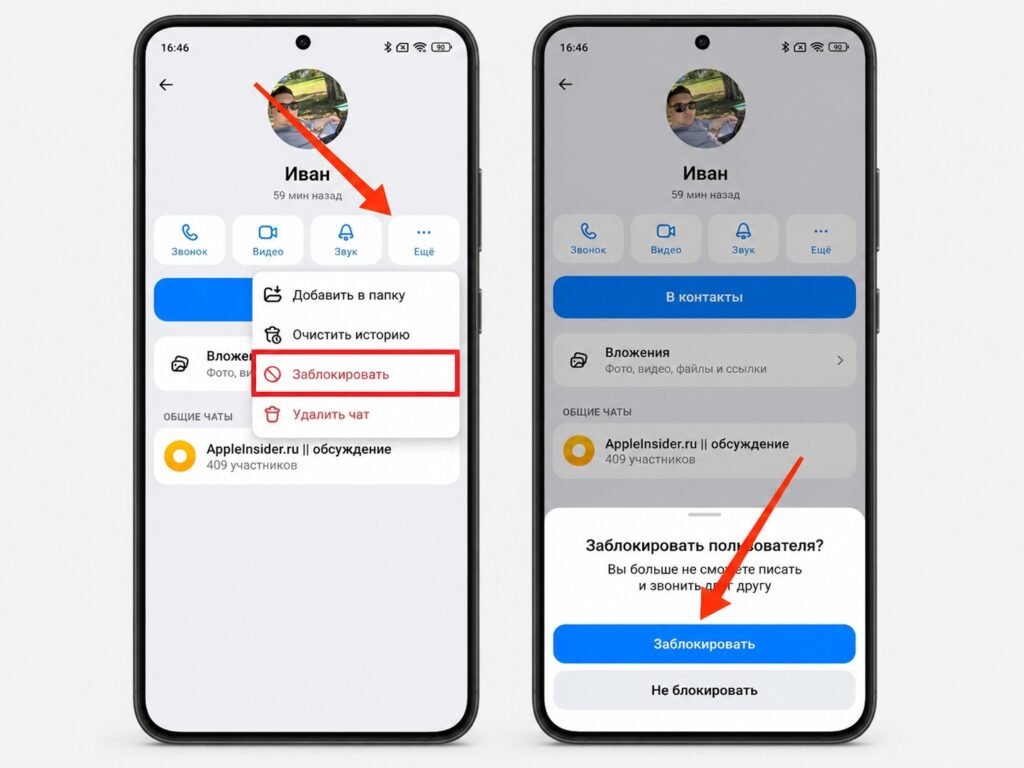
Do not hesitate to block suspicious contacts in the MAX messenger
Reports are anonymous — the reported user will not know who filed the complaint. The more reports an account receives, the faster moderators will block it.


