A couple of weeks ago Google introduced Android 17 — a fresh operating system that hasn’t even started rolling out to smartphones yet. Meanwhile, the American company has already released the June system update package for Android, which is available to absolutely all OS users. It includes several changes that will affect regular users, not just developers. Among the notable additions are the new conversational Ask Play search in Google Play, password transfer between managers, and conveniences during initial phone setup. Updates arrive through Google services and install in the background.
Time to update Google services on your phone
This is the usual monthly format: Google System Release Notes describe what’s new in Google Play services, the app store, and the Play system update. The changes cover not only smartphones and tablets but also Wear OS watches, Android TV and Google TV, Android Auto, and even PCs.
Conversational App Search Right in Google Play
The main change in the store is the new Ask Play button appearing in the search suggestions bar. When you enter a query, a button appears that opens a full-screen conversational search mode with artificial intelligence. Essentially, instead of typing a single word, you can describe in words what you need and get a curated selection of apps.
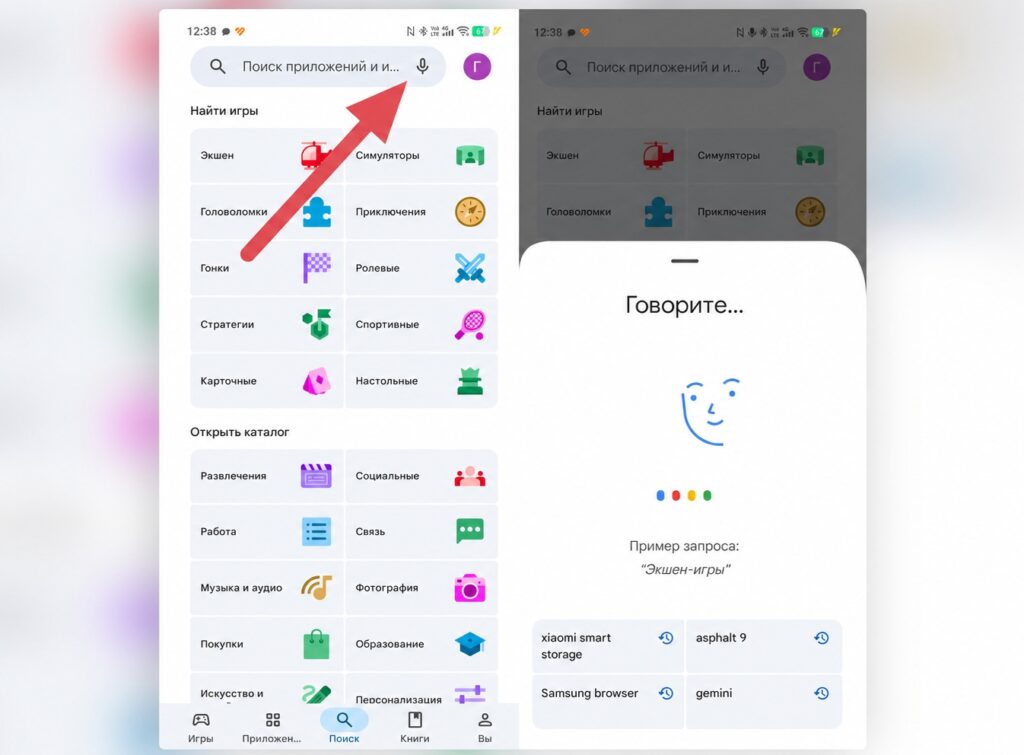
Google Play has updated its voice app search
Additionally, Google promises faster real-time search and flexible response formats through Ask Play Highlights right in the results. For most people, this is a convenience when selecting apps, especially when you don’t remember the exact name and are looking for “something for editing video without watermarks.”
Important caveat: a feature appearing in the changelog doesn’t mean you already have it. Google rolls out such things gradually, and sometimes full deployment takes months. So if you don’t see the button yet — that’s normal.
Password Transfer on Android
A useful change for those who store passwords. With the Google Play services update, you can import and export passwords and passkeys between Google Password Manager and third-party managers using the unified Credential Exchange standard.
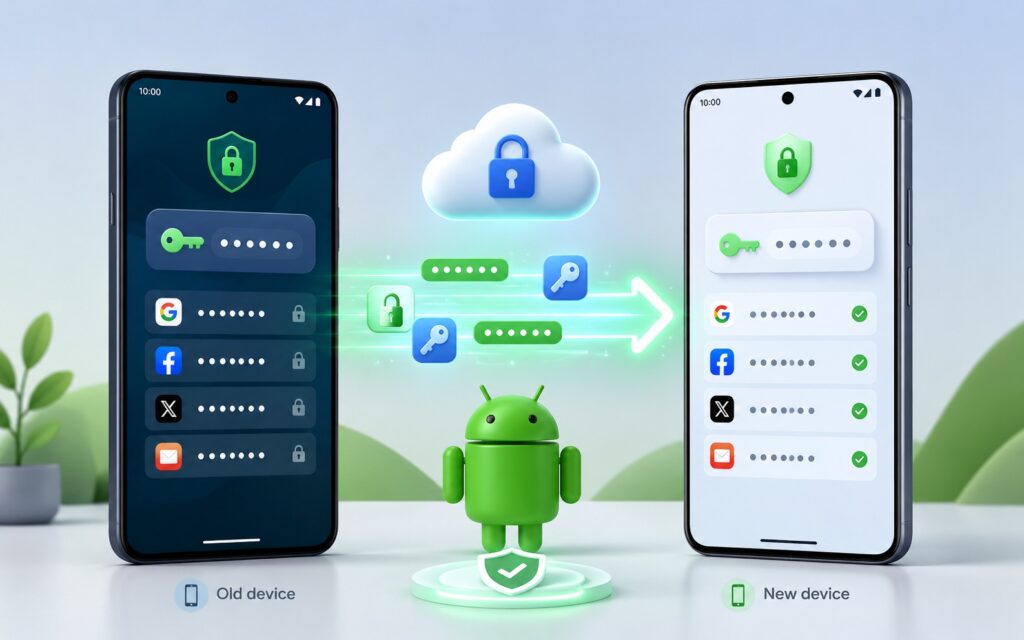
Google has simplified password transfer
In practice, this simplifies the transition. Previously, transferring passwords between different vaults often turned into a hassle with exporting to an unprotected file. The unified exchange standard makes migration safer and more straightforward — for example, if you decide to leave Google Password Manager for a separate app or, conversely, switch back.
A term worth clarifying here: passkeys are a modern replacement for passwords, where login is confirmed by fingerprint or face without entering characters. The fact that they can now be transferred is important for everyone gradually moving away from traditional passwords.
Phone Finding Setup During First Android Boot
The update adds Find Hub setup to the initial phone setup process so you can remotely locate your device. This is Google’s finding network, similar to how lost item tracking works through tags.
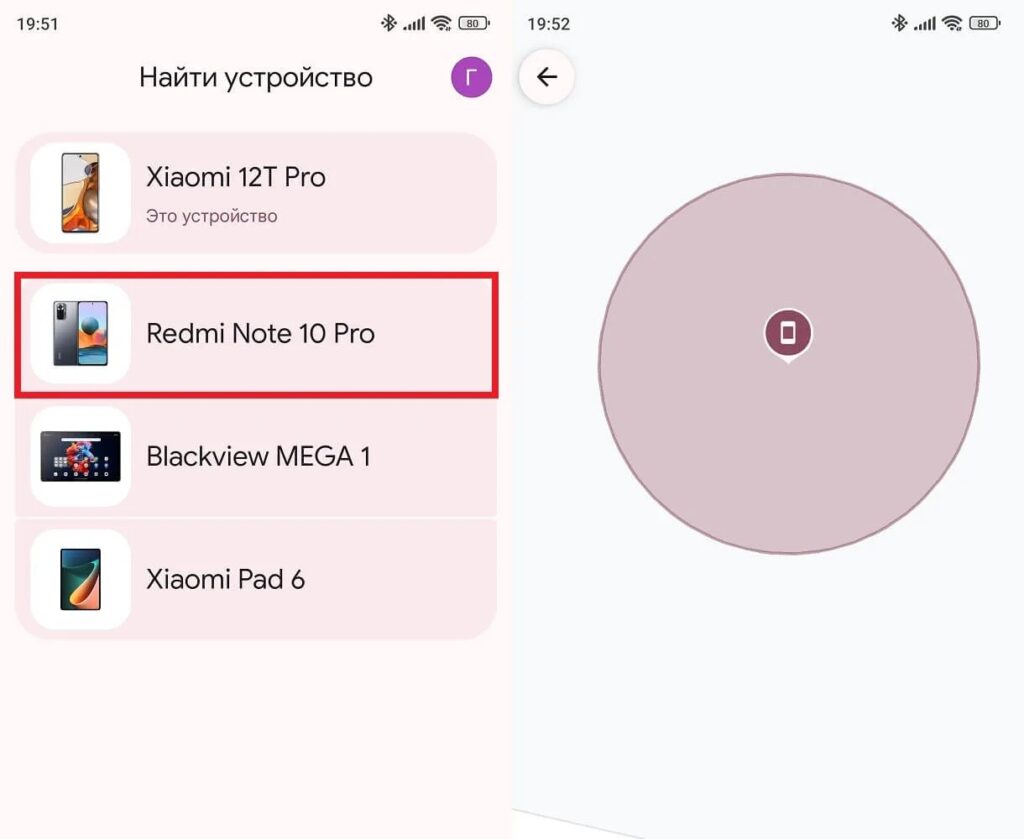
The device finding feature is now configured during first phone boot
The point of the change is simple: the ability to find your phone is set up right away, rather than somewhere deep in the settings after you’ve already forgotten about it. For someone who just took a new smartphone out of the box, this reduces the risk of someday being left without a working way to track a lost device.
In the same security block — enhanced verification of unverified apps through Google Play Protect. Now when installing apps from unverified sources, you’ll get additional security checks. This applies to smartphones, tablets, TVs, Android Auto, and PCs.
Other Google Updates in June 2026
Several small but pleasant tweaks. In Quick Share (the feature for quickly transferring files between devices), you can now see contact card information when someone sends you a contact. Previously, such a transfer could result in receiving a file without convenient preview:
- contact cards in Quick Share now display data immediately upon receipt;
- outdated game achievements are archived and removed from game interfaces — this applies to phones and TVs;
- discounts and promotional terms in the Play Store have become more visible: the discounted price, the offer itself, and its deadlines are now clearer;
- pre-order and auto-install of apps have been combined into a single flow;
- dialogs for purchasing or installing apps have received an updated design on phones, in Auto, and on TV.
Separately, pop-up notifications about monthly challenges and Play Points loyalty program tasks have appeared in the store. This all depends on you: for some, these are useful reminders, while for others — unnecessary pop-ups you’ll want to turn off.
How to Update Google Services on Android
Most of these components update automatically in the background, but you can check and pull the latest version manually. The versions in this package are Google Play services 26.22 and Google Play Store 51.8 from June 8, as well as the earlier 26.21 and 51.7 from June 1:
- Open the Settings app and tap your name at the top to access the Google services section (on Pixel).
- Go to the “All services” tab.
- Open “Privacy and security.”
- Select “System services.”
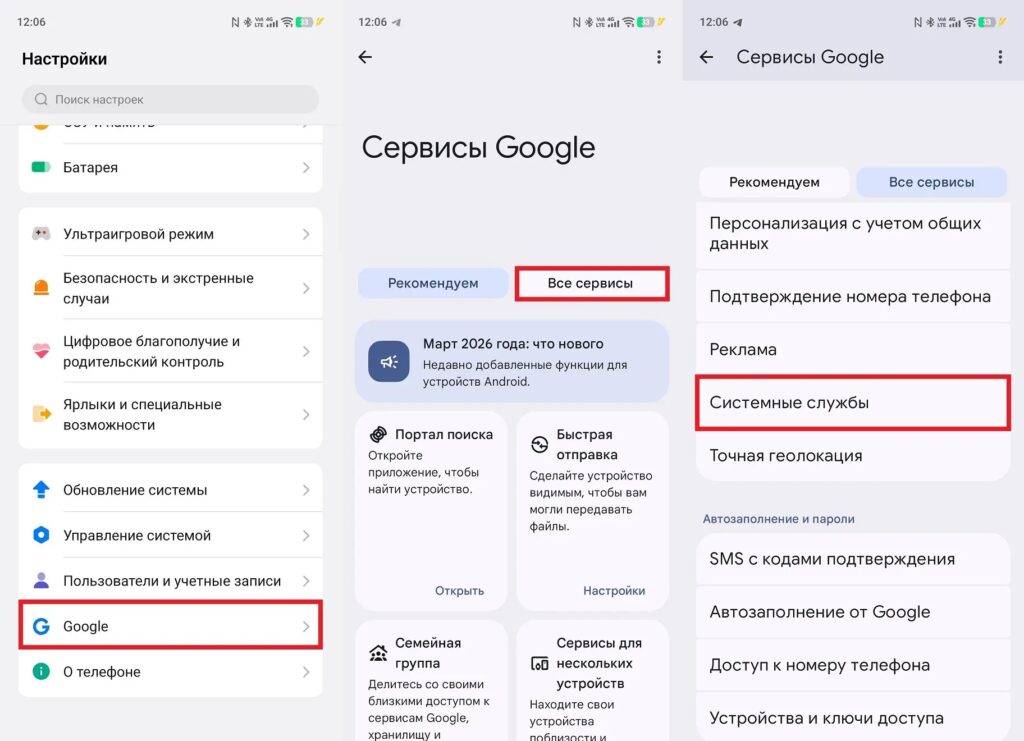
Services can be updated manually
You can check the Play system update version in Settings, then About phone.


