Jailbreak developers have managed to run macOS on an iPhone 14 Pro Max — not as a replacement for iOS or a dual-boot setup, but as a virtual machine running on top of the regular iPhone firmware. The project, called Virtual Mac, is an open-source tool that originally enabled full macOS on certain iPads and has now expanded iPhone support in version 1.2.1. The result is a genuine macOS desktop — complete with cursor, windows, and menu bar — displayed on a six-inch phone screen. It is, by all accounts, an impressive technical demonstration, though one loaded with compromises that make it far from practical for daily use.
What you need to know
- Virtual Mac 1.2.1 adds support for iPhone 14 Pro and iPhone 14 Pro Max, running macOS versions from Monterey through Sequoia as a guest VM on top of iOS.
- A jailbreak (Dopamine) is required, and the project only officially supports iOS 16.3.1 or lower because Apple removed Hypervisor access in iOS 16.4.
- The virtual machine is limited to about 4 GB of RAM to maintain stability, and the phone reportedly heats up significantly under load.
- Trial versions of Final Cut Pro, Logic Pro, and Pixelmator Pro can be downloaded inside the guest macOS, though serious work in these apps is impractical given the hardware constraints.
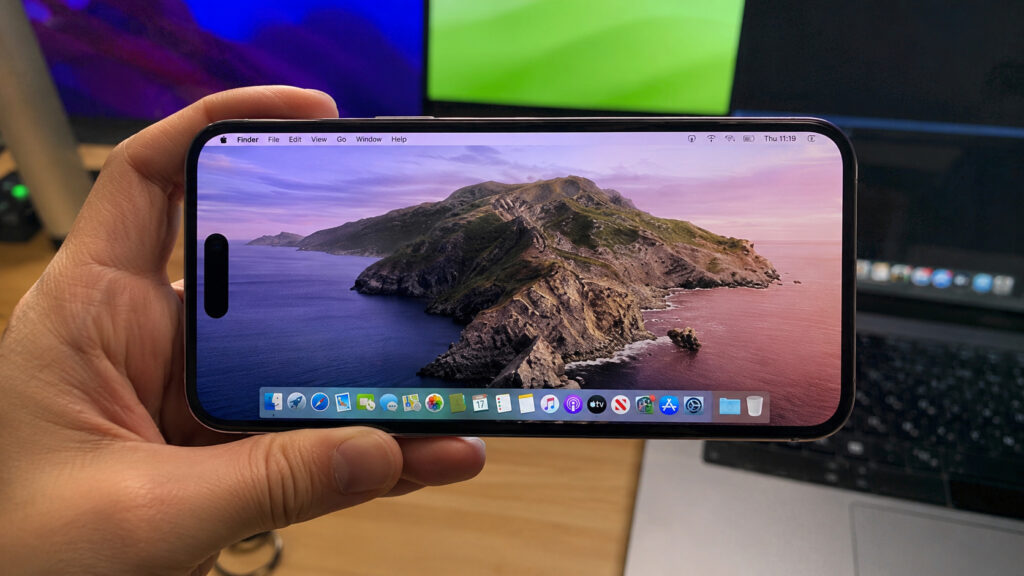
Could you actually use macOS on an iPhone?
How a desktop OS was squeezed into a smartphone
The project is the work of a developer known as nfzerox. According to the source, nfzerox extracted Apple’s own Hypervisor, Virtualization, and ParavirtualizedGraphics frameworks from macOS and adapted them to load on iOS. This gives the guest operating system hardware-accelerated virtualization rather than slow software emulation — a critical distinction that makes the difference between a usable (if sluggish) desktop and an unusable slideshow.
Virtual Mac does not replace iOS or create a dual-boot configuration. Instead, it runs macOS as a guest system inside a virtual machine while iOS continues to operate underneath. This is the same general approach used by tools like UTM and VirtualBuddy on Apple Silicon Macs, but applied to a smartphone for the first time.
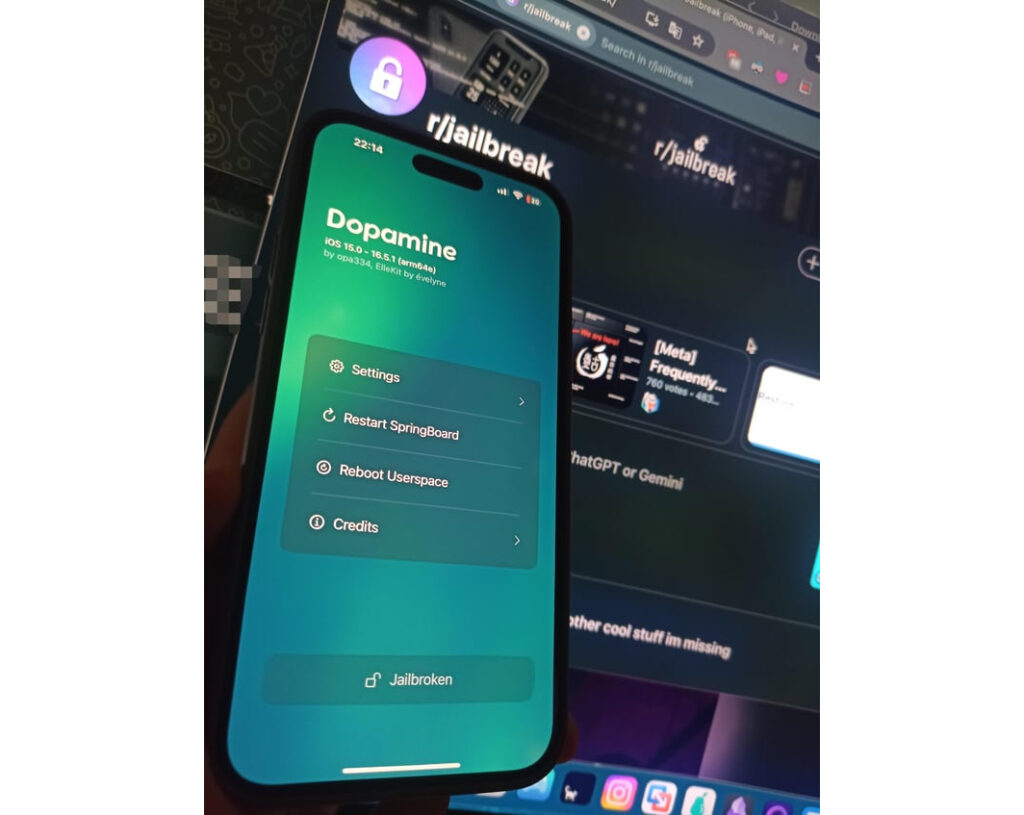
A jailbreak is required — there is no way around it
Prerequisites and firmware ceiling
A jailbreak is mandatory. According to the source, users must first install Dopamine, a popular iOS jailbreak tool, then add the developer’s repository via Sileo before installing the Virtual Mac package itself. Officially supported macOS guest versions range from Monterey to Sequoia, with Sequoia reportedly being the most stable. Some experimental builds also load, though results vary.
There is a hard firmware limitation: Apple removed access to the Hypervisor framework in the kernel starting with iOS 16.4. That means the official ceiling for Virtual Mac support is iOS 16.3.1. Running it on newer iOS versions is not possible through standard methods.
Community testers push beyond official limits
According to posts in the r/onejailbreak community cited by the source, some testers have gone beyond what the developer officially supports. One user reportedly managed to launch macOS on an iPhone 14 Pro Max running iOS 16.1.1. The source describes this as beyond the stated ceiling, and notes that it does not work reliably — some users succeed, others do not.
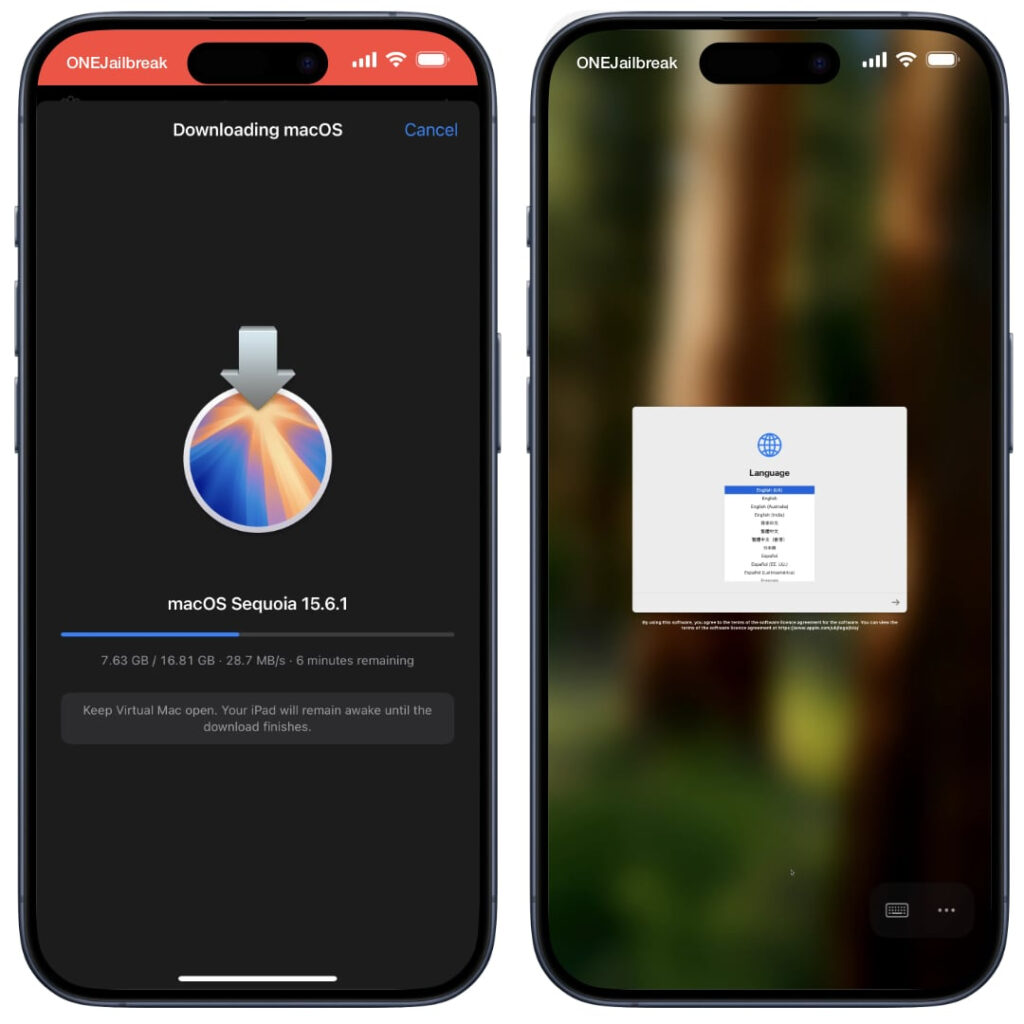
First, macOS itself was installed
Memory and thermal constraints
To keep the system stable, testers found they needed to allocate no more than 4 GB of RAM to the virtual machine. Booting in safe mode noticeably improved performance, as did disabling tweak injection — both of which free up resources that would otherwise be consumed by iOS, the jailbreak, and installed tweaks. The phone reportedly heats up considerably under this workload, and testers warn that the device is clearly not designed to sustain such a load for extended periods.
The iPhone 14 Pro Max has less RAM and a smaller thermal envelope than an iPad Pro. The source advises starting with conservative memory settings and not expecting smooth performance. Allocating half the available RAM to the VM and hoping for a fluid experience simply will not work.
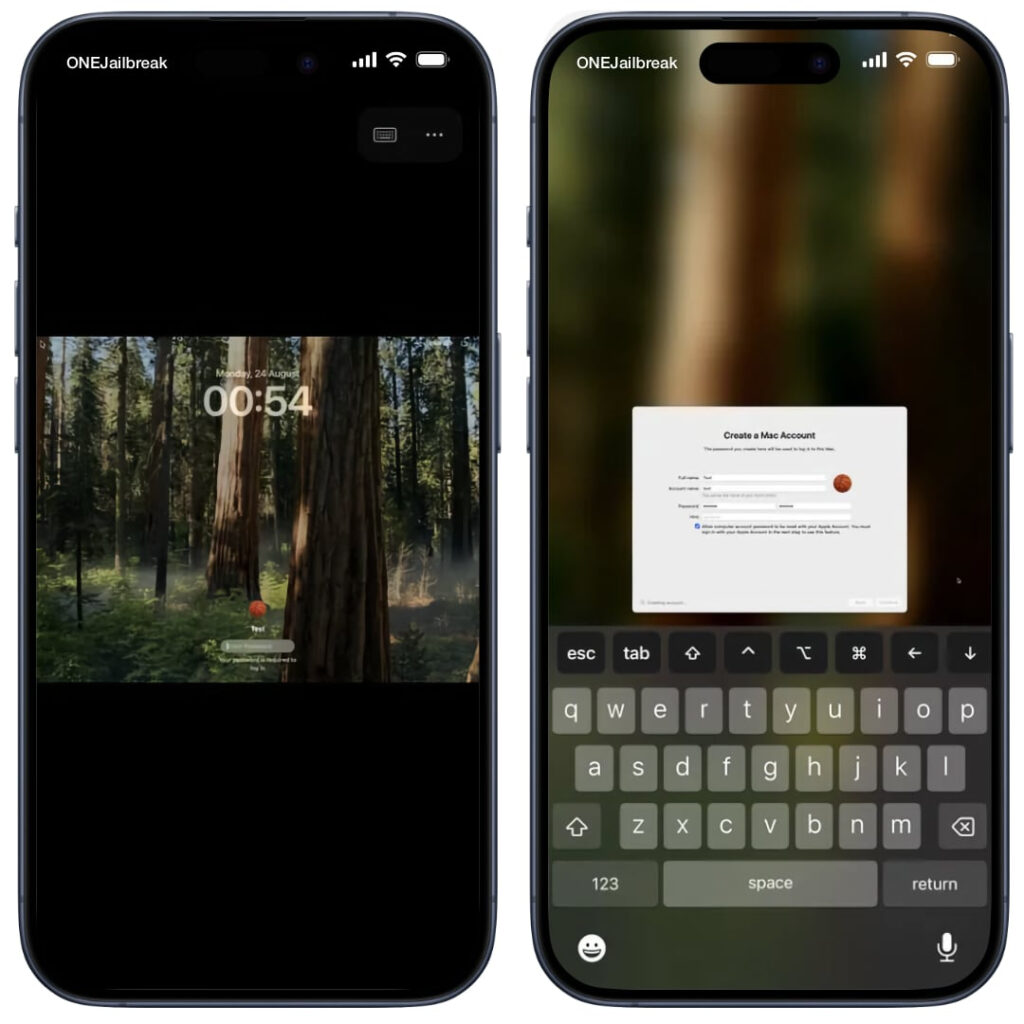
The system even displays a lock screen, just like on a full Mac
Is this worth trying?
The project has been developing rapidly since its initial release in August. Previous updates added support for Apple’s professional creative applications: trial versions of Final Cut Pro, Logic Pro, and Pixelmator Pro can be downloaded directly from the menu bar inside the guest macOS. That sounds impressive, but given the 4 GB memory ceiling and thermal throttling, doing any serious work in these applications on a phone remains impractical.
Update 1.2.1 focused primarily on input responsiveness and stability, and also refined the interface layout for the smaller smartphone screen — fixing text clipping and adjusting elements for the reduced diagonal. According to the source, this is the first version where macOS on an iPhone looks at least somewhat usable for interaction rather than being merely a visual curiosity.
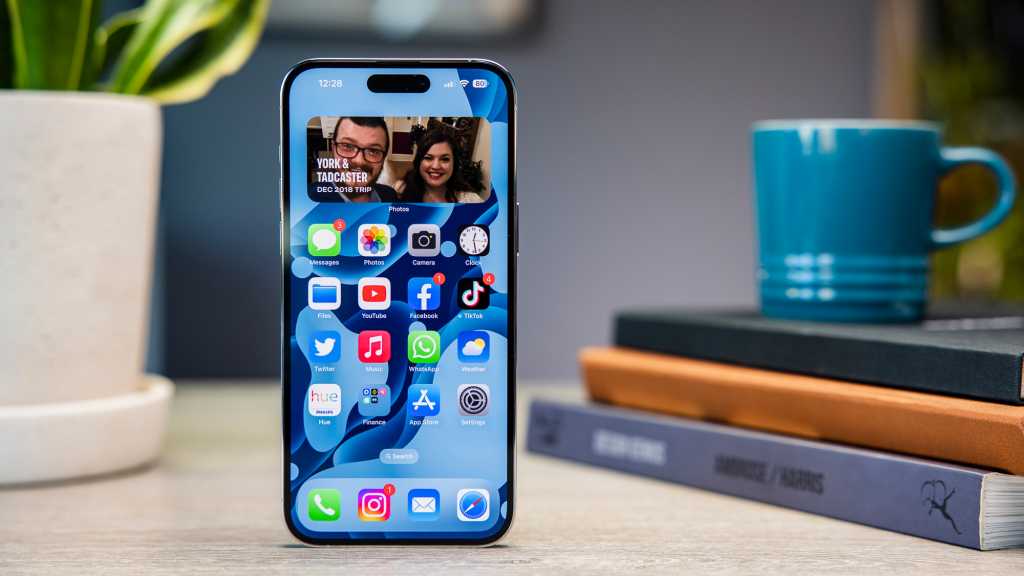
The iPhone 14 Pro Max screen, while large, is not suited for macOS work at all
Risks and realistic expectations
Despite the technical achievement, this is not a daily-driver solution. Jailbreaking carries well-known risks: it voids the device warranty and significantly weakens device security. The Virtual Mac project is entirely community-built and has no connection to Apple. It should be treated as an experimental proof of concept — a striking technical demonstration of what Apple’s own silicon is capable of — rather than a practical way to turn an iPhone into a Mac. An impressive trick, but a trick nonetheless.


