macOS 27 will be a fairly important update for all Apple device owners. The thing is, this OS marks the end of support for Apple computers with Intel processors. This is one of the reasons why Apple is actively updating and polishing macOS Tahoe. Let’s take a look at which Mac models will get the new operating system and which ones will be left behind.
macOS 27 will be unavailable on Intel Macs. An era has ended
Macs That Won’t Update to macOS 27
The list of Intel models that still run macOS Tahoe but won’t receive macOS 27 is short but notable:

The last 27-inch iMac will receive its final update
- MacBook Pro 16-inch (2019)
- MacBook Pro 13-inch (2020, four Thunderbolt 3 ports)
- iMac 27-inch (2020)
- Mac Pro (2019)
If you own one of these models, macOS Tahoe is the ceiling. No new system features, and over time — security updates will cease.
Macs with Apple Processors That Will Update to macOS 27
Apple hasn’t published the exact list of supported models yet, but according to MacRumors, macOS 27 is expected to work on all Macs with an M1 chip or newer. This includes:
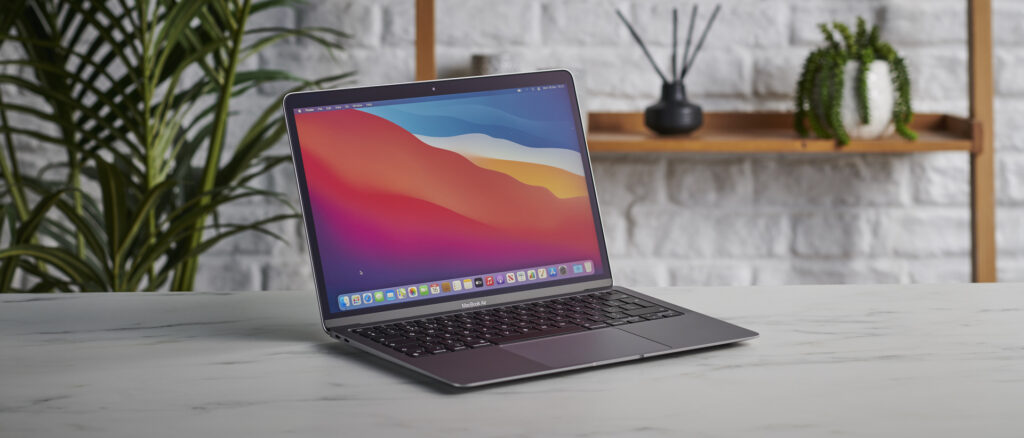
The old-timer will update once more
- MacBook Air M1 and newer
- MacBook Pro M1 and newer
- MacBook Neo
- iMac M1 and newer
- Mac mini M1 and newer
- Mac Studio M1 Max and newer
- Mac Pro M2 Ultra
The beta version of macOS 27 is expected to appear in June, and the final release — in September.
Why Apple Is Dropping Intel in macOS 27
Apple’s transition to its own processors began in late 2020 with the M1 chip. Almost six years have passed since then — a timeframe during which the company typically winds down support for older architectures. A similar story played out with the transition from PowerPC to Intel in the mid-2000s.
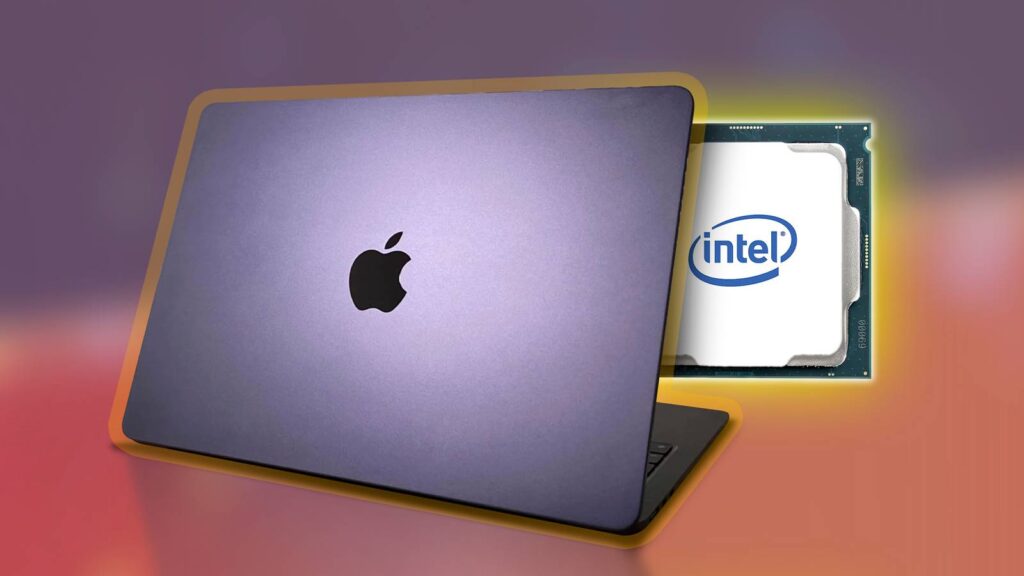
Intel Macs are ready for retirement
For Apple, supporting two architectures means double the work on optimization, testing, and bug fixing. Dropping Intel allows the company to focus resources on features tied to Apple Silicon capabilities: machine learning through the Neural Engine, unified memory, and energy efficiency.
What Intel Mac Owners Should Do After macOS 27 Launches
There’s no need to panic. macOS Tahoe will continue to work, and Apple will release security updates for it for some time — usually one to two years after the end of mainstream support. But you won’t receive any new system features.

The transition from Intel to Apple Silicon took about six years
If your Intel Mac still handles your tasks — browser, office documents, video calls — there’s no rush. But if you plan to use your computer for a few more years and want to receive the latest features and protection, it’s time to think about switching to Apple Silicon.
The most affordable option is the Mac mini with M4, starting at $599. The MacBook Air with M4 starts at $1,099.
Who Should Update to macOS 27
If you have a Mac with M1 or newer, this news doesn’t concern you — your computer will almost certainly receive macOS 27. If you have an Intel Mac from the list above, this is a signal: your machine is living through its last year of support. It’s not a catastrophe, but it’s a reason to start looking for a replacement, especially if security and compatibility with new applications matter to you, as they too will eventually drop Intel support.
Apple’s computer lineup currently offers options for every taste and budget, from affordable Mac mini models and MacBook Neo, to top-tier Mac Studio and MacBook Pro with Max chips. So you’ll definitely find an option for your needs. And there will almost certainly be no issues with software. Over 6 years, developers have accomplished a great deal.


