Google has shown off a set of Android 17 features that are compelling not because of loud AI promises, but because they solve small daily annoyances. I’m a long-time iPhone user, and I honestly admit that these capabilities are pushing me back toward Android. Let me note right away: everything described here comes from announcements at The Android Show, some features will first appear on Pixel and then expand to other devices. There are no exact dates for all items yet, so treat this as Google’s plan for the year rather than something already on your phone.
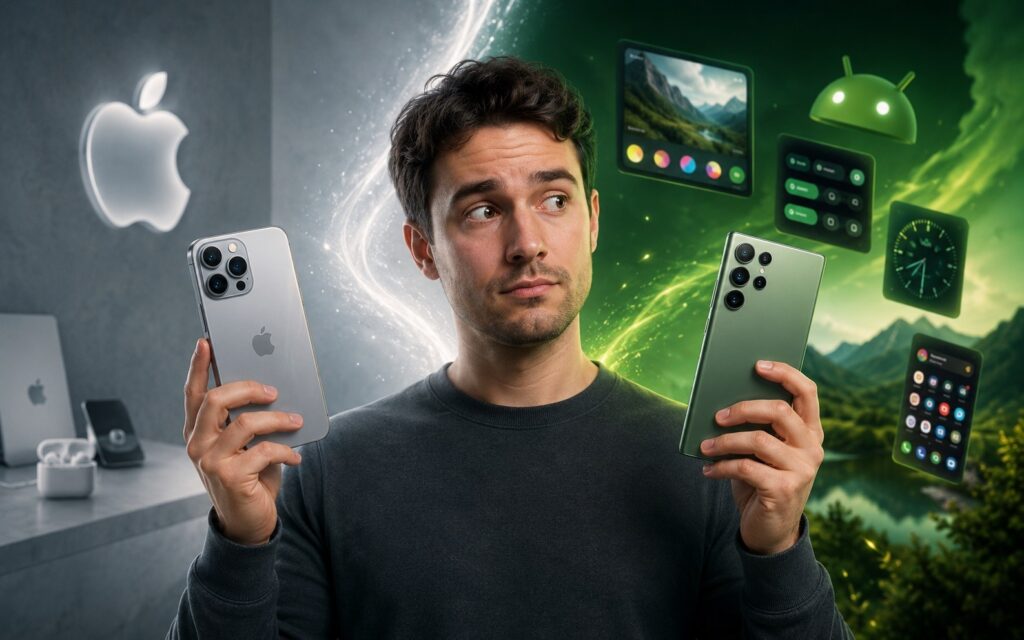
These features are worth switching to Android for
Revamped Voice Input in Android 17
Voice input on phones has long been inconvenient: it handled pauses, filler words, and on-the-fly corrections poorly. Rambler in Android 17 promises to solve exactly that: the feature understands natural speech with hesitations, background noise, and self-corrections, then turns it into clean, structured text.
The key advantage is that Rambler is built right into the Gboard keyboard, rather than living as a separate app. According to Google, processing can happen directly on the device and support multiple input languages simultaneously. For those who spend all day messaging, dictating emails and texts, this could noticeably speed up typing.
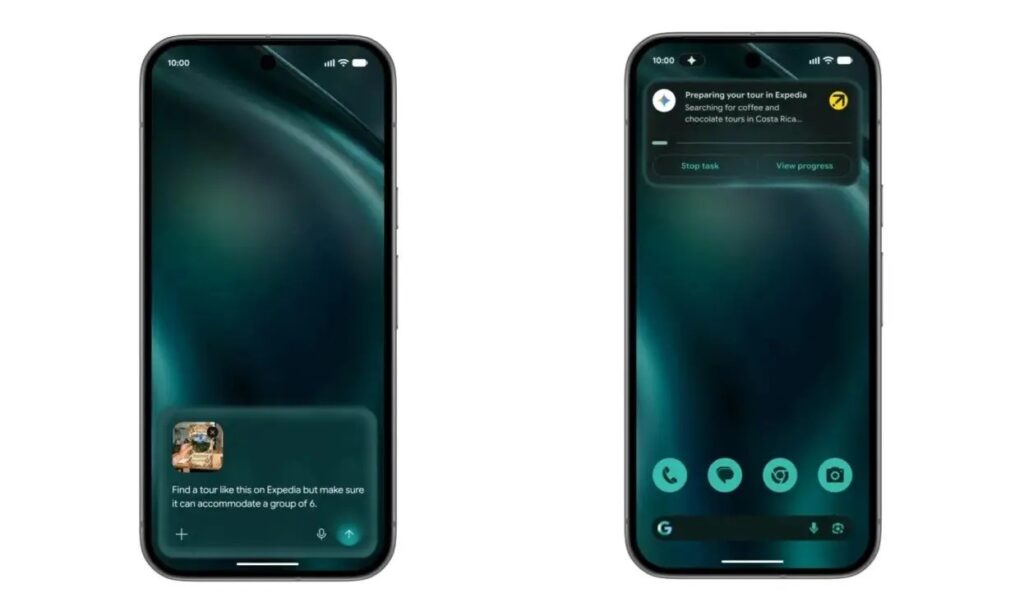
AI is now built right into Gboard. Image: Google
Alternatives like Wispr Flow on Android already existed, but they never felt truly convenient. Integration into the system keyboard is exactly the kind of thing that turns a feature from a geeky toy into part of an everyday workflow.
Improved Instagram* Stories on Android
A long-standing pain point for Android owners is that photos and videos in Instagram* Stories looked worse than the same shots from an iPhone. It got to the point of absurdity: people would transfer photos from Android to an iPhone just to post a higher-quality Story. Google states that the Android version of Instagram will get Ultra HDR support for capture and playback, as well as built-in video stabilization. They also confirmed that Instagram* will finally get a properly optimized app for Android tablets.
The main thing here isn’t individual checkboxes, but the fact that Google and Meta have optimized the entire “capture to upload” pipeline. If this works as promised, the workaround of transferring photos to an iPhone will become a thing of the past, and Stories from an Android smartphone will look the way they should.
New Emoji in Android 17
Emoji might seem like a small thing, but they’ve kept some people on the iPhone side for years — the images looked cleaner and consistent across all apps. With Android 17, Google is introducing new 3D Noto emoji with more depth and a more modern look. Based on early teasers and leaks, this isn’t a radical redesign but rather a careful style refresh. So don’t expect a revolution — it’s more of a cosmetic alignment with what iPhone users are accustomed to.
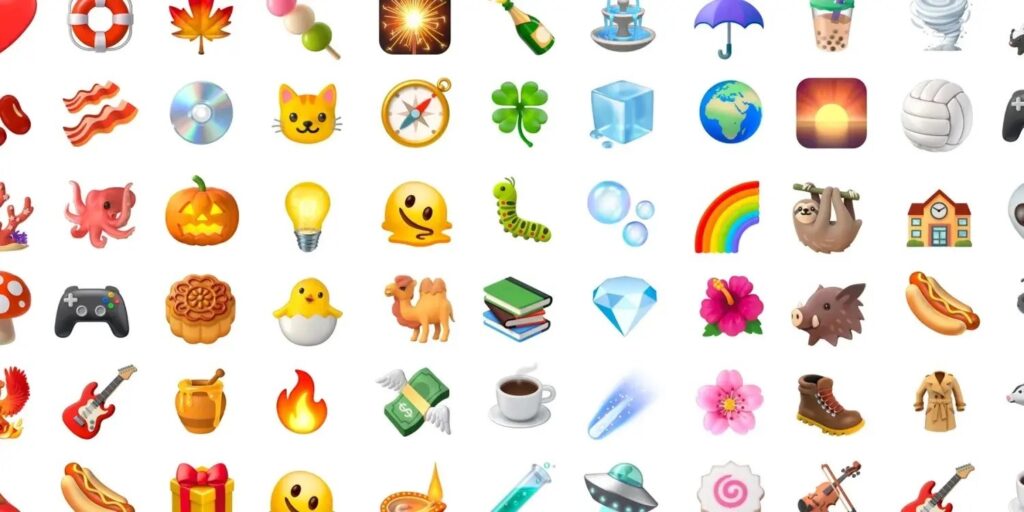
Cool emoji from Android 17. Image: Google
An important caveat: there still won’t be full consistency. Apps like WhatsApp* use their own emoji on Android, while on iPhone the images remain the same almost everywhere. So don’t expect the same level of uniformity as Apple offers.
Digital Wellbeing Update on Android
If you open social media the moment you unlock your phone, the new Pause Point feature in Android 17 is made exactly for you. It’s part of “Digital Wellbeing”, something between an app timer and a mindfulness app. You mark distracting apps, and every time you launch one, Pause Point intercepts you and offers an alternative: a breathing exercise, listening to an audiobook, or, for example, browsing your own photos instead of a feed.
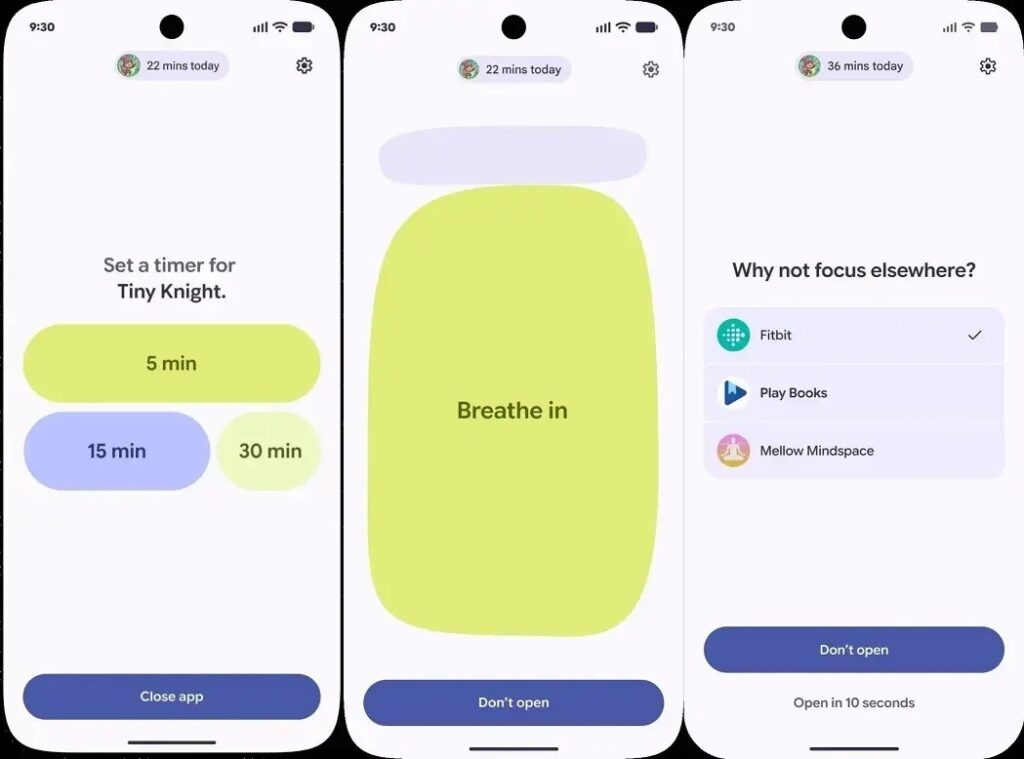
New Digital Wellbeing feature. Image: Google
If you decide to go ahead anyway, the system will offer to set a usage timer. The most interesting part is how hard this thing is to disable. According to Google, to turn off Pause Point, you need to fully restart your phone. This adds just enough friction that many people will probably actually spend less time glued to social media — the laziness of restarting turns out to be stronger than the desire to scroll.
Quick Share with AirDrop Support on Android
AirDrop is one of those features that kept people in the Apple ecosystem for years. Now Google is building proper cross-platform file sharing right into Android. Quick Share is getting support for sending files to iPhones via AirDrop.
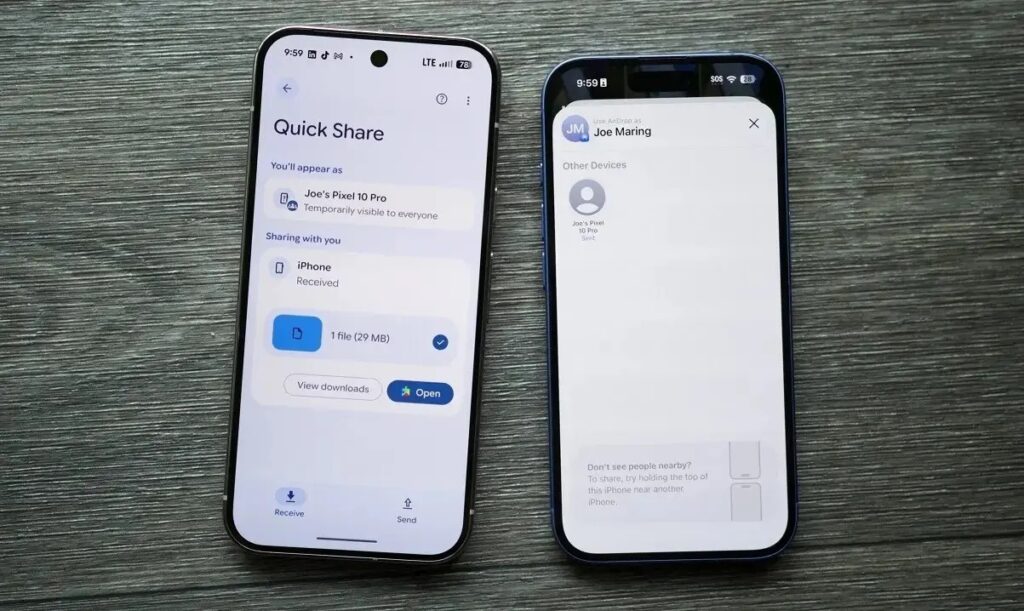
Now near-full compatibility between Android and iOS. Image: androidauthority.com
Some devices can already do this — among them the Galaxy S26 Ultra smartphone. Other manufacturers are expected to join later. We’ve already covered in detail how iPhone users send files to Android — now the story works in reverse too.
If your smartphone doesn’t support direct sending via AirDrop, Android will generate a QR code: files are securely uploaded to the cloud, and the iPhone owner scans the code and downloads them. It’s not as seamless as native AirDrop, but sharing between different platforms becomes noticeably less painful.
Is It Worth Switching from iPhone to Android in 2026?
Android 17 in this roundup looks like an update focused on eliminating small annoyances rather than showing off artificial intelligence. Voice input, proper Stories, the anti-doomscrolling Pause Point, and file sharing with iPhone — these are things people actually use every day. If you’ve been on iPhone for a long time and these little things have been holding you back (emoji,