Meta* has launched a new service called Instants — it works both as a feature within Instagram* and as a standalone app for iPhone. The company recently released an official app for iPad, and now it has introduced yet another new product. The idea is simple: share spontaneous, unfiltered photos that disappear after being viewed. Let’s break down why this exists and who it’s for.
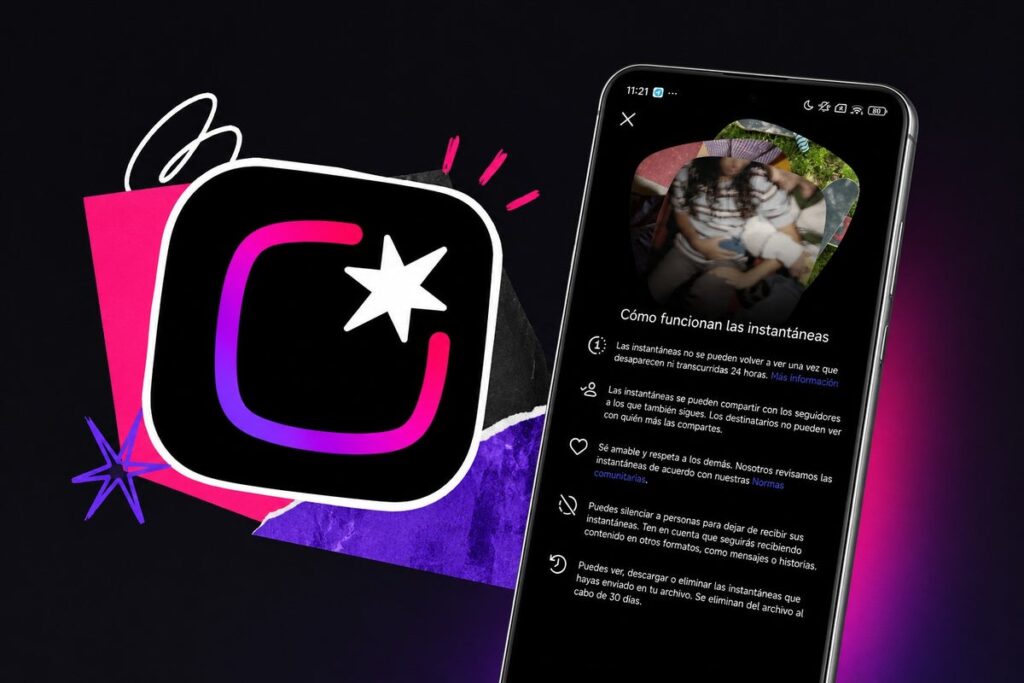
The new Instagram* app lets you share disappearing photos
Instants on Instagram*: What Is This Feature and How Does It Work
Meta* describes Instants as a way to share everyday moments without the pressure of a “polished feed.” Photos disappear for viewers after being seen, but they are saved in the author’s archive for up to a year and can optionally be reassembled into Stories. Friends can react and reply — responses go straight to direct messages.
Within Instagram*, the feature lives in the bottom-right corner of the inbox. By tapping the camera icon, the camera opens, and the photo is sent to a selected circle: close friends or mutual followers (people you follow who also follow you back).
Differences Between Instants and Stories on Instagram*
The main difference is in the approach. No editing and no filters: a caption is added before posting, and once it’s sent, nothing can be changed. There’s only an undo button that appears right after sending — in case you change your mind.
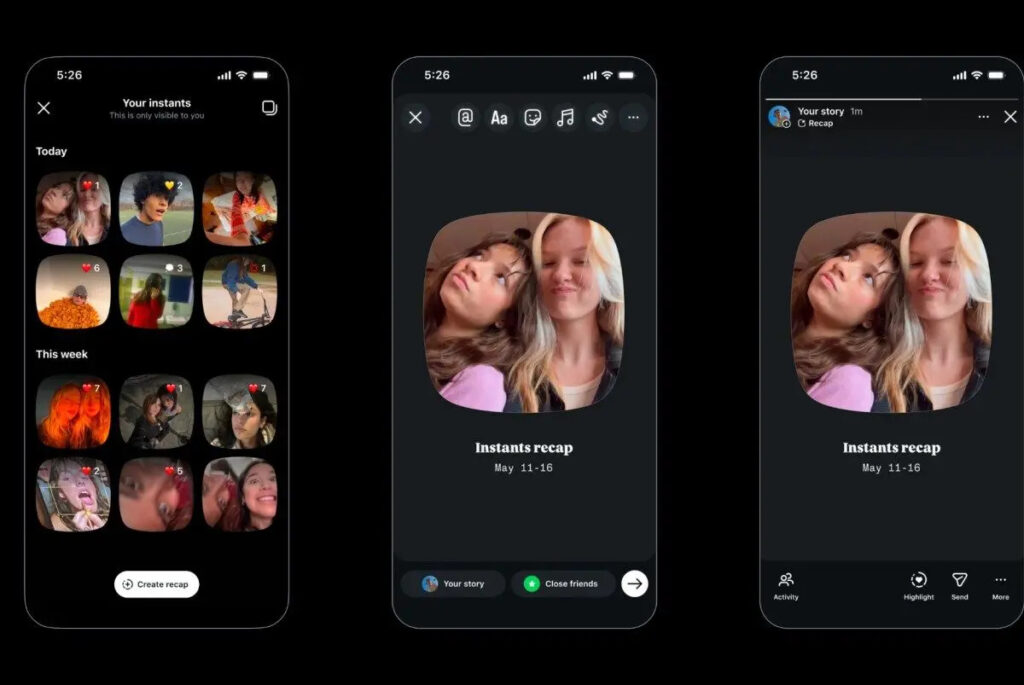
Unlike Reels, Instants disappear after viewing
In short, here’s how Instants differs from regular Stories:
- The caption is written before taking the photo, not after
- Photos cannot be edited, filtered, or processed
- The audience is limited to close friends or mutual followers
- Photos appear as a stack in the inbox and disappear after viewing
- They are stored in the author’s archive for up to a year
Essentially, this is Meta*’s attempt to bring back the feeling of authentic communication that Snapchat and early Stories once provided — before feeds became filled with polished content.
How to Enable Instants on iPhone
Meta* says that Instants will become available to users worldwide, but the rollout is happening in waves — some people already have the feature, while others don’t yet. When it reaches your account, a new icon will appear right in your Instagram inbox. Here’s how to use it:
- Open Instagram* and go to your inbox.
- Tap the icon that looks like a stack of photos in the bottom-right corner.
- Take a photo, add a caption, and choose your audience — close friends or mutual followers.
- Send the photo using the button below the camera. If you change your mind — quickly tap “undo.”
- Alternatively, download the standalone Instants app from the App Store and sign in with your Instagram account.
At the time of writing, the feature hasn’t appeared in our Instagram* yet — apparently, the wave hasn’t reached Russian accounts yet.
Why Instants Is Not in the Russian App Store and How to Install It
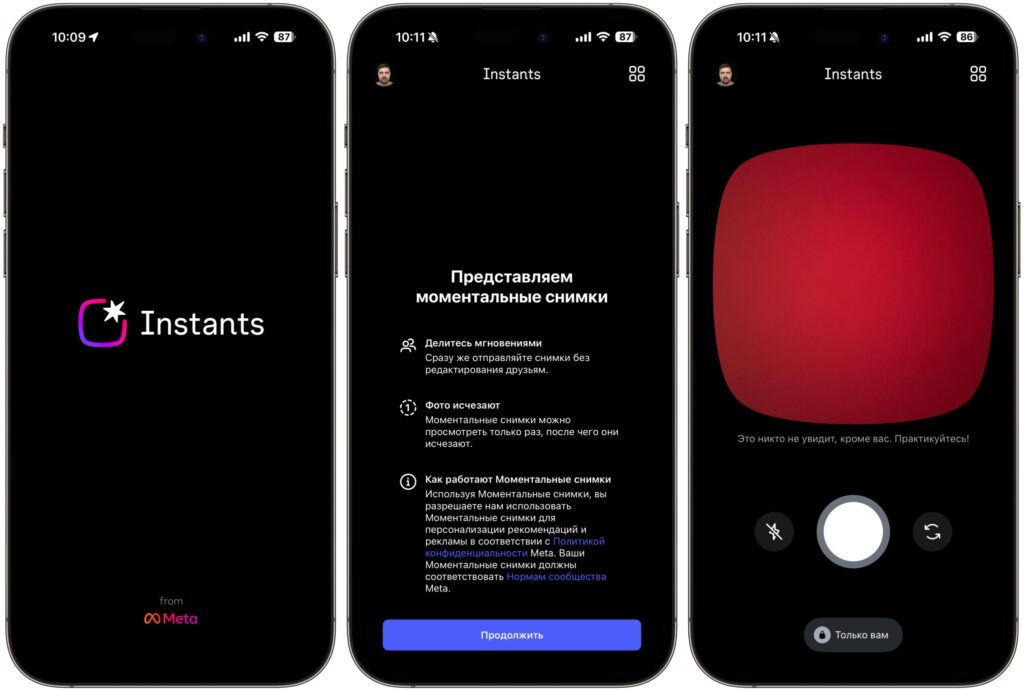
Instants can be downloaded and tried in Russia
An important note for Russian readers: the standalone Instants app is not available in the Russian App Store — it’s only available in the US App Store. If you still want to try Instants, you’ll need to switch your App Store to a foreign account. Here’s how:
- Create a second Apple ID for the US using our guide.
- Open the App Store on your iPhone and tap the profile icon in the top-right corner.
- Scroll down and tap “Sign Out.”
- Sign in with a second Apple ID registered to a foreign region — for example, Kazakhstan or the US.
- Find the Instants app through search and download it.
- Sign in to the app using your Instagram account.
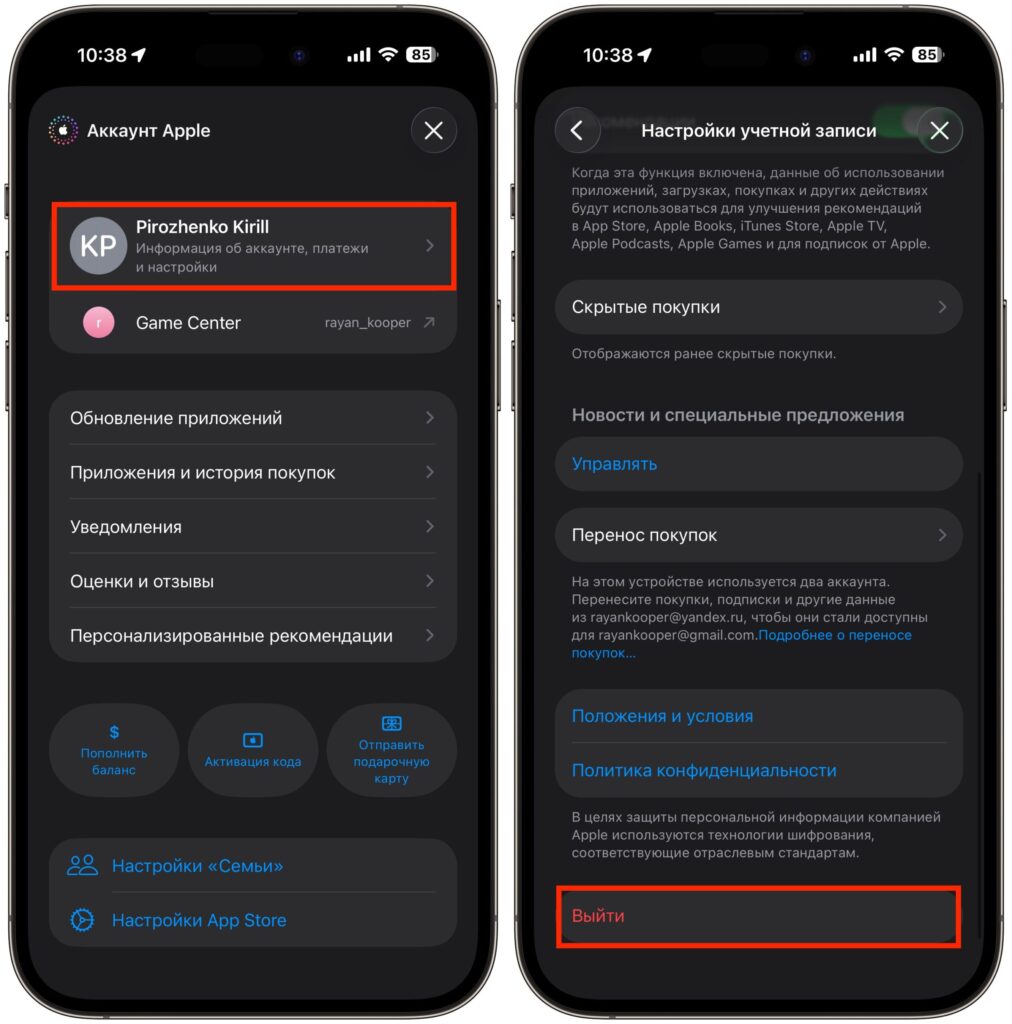
Switch your App Store account to an American one
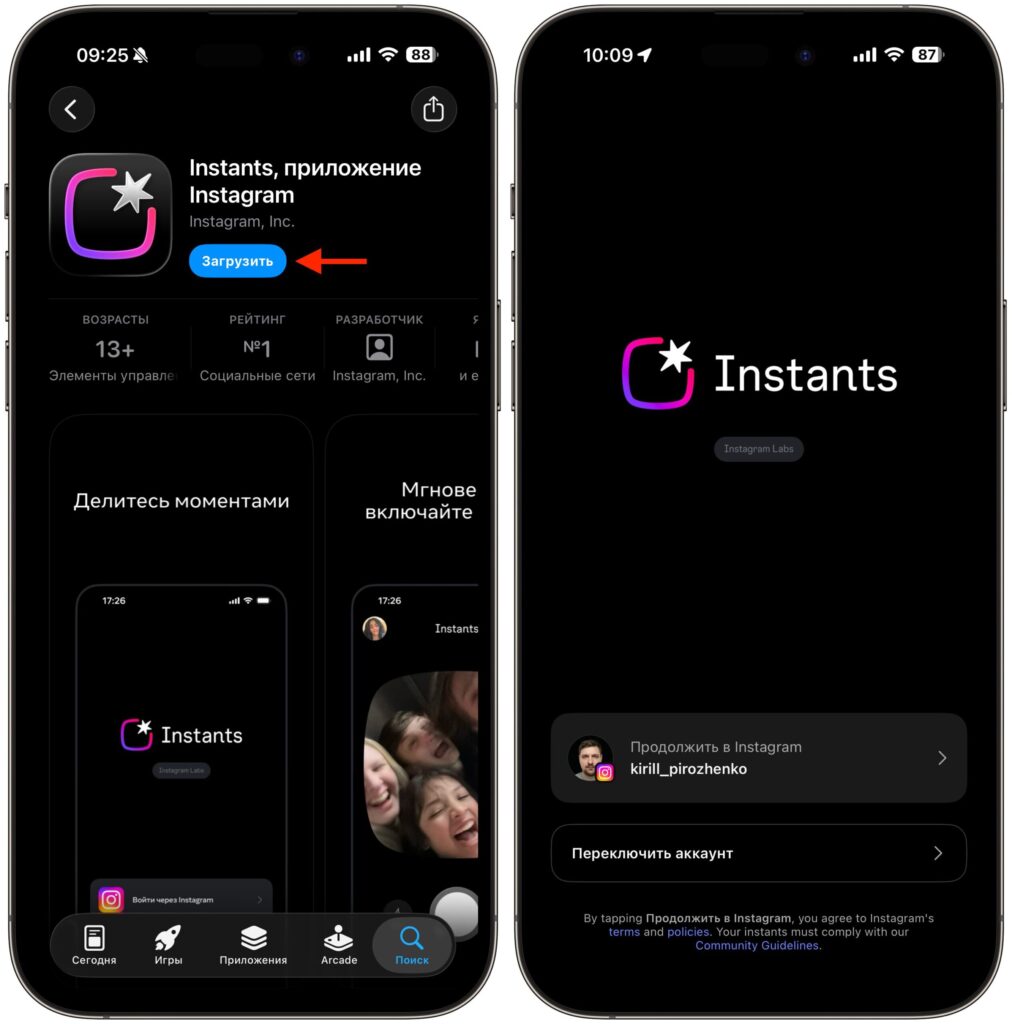
Download and sign in to Instants
However, at the time of testing, the app has bugs. We managed to sign in to Instants, but after a couple of actions it crashes with the message “Please Check Back Soon — Instants is not available at this time.”
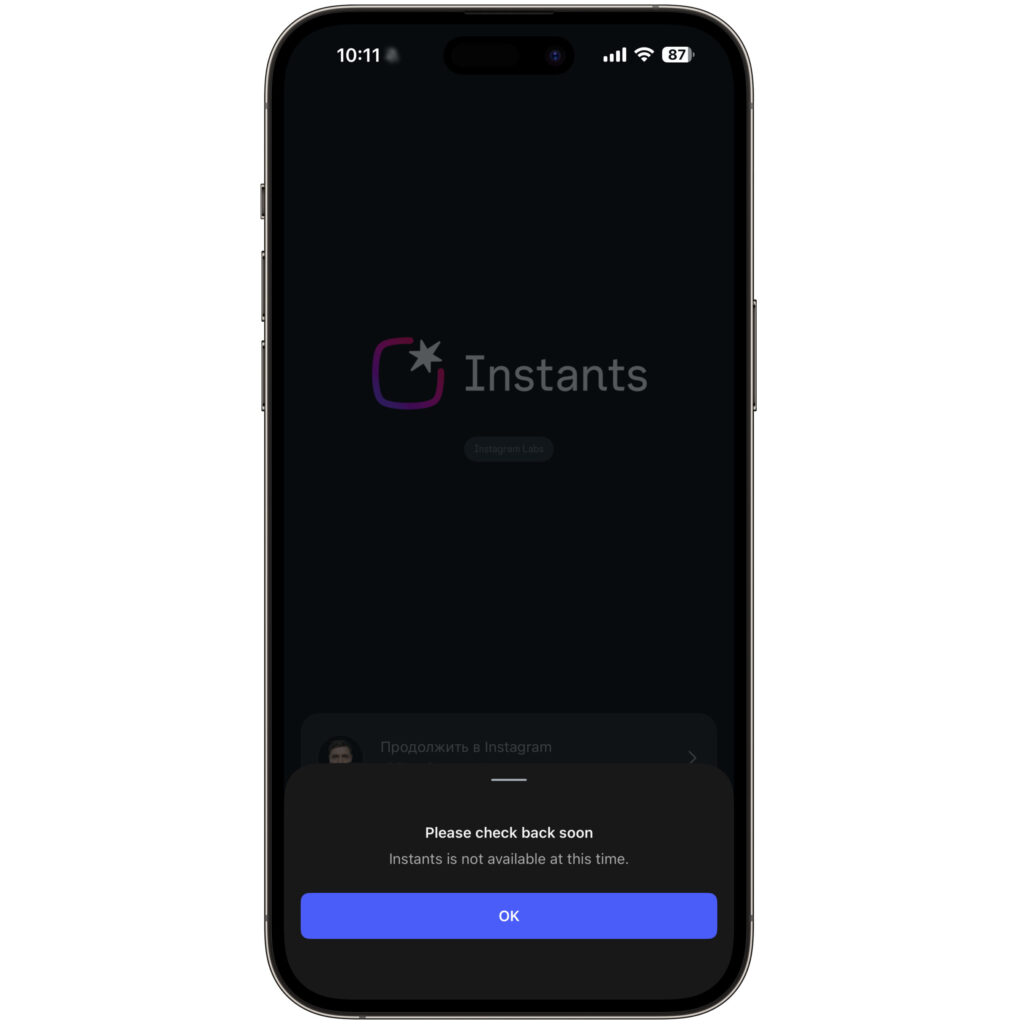
The service let us in, allowed us to take a photo, but then crashed with an error
It seems the service isn’t ready to work in our region yet, and all we can do is wait for a full launch.
What Is Instants For and Who Will Benefit From the New Photo Format

Instants will also appear inside Instagram* itself


