After installing iOS 27 beta 1, many people see the same line in settings: “Indexing in Progress.” For some, it disappears in a couple of hours, while for others it hangs for days, and there’s no way to tell directly on the iPhone how much longer you need to wait. Now we’ll show you where to check the exact completion percentage. Spoiler: you can only do this from a Mac computer, and below we’ll walk through all the steps.
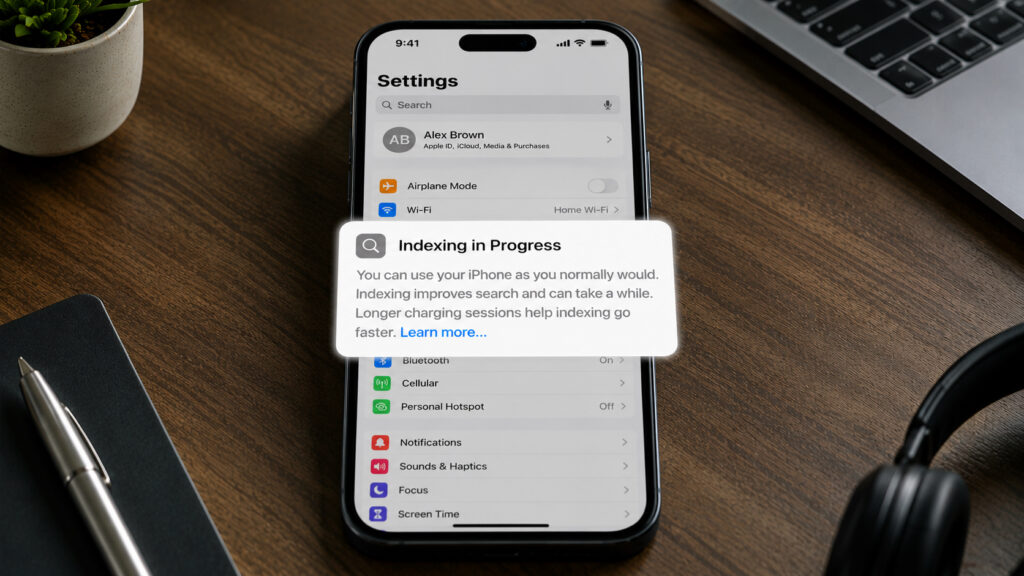
For many, this message has been showing for a week already
What Is Indexing in iOS 27 on iPhone
In short, indexing is a process where the system goes through all the content on your iPhone: photos, messages, notes, and files. This is done so that search works quickly afterward and finds what you need for any query. In iOS 27, Apple completely redesigned this mechanism, and it’s related to the updated Apple Intelligence models and the Apple Foundation Models system that underlies them.
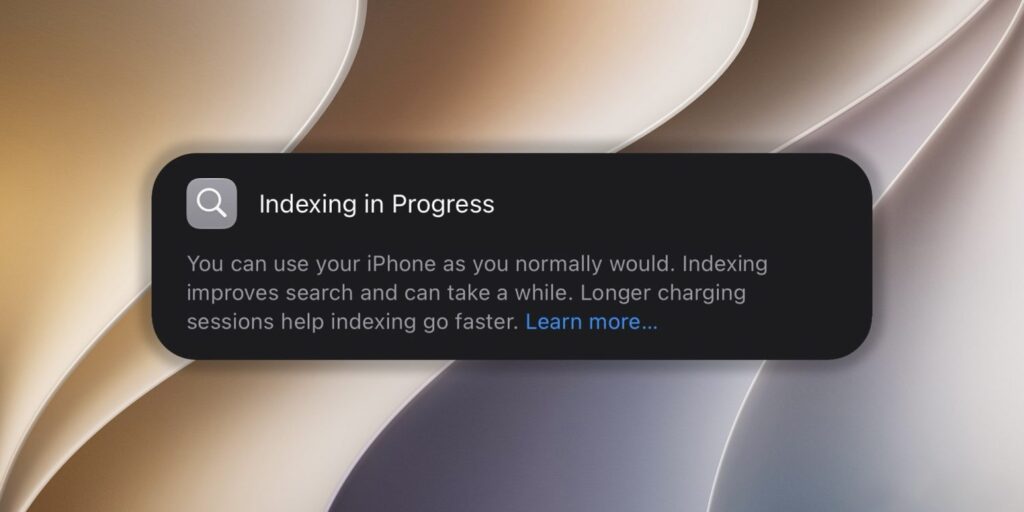
For some, the banner disappears in a couple of days, while for others it still hasn’t gone away
After installing the beta, the system re-indexes all iPhone content using the new structure. That’s why the message appears even for those who have never seen it before, and it’s not a bug but a normal part of the update.
How Long Does Indexing Take on iPhone After the Update
The speed depends on two things: how much content needs to be processed and how much time the iPhone spends charging. Apple explicitly states in the banner that extended charging sessions speed up the process. Simply put, the system more actively builds the index when the phone is connected to power and no one is using it at that moment.
This is exactly why owners of iPhones packed to the brim, storing thousands of photos and conversations, may see the process stretch over several days. And if during this time you notice the battery draining faster than usual, there’s no need to worry: this is completely normal during the indexing period.
How to Check iPhone Indexing Status on Mac
The iPhone itself doesn’t show a percentage — only a static message without any numbers appears on the screen. However, the exact value can be pulled through the Console app on Mac. The method isn’t the most obvious, but it works. Here’s a step-by-step guide:
- Connect your iPhone to your Mac with a cable
- On your Mac, open the Console app
- In the “Action” menu, enable “Include Debug Messages”
- Select your iPhone in the sidebar
- In the search field at the top right, type: spotlight indexing progress
- Click the “Start” button
- On your iPhone, open “Settings”
- In the Console, a line like PipelineCompleteness: XX% will start appearing — this is the completion percentage
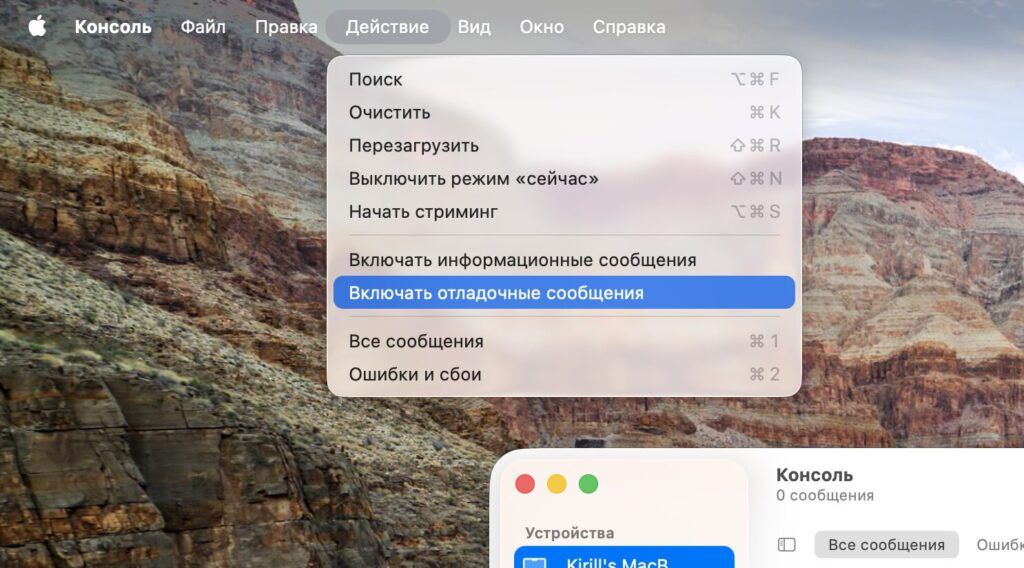
Activate this option
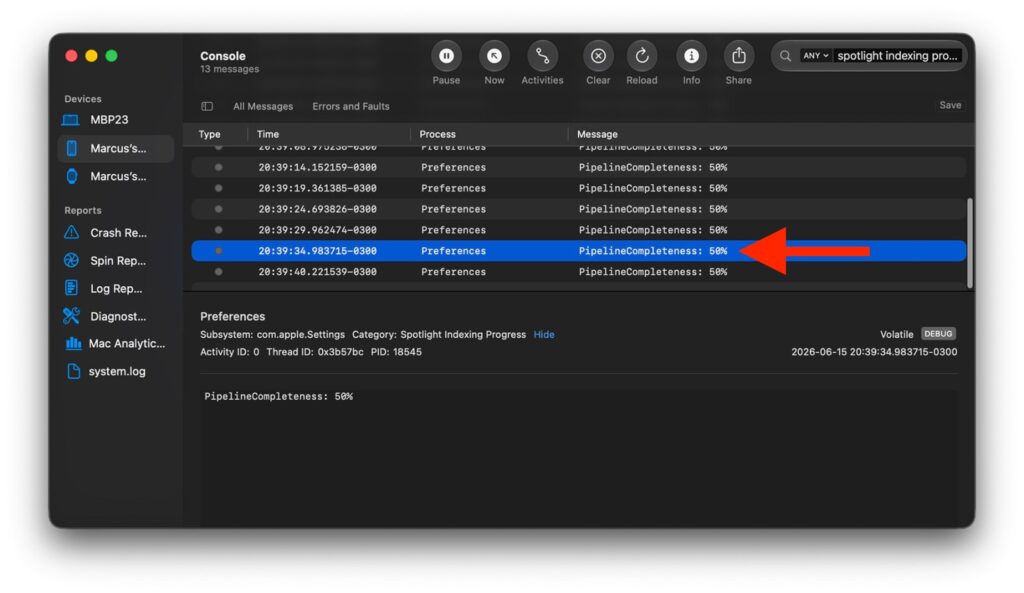
Here’s your completion progress
If the number is low, it means there’s still a lot of work to do, and all you can do is keep your iPhone on the charger and wait. Once the indicator approaches one hundred, the message in settings will disappear on its own.
Can You Use Your iPhone During Indexing
The main thing to keep in mind is that iOS 27 is currently at the early developer beta stage. Apple will continue refining both the indexing process and everything else throughout the summer before releasing the system to everyone in the fall.
This means that the current speed issues are temporary and will almost certainly change by the public release. While indexing is in progress, you can use your iPhone as usual — Apple specifically emphasizes this in the banner. The only inconvenience is that search doesn’t work at full capacity until the process reaches completion.
When to Expect iOS 27 Indexing to Finish
iOS 27 offers a large number of interesting features
If you installed the beta just out of curiosity and see the message for a day or two, you don’t need to do anything at all. Leave your phone charging overnight, and that’s usually more than enough. The Console method is useful for those who’ve had the message hanging for several days straight and want to make sure the process is actually moving forward rather than completely stuck.
As for regular users on stable iOS, this topic can be safely skipped. When iOS 27 officially launches in the fall, indexing will most likely be faster and less noticeable than in the first beta. Installing a raw version on your main iPhone just for new search features right now is definitely not worth it — there are too many minor rough edges that Apple will still be cleaning up before the public release.