After a brief outage that left many users unable to sideload apps via iMazing, the desktop utility has been updated and can once again install applications that have been removed from the App Store onto iPhones. The iMazing developers responded to Apple’s server-side changes — which had broken the authorization and key-delivery mechanism used by iMazing and similar tools — by releasing version 3.6.3 with a fix. The source author reports confirming the method works on a Mac, though Windows functionality has not been independently verified. The method also reportedly works on devices running iOS 27.
What you need to know
- iMazing version 3.6.3 or later is required — older versions will fail with authorization errors.
- The fix has been confirmed on Mac; Windows compatibility has not been separately tested by the source.
- Only apps previously associated with your Apple ID can be installed — iMazing cannot download apps you have never acquired.
- Apple may disable this method again at any time via a server-side update, as it did just days ago.
Why the method broke — and why it works again
Apple recently made changes to its authorization and key-delivery system on the server side, which caused iMazing and other similar tools to throw errors whenever users attempted to install removed apps. The workaround appeared to be permanently dead.

iMazing is working again and can install removed apps on iPhone
However, the iMazing developers quickly released an update that restored the functionality. The source author reports personally testing the updated version on a Mac and confirming that installations complete successfully.
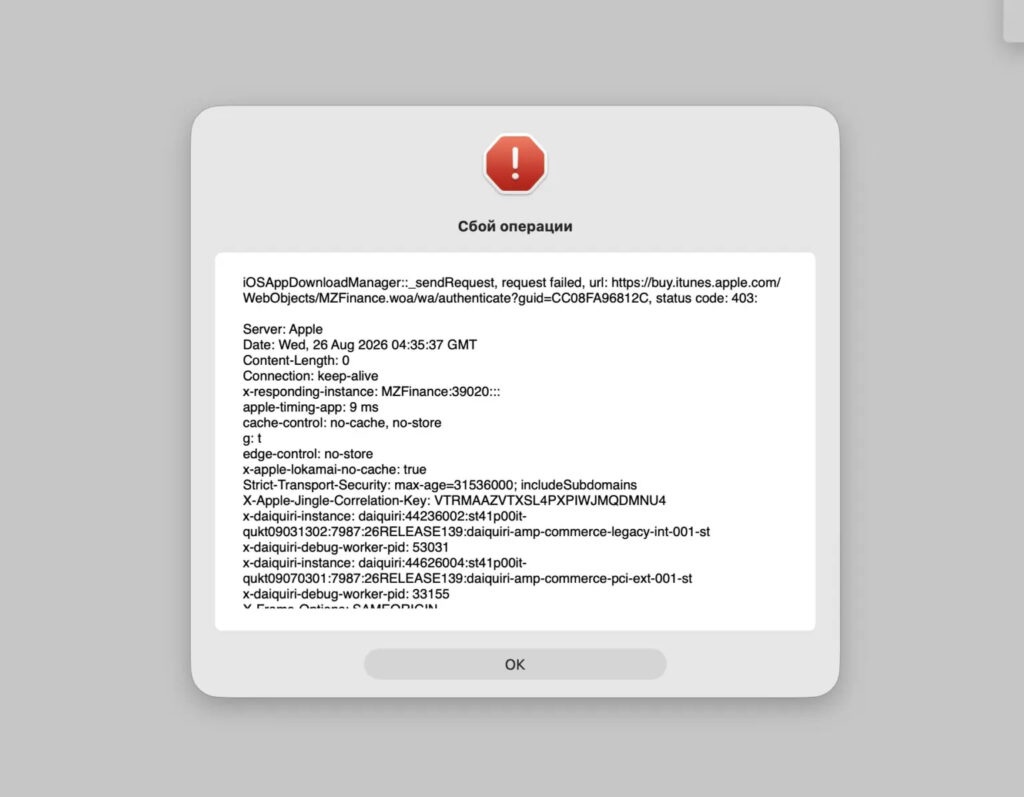
Just last week, every installation attempt ended in an error
Important caveat: Apple could disable this method again at any time through another server-side change, without warning. This has already happened once, so there is no guarantee of long-term reliability.
How to update iMazing to the required version
The fix only works with iMazing version 3.6.3 or newer. Older versions will continue to produce errors. Here is how to update:
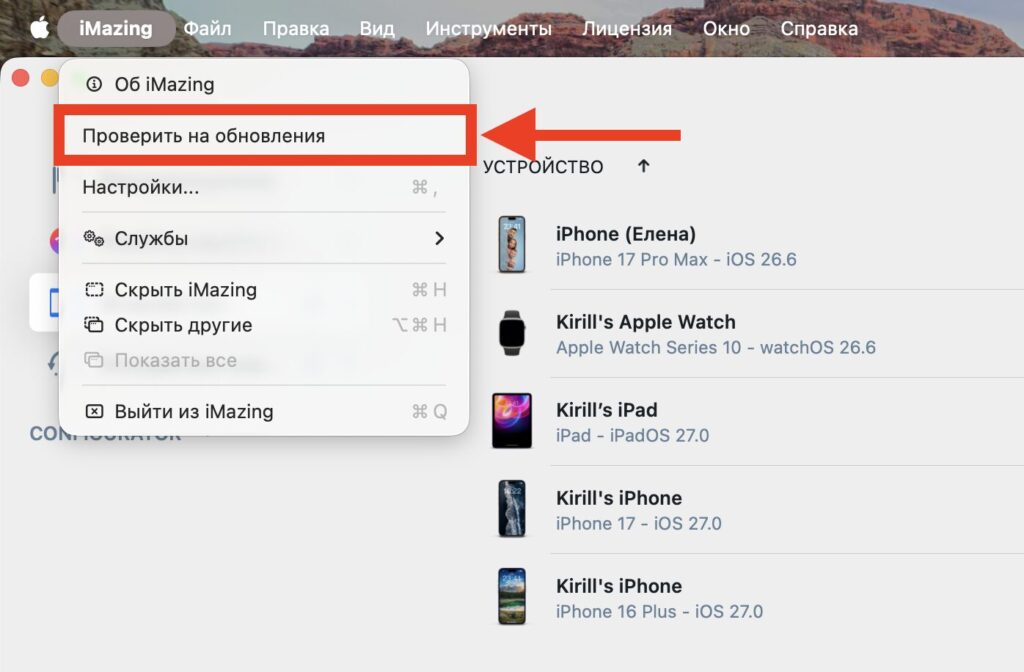
Install the iMazing update
- Open iMazing on your computer.
- Click the application name in the top-left corner.
- Select “Check for Updates” from the dropdown menu.
- Install version 3.6.3 or later.
- Restart your computer after the update.
Download iMazing from the official site
The source author emphasizes that the restart is not optional. Without restarting, the method may fail and the program may continue to display errors even though the update appears to have installed correctly.
To verify your version number, go to the application menu and check the “About” section. Anything below 3.6.3 will not work for this purpose.
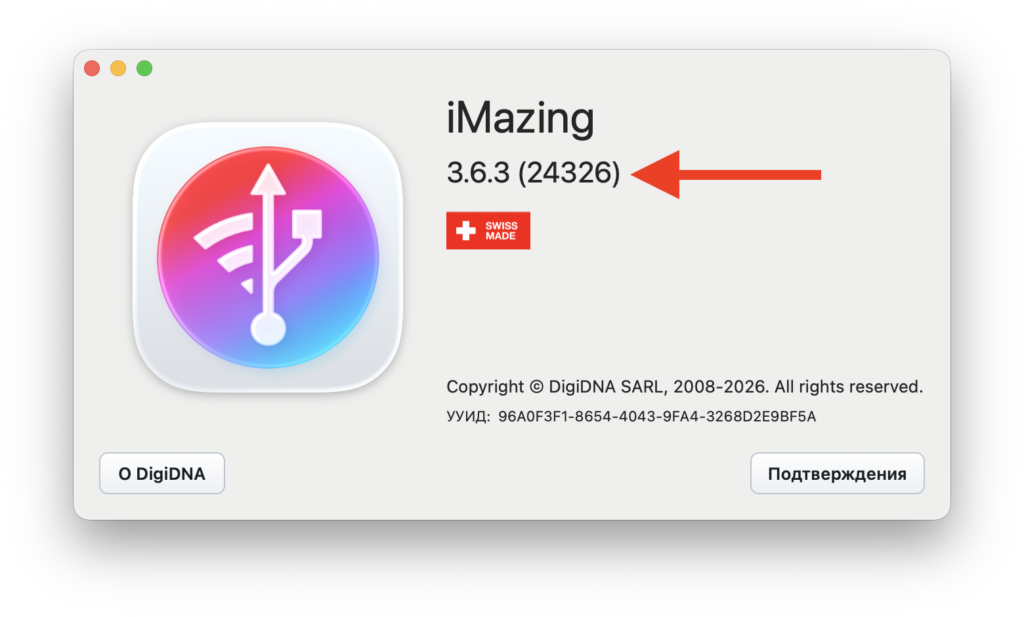
The app version must be 3.6.3 or higher
How to install removed apps with iMazing
Once you have the updated version installed and have restarted your computer, the installation process itself is straightforward:
- Connect your iPhone to your computer with a cable.
- Open iMazing and select the connected device.
- Go to the “Manage Apps” section.
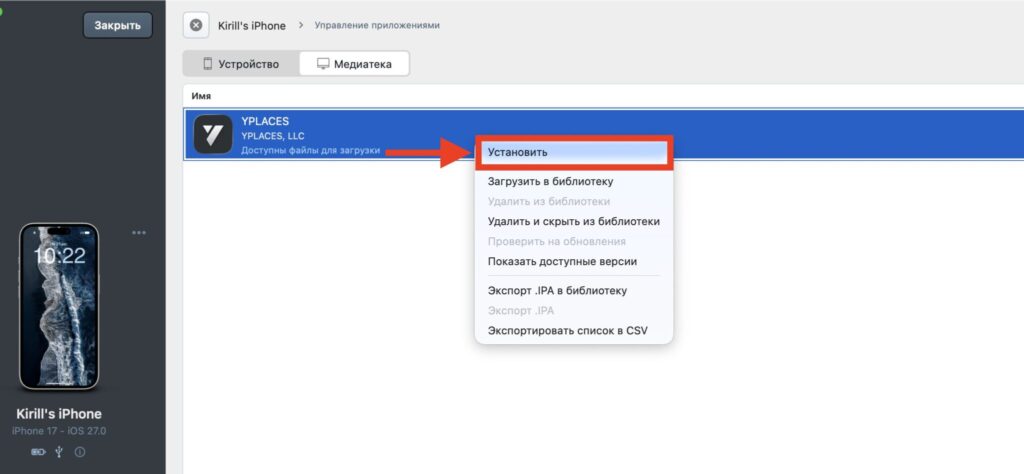
Click “Install” and wait
- Sign in with your Apple ID if you haven’t already.

The app will first download, then install automatically
- Use the search function to find the desired app.
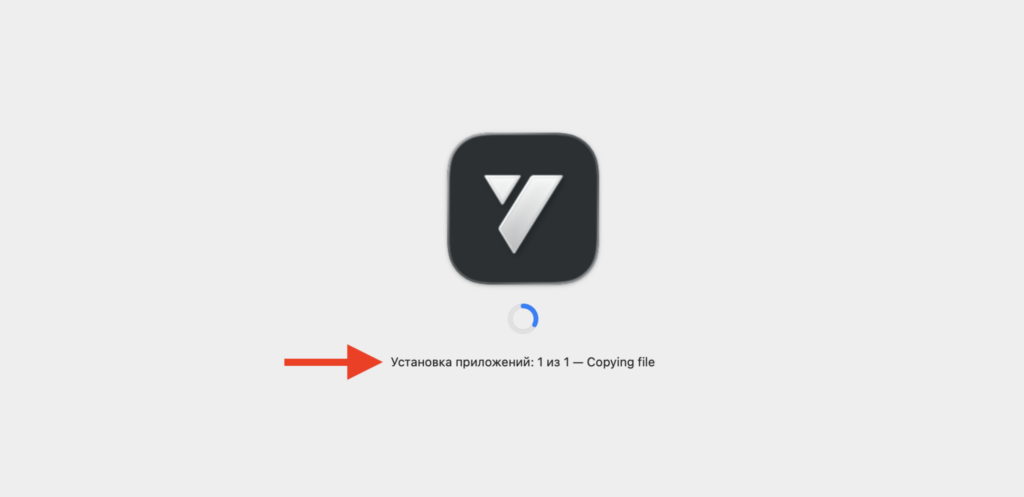
This is what the installation process looks like on iPhone
- Right-click the app and select “Install.”
The app will download and install onto the iPhone automatically. The process requires no additional steps beyond waiting for the download to complete.
Limitations to keep in mind
There are several important limitations:
- Apple ID requirement: iMazing can only install apps that are associated with your Apple ID purchase history. If an app was never linked to your account, iMazing cannot retrieve it.
- Platform verification: The source author has only confirmed the method works on Mac. Windows has not been separately tested, so results on that platform remain uncertain.
- Temporary availability: Apple has already shut down this method once via a server-side change and could do so again at any time without notice.

The source author reports successfully installing several removed apps
The method has also been reported to work on iOS 27, so users on the latest firmware should not encounter compatibility issues. However, given Apple’s track record of closing such workarounds, users who need removed apps may want to act sooner rather than later.


