I installed iOS 27 on my main iPhone and after a few days I’m ready to share my impressions. Apple released the first developer beta right after the WWDC 2026 presentation, and using it came with all the usual consequences: lags, battery drain, and app surprises. Below I’ve broken down what already works, what’s broken, and what’s getting the most complaints.
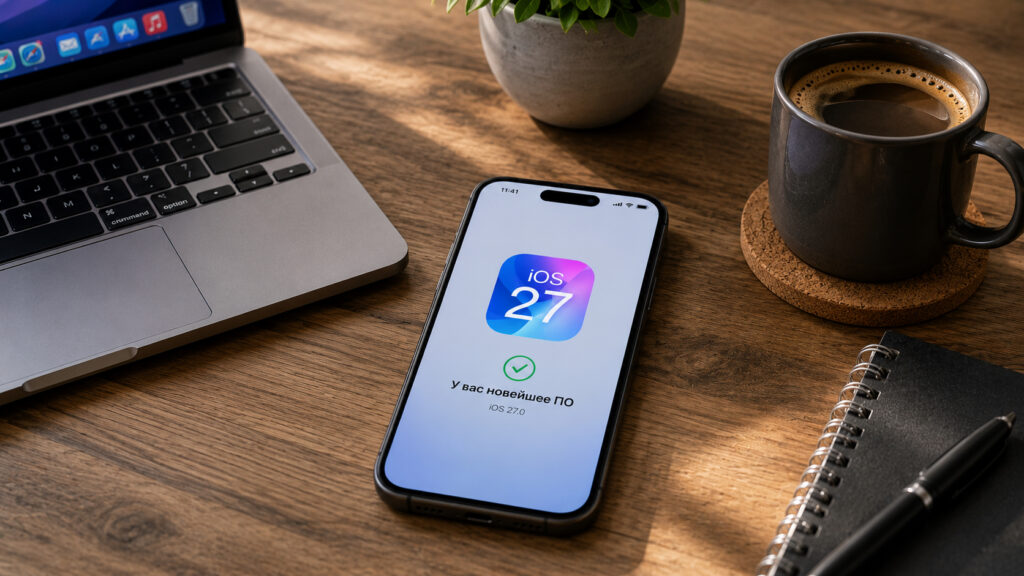
Is it worth updating your iPhone to iOS 27? Let’s figure it out together
Which iOS 27 Features Work Without Issues
I’ll start with the good news, because there is some. The system itself feels snappier than iOS 26, and it’s not just me — other users have noticed it too. Some owners (a small portion) reported that their iPhone didn’t even get hot in the first days after installation, and battery drain was roughly the same as on the stable version, which is rare for a first beta.
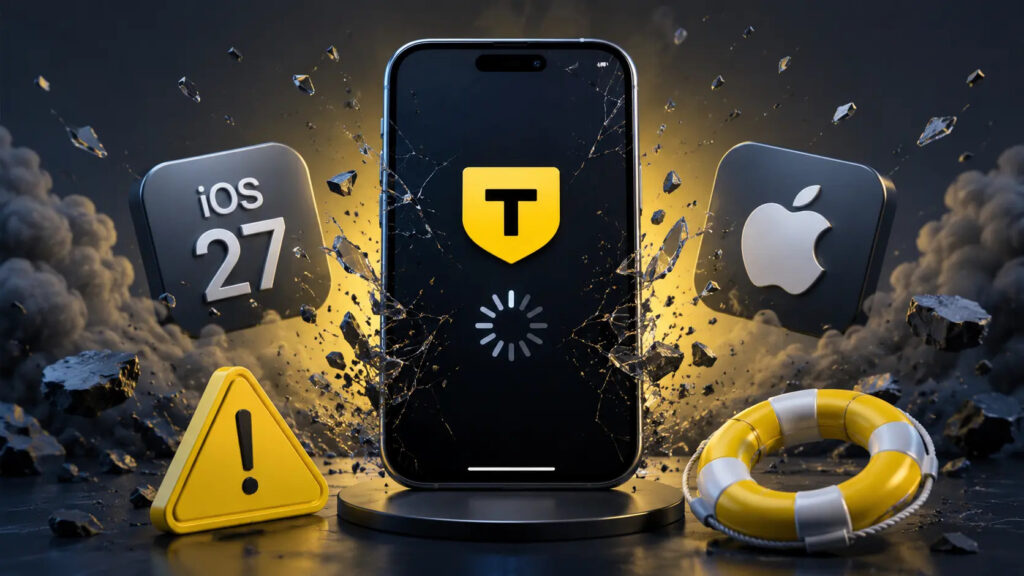
T-Bank simply crashes and that’s it
Most apps launch without problems. However, there are difficulties with banking apps, particularly T-Bank, and Samokat also crashes. Otherwise, everything is fairly stable. I’d like to specifically note that Apple has finally polished the Liquid Glass interface, which spent the past year collecting tons of criticism for poor readability.
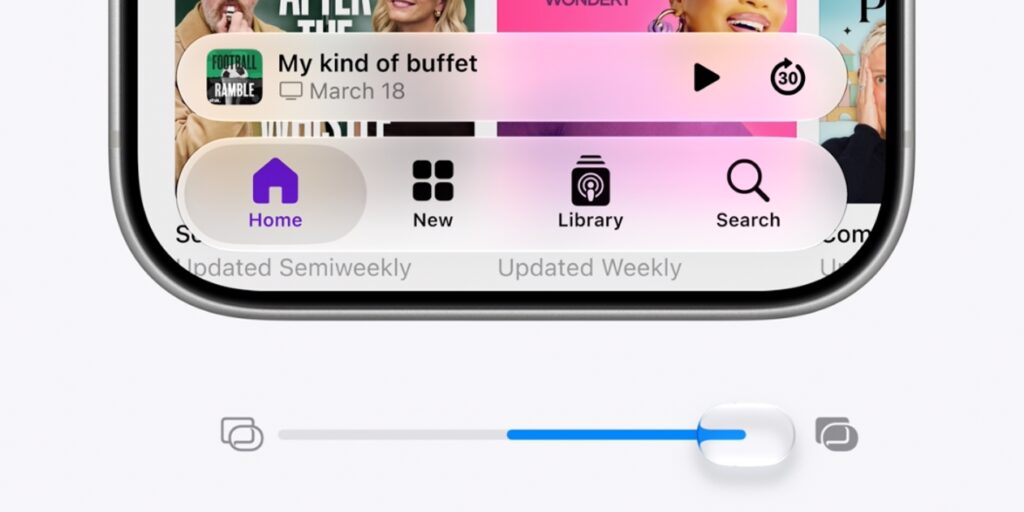
The Liquid Glass settings slider that everyone has been dreaming about for so long
There are also some nice smaller additions:
- alarm volume can now be adjusted separately from system volume (Android has had this for ages, but we’ll take it);
- timestamps were added to entries in the Journal app;
- a custom equalizer appeared for AirPods Pro 3;
- dual-camera FaceTime recording now works on the iPhone 17 lineup.
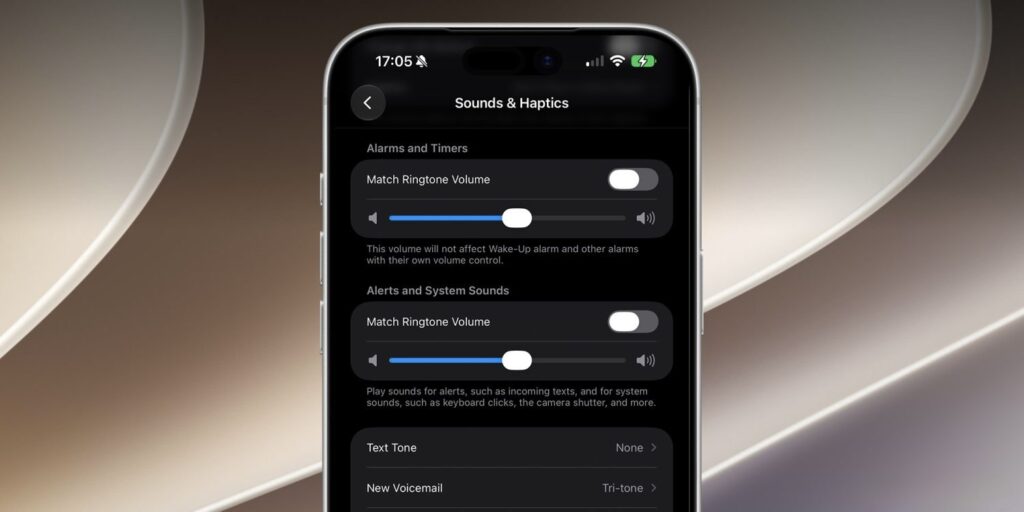
Alarm volume can now be adjusted separately from the overall volume
Installation goes smoothly for most people, including on iPhone 17 Pro Max with VoiceOver enabled. In other words, there’s no widespread “bricked right after flashing” catastrophe.
Main iOS 27 Problems After Updating
Now for the downsides — and there’s more than a spoonful. The main complaint is predictable: extreme battery drain in the first day or two. The reason is background indexing for Apple Intelligence, and for some people on iPhone 17 Pro Max the lock screen alone was eating 20-30 percent in a couple of hours. Along with this comes overheating during indexing and the “System Data” section ballooning to 30-50 GB. The numbers usually roll back afterward, but the warm casing and the bad taste remain.
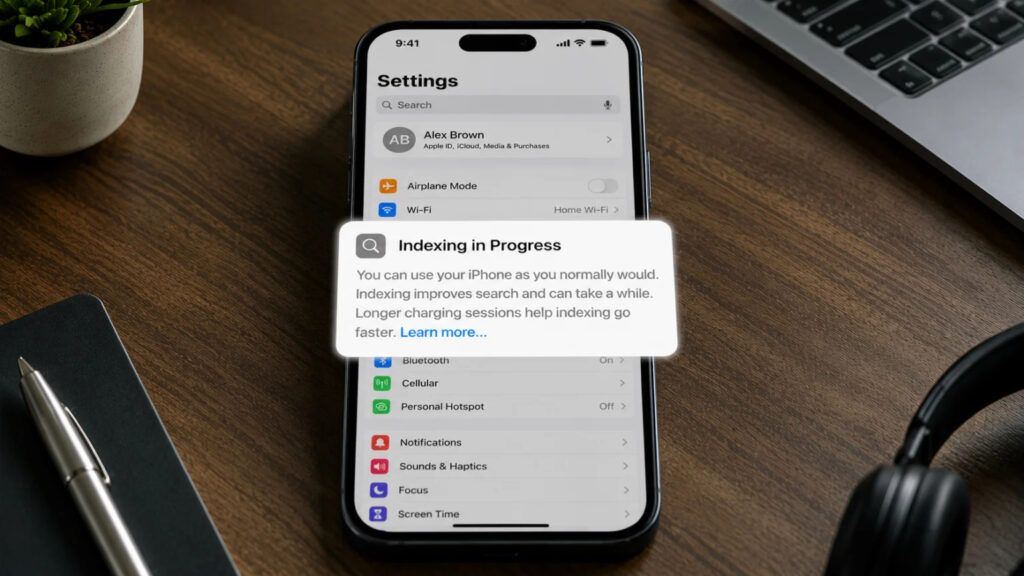
This indexing notification appeared in Settings
In addition, the following problems have appeared:
- the keyboard breaks in Telegram, which is particularly painful for our audience;
- some banking and 2FA apps crash or freeze on the splash screen;
- Bluetooth and wireless CarPlay connections drop, and some people lost cellular data;
- the interface occasionally lags and redraws.
There’s an important point about banks and authenticators. Almost always the fault lies not with Apple but with the app developers: they check the OS version for security purposes and simply block launching on an unknown system. It’s fixed by updating the apps themselves, usually within one to two weeks after the beta release. But until they catch up, you’re left without access to your money and codes — and that’s no joke at all. As for Russian banks, you’ll have to wait for new versions under different names.
And separately about rolling back. You cannot go back to iOS 18 from the iOS 27 beta — there’s no full IPSW for that. Only iOS 26 is supported. So if you’re skipping one OS and updating straight from 18 to 27, keep in mind there’s no way back.
Why Siri AI Might Not Work on Your iPhone
The entire presentation revolved around the updated Siri powered by Google Gemini and a rebuilt Apple Intelligence. It sounds like a reason to rush and update, but in practice everything comes down to nuances.
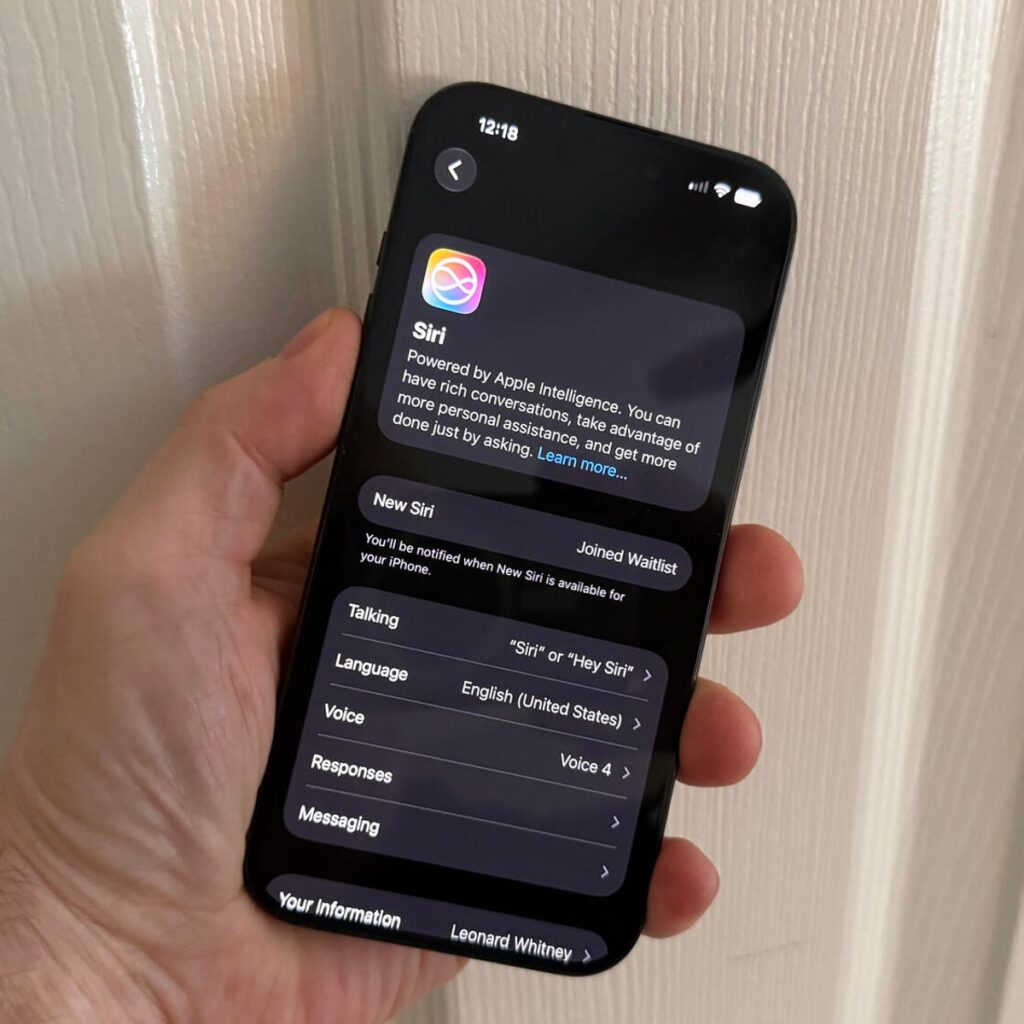
The waitlist queue still hasn’t come through
First, the new Siri is being rolled out via a waitlist, and many testers are still sitting in line while the system indexes something for days on end. For example, mine never activated. Installing the beta and immediately chatting with a smart assistant just isn’t going to happen.
Second, the advanced features require at least an iPhone 15 Pro or newer: you need an A17 Pro chip or better and 8 GB of RAM. On older supported models, you’ll get system improvements but not the full AI experience.
Third, and this is key for those using region-switching workarounds: the new Siri AI is unavailable in the EU due to local regulations. Some users had to switch their App Store region to a non-European one again and change the language to English just to get on the waitlist. In other words, you’ll install a raw beta, struggle with potential rollback, and may never even see the feature you did it all for.
Should You Install the iOS 27 Beta?